 PluginStats
@remixmate/cli weekly downloads statistics
By remixmate · npm · Claude Code
AI media generation skills for Claude Code / Codex — 12 skills covering image, video, voice, digital human, web screenshot, web recording, script, template registry, rendering, Jianying export, and video deconstruction.
@remixmate/cli has 798 recorded weekly downloads on npm, ranking #1509 of 2,391 tracked listings.
About @remixmate/cli
@remixmate/cli
English | 简体中文
Formerly
ab-skill-cli(binab-skill), now renamed to@remixmate/cli(binremixmate). The old package is deprecated on npm — please migrate to the new one.
AI media generation skills for Claude Code / Codex.
13 skills covering the full short-video production pipeline: image / video / voice / digital-human asset generation, web page capture and text extraction, script planning, template binding, Remotion rendering, Jianying (CapCut) draft export, and video deconstruction.
Install
npm install -g @remixmate/cli && remixmate install
npm install gives you the remixmate binary. remixmate install is what makes an
agent discover the skills on its own: it copies the bundled skills/ into every
agent home it finds. All of these hosts read the same SKILL.md format, so one
skills/ directory serves all of them:
| Host | User-level | Project-level | Override |
|---|---|---|---|
| Claude Code | ~/.claude/skills | ./.claude/skills | CLAUDE_CONFIG_DIR |
| Codex | ~/.codex/skills | — | CODEX_HOME |
| WorkBuddy | ~/.workbuddy/skills | ./.workbuddy/skills | — |
| CodeBuddy | ~/.codebuddy/skills | ./.codebuddy/skills | — |
| Trae / TraeWork | — | ./.trae/skills | — |
Trae CN and TraeWork CN share ~/.trae-cn and only define a workspace location (.trae/skills/<name>/, per its own built-in
skill-creator), so it is installed per project — a plain remixmate install reports
it and tells you to re-run with --project inside the repo. Restart the agent
afterwards.
remixmate install --host workbuddy  # only one host
remixmate install --project         # ./<config-dir>/skills (not Codex — it has none)
remixmate install --dir <path>      # explicit target, for a host not listed above
remixmate uninstall                 # remove exactly what was installed
The install is managed, not a cp -R: each skills directory gets a
.remixmate-install.json receipt recording the version and the skill list. That is
what lets a re-run upgrade in place, lets uninstall remove only our own directories,
and lets remixmate doctor warn when a global npm update has left the installed
copies behind. A same-named skill that this CLI did not install is never overwritten
without --force.
Without installing, the CLI still works — you just have to name it (remixmate --list,
or tell the agent to run remixmate <skill> --help). The agent will not reach for it
unprompted.
Authentication
The recommended way to authenticate (for humans installing the CLI) is a browser device-login — no token pasting required:
remixmate login     # opens your browser to approve, then stores credentials securely
remixmate whoami    # show the current identity (never prints the token)
remixmate logout    # remove stored credentials from this machine
login uses the OAuth 2.0 Device Authorization Grant (RFC 8628): the CLI shows a
device code, you approve it in a browser that is already signed in to the web app, and
the CLI receives and stores your credential in the OS keychain (or a 0600 file at
~/.config/remixmate/credentials.json).
No TTY is required — the device flow reads no keyboard input, so an agent host
(Claude Code / Codex) can run it and relay the authorization link into the chat.
The CLI prints a link with the device code pre-filled, so approving is one click.
It is refused only where a browser could never be reached: CI, a headless Linux
session, or REMIXMATE_NO_BROWSER_AUTH=1; use PRIV_TOKEN there instead.
For CI and agent-embedded hosts (ab-agent / Claude Code), keep using the PRIV_TOKEN
environment variable. Credential resolution precedence is:
--token flag > PRIV_TOKEN env var > stored credential (from `remixmate login`)
When PRIV_TOKEN is set, login is skipped and the device flow is never auto-triggered.
The credential is resolved once, on the Node side (src/auth/ensure.ts), and injected
into spawned Python skills through their environment — skill scripts never read the
credential store or the keychain themselves. To give any other command the same
credential, use exec:
remixmate exec -- python3 scripts/test-template-pipeline.py
Each skill declares its requirement as auth in skill.json: required (authorize
when no token is present), optional (use a token if there is one, otherwise carry on
in a degraded mode — web-record keeps the file locally), or none (purely local, e.g.
web-screenshot).
Exit codes on failure: 4 = authorization needed, 5 = backend unreachable,
2 = usage error.
Non-blocking authorization (agent hosts)
A blocking login waits for the device code's full lifetime, which outlives an
agent's time-bounded tool call. Split it instead:
remixmate login --start --json    # returns immediately with the approval link
remixmate login --wait --timeout 60 --json   # bounded poll; call again while pending
--start persists the device code to a 0600 ~/.config/remixmate/pending.json;
--wait redeems it and clears the file. While the user has not yet approved,
--wait reports {"status":"pending"} with exit code 4 and leaves the pending
state in place, so it is safe to call repeatedly.
Diagnosing
remixmate doctor            # node / python3 / Playwright / credential / backend
remixmate doctor --offline  # skip the reachability probe
doctor exits 4 when the only problem is a missing credential.
Listing skills
remixmate --list prints a human-readable table (name + whether it needs a login
- summary) and appends the current auth status on stderr, so piping stdout is
unaffected. For tooling, use
remixmate --list --json.
Automatic browser authorization (local hosts)…
Description from the npm listing.
- claude-code
- codex
- agent-skills
- ai-video
- tts
- text-to-speech
- image-generation
- remotion
- jianying
README badge
Show your rank in a README or on your website. The badge updates automatically.
Charts
Images: 30d · 1y · all time · 1600×900 dark
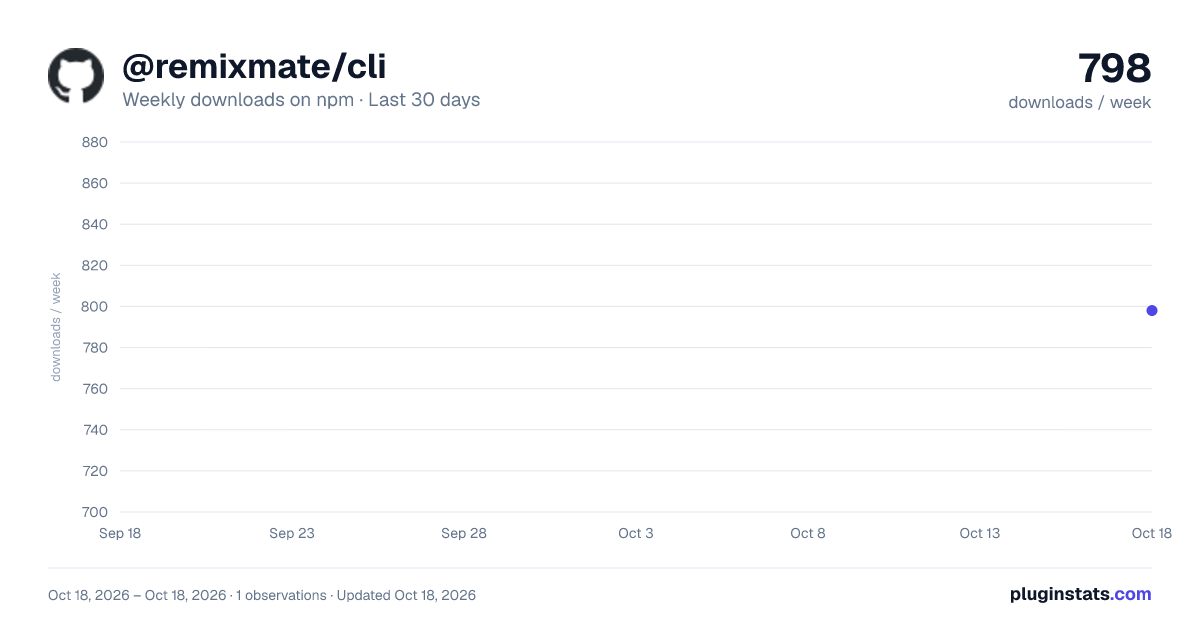
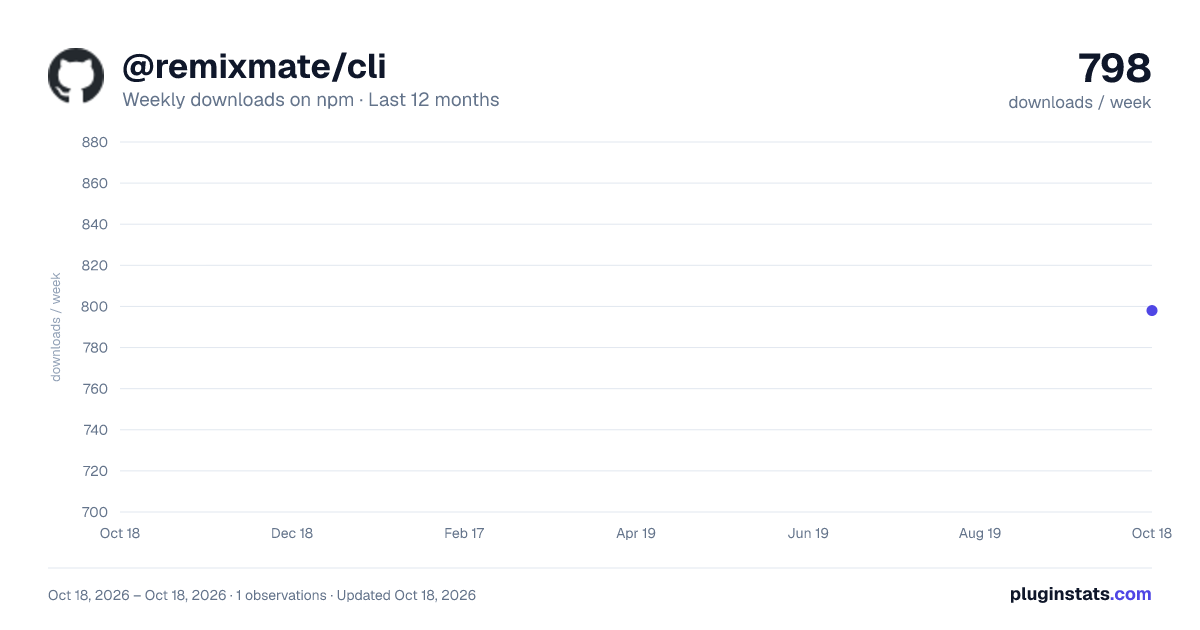
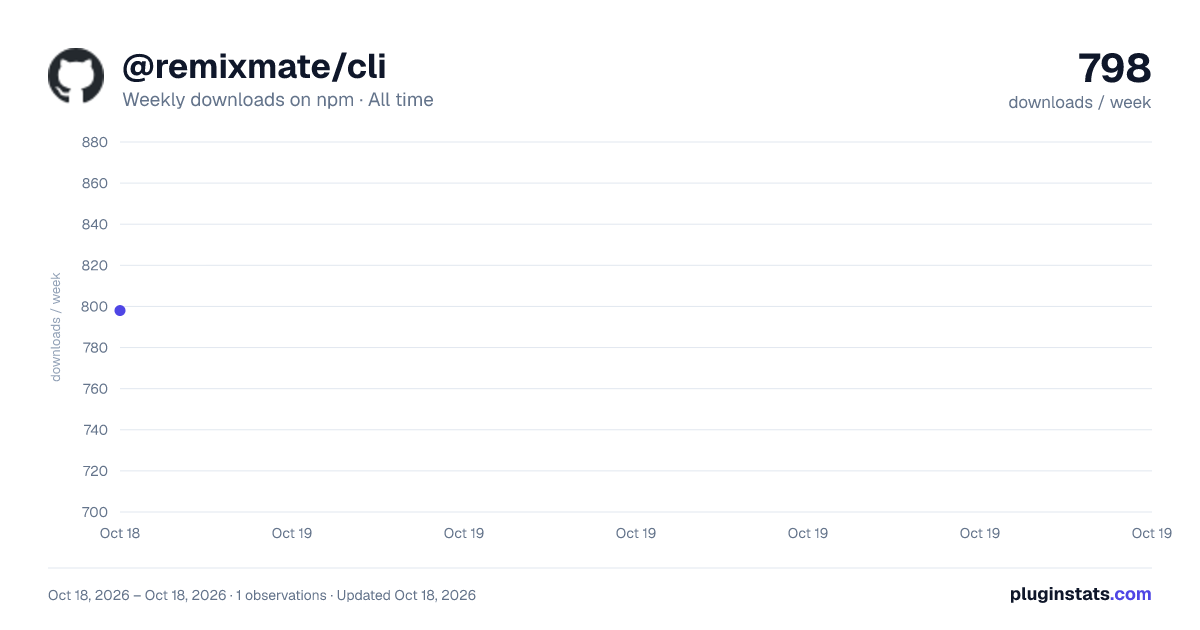

Adoption over time
7/30/90-day growth
Ranking history
Listing placement
Listing placement
Filled points are observed values; hollow points come from Internet Archive snapshots of the listing page. Dashed segments span periods with no observations — values between points are not interpolated.
Each band is one page of 20. Weekly downloads on a linear scale. Placement is projected from weekly downloads, so it can differ from the marketplace's own sort order. Hover a dot to see the listing.
Recent observations
Full history (1)Similar npm Claude Code plugins
All 20 @remixmate/cli alternativesData source
Weekly downloads (trailing 7 complete days) come from the official npm downloads API. Downloads include CI and mirrors and are not equivalent to installs or users. npm publishes no ratings.
Listing: https://www.npmjs.com/package/@remixmate/cli. First seen Oct 21, 2026; last successful collection Oct 21, 2026. See the methodology.