 PluginStats

Cell Row Column Highlighter for Spreadsheets users statistics
Highlight the active row, column or cell in Google Sheets and Excel. Pick any color, per-spreadsheet and per-tab settings.
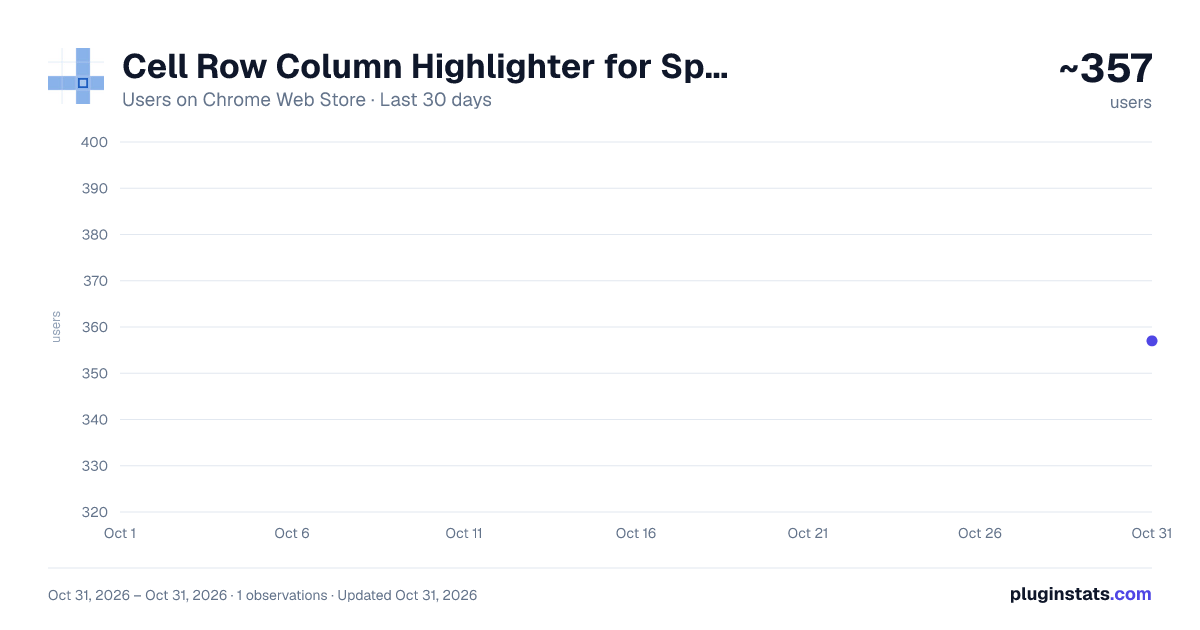
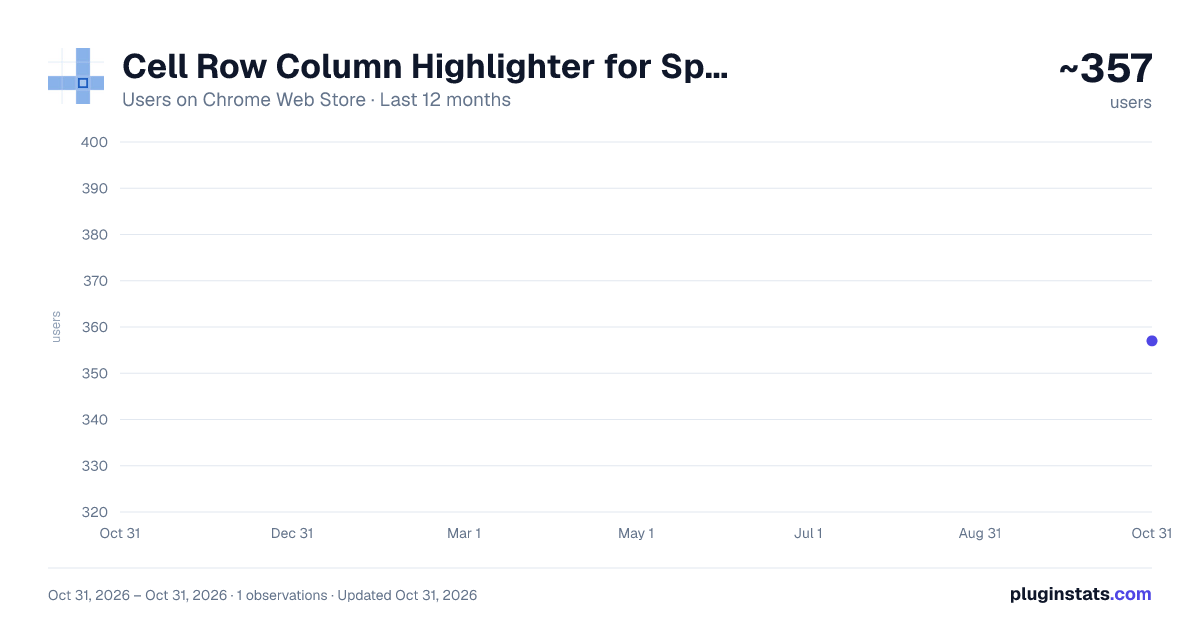
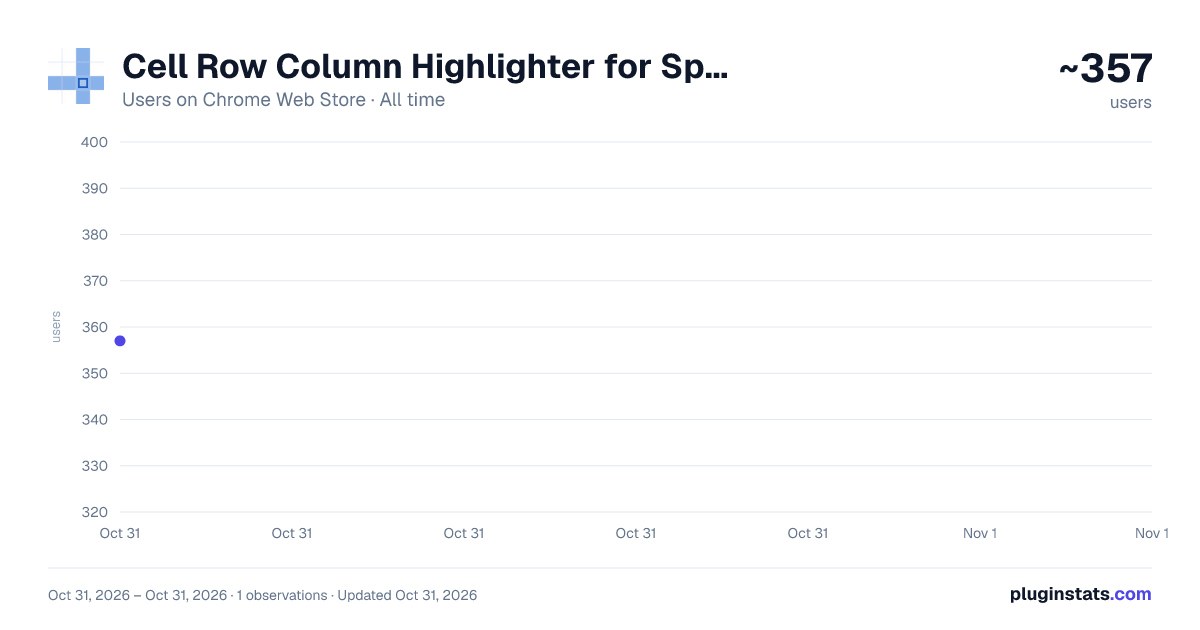
Cell Row Column Highlighter for Spreadsheets has approximately 357 recorded users on Chrome Web Store, ranking #3924 of 6,786 tracked listings.
Rating: 5.00 / 5 from 3 ratings
About Cell Row Column Highlighter for Spreadsheets
Highlight the active row, column or cell in Google Sheets and Excel. Pick any color, per-spreadsheet and per-tab settings.
Never lose your place in a wide spreadsheet again.
Cell Row Column Highlighter shades the row, column or cell you are working in, in Google Sheets and Excel for the web.
It draws a focus crosshair on top of the page — it never writes to your file, and it never changes your data.
Version 1.0.1
The highlight now steps aside for pop-ups. Open a note, a comment or a link preview and the bands break cleanly around it instead of running underneath, so you can read what's on top. This works in every mode, including outlined.
Thanks to Sam S for reporting this one.
A note on Excel for the web: Google Sheets is where most of the testing happens, so Excel may still have rough edges we haven't run into. If you spot something, tell me and I'll get on it - reports like Sam's and Johnny's are how this extension gets better.
WHAT IT DOES
• Highlight the row, the column, both as a crosshair, or just the active cell
- based on what you choose! • Active cell only mode marks the selected cell or range, and stays visible on top of the spreadsheet's own selection tint • Choose how the cell you're editing is treated where the bands cross it — tinted, left clear, or outlined • Choose any color — hex input, native color picker, or one-click presets • Adjust opacity, or switch to an outline instead of a fill so your own cell colors stay untouched
SETTINGS SCOPED THE WAY YOU WORK
Apply one look to all spreadsheets, to a single spreadsheet, or to individual tabs. A checklist lets you pick exactly which tabs get highlighted. Each spreadsheet remembers its own scope, so switching files restores that file's choice instead of carrying the last one over.
CHANGES LAND INSTANTLY
Move a slider or pick a color and the sheet repaints live — no refreshing, no losing your place. If something ever looks off, a quick page reload sorts out almost anything.
A SIDE PANEL, NOT A POPUP
The controls open in Chrome's side panel and stay open while you work, so you see each adjustment land instead of reopening a menu to tweak it.
WORKS IN EXCEL FOR THE WEB
Not just Google Sheets. Every mode is built for both Google Sheets™ and Microsoft Excel for the web, including at zoomed-in and zoomed-out view levels. The highlight survives Excel's ribbon and pane relayouts, and multi-range selections merge into clean bands instead of stacking into darker patches.
PRIVACY
The extension never reads your cell contents. There are no servers, no network requests of any kind in its code, and your settings stay on your own device.
PERMISSIONS AND WHY
Two, and neither touches your data:
• Storage — save your highlight preferences on your device • Side panel — show the settings panel
That is the whole list. The extension declares no host permissions. Its highlighting runs only on Google Sheets and Excel for the web, as set in the extension itself, and it can reach nothing else.
If a spreadsheet was already open when you installed or updated, reload that page once. Anything you open afterwards just works.
Built by SheetCity. Questions or a bug to report: https://sheetcity.com/contact/?ref=crch_store
Description from the Chrome Web Store listing.
README badge
Show your rank in a README or on your website. The badge updates automatically.
Charts
Images: 30d · 1y · all time · 1600×900 dark
Adoption over time
7/30/90-day growth
Ranking history
Ratings over time
Listing placement
Listing placement
Filled points are observed values; hollow points come from Internet Archive snapshots of the listing page. Dashed segments span periods with no observations — values between points are not interpolated.
Each band is one page of 20. Users on a linear scale. Placement is projected from users, so it can differ from the marketplace's own sort order. Hover a dot to see the listing.
Recent observations
Full history (1)Similar Chrome Web Store Tools plugins
All 20 Cell Row Column Highlighter for Spreadsheets alternatives



Data source
Covers every Chrome Web Store extension with at least 100 users, found through the store's public sitemap. User counts are read from public listing pages. The 10% most-used extensions are refreshed daily, the next 40% weekly and the next 40% monthly; the least-used 10% are not refreshed. Google displays rounded user counts (and caps the display at 10,000,000+), so small changes may not be visible. Rating counts above 1,000 are rounded (e.g. 1.6K).
Listing: https://chromewebstore.google.com/detail/cell-row-column-highlight/glfbkemdiplfkbbbdlddnecfbbeecpgi. First seen Oct 31, 2026; last successful collection Oct 31, 2026. See the methodology.