 PluginStats

Launchpad — Custom New Tab users statistics
By Ozzy Apps · Chrome Web Store · Workflow & Planning
Draggable bookmarks, islands, link lists and widgets on your new tab. Swipeable pages, search, 15 clock styles, liquid glass.
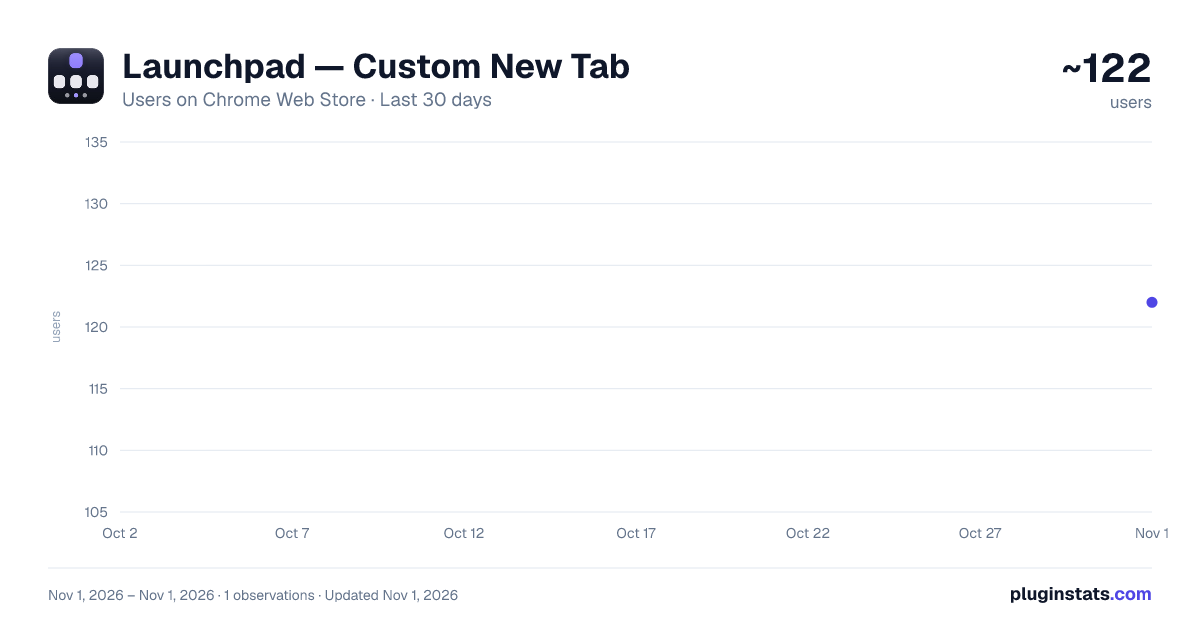
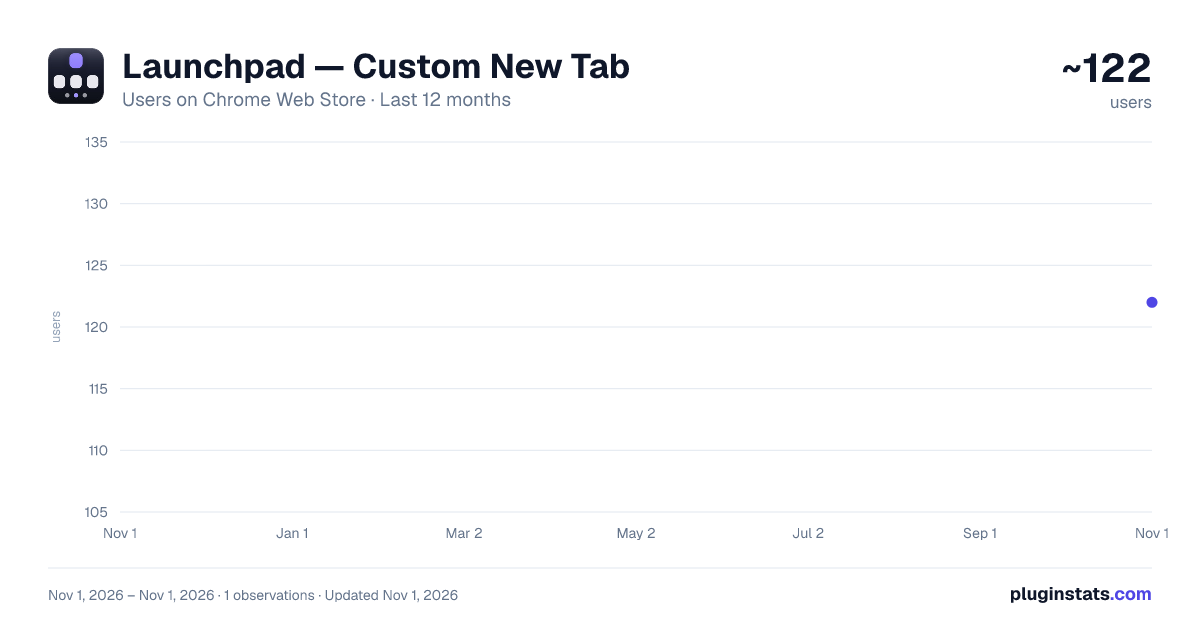
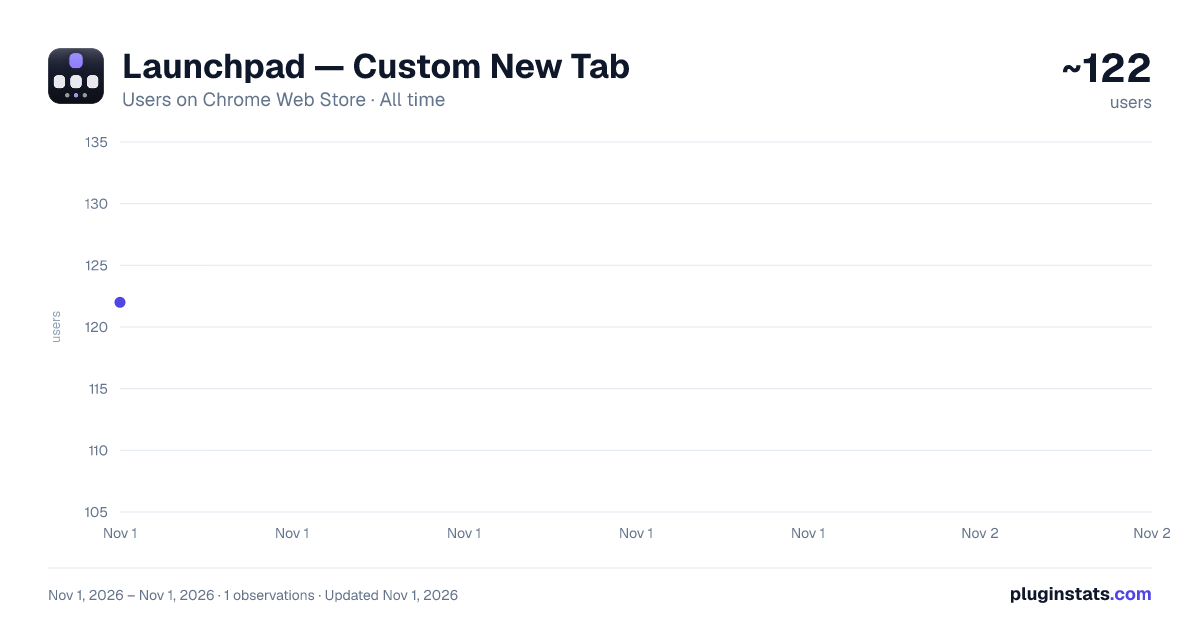
Launchpad — Custom New Tab has approximately 122 recorded users on Chrome Web Store, ranking #5800 of 6,300 tracked listings.
Rating: 5.00 / 5 from 1 ratings
About Launchpad — Custom New Tab
Draggable bookmarks, islands, link lists and widgets on your new tab. Swipeable pages, search, 15 clock styles, liquid glass.
Launchpad replaces the new tab page with a desktop you arrange yourself. Everything stays in your browser. No account, no server, no analytics.
BOOKMARKS YOU DRAG
- Drop a shortcut anywhere on the page, not into a fixed grid
- Icons are fetched for you, or upload your own
- Middle click or Ctrl click opens one in a background tab
- Shift click or drag a box to select several, then move them together
- Right click any page or link to save it
ISLANDS
- Group shortcuts into a glass panel with a name
- Resize by the corner, style each one on its own
- Open a whole island as a named tab group in one click
- Turn one into a link list, and back, from its header
LINK LIST
- Bookmarks as rows: favicon, title, address
- Paste an address to add one, or drag a shortcut in from the page
- Drop one list on another to glue them into a panel of columns
- Drag a column's heading out to separate it again
- Turn a list into an island, or an island into a list, either way
- Open the whole list as a tab group
- Address beside the title, under it, or hidden
WIDGETS
- Notes: a pad that saves as you type
- To-do: checkboxes, inline editing, clear completed
- Countdown: days until or since a date, optionally yearly
- World clocks: any city, with day or night and the date offset
- Converter: ten kinds of unit, one row each, all readings at once
- Drag to move, drag the corner to resize, same guides as islands
PAGES
- Up to 12, named by you
- Switch with page dots, Alt and 1 to 9, Alt and left or right, or a swipe
- Each page keeps its own wallpaper, clock, glass, accent and widgets
- Duplicate a page to copy its look
- Five transitions: none, fade, slide, zoom, flip
SEARCH
- Optional bar, focused when the tab opens
- Type a few letters and press Enter to jump to a shortcut
- Matches across every page
- Bang prefixes pick an engine for one search: !yt, !gh, !w, !npm
- 15 engines included, all editable
- Press / or Ctrl and K to focus it
WALLPAPER
- Colour, gradient, or an image by URL or upload
- Slideshow on a timer, or a new one on every tab
- Or by time of day: give each image a time and it takes over then
- 8 transitions, with duration, easing and direction
- Brightness, contrast, saturation, dim and grain
CLOCK
- 15 styles, from Classic and Word clock to Seven segment and Binary
- 12 analog dials
- 15 typefaces, size, weight, colour, 12 or 24 hour, seconds
- A date line with its own typeface, size, weight and letter case
- Drag it anywhere
WEATHER
- Four layouts, from a bare temperature to a full card
- Feels like, humidity, wind, gusts, rain chance, cloud, pressure, UV
- Sunrise, sunset and the length of the day
- Five day forecast, city search, Celsius or Fahrenheit
- Only your coordinates are sent, at most once every 15 minutes
PATTERNS AND GLASS
- 16 pattern shapes over a colour or gradient, with size, angle and blend
- Panels refract the wallpaper at the rim instead of only blurring it
- Four materials per surface: Liquid, Frosted, Solid, Flat
BACKUP
- Export every page as one JSON file, import it on any machine
PRIVACY
- All data stays in this browser
- No accounts, no servers, no analytics
- Tab access is requested only when you open an island or a list as tabs
What is new in 1.5.3 Drop one link list on top of another and they glue into a single panel of columns, each column keeping its own heading. A third makes three. Dropping a list beside another still just places it, so lists can sit touching without merging. Drag a column's heading out to split it back into its own list, or onto a different list to move it there. Double click a heading to rename it. Split columns apart undoes a glue in one press. Padding and column gap sliders for link lists. A button in the header of every island and every link list turns it into the other, keeping the addresses, the names and the position.
Description from the Chrome Web Store listing.
README badge
Show your rank in a README or on your website. The badge updates automatically.
Charts
Images: 30d · 1y · all time · 1600×900 dark
Adoption over time
7/30/90-day growth
Ranking history
Ratings over time
Listing placement
Listing placement
Filled points are observed values; hollow points come from Internet Archive snapshots of the listing page. Dashed segments span periods with no observations — values between points are not interpolated.
Each band is one page of 20. Users on a linear scale. Placement is projected from users, so it can differ from the marketplace's own sort order. Hover a dot to see the listing.
Recent observations
Full history (1)Similar Chrome Web Store Workflow & Planning plugins
All 20 Launchpad — Custom New Tab alternatives



Data source
Covers every Chrome Web Store extension with at least 100 users, found through the store's public sitemap. User counts are read from public listing pages. The 10% most-used extensions are refreshed daily, the next 40% weekly and the next 40% monthly; the least-used 10% are not refreshed. Google displays rounded user counts (and caps the display at 10,000,000+), so small changes may not be visible. Rating counts above 1,000 are rounded (e.g. 1.6K).
Listing: https://chromewebstore.google.com/detail/launchpad-—-custom-new-ta/emjppjebgeooinjoglmnbnmkpccmafhi. First seen Nov 1, 2026; last successful collection Nov 1, 2026. See the methodology.