 PluginStats
@planjs/webpack-deploy-plugin weekly downloads statistics
By planjs · npm · Webpack plugins
The webpack plugin handles various uploads of front-end files
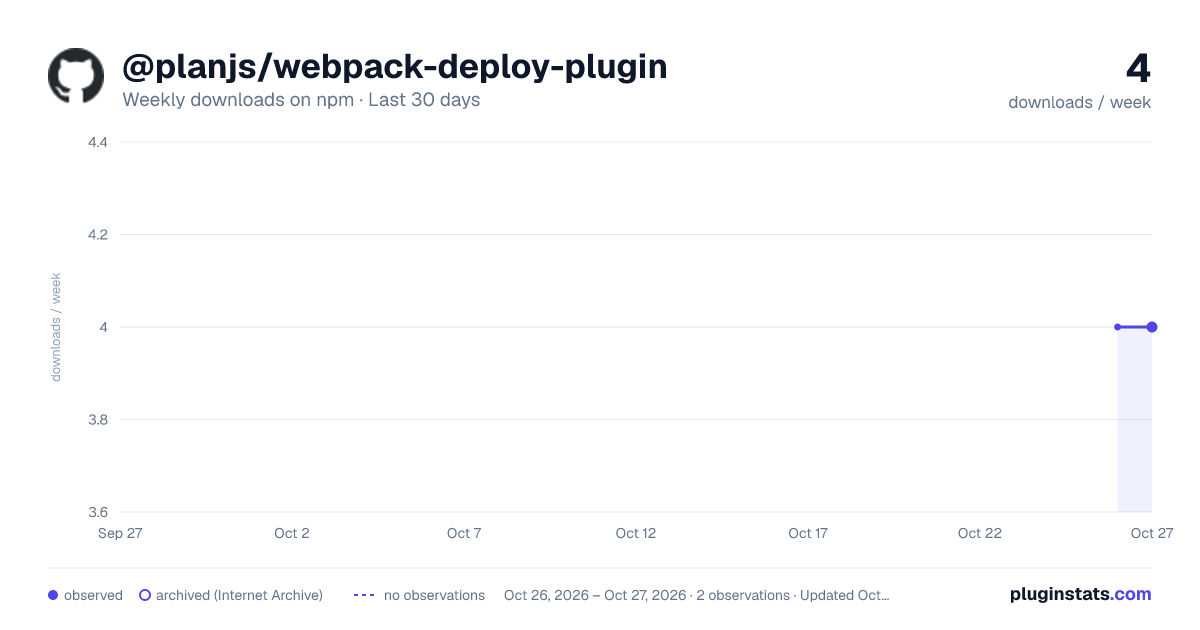
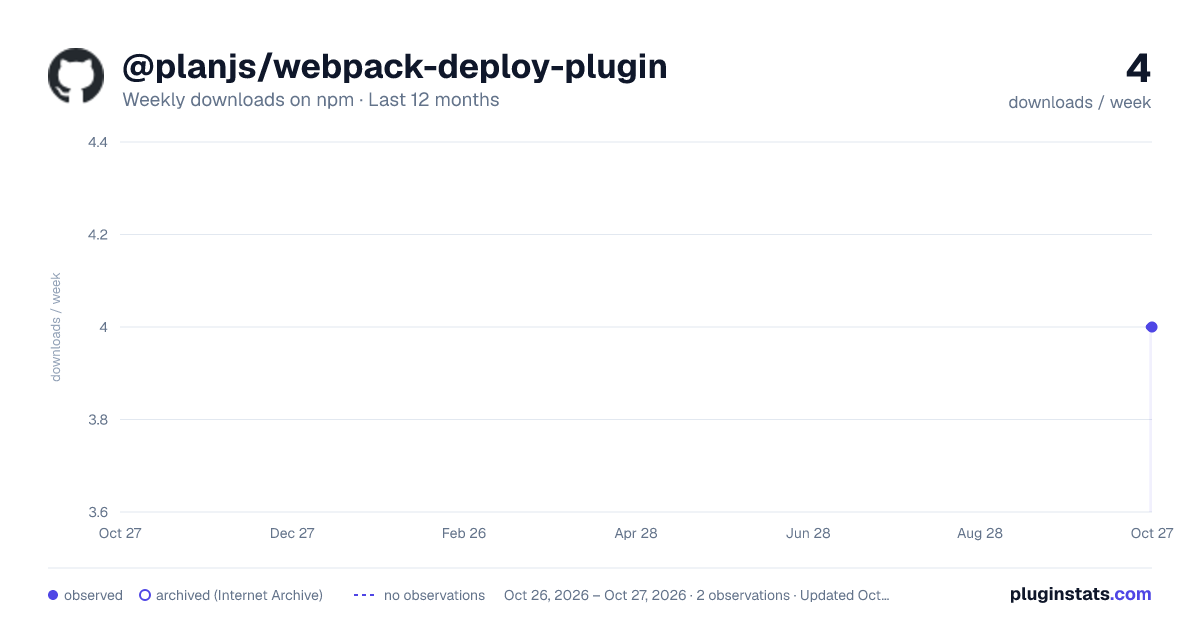
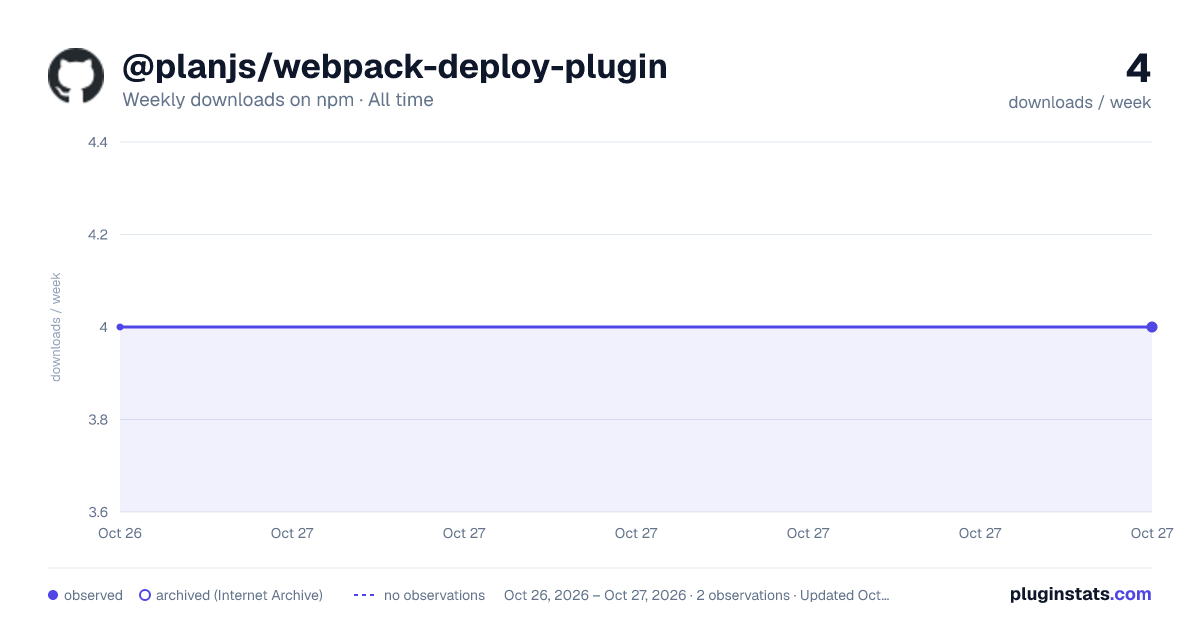
@planjs/webpack-deploy-plugin has 4 recorded weekly downloads on npm, ranking #2079 of 2,644 tracked listings.
About @planjs/webpack-deploy-plugin
webpack-deploy-plugin


The plugin currently only supports
rsyncandoss-upload-tool. If it is rsync, you need to confirm whether the environment supports rsync.
Install
Using npm:
npm install @planjs/webpack-deploy-plugin --save-dev
Using yarn:
yarn add @planjs/webpack-deploy-plugin -D
Usage
webpack.Stats All output content will be uploaded to the server, or oss.
webpack.config.js
const WebpackDeployPlugin = require('@planjs/webpack-deploy-plugin')

module.exports = {
    plugins: [
      new WebpackDeployPlugin({
        targets: {
          oss: {
            type: 'oss',
            // oss deploy folder
            dest: '/app/test1/',
            patterns: ['**', '!**.js.map'],
            OSSUploadOptions: {
              type: 'COS',
              COSOptions: {
                SecretId: 'xxx',
                SecretKey: 'xxx'
              },
              uploadParams: {
                Bucket: 'xxx',
                Region: 'xxx'
              }
            }
          },
          rsync: {
            type: 'rsync',
            patterns: ['**', '!**.js.map'],
            dest: 'root@xx.xx.xx.xx:/www/deploy folder'
          }
        },
        // The key of the `targets` used
        env: 'oss'
      })
    ]
};
Options
targets
Upload configuration collection.
Type: Record<any, TargetItem> | TargetItem
env
If there are multiple upload configurations, it will be switched according to this as the key.
Type: string
TargetItem
type
Type: rsync | oss
How to upload files.
dest
Upload to server folder.
type ossfolder default''
type rsyncserver connection stringroot@xx.xx.xx.xx:/www/deploy folder
Type: string
patterns
Type: string | string[] multimatch
Paths based on compilation.assets or output folder matching will be uploaded.
isUploadOutputDir
Type: boolean
Default: false
By default, the file of compilation.assets is used, and when it is turned on, all the output folders will be uploaded.
rsyncOptions
Rsync args.
Type: { args: string[][] }
eg:
['bwlimit', 10]rsync
OSSUploadOptions
Type: object
Detailed reference oss-upload-tool
It also supports related environment variable configuration.
maxAttempts
Type: number
Maximum number of failed retries.
Only valid for oss-upload-tool, rsync does not need to retry.
timeout
Type: number
Execution timeout.
If it is rsync, it is the timeout period for executing the command. If it is oss-upload-tool, it is the single file upload timeout period.
onUploadStart
Type: (stats: Stats, shelljs) => void | Promise<void>
Before upload event.
onUploadFinish
Type: (stats: Stats, shelljs) => void | Promise<void>
Upload complete event.
execUploadStartScripts
Type: string[][] | string[]
before Upload start exec script.
Detailed reference execa
execUploadFinishScripts
Type: string[][] | string[]
before Upload finish exec script.
Detailed reference execa
FQA
Window Rsync error: The command line is too long
By default, window will use 8191 as the longest length, leave 100 for other parameters, and if the remaining length is too long, it will become multiple rsync commands.
If it still fails, it may be an environment problem, change the cutting rules through the variable MAX_COMMAND_LINE_LIMIT.
License
MIT © fupengl
Description from the npm listing.
- webpack-plugin
- planjs
- oss-upload-tool
- rsync
- deploy
- oss
- cos
- webpack-deploy-plugin
README badge
Show your rank in a README or on your website. The badge updates automatically.
Charts
Images: 30d · 1y · all time · 1600×900 dark

Adoption over time
7/30/90-day growth
Ranking history
Listing placement
Listing placement
Filled points are observed values; hollow points come from Internet Archive snapshots of the listing page. Dashed segments span periods with no observations — values between points are not interpolated.
Each band is one page of 20. Weekly downloads on a linear scale. Placement is projected from weekly downloads, so it can differ from the marketplace's own sort order. Hover a dot to see the listing.
Recent observations
Full history (1)Similar npm Webpack plugins plugins
All 20 @planjs/webpack-deploy-plugin alternatives- 4 weekly downloads-97.8%
- 4 weekly downloads-91.3%
- 4 weekly downloads-97.8%
Data source
Weekly downloads (trailing 7 complete days) come from the official npm downloads API. Downloads include CI and mirrors and are not equivalent to installs or users. npm publishes no ratings.
Listing: https://www.npmjs.com/package/@planjs/webpack-deploy-plugin. First seen Oct 28, 2026; last successful collection Oct 28, 2026. See the methodology.