 PluginStats
@amplitude/mcp-analytics weekly downloads statistics
By amplitude (4 listings) · npm · MCP servers
Amplitude MCP Analytics SDK - MCP server usage tracking for Amplitude Analytics
@amplitude/mcp-analytics has 2,635 recorded weekly downloads on npm.
About @amplitude/mcp-analytics
@amplitude/mcp-analytics
Amplitude MCP Analytics SDK — Model Context Protocol server usage tracking for Amplitude Analytics.
Status: Preview. Server and tool instrumentation, the default event set, identity resolution, and custom events are available now. Transport and correlation handling (stdio and Streamable HTTP, across protocol revisions) is handled for you under the hood.
Install
There are two ways to set up: let a coding agent do it, or follow this README manually.
Option 1 — agent-assisted Install the
instrument-mcp-server skill
(part of the builder-skills
engineering-skills plugin) and ask your agent to instrument your MCP server —
it walks through this README for you, plus the recommended rationale and UTM
steps.
Option 2 — manual
pnpm add @amplitude/mcp-analytics @amplitude/analytics-node @modelcontextprotocol/sdk zod
@amplitude/analytics-node, @modelcontextprotocol/sdk, and zod are peer
dependencies — your MCP server already depends on the latter two. zod is
the same range the MCP SDK accepts (^3.25.0 or ^4.0.0); the feedback
tool builds its input schema with it. Any
@modelcontextprotocol/sdk from 1.14.0 up is supported, including versions
1.21.0+, which changed how McpServer reports a failed tools/call; the
default events mean the same thing across that whole range.
Quick start
import { createMcpAnalytics } from '@amplitude/mcp-analytics';

const analytics = createMcpAnalytics({
  apiKey: process.env.AMPLITUDE_API_KEY!,
  serverName: 'my-mcp-server',
  serverVersion: '1.0.0',
});

// Bind the server (enables analytics + emits connection events), then wrap your
// tool handlers. Order matters: instrumentServer() must run before connect().
analytics.instrumentServer(server, { authType: 'oauth' });

server.tool(
  'search_docs',
  schema,
  analytics.instrumentTool(
    async (args, extra) => doSearch(args), // your handler, unchanged
    { name: 'search_docs' },
  ),
);

await server.connect(transport);
To reuse an Amplitude client you already own, pass it instead of apiKey:
createMcpAnalytics({ amplitude, serverName: '...', serverVersion: '...' });
Instrumenting your server
Two steps, both wrap things you already have — no handler signatures change.
instrumentServer(server, options?) binds the SDK to your MCP server. It
auto-detects the transport, captures the client/server handshake, and emits the
default connection events. Call it before server.connect() — that's when
the transport becomes available. It's idempotent and returns the same server.
instrumentTool(handler, meta) wraps a tool handler. The returned function
has the exact same shape as the one you pass in ((args, extra) with a schema,
(extra) without), so it drops straight into server.tool(...). On each call it
emits [MCP] Tool Call Response with timing, error, and size details.
analytics.instrumentServer(server);
server.tool('search', schema, analytics.instrumentTool(
  async (args, extra) => doSearch(args),
  { name: 'search', owner: 'docs-team', extra: { 'feature flag': 'new-ranker' } },
));
instrumentToolrequiresinstrumentServer. If the server was never bound, the wrapper is a no-op passthrough: your handler runs untouched, nothing is emitted, and a one-time warning is logged. Instrumenting a tool can never change its behavior.
Default events
Once a server is bound and its tools wrapped, the SDK emits these automatically:
| Event | When | Notable properties |
|---|---|---|
[MCP] Session Initialized | The initialize handshake (every transport) | client/server identity, [MCP] Transport, [MCP] Auth Type |
[MCP] Session Ended | Close of a connection that outlived one request (stdio + legacy Streamable HTTP) | [MCP] Session Duration |
[MCP] Tools Listed | A tools/list request | [MCP] Tool Count, [MCP] Tool Names (capped), [MCP] Response Duration, [MCP] Response Size |
[MCP] Tool Call Response | Every instrumented tool call | [MCP] Is Error, [MCP] Error Message/[MCP] Error Code/[MCP] Error Type/[MCP] Error HTTP Status, [MCP] Response Duration, [MCP] Request Size, [MCP] Response Size, client-supplied conversation/run/turn correlation, content-free [MCP] Param * shape metadata, [MCP] Rationale (opt-in, see below) |
[MCP] Tool Call Rejected | A tools/call request that fails before any tool callback runs (unknown/disabled tool, input-schema validation) | [MCP] Attempted Tool Name (unvalidated input — kept off [MCP] Tool Name), [MCP] Rejection Reason (unknown_tool/disabled_tool/schema_validation/unrecognized), [MCP] Error Message, [MCP] Response Duration, [MCP] Response Size, [MCP] Response HTTP Status |
[MCP] Feedback Submitted | A call to the opt-in submit_feedback tool (see below) | [MCP] Feedback Helpful, [MCP] Feedback Reason, [MCP] Feedback Solicited, [MCP] Feedback Tool Names, [MCP] Feedback Has Comment. Not gated by autocapture |
All event names and properties are prefixed [MCP] so they never collide with
same-named events/properties from other Amplitude SDKs on the same project.
This table is a summary. The full reference — every property and when it's
present, identity resolution, transport nuances, and the error taxonomy —
lives in docs/events.md, which is also the normative
event contract if you are implementing it in another language (see
docs/porting.md).
A protocol session only exists on stdio and on Streamable HTTP where the transport mints a session id. Two distinct cases look "stateless" and behave differently:…
Description from the npm listing.
- amplitude
- mcp
- model-context-protocol
- analytics
- tracking
README badge
Show your rank in a README or on your website. The badge updates automatically.
Charts
Images: 30d · 1y · all time · 1600×900 dark
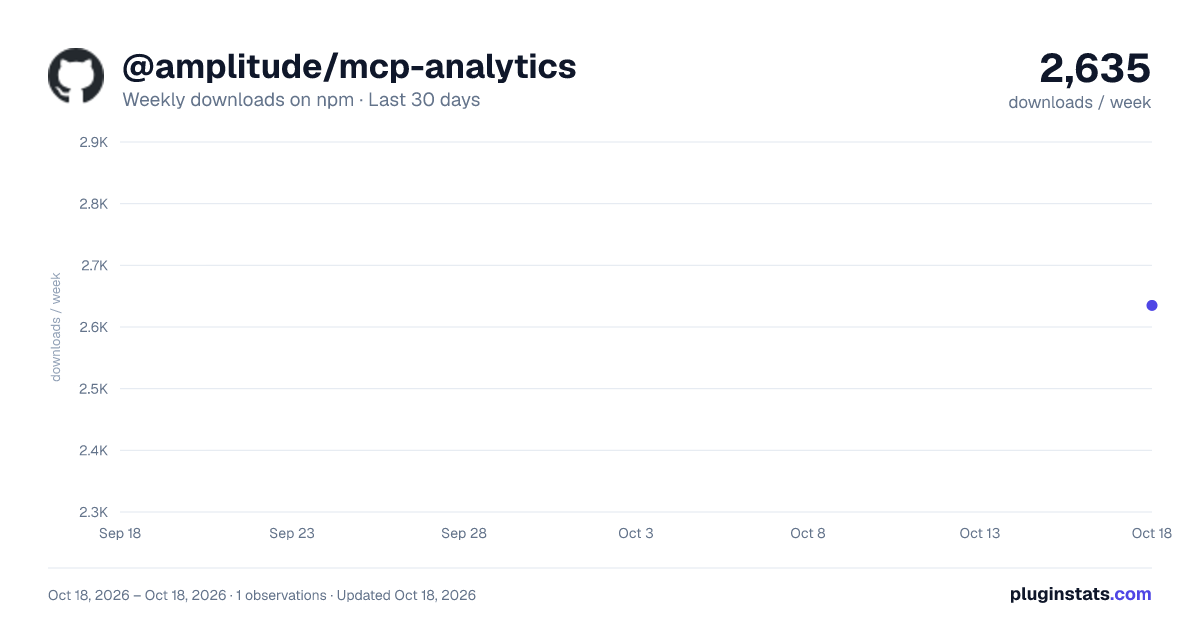
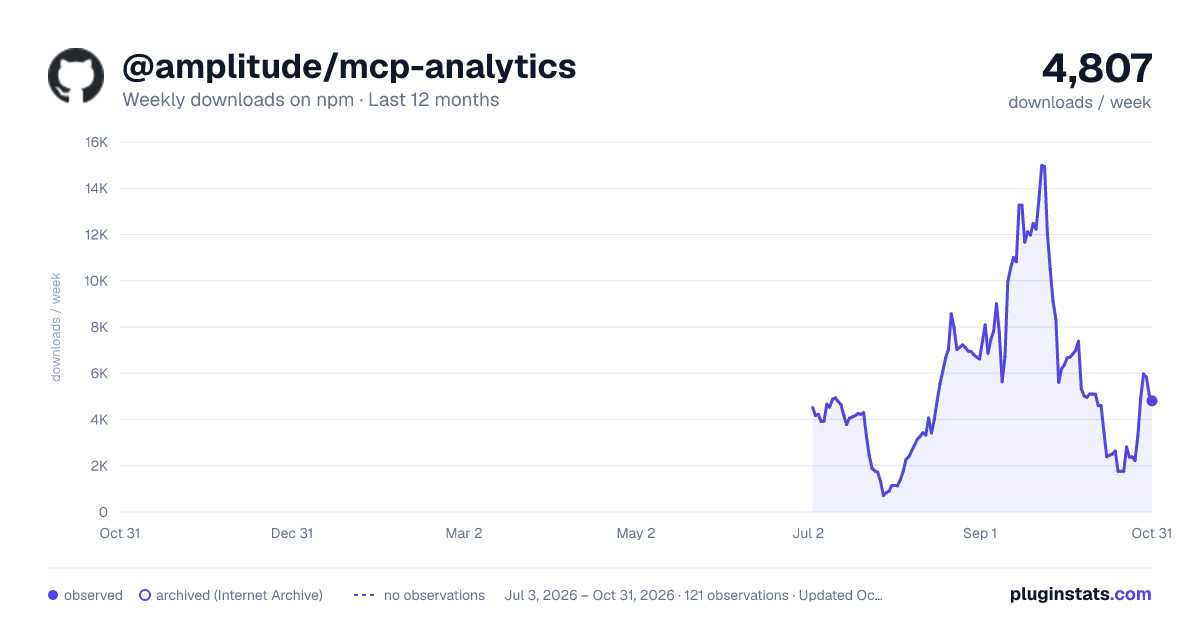
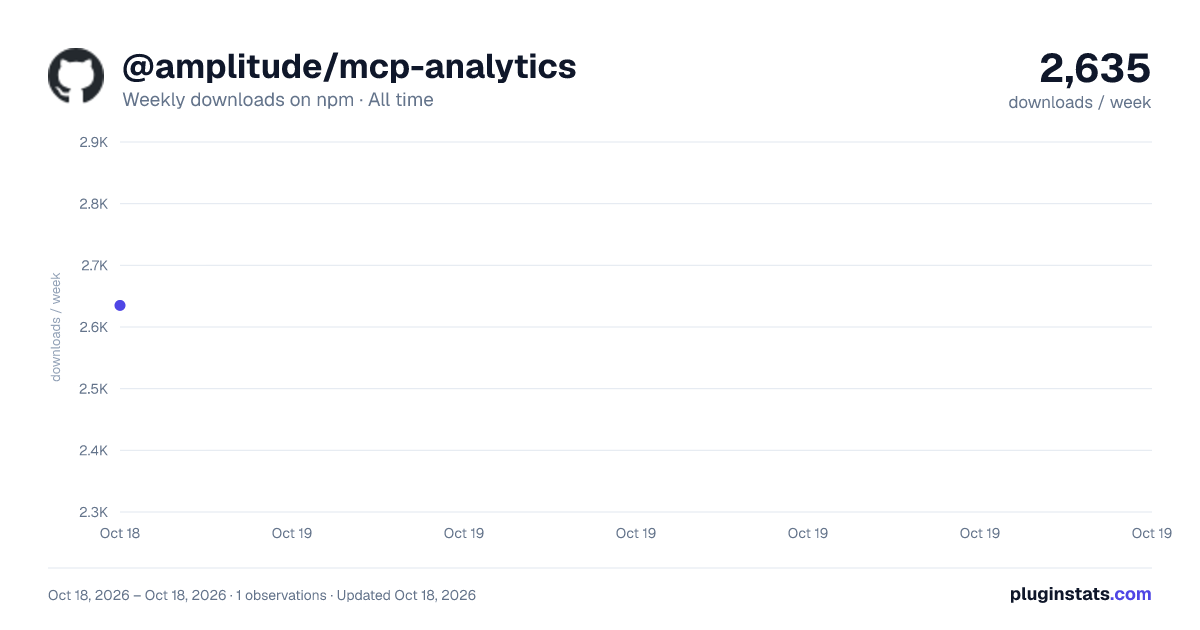

Adoption over time
7/30/90-day growth
Ranking history
Listing placement
Listing placement
Filled points are observed values; hollow points come from Internet Archive snapshots of the listing page. Dashed segments span periods with no observations — values between points are not interpolated.
Each band is one page of 20. Weekly downloads on a linear scale. Placement is projected from weekly downloads, so it can differ from the marketplace's own sort order. Hover a dot to see the listing.
Recent observations
Full history (1)Similar npm MCP servers plugins
All 20 @amplitude/mcp-analytics alternatives- 2.3K weekly downloads-39.7%
Data source
Weekly downloads (trailing 7 complete days) come from the official npm downloads API. Downloads include CI and mirrors and are not equivalent to installs or users. npm publishes no ratings.
Listing: https://www.npmjs.com/package/@amplitude/mcp-analytics. First seen Oct 23, 2026; last successful collection Oct 23, 2026. See the methodology.