 PluginStats

EasyQA: Visual Website Feedback & Design QA users statistics
By helloshams · Chrome Web Store · Developer Tools
Click any element on a staging or live site to comment. Add voice notes, compare with your design, and let your AI agent fix it.
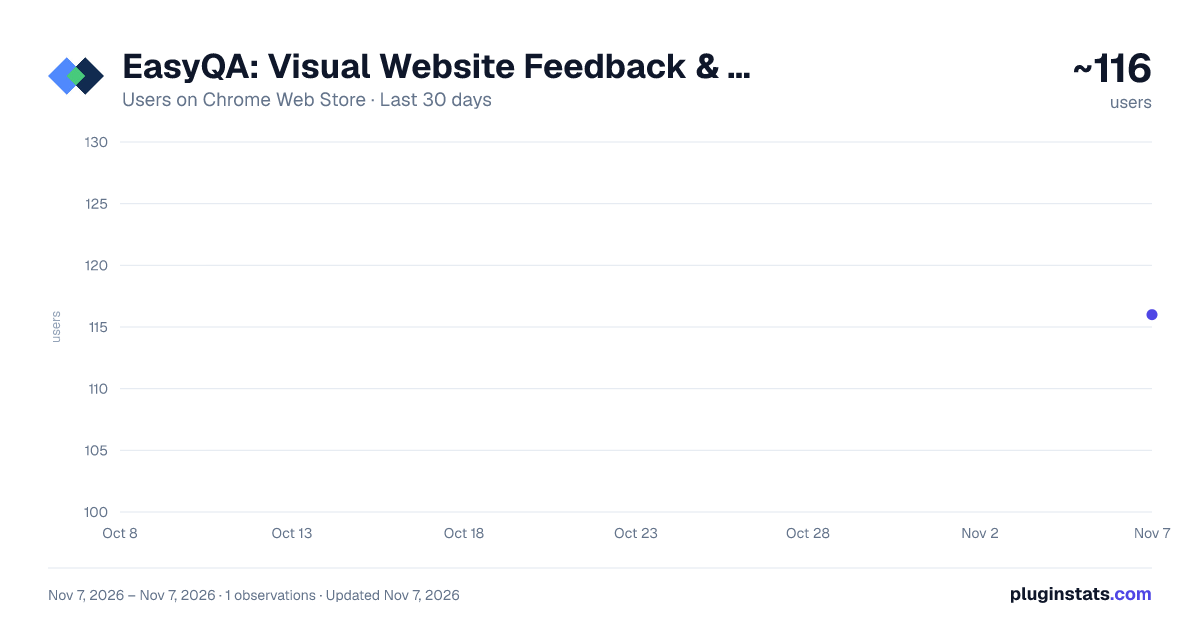
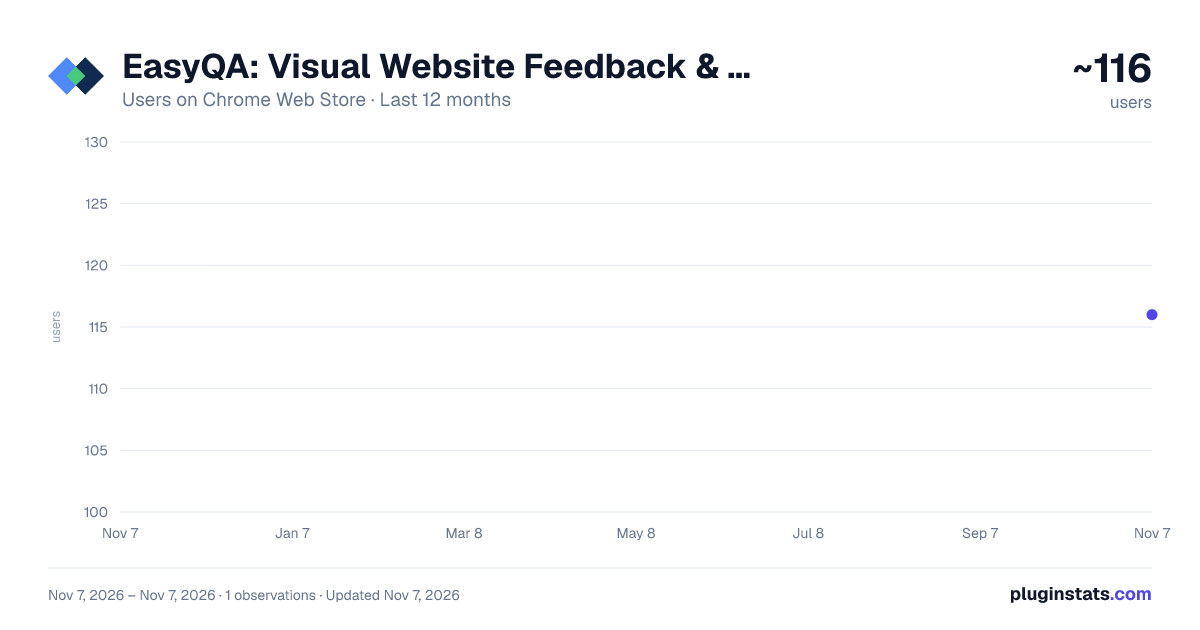
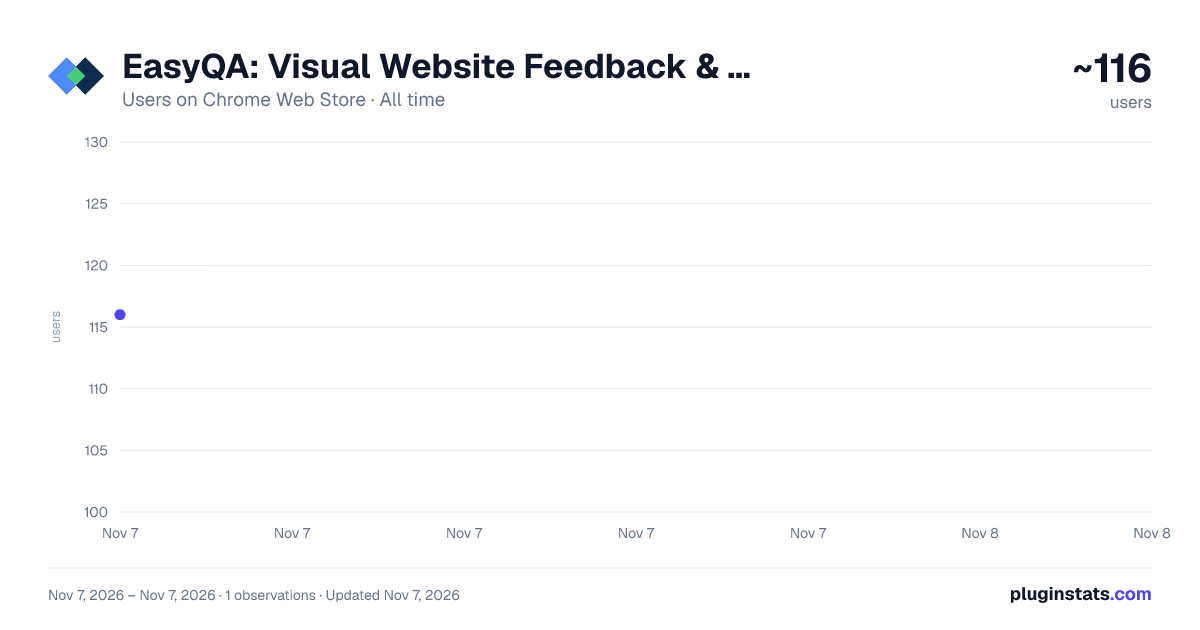
EasyQA: Visual Website Feedback & Design QA has approximately 116 recorded users on Chrome Web Store, ranking #7469 of 7,934 tracked listings.
Rating: 5.00 / 5 from 11 ratings
About EasyQA: Visual Website Feedback & Design QA
Click any element on a staging or live site to comment. Add voice notes, compare with your design, and let your AI agent fix it.
EasyQA is the design QA Chrome extension for designers, developers, and product teams. Overlay your Figma designs on live websites, comment right on the page, and share pixel-perfect reports with your team and clients. Then let your AI agent fix the feedback.
Supercharge your QA workflow with key features, including:
✔ Pin Comments on Live Sites ✔ Voice Notes with Transcripts ✔ Copy Suggestions ✔ Design Overlay & Comparison ✔ One-Click Page Audit ✔ Fix Feedback with Your AI Agent (MCP) ✔ Full-Page Screenshot Capture ✔ Shareable QA Reports ✔ Personal Dashboard to Keep all Reports in One Place ✔ Google Drive Report Storage ✔ Ruler & Spacing Measurement ✔ View the Color Code & Typography on hover
WHAT'S NEW IN 4.0
🎙 Voice Notes Too much to type? Record a voice note on any comment or reply. EasyQA writes an English transcript right in your browser, so your audio never leaves your device. Edit the words before you post.
✏️ Copy Suggestions Select any text on the page and suggest new words. The report shows exactly what changed, so the developer can copy it straight in.
⚡ Page Audit One click scores the page and lists broken links, buttons that go nowhere, extra fonts, spelling mistakes and SEO gaps. Turn any finding into a comment.
🤖 Fix Feedback with Your AI Agent Connect EasyQA MCP to Claude, Cursor or any MCP agent. Your agent reads every comment, finds the element in your code, fixes it and marks the comment resolved.
FEATURES:
📌 Pin Comments on Live Pages Click any element on a live website to drop a pin comment. Add priority levels, describe issues, and keep feedback tied to the exact element. Comments stay in place as you scroll, and even work on menus and hover states, so nothing gets lost in translation.
🖼 Design Overlay Upload any design image or paste from clipboard and overlay it directly on the live website. Adjust opacity to compare your Figma design against the real implementation side by side. No Figma token or API key needed. Just drag, drop, and compare.
↔️ Split Tab View Open two tabs side by side in a single click. Right-click the EasyQA icon and select Split Tabs to instantly compare a staging and production environment, or design and live page, in a perfectly divided window.
📸 Full-Page Screenshot Capture Capture the entire page, not just the visible viewport. EasyQA stitches together a pixel-perfect full-page screenshot, including fixed navbars and headers, ready to include in your report.
📐 Ruler & Spacing Measurement Measure distances and spacing directly on the live page. Drop the ruler to check padding, margins, and element sizes against your design specs without switching to DevTools. Hover over any element to instantly reveal its color code, typography style, and font size.
📤 Shareable QA Reports Generate a shareable report link in one click. Clients and teammates can comment, reply and mark issues as resolved, with no account needed. Keep private notes for your team only, and @mention teammates to bring them in.
☁️ Google Drive Integration Sign in with Google to save all your QA reports, screenshots and voice notes to a dedicated "EasyQA Reports" folder in your own Google Drive. Access, reshare, or delete past reports anytime from your personal dashboard.
🗂 Personal Dashboard All your saved QA reports in one place, organised in folders. View past sessions, reshare links with teammates, and delete reports you no longer need.
WHO IS THIS FOR?
EasyQA is built for everyone involved in shipping a great product: 🎨 Designers reviewing implementation accuracy 🧑💻 Developers catching layout and spacing bugs before launch 🧪 QA engineers annotating issues directly on the live page 📋 Product managers sharing visual feedback with clients 🤝 Agencies delivering polished QA reports to stakeholders 🤖 Anyone building websites with AI
WHY CHOOSE EASYQA?
✅ No Figma account needed. Works with any uploaded image ✅ Full-page capture. Not just the visible viewport ✅ Clients comment with no account ✅ Real-time collaboration. Team members resolve comments live ✅ Your AI agent can read and fix the feedback ✅ Zero setup. Install, click the icon, start annotating ✅ Your data stays yours. Reports saved to your own Google Drive
PERMISSIONS & PRIVACY
EasyQA requests access to the active tab to inject the annotation toolbar and capture screenshots of the page you are reviewing. It does not read, collect, or transmit any browsing history or page content beyond what you explicitly capture. Voice notes are transcribed in your own browser, and the recording is saved to your Google Drive. If you sign in with Google, your name, email, and sign-in timestamp are sent to our server for account management purposes. Full details are available in our privacy policy at: https://easyqa.net/privacy.html
Description from the Chrome Web Store listing.
README badge
Show your rank in a README or on your website. The badge updates automatically.
Charts
Images: 30d · 1y · all time · 1600×900 dark
Adoption over time
7/30/90-day growth
Ranking history
Ratings over time
Listing placement
Listing placement
Filled points are observed values; hollow points come from Internet Archive snapshots of the listing page. Dashed segments span periods with no observations — values between points are not interpolated.
Each band is one page of 20. Users on a linear scale. Placement is projected from users, so it can differ from the marketplace's own sort order. Hover a dot to see the listing.
Recent observations
Full history (1)Similar Chrome Web Store Developer Tools plugins
All 20 EasyQA: Visual Website Feedback & Design QA alternatives



Data source
Covers every Chrome Web Store extension with at least 100 users, found through the store's public sitemap. User counts are read from public listing pages. The 10% most-used extensions are refreshed daily, the next 40% weekly and the next 40% monthly; the least-used 10% are not refreshed. Google displays rounded user counts (and caps the display at 10,000,000+), so small changes may not be visible. Rating counts above 1,000 are rounded (e.g. 1.6K).
Listing: https://chromewebstore.google.com/detail/easyqa/alckphdifhkenejijbdempginajjeclm. First seen Nov 7, 2026; last successful collection Nov 7, 2026. See the methodology.