 PluginStats

Mockiato: Mock API Requests in DevTools users statistics
Chrome Web Store · Developer Tools
Intercept HTTP requests and mock responses in DevTools. Change status, body and headers. No proxy, no code changes.
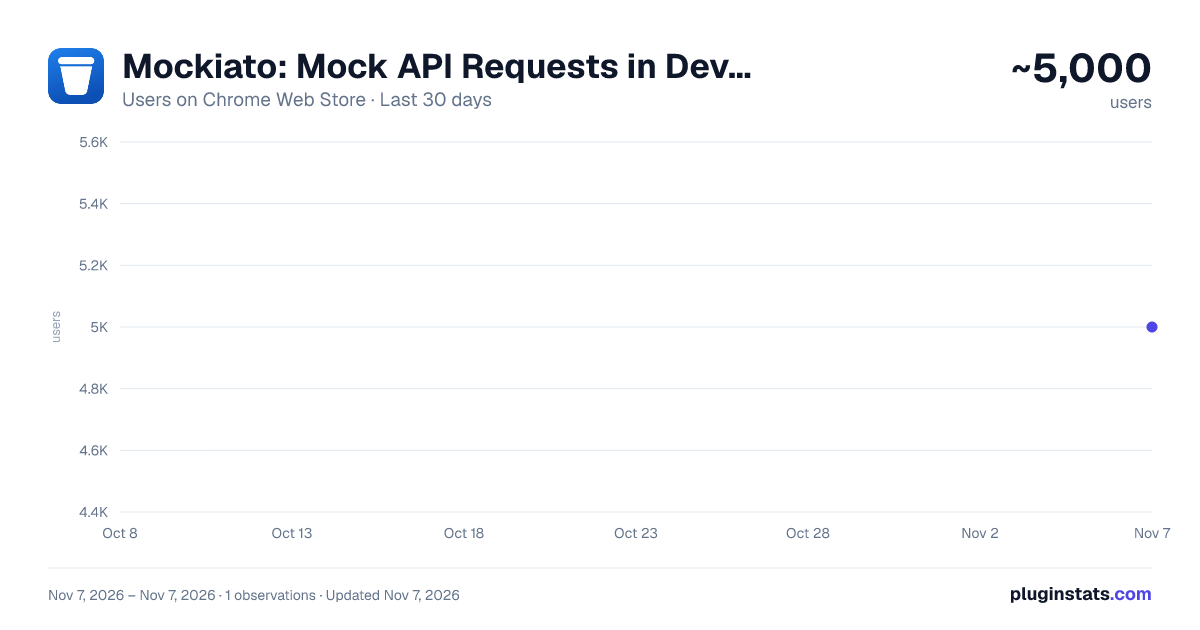
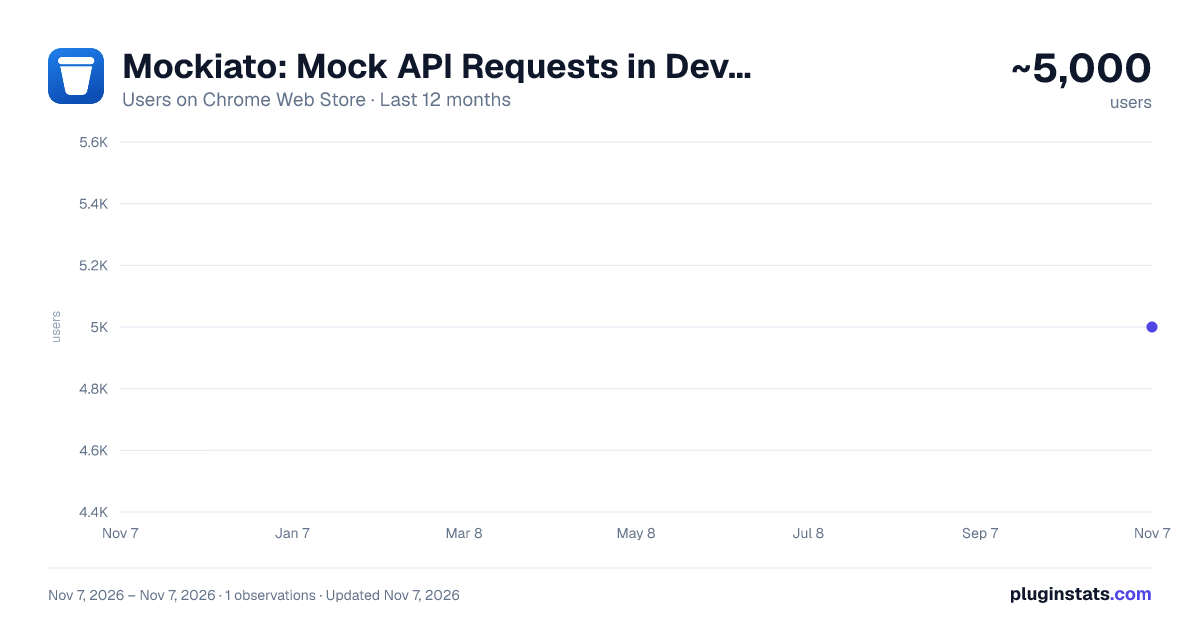
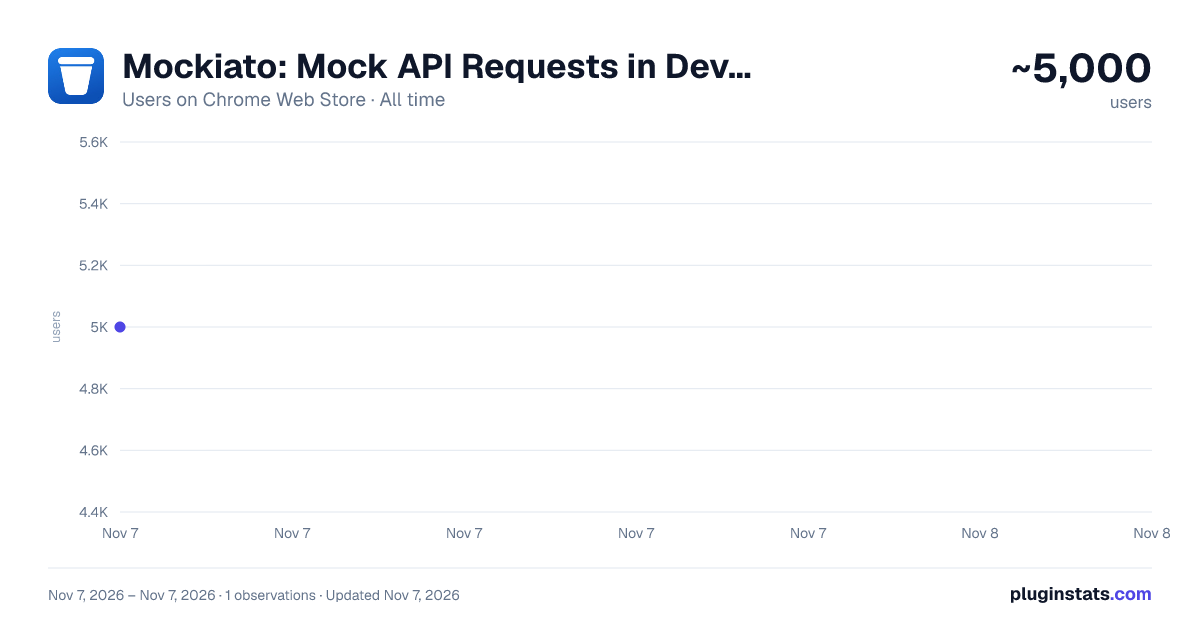
Mockiato: Mock API Requests in DevTools has approximately 5,000 recorded users on Chrome Web Store, ranking #1311 of 7,934 tracked listings.
Rating: 4.90 / 5 from 25 ratings
About Mockiato: Mock API Requests in DevTools
Intercept HTTP requests and mock responses in DevTools. Change status, body and headers. No proxy, no code changes.
Mock any API response without touching your code or setting up a proxy.
Mockiato lives in Chrome DevTools and intercepts requests as they happen. Pick a request, define the response you need, and reload. That is the whole workflow.
WHAT YOU CAN DO
- Waiting on the backend? Mock the endpoint and keep building the UI today.
- Need to reproduce a 500 error? Return one on demand, no server changes.
- Testing loading states? Add a delay and watch how your app behaves.
- Debugging an edge case? Return empty arrays, partial data or malformed payloads.
- Working across environments? Save header profiles for dev, staging and production and switch between them in one click.
FEATURES
- Request interception: see outgoing XHR and fetch requests in real time.
- Response mocking: define custom response body and status code for any request.
- Header management: add, modify or remove request and response headers.
- Header profiles: group headers per environment and switch instantly.
- Response delay: simulate slow networks and long-running requests.
- URL matching with regular expressions: cover dynamic paths and query strings.
- DevTools panel: network logs, mocks and settings in one tab, next to your other dev tools.
- Visual setup: everything is configured through the interface, no scripting required.
GETTING STARTED
- Open Chrome DevTools and go to the Mockiato tab.
- Find the request you want to intercept in the log, or add a rule manually.
- Set the status, body or headers you need. The next request returns your mock.
PRIVACY
Mockiato runs entirely in your browser. Your mocks, headers and request data stay on your machine and are never sent anywhere. There is no account, no tracking and no analytics.
The full source code is open and available at https://github.com/avivasyuta/mockiato so you can verify exactly what the extension does.
FEEDBACK
Bug reports and feature requests are welcome at https://github.com/avivasyuta/mockiato/issues.
Description from the Chrome Web Store listing.
README badge
Show your rank in a README or on your website. The badge updates automatically.
Charts
Images: 30d · 1y · all time · 1600×900 dark
Adoption over time
7/30/90-day growth
Ranking history
Ratings over time
Listing placement
Listing placement
Filled points are observed values; hollow points come from Internet Archive snapshots of the listing page. Dashed segments span periods with no observations — values between points are not interpolated.
Each band is one page of 20. Users on a linear scale. Placement is projected from users, so it can differ from the marketplace's own sort order. Hover a dot to see the listing.
Recent observations
Full history (1)Similar Chrome Web Store Developer Tools plugins
All 20 Mockiato: Mock API Requests in DevTools alternatives



Data source
Covers every Chrome Web Store extension with at least 100 users, found through the store's public sitemap. User counts are read from public listing pages. The 10% most-used extensions are refreshed daily, the next 40% weekly and the next 40% monthly; the least-used 10% are not refreshed. Google displays rounded user counts (and caps the display at 10,000,000+), so small changes may not be visible. Rating counts above 1,000 are rounded (e.g. 1.6K).
Listing: https://chromewebstore.google.com/detail/mockiato-mock-api-request/ilbkkhmnmnehcicempfpekgcpneeekao. First seen Nov 7, 2026; last successful collection Nov 7, 2026. See the methodology.