 PluginStats

Multishot users statistics
By HamzaEzzRa · Chrome Web Store · Developer Tools
Screenshot a page in multiple media queries / device sizes with a single click.
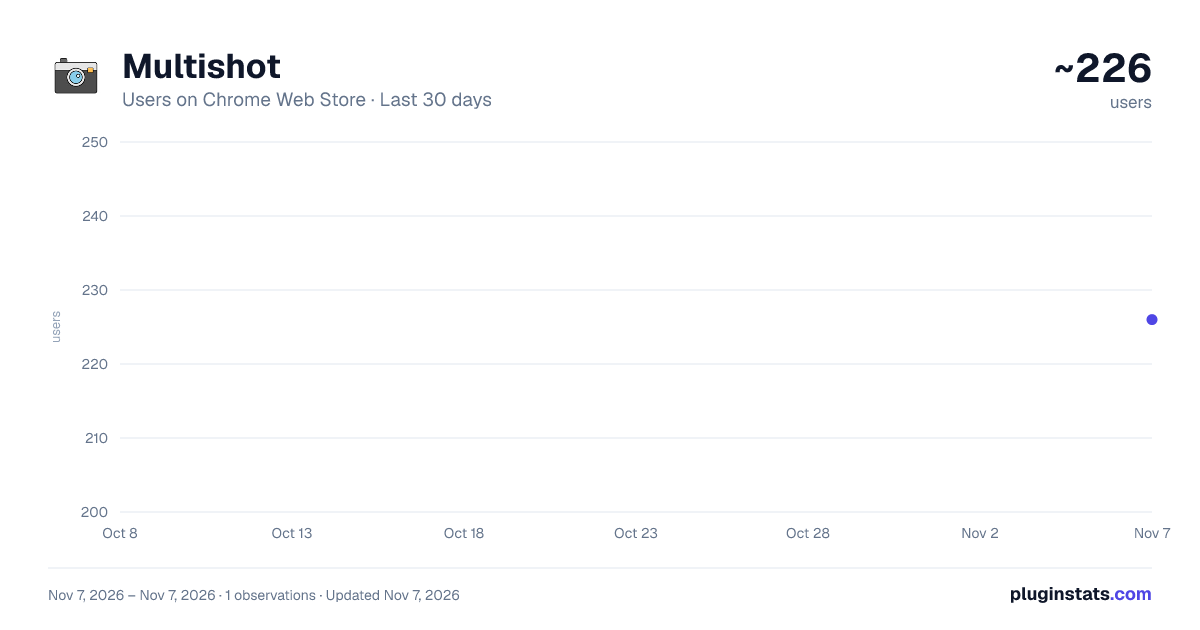
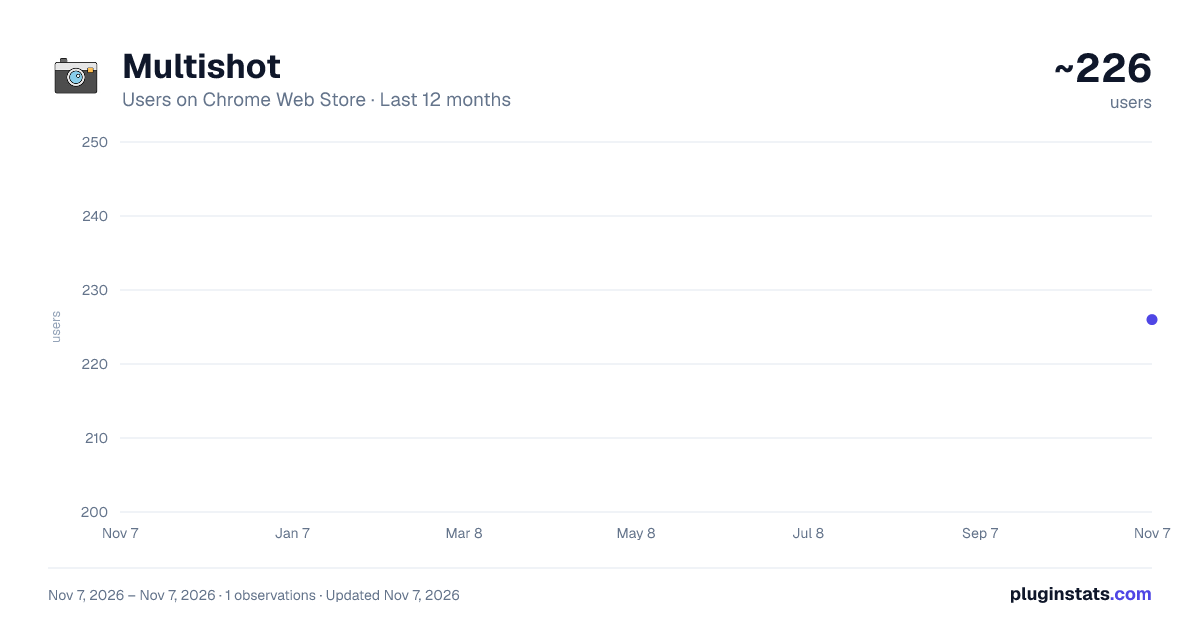
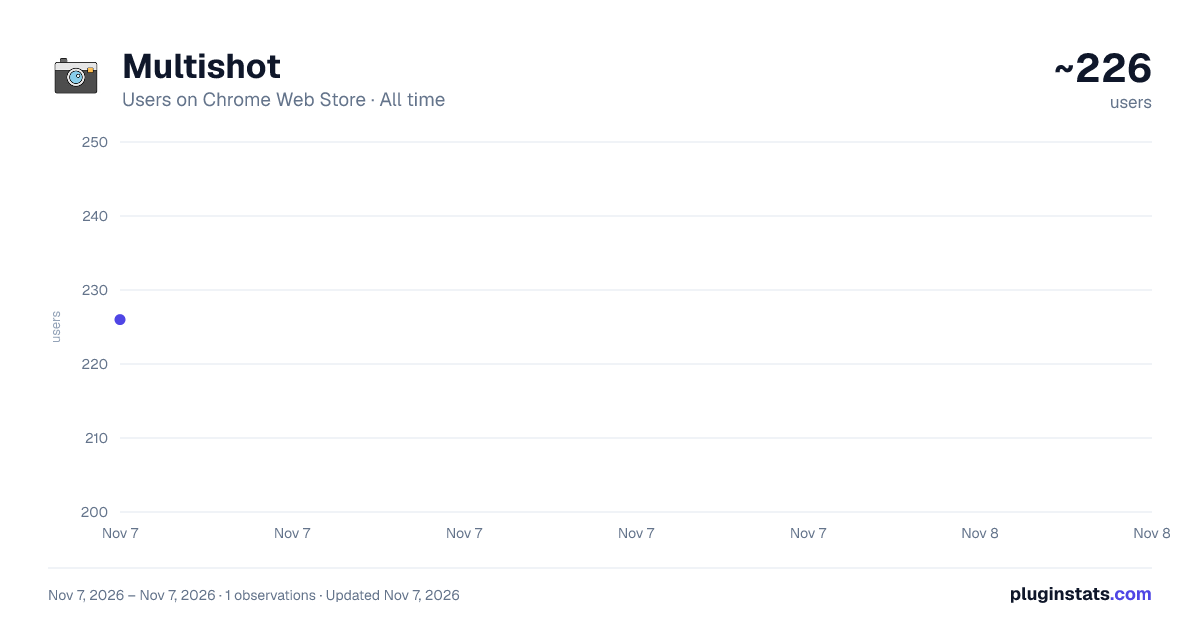
Multishot has approximately 226 recorded users on Chrome Web Store, ranking #5645 of 7,934 tracked listings.
Rating: 5.00 / 5 from 1 ratings
About Multishot
Screenshot a page in multiple media queries / device sizes with a single click.
A simple way to capture your web page in different screen sizes. Click on the extension icon (or press Alt+Shift+M), then click the screenshot button (or press Alt+Shift+S) and watch your screen getting captured in multiple presets.
No bloat, no ads, no unnecessary permissions, just a simple way to automate taking screenshots for your responsive pages.
In order to screenshot the page, a new window opens for each device preset so please be patient as it works on generating the images.
Export your result to PNG, JPEG, PDF (a4 format) or even upload them to the cloud and more, all from the options page (click on the cog icon or press Alt+Shift+O while the extension is open).
The extension is currently run by an independent developer. View the open source project and its code on github: https://github.com/HamzaEzzRa/Multishot
If you encounter an issue, or want to contribute to the project feel free to open an issue at the link above. You can also email me directly about your ideas. This project is open source and the extension will always remain completely free.
Change Log: 1.0 - 2021/07/02 - Added PDF and Cloud hosting options and several tweaks - Official release to Chrome Web Store 0.4 - 2021/06/21 - Added zoom level controls for each preset and fixed bugs 0.3 - 2021/06/18 - Added several new options and introduced hotkeys 0.2 - 2021/06/15 - Added preset controls and an options page 0.1 - 2021/06/13 - First release of Multishot
Description from the Chrome Web Store listing.
README badge
Show your rank in a README or on your website. The badge updates automatically.
Charts
Images: 30d · 1y · all time · 1600×900 dark
Adoption over time
7/30/90-day growth
Ranking history
Ratings over time
Listing placement
Listing placement
Filled points are observed values; hollow points come from Internet Archive snapshots of the listing page. Dashed segments span periods with no observations — values between points are not interpolated.
Each band is one page of 20. Users on a linear scale. Placement is projected from users, so it can differ from the marketplace's own sort order. Hover a dot to see the listing.
Recent observations
Full history (1)Similar Chrome Web Store Developer Tools plugins
All 20 Multishot alternatives



Data source
Covers every Chrome Web Store extension with at least 100 users, found through the store's public sitemap. User counts are read from public listing pages. The 10% most-used extensions are refreshed daily, the next 40% weekly and the next 40% monthly; the least-used 10% are not refreshed. Google displays rounded user counts (and caps the display at 10,000,000+), so small changes may not be visible. Rating counts above 1,000 are rounded (e.g. 1.6K).
Listing: https://chromewebstore.google.com/detail/multishot/ilcokocopmbcgoealmibcngobefggidj. First seen Nov 7, 2026; last successful collection Nov 7, 2026. See the methodology.