 PluginStats

Speedy Bookmarks Search users statistics
By lunu.bounir (2 listings) · Chrome Web Store · Workflow & Planning
A fast google-liked search engine for bookmarks that supports searching operators and offline indexing
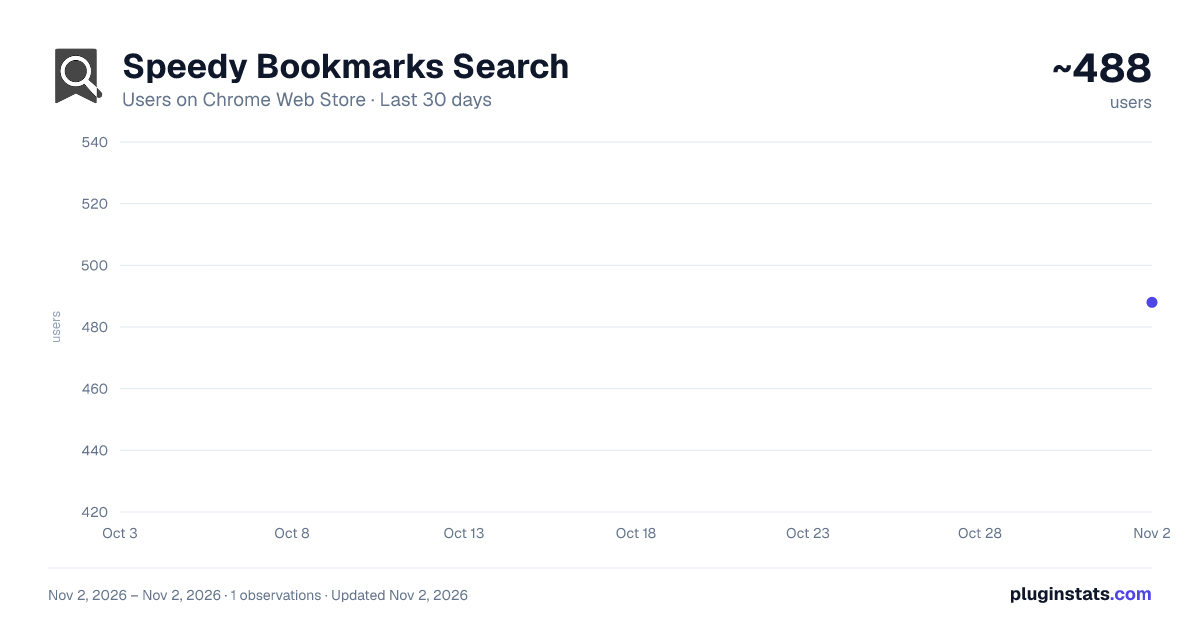
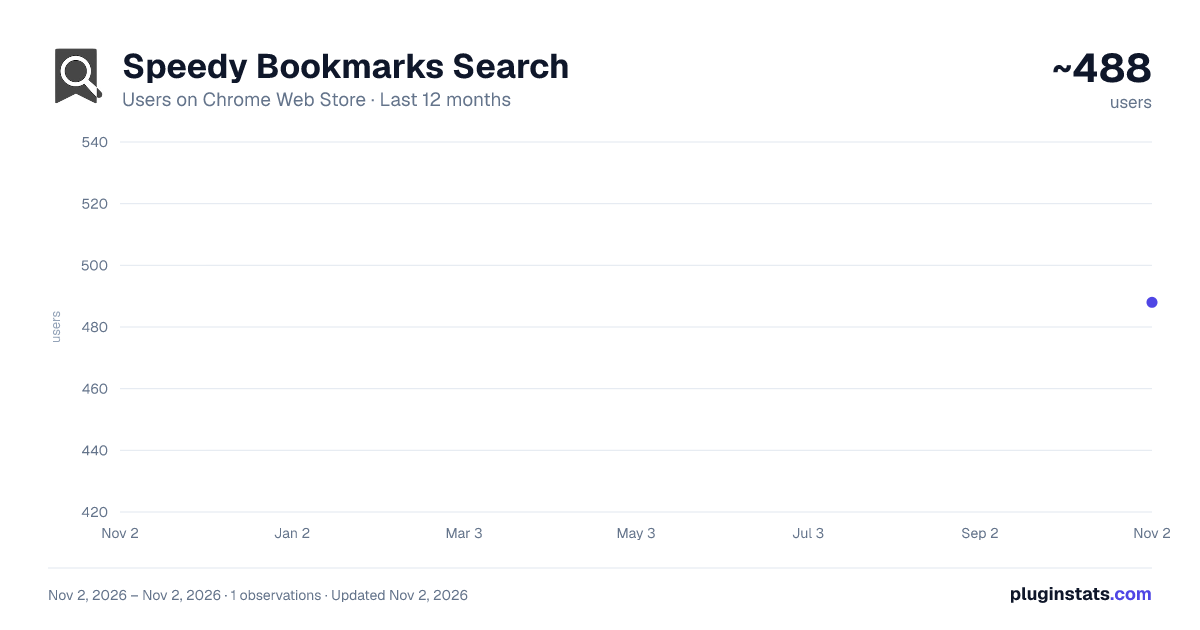
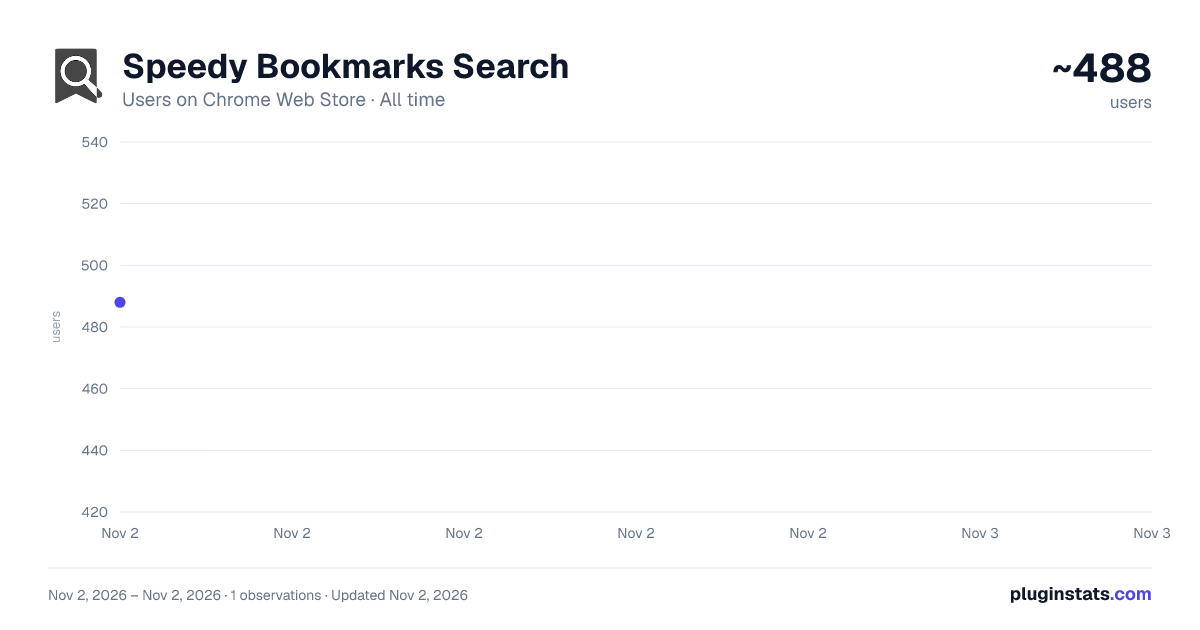
Speedy Bookmarks Search has approximately 488 recorded users on Chrome Web Store, ranking #3362 of 6,672 tracked listings.
Rating: 3.90 / 5 from 8 ratings
About Speedy Bookmarks Search
A fast google-liked search engine for bookmarks that supports searching operators and offline indexing
This extension indexes all your bookmark items once and updates its indexing database when a change occurs in your bookmark tree like a new bookmark being added, removed or modified. This database can then be used to find matching terms using the extension's popup window. The search engine of this extension is very powerful. It supports search operators like "OR" and "AND" which can be used to limit the search results with keywords. Read the FAQs page for more info
Notes:
- This extension sorts matching results based on their relevance. The number in the last row of the result section displays the matching percentage.
- The first time indexing may take up to several minutes depending on the total number of bookmark items you have
- To open a result in a new browser tab use Enter key. To open in a background tab, use Ctrl/Command + Enter key. To open in the current tab use Shift + Enter keys.
- This extension only indexes the database once and does not re-index since it monitors bookmark changes.
- This extension uses none-persistent background page to prevent any resource usage when it is not being used.
- There are many search keywords that can be used with searching operators to better limit results. Make sure to check them in the FAQs page.
Keyboard Shortcuts: Enter: Open selected entry or open all entries in the storage Shift + Enter: Open selected entry in the active tab Alt + Enter: Add selected entry to the storage (remove it if it is already there) Meta + Enter: Open selected entry or all entries in background tabs Meta + Number: Jump to the entry
Description from the Chrome Web Store listing.
README badge
Show your rank in a README or on your website. The badge updates automatically.
Charts
Images: 30d · 1y · all time · 1600×900 dark
Adoption over time
7/30/90-day growth
Ranking history
Ratings over time
Listing placement
Listing placement
Filled points are observed values; hollow points come from Internet Archive snapshots of the listing page. Dashed segments span periods with no observations — values between points are not interpolated.
Each band is one page of 20. Users on a linear scale. Placement is projected from users, so it can differ from the marketplace's own sort order. Hover a dot to see the listing.
Recent observations
Full history (1)Similar Chrome Web Store Workflow & Planning plugins
All 20 Speedy Bookmarks Search alternatives



Data source
Covers every Chrome Web Store extension with at least 100 users, found through the store's public sitemap. User counts are read from public listing pages. The 10% most-used extensions are refreshed daily, the next 40% weekly and the next 40% monthly; the least-used 10% are not refreshed. Google displays rounded user counts (and caps the display at 10,000,000+), so small changes may not be visible. Rating counts above 1,000 are rounded (e.g. 1.6K).
Listing: https://chromewebstore.google.com/detail/speedy-bookmarks-search/clpejcpmabnajjcpcadggimnljaignhp. First seen Nov 2, 2026; last successful collection Nov 2, 2026. See the methodology.