 PluginStats

Note Sidebar users statistics
Chrome Web Store · Workflow & Planning
Simple note sidebar which can be used to write a note, record thoughts, to-do list, meeting notes, etc.
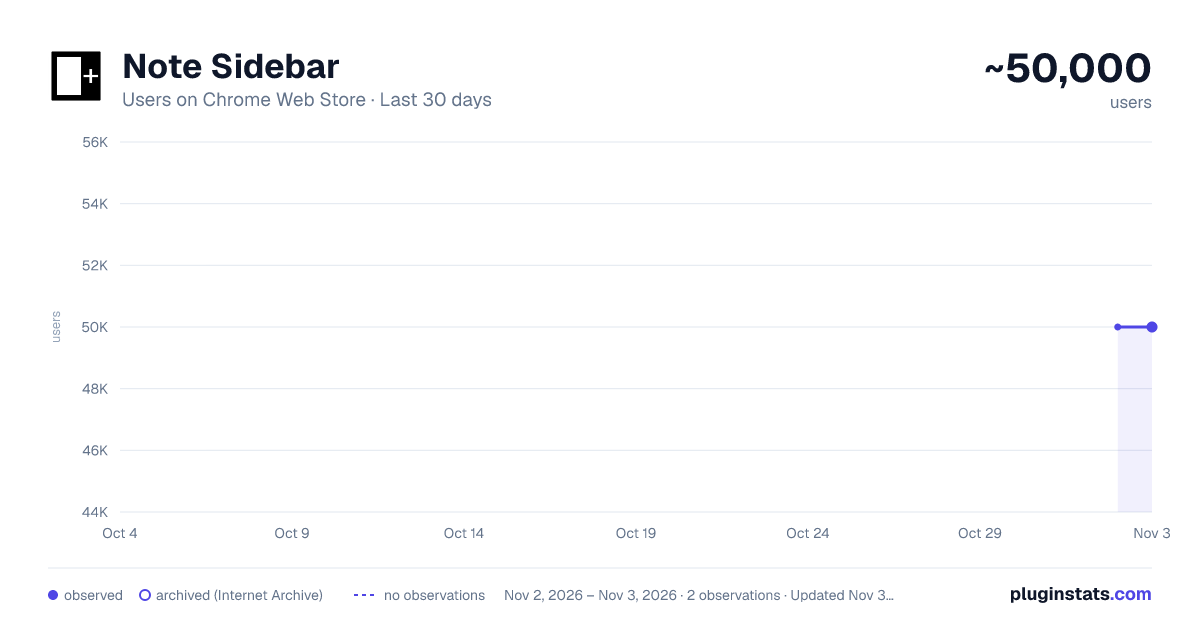
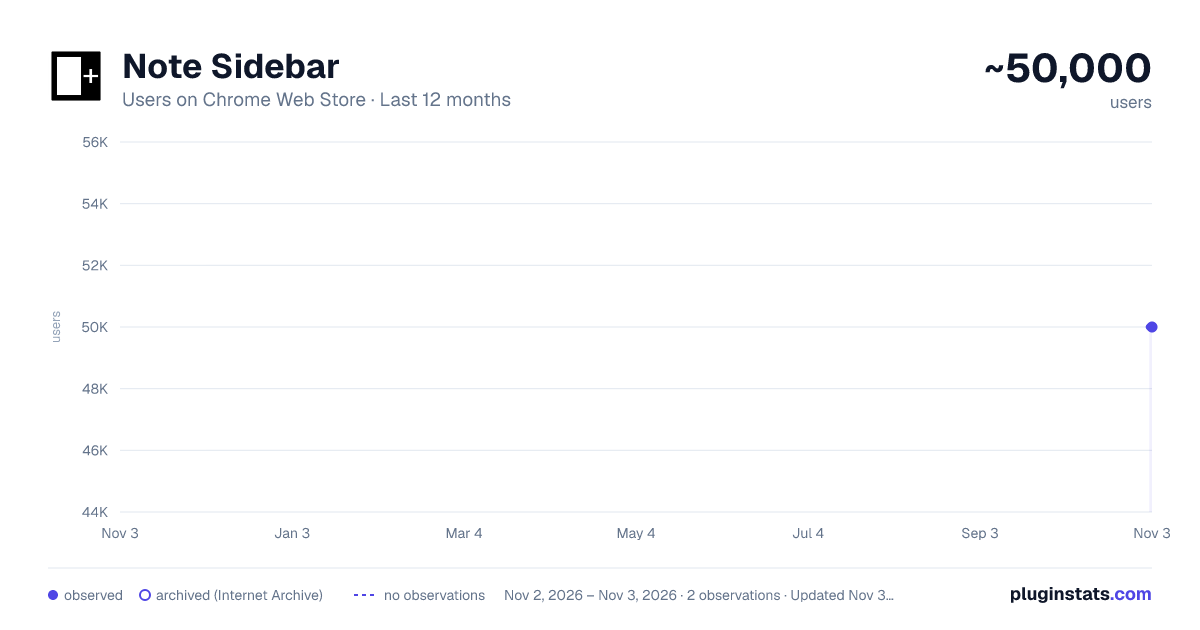
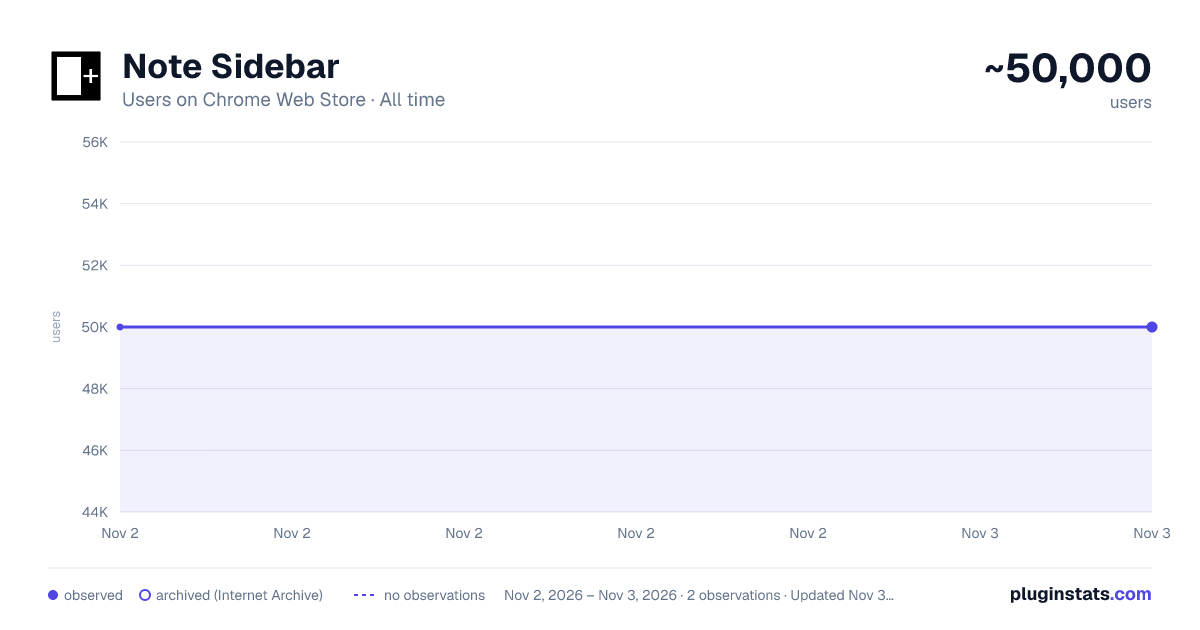
Note Sidebar has approximately 50,000 recorded users on Chrome Web Store, ranking #320 of 6,786 tracked listings.
Rating: 4.40 / 5 from 119 ratings
About Note Sidebar
Simple note sidebar which can be used to write a note, record thoughts, to-do list, meeting notes, etc.
Note Sidebar is a lightweight and useful add-in designed for taking notes from the sidebar of your web browser. With this browser extension, you can customize the note paper according to your preferences, whether it is your favorite background color, squared graph paper, or lined paper. It serves as a secure notepad extension for writing notes in a minimalist design. Everything you type is automatically saved securely in your web browser. The Note Sidebar can be used for various purposes, such as creating a to-do list for tasks you plan to work on later in the day, jotting down any thoughts, taking notes on YouTube videos in the simplest way possible, or even recording meeting notes.
It is ideal for students, teachers, managers, IT experts, influencers, engineers, and business owners. Additionally, it is suitable for medical professionals who need to write therapy notes, urgent care doctor notes, and physical reports. You can retrieve your personal notes on all your synced web browsers and edit them at a later time without interrupting your work. What are you waiting for? Your thoughts deserve the best. Install the extension and start taking notes.
Browser extension features: ◆ Automatically Saving: Instantly type your note and automatically save it on your local and synced settings. ◆ Infinity Text: Write as much as you want without worrying about character limits, just like your personal journal. ◆ Font Style: Customize the font color, font size, line height, and background paper. ◆ Text Format: Choose between Plain Text or Rich Text format, supporting Bold, Italic, Underline, Hyperlink, and custom text background. ◆ Text To Speech: Convert your text to speech and select your preferred voice for a personalized experience. ◆ Copy to Clipboard: Easily copy text the complete text area in your clipboard with a single click button. ◆ Print: Print your current note directly from the sidebar. ◆ Character Counter: Keep track of the number of characters in your typed text. ◆ Context Menu Note Addition: Quickly add notes using the right-click menu to copy text into your note sidebar. ◆ Toolbar Customization: Hide buttons in the bottom toolbar to streamline your workspace. ◆ Note Locking: Secure your note with your personal password ◆ Export Options: Export your notebook text to a TXT file, perfect for importing into Google Docs, Microsoft Word, or Apple Pages. ◆ Shortcut: Customizable shortcut key to open the Note Sidebar. ◆ Custom Toolbar Icon: Select your preferred toolbar icon in either light or dark mode, adapting to your visual preferences. ◆ Accessibility: Accessibility Ready with labels for the interactive elements. ◆ Support Dark Mode, which makes it comfortable for your eyes.
Project Information: https://www.stefanvd.net/project/note-sidebar/browser-extension
Required Permissions: ◆ "contextMenus": This is to add the "Copy text to sidebar" menu item in the web browser context menu. ◆ "sidepanel": Allow the note to be visible in the side panel. ◆ "storage": Save settings locally and sync with your web browser account.
<<< Option feature >>> Unlock an option feature to protect your eyes at night and focus on the video player, such as YouTube™, by installing Turn Off the Lights browser extension for YouTube and Beyond. https://chromewebstore.google.com/detail/turn-off-the-lights/bfbmjmiodbnnpllbbbfblcplfjjepjdn
Description from the Chrome Web Store listing.
README badge
Show your rank in a README or on your website. The badge updates automatically.
Charts
Images: 30d · 1y · all time · 1600×900 dark
Adoption over time
7/30/90-day growth
Ranking history
Ratings over time
Listing placement
Listing placement
Filled points are observed values; hollow points come from Internet Archive snapshots of the listing page. Dashed segments span periods with no observations — values between points are not interpolated.
Each band is one page of 20. Users on a linear scale. Placement is projected from users, so it can differ from the marketplace's own sort order. Hover a dot to see the listing.
Recent observations
Full history (2)Similar Chrome Web Store Workflow & Planning plugins
All 20 Note Sidebar alternatives



Data source
Covers every Chrome Web Store extension with at least 100 users, found through the store's public sitemap. User counts are read from public listing pages. The 10% most-used extensions are refreshed daily, the next 40% weekly and the next 40% monthly; the least-used 10% are not refreshed. Google displays rounded user counts (and caps the display at 10,000,000+), so small changes may not be visible. Rating counts above 1,000 are rounded (e.g. 1.6K).
Listing: https://chromewebstore.google.com/detail/note-sidebar/emiochiflnnegkecnjndifbobmbepdne. First seen Nov 2, 2026; last successful collection Nov 3, 2026. See the methodology.