 PluginStats

NetSuite Helper for Your Works users statistics
By Salvatore Alparone · Chrome Web Store · Workflow & Planning
Speeds up everyday NetSuite work: field IDs, values, record tools and custom scripts with SuiteScript 2.1 (1.0 fallback).
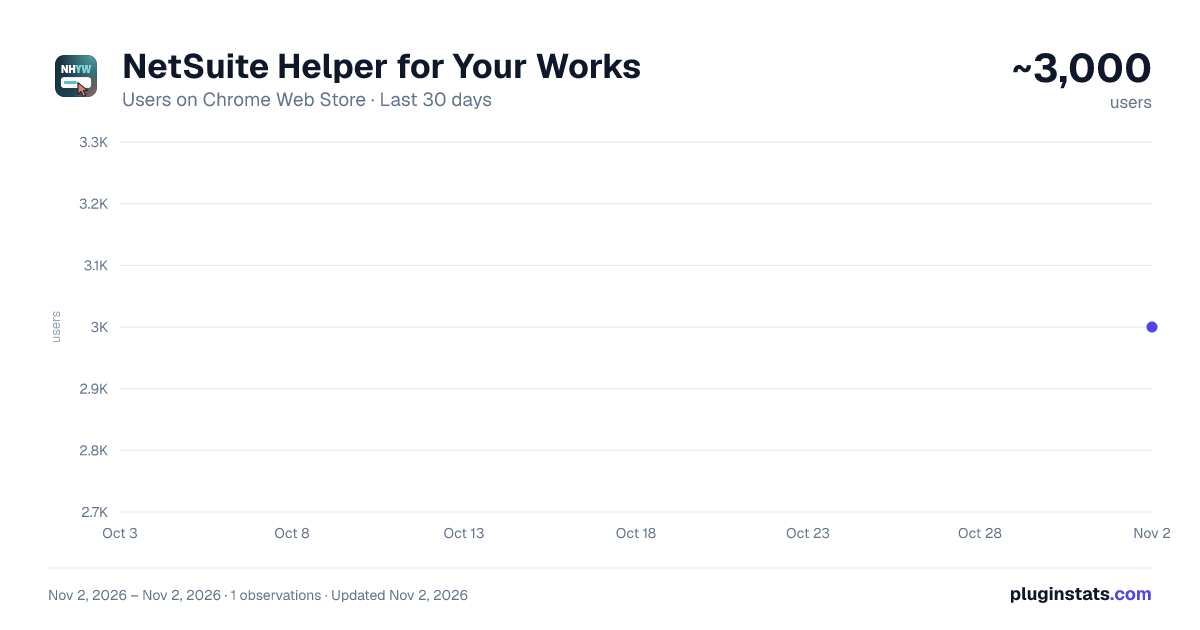
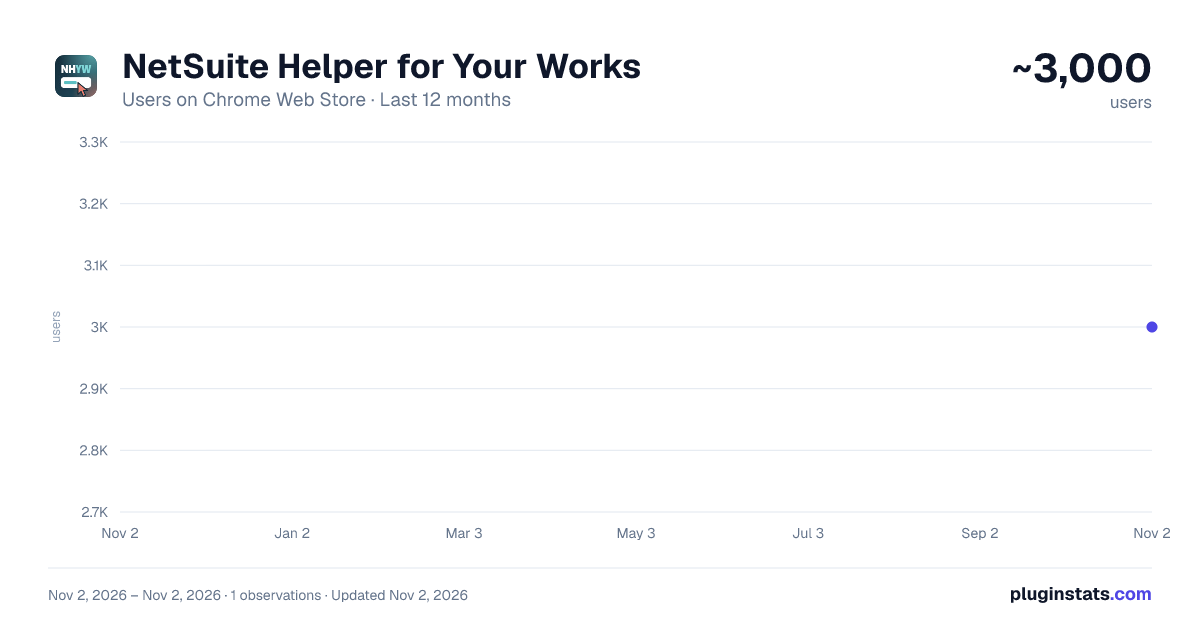
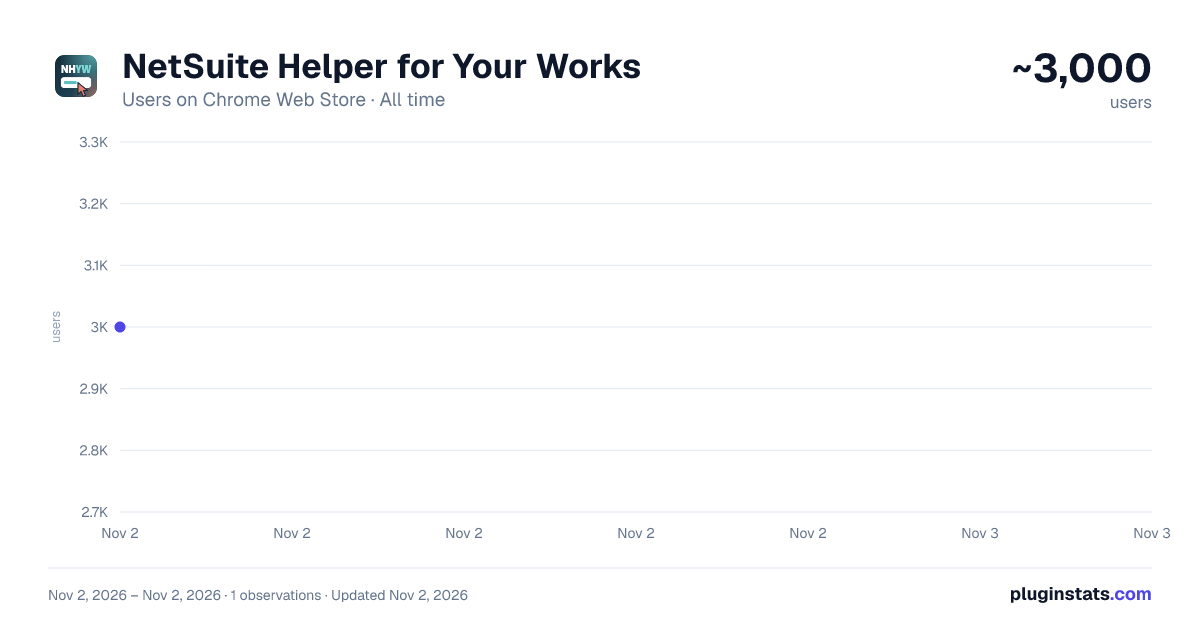
NetSuite Helper for Your Works has approximately 3,000 recorded users on Chrome Web Store, ranking #1444 of 6,672 tracked listings.
Rating: 5.00 / 5 from 10 ratings
About NetSuite Helper for Your Works
Speeds up everyday NetSuite work: field IDs, values, record tools and custom scripts with SuiteScript 2.1 (1.0 fallback).
NetSuite Helper for Your Works speeds up the everyday work of NetSuite administrators, consultants and SuiteScript developers. Right-click a field to get its ID and value, open records by internal ID, run your own scripts on the page: all without leaving NetSuite.
Unofficial extension, not affiliated with or endorsed by Oracle NetSuite.
★ RIGHT-CLICK ANY FIELD • Copy the field ID • Read the value (and the text of list fields) • Set the value (in edit mode) • Enable or disable the field, make it mandatory or optional (temporary, until the page is reloaded) • Overwrite the value directly on the saved record • Enable all the fields of the form It works on body fields, on editable sublists (items, expenses…) and on read-only lists, such as item lists in view mode, related records, system notes and Suitelet lists. Tip: if a field is disabled, right-click its label.
★ SUITESCRIPT 2.1 FIRST Values are read and written with the SuiteScript 2.1 APIs (N/currentRecord, N/record, N/search), with an automatic fallback to SuiteScript 1.0 on pages where 2.x is not available. The popup shows which SuiteScript versions are available on the current page.
★ THE POPUP • Environment: Login, Home of your account, Company ID • Transaction by internal ID: open it, see its type, write a value into one of its fields, load and save it • Current record: see its type, load it into the browser console (variable recordLoaded), enable all fields, load and save it (user event scripts and workflows run; you are asked to confirm first) • Field by ID: the same field actions, typing the field ID
★ CUSTOM FUNCTIONS Save your own code and run it on the current NetSuite page with one click from the popup: • plain JavaScript, SuiteScript 2.1 or SuiteScript 1.0 • main function optional; return a value to show it on screen • syntax check when you save • export and import as a JSON file Functions written for version 3.x keep working.
★ CONSOLE UTILITIES Available in the browser console (F12) and inside custom functions: NHFS.N('N/record') to load SuiteScript modules, NHFS.getRecordContext(), NHFS.detectField(), NHFS.toast(), NHFS.show() and more. Type NHFS.help() for the list. NHYW is an alias of NHFS.
★ ALSO • Results in an easy-to-read window inside the page, with Copy buttons, or only in the console if you prefer • Light and dark theme • Available in English, Italiano, Español, Français, Deutsch, Português (Brasil), Português (Portugal) and 简体中文
★ PRIVACY The extension works only on NetSuite pages and entirely in your browser. It does not collect your data and does not send it anywhere: settings and custom functions are saved in your browser.
★ NEW IN VERSION 4.0 • Completely redesigned interface, with dark theme • More reliable field detection, now also on sublists and read-only lists • SuiteScript 2.1 first, with SuiteScript 1.0 as fallback • Copy field ID, load and save of the current record • Export and import of custom functions, console utilities • Three new languages: Português (Brasil), Português (Portugal), 简体中文
★ CONTACT Found a problem or a translation error, or have an idea? Write to turialpa@gmail.com: messages in any language are welcome. 📝 https://docs.google.com/forms/d/e/1FAIpQLSeX029J3YpOc2qYSKT-R4mlfyRkMbspMkCIqRdQpEE9uhqFCg/viewform
If the extension saves you time, you can support its development with a donation from the popup. Thank you!
NetSuite is a trademark of Oracle and/or its affiliates.
Description from the Chrome Web Store listing.
README badge
Show your rank in a README or on your website. The badge updates automatically.
Charts
Images: 30d · 1y · all time · 1600×900 dark
Adoption over time
7/30/90-day growth
Ranking history
Ratings over time
Listing placement
Listing placement
Filled points are observed values; hollow points come from Internet Archive snapshots of the listing page. Dashed segments span periods with no observations — values between points are not interpolated.
Each band is one page of 20. Users on a linear scale. Placement is projected from users, so it can differ from the marketplace's own sort order. Hover a dot to see the listing.
Recent observations
Full history (1)Similar Chrome Web Store Workflow & Planning plugins
All 20 NetSuite Helper for Your Works alternatives



Data source
Covers every Chrome Web Store extension with at least 100 users, found through the store's public sitemap. User counts are read from public listing pages. The 10% most-used extensions are refreshed daily, the next 40% weekly and the next 40% monthly; the least-used 10% are not refreshed. Google displays rounded user counts (and caps the display at 10,000,000+), so small changes may not be visible. Rating counts above 1,000 are rounded (e.g. 1.6K).
Listing: https://chromewebstore.google.com/detail/netsuite-helper-for-your/cmcbjeplgojjjgmpmagjllbnonaagcoj. First seen Nov 2, 2026; last successful collection Nov 2, 2026. See the methodology.