 PluginStats
@pixelmatters/markup-plugin weekly downloads statistics
By pixelmatters · npm · Webpack plugins
Markup's build plugin. Today it stamps data-markup-source on rendered JSX elements, so Markup feedback reaches agents with the file, line and column that rendered it.
@pixelmatters/markup-plugin has 669 recorded weekly downloads on npm, ranking #1676 of 2,819 tracked listings.
About @pixelmatters/markup-plugin
@pixelmatters/markup-plugin


The build plugin for Markup. It prepares
your app's markup for Markup's widget at build time. Today that means one
thing: source paths. It writes data-markup-source onto every DOM element
your JSX renders, so feedback reaches agents with the file, line and column
that rendered the element.
<button data-markup-source="src/routes/pricing/Plan.tsx:14:7">Choose Team</button>
| Task | With the plugin | Without it |
|---|---|---|
| Tell an agent which file a comment is on | Every element carries its file, line and column | data-markup-source written by hand on each component |
| Keep paths out of production | Builds are untagged unless you opt in per deploy | Remember to strip the attributes you wrote |
| Keep tags accurate after a refactor | Recomputed on every build | A hand-written path goes stale when the file moves |
What you get
- Source paths on every host element (
div,button,my-element), as<path>:<line>:<column>, relative to your repository root. Components get theirs through the elements they render. - The dev server tagged by default and production builds untagged, with one
switch (
MARKUP_SOURCE=1or an option) for the preview and staging builds your reviewers comment on. - The same attributes on the server and client builds, so hydration sees no mismatch.
- Route modules a framework splits out of a file, such as TanStack Router's, tagged with the file they were written in.
- Your own
data-markup-sourcevalues kept, and source maps that still point at your code. - No Babel step: it parses with oxc, before whichever JSX compiler you use.
Install
# pnpm
pnpm add -D @pixelmatters/markup-plugin
# or yarn
yarn add -D @pixelmatters/markup-plugin
# or npm
npm install -D @pixelmatters/markup-plugin
A dev dependency: it runs in your build, and nothing in your app imports it.
The package ships compiled ESM with .d.ts types.
Quickstart
Add it to vite.config.ts, ahead of your JSX plugin:
import react from '@vitejs/plugin-react'
import { defineConfig } from 'vite'

import markup from '@pixelmatters/markup-plugin/vite'

export default defineConfig({
  plugins: [markup(), react()],
})
Run vite and inspect any element: it carries data-markup-source. To tag a
preview build too, see Source paths.
webpack
Add the webpack entry to plugins:
// webpack.config.mjs
import markup from '@pixelmatters/markup-plugin/webpack'

export default {
  plugins: [markup()],
}
The package is ES modules only. A CommonJS webpack.config.js loads it with
require('@pixelmatters/markup-plugin/webpack').default. A
webpack.config.ts finds its types with moduleResolution set to nodenext
or bundler; under node10, or node16 compiling to CommonJS, TypeScript
rejects the import.
The plugin's loader runs before your other loaders, so babel-loader,
swc-loader or esbuild-loader compiles JSX that already carries the
attribute. webpack has no dev-server flag a plugin can read, so a compiler that
is watching in development mode counts as the dev server: webpack serve
with mode: 'development'. A one-off webpack build is untagged in either
mode, and so is a watching compiler in production mode, or with no mode,
which webpack treats as production.
webpack's persistent cache doesn't know about MARKUP_SOURCE or
source.enabled, so each module records the setting it was built under, and
a cached module built under another one is built again. A production build that
shares a cache with a preview build doesn't reuse the preview's tagged modules.
Rspack
Rspack 2 takes the Rspack entry in plugins:
// rspack.config.mjs
import markup from '@pixelmatters/markup-plugin/rspack'

export default {
  plugins: [markup()],
}
It follows webpack's rules: rspack dev, which defaults mode to
'development', is tagged, and a one-off rspack build, or a watching compiler
in production mode or with no mode, is not. A CommonJS config takes
require('@pixelmatters/markup-plugin/rspack').default, and the plugin runs
ahead of builtin:swc-loader and any other JSX loader.
Rspack's persistent cache has no per-module check to hook into, so the plugin
folds its setting into the cache's version: a compiler tagged differently
from the one before it starts the cache afresh rather than reuse its modules.
Rspack reads that version only on a compiler's first build, so a compiler
keeps the setting of its first build for as long as it runs.
Next.js
Next.js 16 takes a config wrapper instead of a plugin:
// next.config.mjs
import { withMarkup } from '@pixelmatters/markup-plugin/next'

export default withMarkup({
  // your Next.js config, or a `(phase, context) => config` function
})
Plugin options go in a second argument:
withMarkup(config, { source: { elements: 'roots' } }). The tests run
next.config.mjs; the package is ES modules only.…
Description from the npm listing.
- feedback
- jsx
- markup
- nextjs
- pixelmatters
- react
- rspack
- rspack-plugin
- turbopack
- unplugin
- vite
- vite-plugin
- webpack
- webpack-plugin
README badge
Show your rank in a README or on your website. The badge updates automatically.
Charts
Images: 30d · 1y · all time · 1600×900 dark
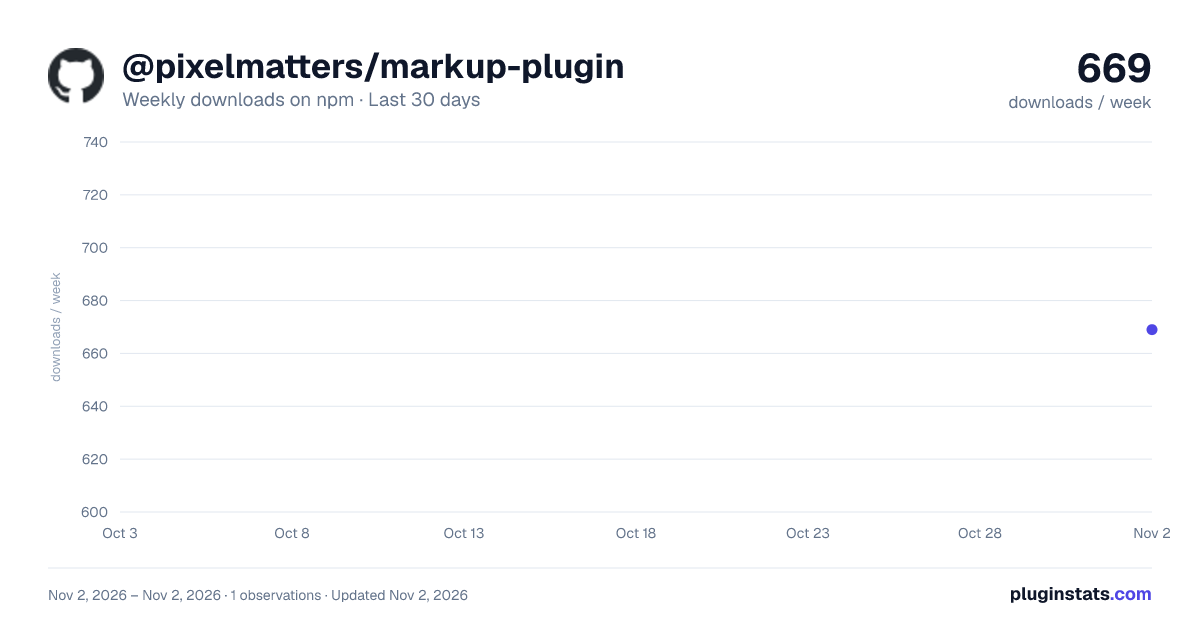
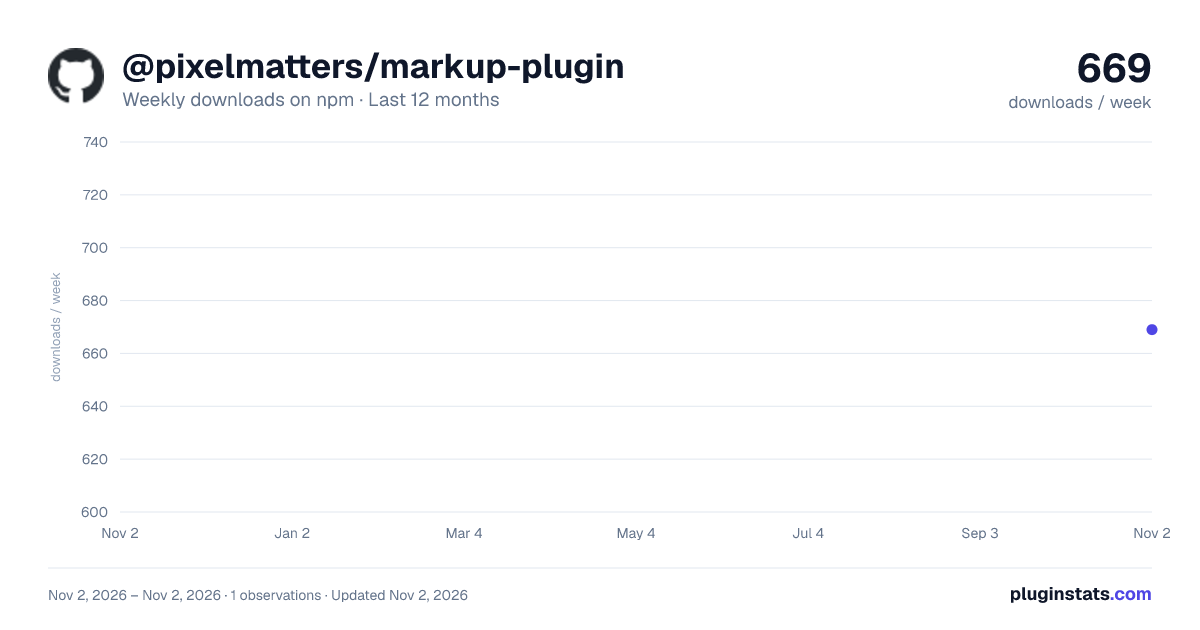
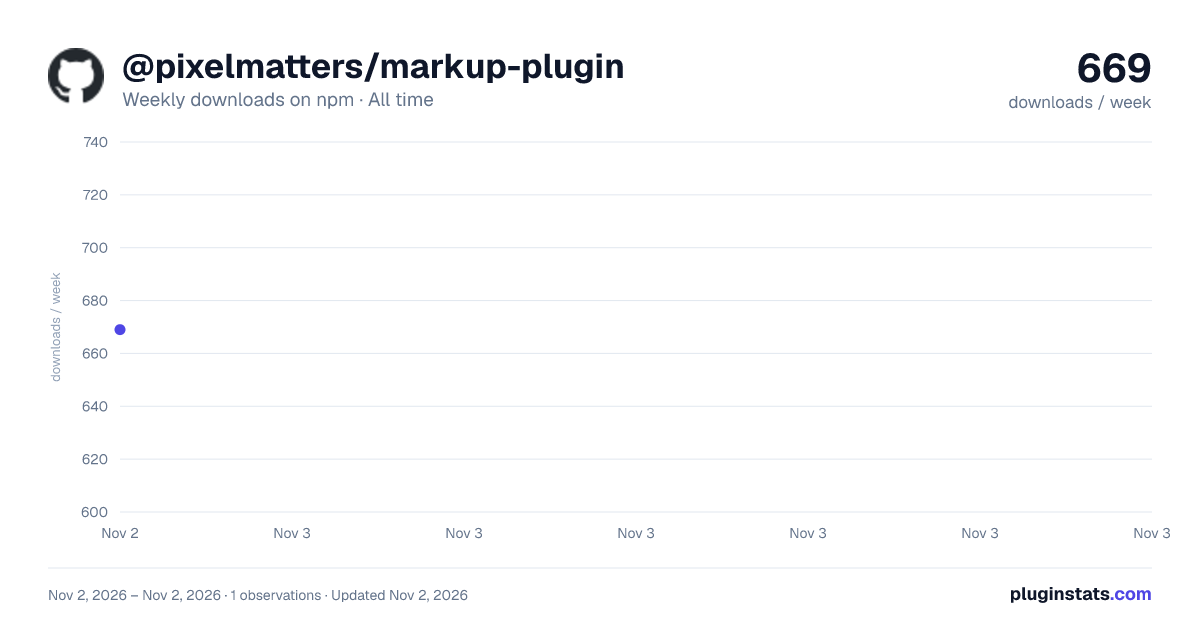

Adoption over time
7/30/90-day growth
Ranking history
Listing placement
Listing placement
Filled points are observed values; hollow points come from Internet Archive snapshots of the listing page. Dashed segments span periods with no observations — values between points are not interpolated.
Each band is one page of 20. Weekly downloads on a linear scale. Placement is projected from weekly downloads, so it can differ from the marketplace's own sort order. Hover a dot to see the listing.
Recent observations
Full history (1)Similar npm Webpack plugins plugins
All 20 @pixelmatters/markup-plugin alternatives- 767 weekly downloads+62.5%
Data source
Weekly downloads (trailing 7 complete days) come from the official npm downloads API. Downloads include CI and mirrors and are not equivalent to installs or users. npm publishes no ratings.
Listing: https://www.npmjs.com/package/@pixelmatters/markup-plugin. First seen Nov 4, 2026; last successful collection Nov 4, 2026. See the methodology.