 PluginStats
vibeview weekly downloads statistics
By vibeview · npm · Claude Code
VibeView CLI -- run your app on cloud iOS simulators, Android emulators, Apple TV, Android TV and Roku devices: a React Native dev loop, device control for you or your coding agent (CLI or MCP), and tests from CI
vibeview has 3,878 recorded weekly downloads on npm, ranking #1385 of 2,819 tracked listings.
About vibeview
VibeView CLI
Command-line interface for VibeView — cloud iOS simulators and Android emulators in your browser. Upload builds, run AI-powered tests from CI, and develop your React Native app live on a cloud device.
Install
npm install -g vibeview
Requires Node.js 20 or later.
Log in
vibeview login
Opens your browser to authenticate. In CI, set a VIBEVIEW_API_TOKEN environment variable instead (create one in VibeView under Settings → API Tokens).
Live Development
Edit code locally, see it live on a streamed cloud device — including iOS development without a Mac.
# 1. Upload a React Native debug build once
vibeview upload-app ./app-debug.apk

# 2. Start Metro in your project, then:
vibeview dev
vibeview dev starts a cloud device session, installs your latest debug build, connects it to your local Metro bundler, and opens the live stream in your browser. Save a file and Fast Refresh updates the device in about a second. Supports --platform ios | android | tvos | androidtv; your choices are remembered per platform in a vibeview.json in the project.
Roku channels
vibeview dev --platform roku
Streams your Roku channel on a cloud Roku. The first run asks for the command that packages your channel into a zip and the path of that zip (saved to vibeview.json). Press r to re-package, upload and reload the channel into the session you are watching, or pass --watch to reload automatically after you save.
Debug from VS Code
vibeview dev --roku-debug
Run it in your channel project to debug the channel on a VibeView Roku with the BrightScript Language extension for VS Code: breakpoints, stepping, variables and crash stops. It adds a VibeView: debug on Roku configuration to the project's .vscode/launch.json, copying your existing BrightScript configuration's build settings (including packageTask), starts the Roku session and keeps it running. The session waits with nothing running until you start debugging that configuration in VS Code, which packages and installs the channel. Ports 8060, 80, 9801, 9803 and 9805 must be free on your computer.
Cloud Builds
Build your React Native app on VibeView's build fleet — no Mac, no CI pipeline, no local toolchain:
vibeview build --cloud                  # development build (loads JS from Metro)
vibeview build --cloud --profile preview  # Release build that runs without Metro
vibeview build --cloud --production     # signed release build (.ipa / .aab)
Each command builds a named profile from vibeview.json (development,
preview, production, or one of your own; the profiles shape needs CLI
0.51.0 or later):
{
  "platforms": {
    "ios": {
      "build": {
        "profiles": {
          "development": { "command": "...", "artifact": "..." },
          "preview": { "command": "...", "artifact": "..." },
          "production": { "command": "...", "artifact": "...", "autoIncrement": true }
        }
      }
    }
  }
}
A missing profile is asked for once and saved; a React Native or Expo setup
that accepts the suggested command also saves preview. A simulator or
emulator cloud build lands in your app's Build History, ready to run on a
cloud device. Add --production for a signed release build on iOS,
tvOS, Android, or Android TV, using signing credentials you store once:
# Apple: connect your team once with an App Store Connect API key,
# then VibeView creates the certificate + provisioning profile for you
vibeview credentials asc-key add --key-id <K> --issuer-id <I> --file AuthKey_<K>.p8
vibeview credentials generate --platform ios --name release --app <app-id>

# ...or upload an exported certificate + profile yourself
vibeview credentials add --platform ios --file cert.p12 --profile app.mobileprovision

# Android: upload a keystore — or have VibeView generate one (no Java needed)
vibeview credentials generate --platform android --name release
Uploaded credentials are stored encrypted and never readable back;
credentials VibeView generated can be re-downloaded by org admins with
vibeview credentials download <name> (every download is audited).
Build-time secrets work the same way:
vibeview env set NPM_TOKEN "..."        # secret by default, injected into builds
vibeview env set API_URL "https://staging.example.com" --plain --profile preview  # only preview builds
vibeview webhooks add --url https://ci.example.com/hooks/vibeview
Webhooks POST a signed payload to your endpoint whenever a build finishes.
Manage running builds with vibeview builds list | logs | download | cancel.
Set "autoIncrement": true on a platform's production profile and every
production build gets a server-assigned build number, injected into the
build as VIBEVIEW_BUILD_NUMBER (inspect or seed the counters with
vibeview versions list/set).
Expo managed projects work out of the box — the default build command runs
npx expo prebuild in the cloud, so no ios/ or android/ directory is
needed.
When a production build succeeds, ship it straight to the stores — no Xcode, no Play Console upload page:
vibeview submit --platform tvos --latest                  # → TestFlight
vibeview submit --platform android --track internal       # → a Play track
TestFlight uploads use your stored App Store Connect key; Play uploads need
a Google Play service account key stored once with
vibeview credentials play-key add --file service-account.json. Choose a
Play track, upload as a draft, or start a staged rollout — and store your
defaults in vibeview.json so vibeview submit alone does the right
thing.…
Description from the npm listing.
- ios-simulator
- android-emulator
- apple-tv
- android-tv
- tvos
- roku
- mcp
- mcp-server
- coding-agent
- claude-code
- cursor
- codex
- react-native
- expo
- mobile-testing
- cloud-devices
README badge
Show your rank in a README or on your website. The badge updates automatically.
Charts
Images: 30d · 1y · all time · 1600×900 dark
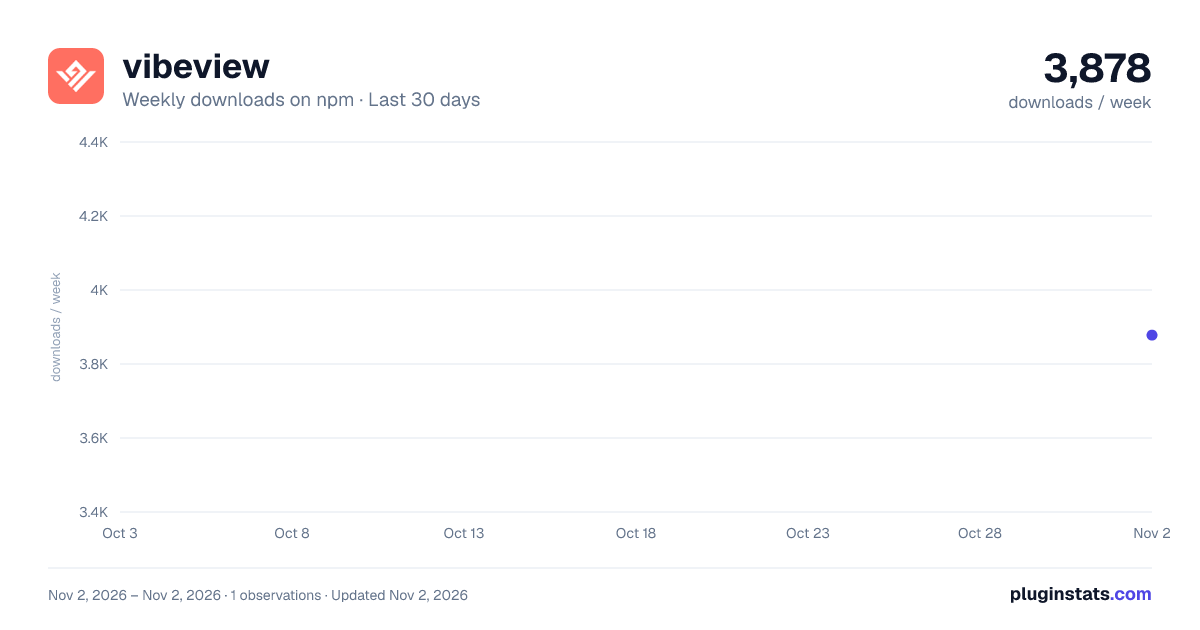
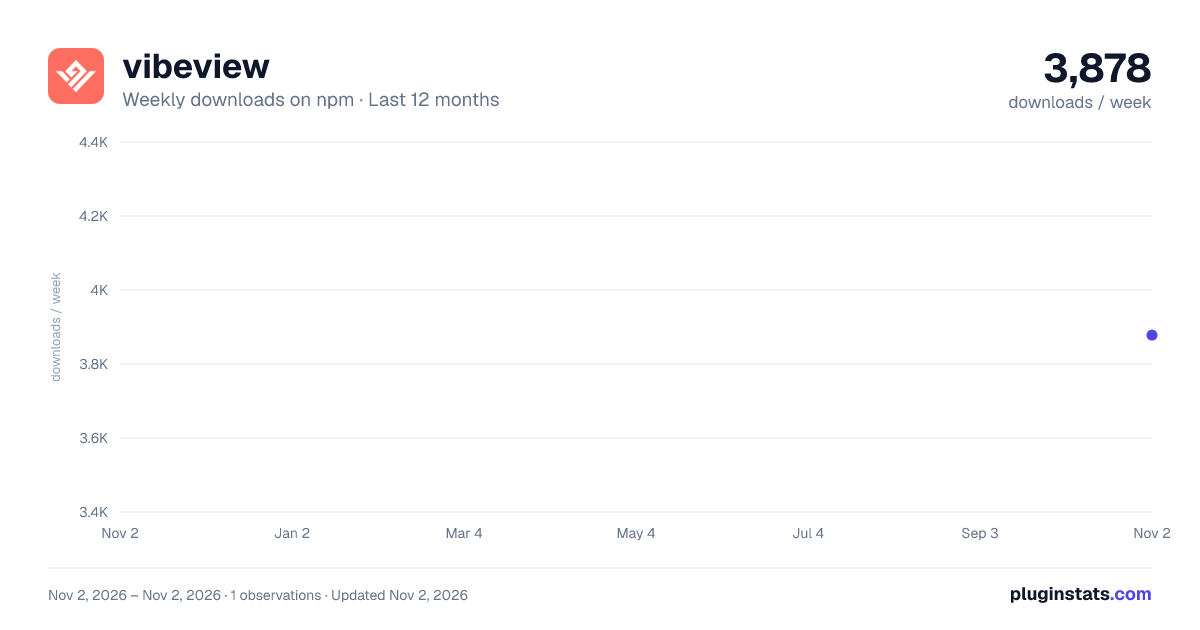
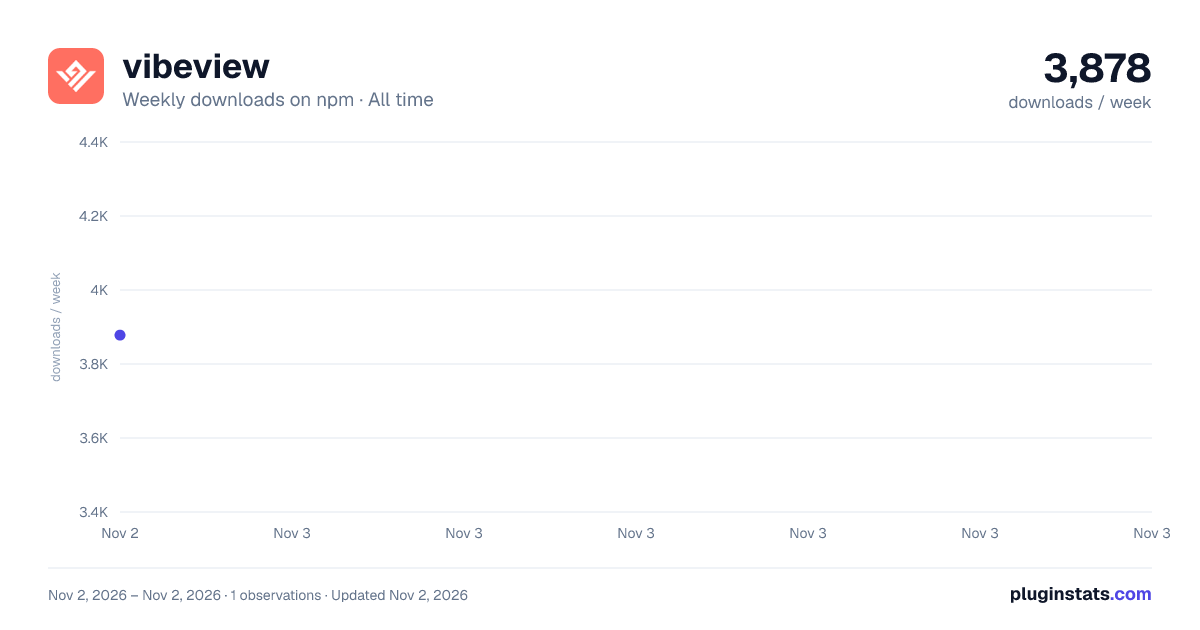

Adoption over time
7/30/90-day growth
Ranking history
Listing placement
Listing placement
Filled points are observed values; hollow points come from Internet Archive snapshots of the listing page. Dashed segments span periods with no observations — values between points are not interpolated.
Each band is one page of 20. Weekly downloads on a linear scale. Placement is projected from weekly downloads, so it can differ from the marketplace's own sort order. Hover a dot to see the listing.
Recent observations
Full history (1)Similar npm Claude Code plugins
All 20 vibeview alternativesData source
Weekly downloads (trailing 7 complete days) come from the official npm downloads API. Downloads include CI and mirrors and are not equivalent to installs or users. npm publishes no ratings.
Listing: https://www.npmjs.com/package/vibeview. First seen Nov 4, 2026; last successful collection Nov 4, 2026. See the methodology.