 PluginStats
@vibeapi/api-helper weekly downloads statistics
By vibeapi (2 listings) · npm · Claude Code
CLI tool for managing AI coding assistants (Claude Code, Codex, OpenClaw, Hermes, AtomCode, Grok Build) with one unified config
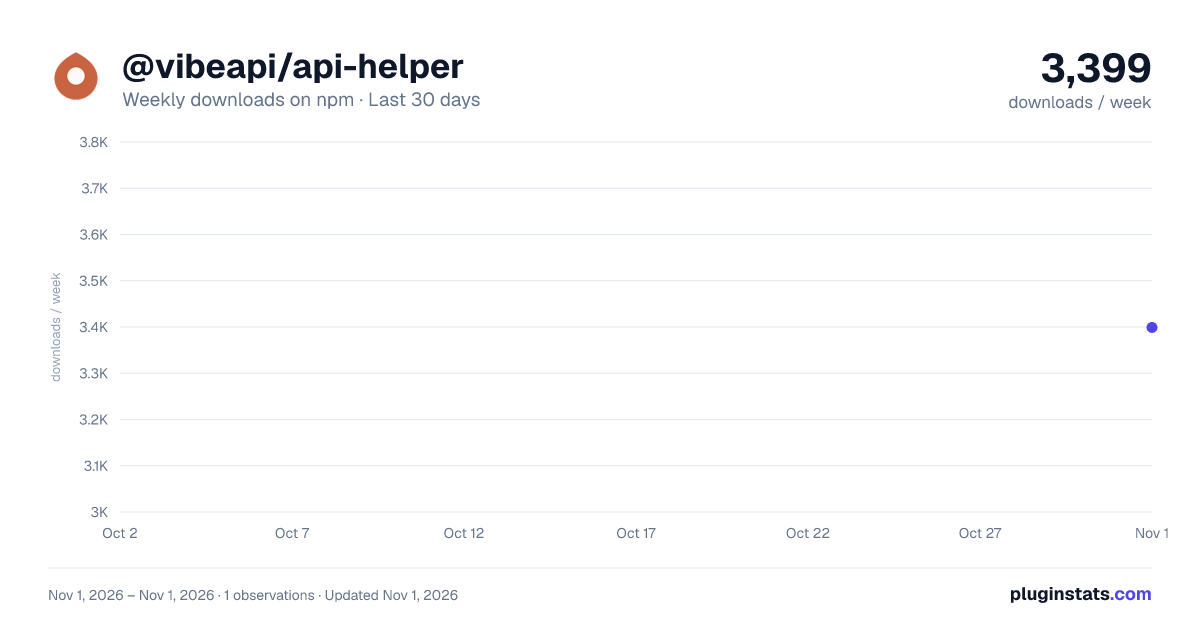
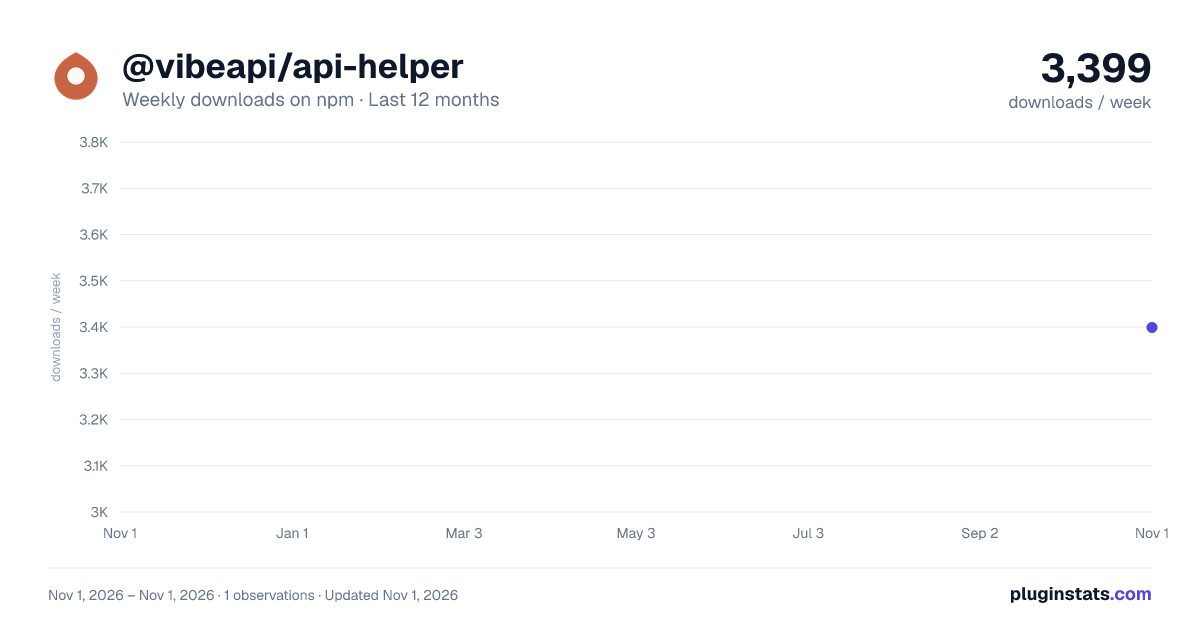
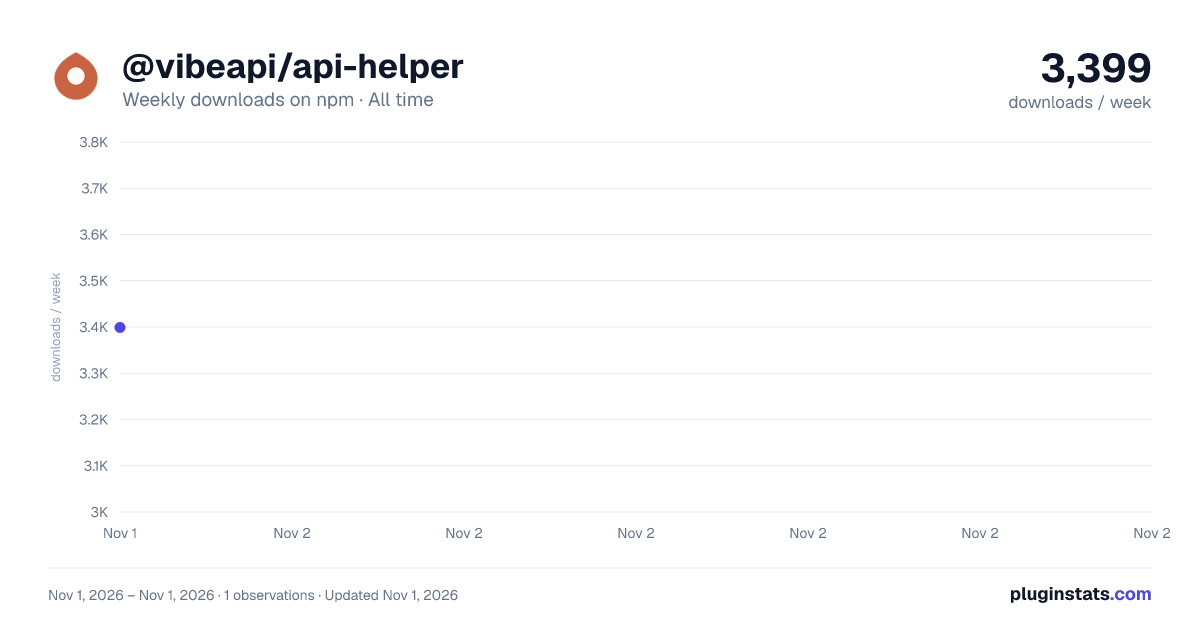
@vibeapi/api-helper has 3,399 recorded weekly downloads on npm, ranking #1490 of 2,762 tracked listings.
About @vibeapi/api-helper
VibeCLI(@vibeapi/api-helper)
一条命令,为 Claude Code、Claude Desktop、Codex、Grok Build、Antigravity CLI 配置 VibeAPI 的令牌和模型;也能从国内镜像安装和升级这些工具,以及 Node.js、Git、uv、Claude Desktop、ChatGPT 桌面版(
vibecli list/install/upgrade)。


命令名是 vibecli,也可以用 api-helper。需要 Node.js 20 及以上。令牌在 VibeAPI 控制台的「令牌」页新建。每个命令的用法、示例和适用场景见 vibecli <命令> --help,或在线文档 https://docs.vibeapi.cn/zh/docs/coding-tools/commands 。
安装与运行
不安装、直接运行最新版:
npx @vibeapi/cli@latest
或者全局安装,之后用 vibecli 运行:
npm install -g @vibeapi/cli
@vibeapi/cli 与 @vibeapi/api-helper 是同一个程序的两个包名,同版本内容相同,安装哪个都可以。
npmjs.com 无法访问时,从高速下载站启动:
npx --yes --registry https://npm.cnb.cool/vibeapi/npm/-/packages/ @vibeapi/cli@latest
全局安装的 vibecli 每次启动先检查更新(检查失败时 10 分钟内不再检查),按 高速下载站 → npmjs → npmmirror → Yarn registry 的顺序查询和安装;有新版时自动升级,再重新执行当前命令。网络或权限出错时照常执行原命令:每个安装源最多等 45 秒,安装失败后 1 小时内不再重试。设置 VIBECLI_DISABLE_AUTO_UPDATE=1 可关闭启动时的更新。npx @vibeapi/cli@latest 由 npm 在 VibeCLI 启动前下载,所以第一次就下载失败时,请改用上面的高速下载站命令。
还没有安装编码工具
每个工具一条命令,安装方式与官方安装器相同,程序从国内镜像下载;再运行一次即升级。Node.js(VibeCLI 需要 20 及以上)和 Git 的脚本会先查找机器上已有的版本,已有就不安装。
| 工具 | macOS / Linux | Windows PowerShell |
|---|---|---|
| Claude Code | curl -fsSL https://cnb.cool/vibeapi/install/-/git/raw/main/claude-code.sh | sh | irm https://cnb.cool/vibeapi/install/-/git/raw/main/claude-code.ps1 | iex |
| Codex | curl -fsSL https://cnb.cool/vibeapi/install/-/git/raw/main/codex.sh | sh | irm https://cnb.cool/vibeapi/install/-/git/raw/main/codex.ps1 | iex |
| Grok Build | curl -fsSL https://cnb.cool/vibeapi/install/-/git/raw/main/grok.sh | sh | irm https://cnb.cool/vibeapi/install/-/git/raw/main/grok.ps1 | iex |
| Antigravity CLI | curl -fsSL https://cnb.cool/vibeapi/install/-/git/raw/main/agy.sh | sh | irm https://cnb.cool/vibeapi/install/-/git/raw/main/agy.ps1 | iex |
| Node.js | curl -fsSL https://cnb.cool/vibeapi/install/-/git/raw/main/node.sh | sh | irm https://cnb.cool/vibeapi/install/-/git/raw/main/node.ps1 | iex |
| Git | curl -fsSL https://cnb.cool/vibeapi/install/-/git/raw/main/git.sh | sh | irm https://cnb.cool/vibeapi/install/-/git/raw/main/git.ps1 | iex |
已经装好 VibeCLI(有 Node.js)时,上面这些工具以及 uv、Claude Desktop、ChatGPT 桌面版都可以用 vibecli install <组件> 装、vibecli upgrade <组件> 升级,vibecli list 查看本机状态,不用逐条记脚本地址。组件清单见 docs/components.md。
快速开始
下面三种方式任选一种,完成任意一种就已经配置好了,不要依次全部执行。
方式 A:一条命令配置(推荐)
不需要任何交互;换令牌时重新执行一次即可。
vibecli setup --key sk-xxx
--key 按令牌能用的模型自动选择工具:
| 令牌能用的模型 | 配置的工具 |
|---|---|
| Claude | Claude Code、Claude Desktop |
| GPT | Codex |
| Grok | Grok Build |
| Gemini | Antigravity CLI(agy) |
Claude Desktop 在 macOS 和 Windows 上即使还没有安装也会先写好配置,安装后打开即可使用;Linux 上只配置已安装的官方版。
还没有安装的命令行工具,VibeCLI 会先问是否从国内镜像安装(加 --install 直接安装、不再询问),安装完成后才写它的配置。选择不安装时不改动它的配置目录,以后安装好再运行 vibecli config <工具> --yes 补上配置。
不同分组各有一个令牌时(例如 Claude 分组、GPT 分组、Grok 分组各一个),分别指定:
vibecli setup --claudekey sk-a --codexkey sk-b --grokkey sk-c --desktopkey sk-d
每个工具都可以单独指定令牌:--claudekey、--codexkey、--grokkey、--desktopkey、--agykey。
Codex 默认开启 1M 上下文。配置 Codex 时显式开启,在末尾加 --1m:
vibecli setup --codexkey sk-xxx --1m
已经配置过 Codex、只想开启 1M 上下文时,不需要再输入令牌。这条命令只重新生成模型目录里的上下文设置,不改写 Codex 的凭据:
vibecli setup --1m
关闭 1M 上下文,同样不改写凭据:
vibecli setup --no-1m
配置完成后直接运行 claude、codex 或 grok 即可;agy 要在新开的终端里运行。Claude Desktop 默认隐藏官方(Claude.ai 账号)登录入口、只用 VibeAPI,要保留官方登录入口时加 --claude-official on。
方式 B:交互式向导
想在菜单里选择工具和模型时使用。中文系统自动显示中文界面,其他系统先选择语言:
vibecli init
方式 C:CI 与脚本
先保存令牌:
vibecli auth sk-xxx --non-interactive
再把配置写入某个工具,例如 Claude Code:
vibecli config claude-code --non-interactive
配置完成后
查看当前配置:
vibecli status
模型设置被固定、想恢复成工具自带的默认模型时(保留令牌):
vibecli config claude-code clear-model
功能…
Description from the npm listing.
- cli
- coding
- helper
- tools
- anthropic
- claude
- ai
- assistant
- claude-code
- opencode
README badge
Show your rank in a README or on your website. The badge updates automatically.
Charts
Images: 30d · 1y · all time · 1600×900 dark

Adoption over time
7/30/90-day growth
Ranking history
Listing placement
Listing placement
Filled points are observed values; hollow points come from Internet Archive snapshots of the listing page. Dashed segments span periods with no observations — values between points are not interpolated.
Each band is one page of 20. Weekly downloads on a linear scale. Placement is projected from weekly downloads, so it can differ from the marketplace's own sort order. Hover a dot to see the listing.
Recent observations
Full history (1)Similar npm Claude Code plugins
All 20 @vibeapi/api-helper alternativesData source
Weekly downloads (trailing 7 complete days) come from the official npm downloads API. Downloads include CI and mirrors and are not equivalent to installs or users. npm publishes no ratings.
Listing: https://www.npmjs.com/package/@vibeapi/api-helper. First seen Nov 3, 2026; last successful collection Nov 3, 2026. See the methodology.