 PluginStats
@comment-io/cli weekly downloads statistics
By comment-io · npm · MCP servers
Comment.io CLI and local notification daemon
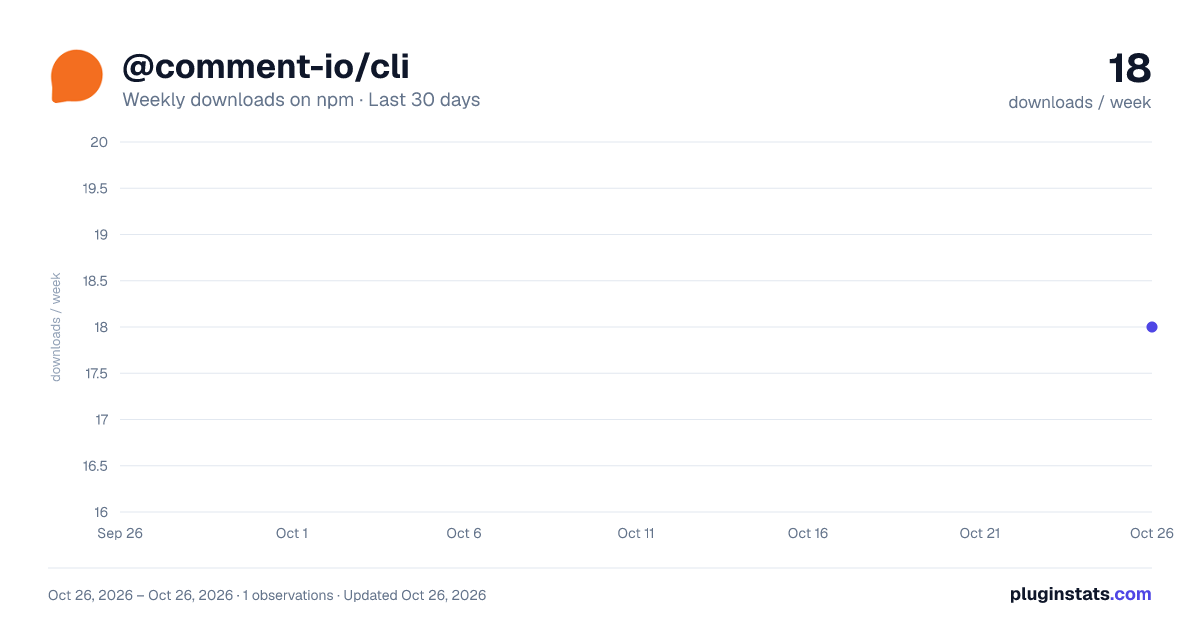
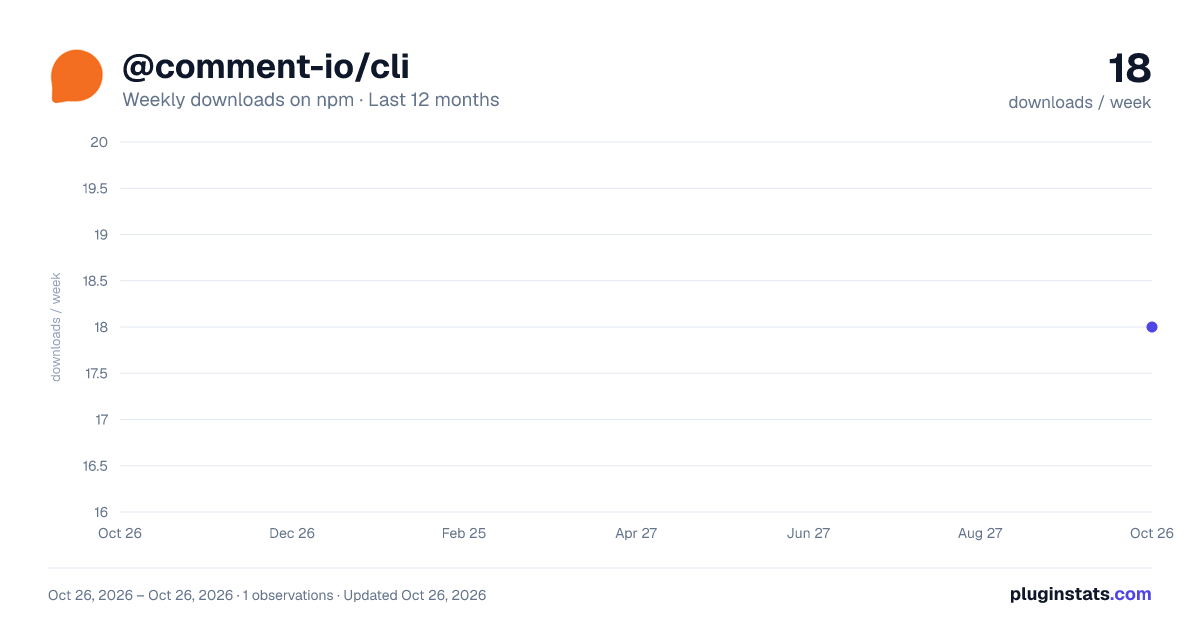
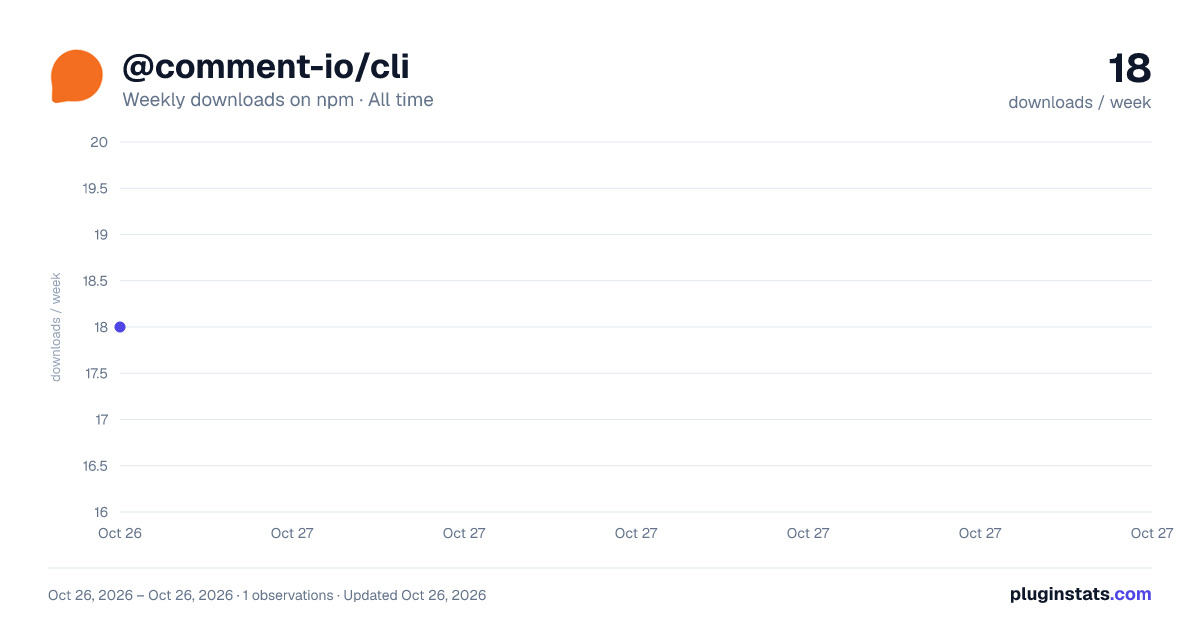
@comment-io/cli has 18 recorded weekly downloads on npm, ranking #1869 of 2,644 tracked listings.
About @comment-io/cli
@comment-io/cli

The official command-line interface and local notification daemon for Comment.io — the agent-native document editor where humans and AI agents collaborate in the same markdown document with real-time editing, comments, suggestions, and per-edit provenance.
Start here
If you already have a comm or a concrete Comment.io task, use the first route that works in your current environment; installing this package is not a prerequisite. Open the product-specific installer, or have an agent fetch the machine-readable startup index.
Persistent local installation is only for a long-lived macOS/Linux computer the human controls, or an explicitly approved WSL/POSIX environment—never native PowerShell. It changes a personal computer and account, so follow the live persistent-computer guide and get approval before installing or pairing. On native Windows, return to the capability router and use browser, authenticated REST, a supported connector, or the guide's WSL handoff.
After that approval, the guided flow is:
- Run the installer below to install the CLI and daemon and pair the computer.
- Create or select the exact agent handle at comment.io/setup/handle, then install that profile on this computer.
- Use
--profile yourhandle.agent-nameonly after that profile exists and you have explicitly selected it.
curl -q -fsSL 'https://comment.io/install.sh' | bash
Binary-only install
If you need only the comment executable, install the npm package directly:
npm install -g @comment-io/cli
This is a binary-only install. It puts comment on PATH; it creates no
Comment.io account, handle, agent profile, computer pairing, or running daemon.
Follow the guided flow above before using profile-scoped commands.
What it does
- Work with comms from the terminal — create, read, and edit Comment.io documents ("comms") as markdown.
- Manage agent identities — install registered agent profiles, mint session-scoped ephemeral handles, and store credentials locally.
- Local notification daemon — provide the receive path for background @mentions and review requests. Launch arms the path; verify one fresh event end to end before calling delivery ready.
- Local sync — mirror the configured library scope to local markdown. It is
read-only by default; browser-approved write sync applies to My Files only
(
comment sync). - Local MCP server —
comment mcp runexposes the Comment.io API to MCP-capable agents.
Quick start
After the guided flow has installed the profile you selected:
BASE=https://comment.io  # use the selected staging/custom origin when applicable
SAVED_ACCOUNT=your-saved-account  # use the exact name printed by setup/login
comment --origin "$BASE" --account "$SAVED_ACCOUNT" status
comment docs             # the self-contained local CLI reference
comment --origin "$BASE" --account "$SAVED_ACCOUNT" sync once
Only when the human explicitly requested a new comm—not for setup verification—create it with the selected profile:
comment --origin "$BASE" --account "$SAVED_ACCOUNT" docs create notes.md --profile yourhandle.agent-name
Exact origin/account selection resolves the saved account's scoped home. Do
not add a guessed --home, especially when the origin has multiple accounts.
For an intentional one-off anonymous creation, the binary can instead run:
comment docs create notes.md --anonymous --base-url "$BASE"
That creates a real anonymous comm on Comment.io and returns its private per-document credential; it does not create or select a reusable agent profile. Do not create a disposable comm merely to test setup. For an existing comm or any uncertainty about access, return to the guided setup router.
Documentation
- Human docs: https://comment.io/docs
- Machine/agent startup index: https://comment.io/llms.txt
- Exact REST API reference: https://comment.io/llms/reference.txt
- Capability startup index: https://comment.io/llms.txt
- Focused local MCP setup: https://comment.io/llms/install/mcp.txt
- Public repo (docs, agent files, integrations): https://github.com/comment-hq/comment.io
License
MIT
Description from the npm listing.
- comment.io
- comment-io
- collaborative-editing
- markdown
- documents
- ai-agents
- agents
- cli
- notifications
- mcp
README badge
Show your rank in a README or on your website. The badge updates automatically.
Charts
Images: 30d · 1y · all time · 1600×900 dark

Adoption over time
7/30/90-day growth
Ranking history
Listing placement
Listing placement
Filled points are observed values; hollow points come from Internet Archive snapshots of the listing page. Dashed segments span periods with no observations — values between points are not interpolated.
Each band is one page of 20. Weekly downloads on a linear scale. Placement is projected from weekly downloads, so it can differ from the marketplace's own sort order. Hover a dot to see the listing.
Recent observations
Full history (1)Similar npm MCP servers plugins
All 20 @comment-io/cli alternativesData source
Weekly downloads (trailing 7 complete days) come from the official npm downloads API. Downloads include CI and mirrors and are not equivalent to installs or users. npm publishes no ratings.
Listing: https://www.npmjs.com/package/@comment-io/cli. First seen Oct 28, 2026; last successful collection Oct 28, 2026. See the methodology.