 PluginStats
@auth0/auth0-mcp-server weekly downloads statistics
By auth0 (3 listings) · npm · MCP servers
Auth0 Model Context Protocol (MCP) Server (Beta) — A secure and extendable implementation of an MCP server that provides AI assistants with controlled access to the Auth0 Management API through natural language. This project is in beta and not intended fo
@auth0/auth0-mcp-server has 17,088 recorded weekly downloads on npm, ranking #1039 of 2,819 tracked listings.
About @auth0/auth0-mcp-server





📚 Documentation • 🚀 Getting Started • 💻 Supported Tools • 💬 Feedback
</div>MCP (Model Context Protocol) is an open protocol introduced by Anthropic that standardizes how large language models communicate with external tools, resources or remote services.
Connect Claude, Cursor, or Windsurf to your Auth0 tenant to create apps, deploy Actions, debug logs, and manage users — all without touching the dashboard.
[!CAUTION] Beta Software Notice: This software is currently in beta and is provided AS IS without any warranties.
- Features, APIs, and functionality may change at any time without notice
- Not recommended for production use or critical workloads
- Support during the beta period is limited
- Issues and feedback can be reported through the GitHub issue tracker
By using this beta software, you acknowledge and accept these conditions.
The Auth0 MCP Server integrates with LLMs and AI agents, allowing you to perform various Auth0 management operations using natural language. For instance, you could simply ask Claude Desktop to perform Auth0 management operations:
-
Create a new Auth0 app and get the domain and client ID
-
Create and deploy a new Auth0 action to generate a JWT token
-
Could you check Auth0 logs for logins from 192.108.92.3 IP address?
🚀 Getting Started
Prerequisites:
- Node.js v18 or higher
- Claude Desktop or any other MCP Client
- Auth0 account with appropriate permissions
Install the Auth0 MCP Server
Install Auth0 MCP Server and configure it to work with your preferred MCP Client. The --tools parameter specifies which tools should be available (defaults to * if not provided).
Claude Desktop with all tools
npx @auth0/auth0-mcp-server init
Claude Desktop with read-only tools
npx @auth0/auth0-mcp-server init --read-only
You can also explicitly select read-only tools:
npx @auth0/auth0-mcp-server init --tools 'auth0_list_*,auth0_get_*'
Claude Code
Initialize the Auth0 MCP server for Claude Code
npx @auth0/auth0-mcp-server init --client claude-code
You will be prompted to choose a configuration scope:
- User — written to
~/.claude.jsonand available across all your projects. - Project — written to
.mcp.jsonat a project folder you specify, intended to be checked into version control and shared with your team.
Windsurf
npx @auth0/auth0-mcp-server init --client windsurf
Cursor
Step 1:

Step 2:
npx @auth0/auth0-mcp-server init --client cursor
Cursor with limited tools access
npx @auth0/auth0-mcp-server init --client cursor --tools 'auth0_list_applications,auth0_get_application'
VS Code
npx @auth0/auth0-mcp-server init --client vscode
You can configure VS Code for either global or workspace scope:
- Global: Available in all VS Code instances
- Workspace: Available only in a specific project/repository
The command will prompt you to choose your preferred scope and automatically configure the appropriate mcp.json file.
VS Code with limited tools access
npx @auth0/auth0-mcp-server init --client vscode --tools 'auth0_list_*,auth0_get_*' --read-only
Gemini CLI
Initialize the gemini MCP server for the Gemini CLI
npx @auth0/auth0-mcp-server init --client gemini
Install the Gemini Extension
gemini extensions install https://github.com/auth0/auth0-mcp-server
Codex CLI
Authenticate once with Auth0:
npx @auth0/auth0-mcp-server init
Then add the Auth0 MCP server to Codex:
codex mcp add auth0 --env DEBUG=auth0-mcp --env DBUS_SESSION_BUS_ADDRESS=unix:path=/run/user/1000/bus -- npx -y @auth0/auth0-mcp-server run
You can also add it directly to ~/.codex/config.toml:
[mcp_servers.auth0]
command = "npx"
args = ["-y", "@auth0/auth0-mcp-server", "run"]

[mcp_servers.auth0.env]
DEBUG = "auth0-mcp"
DBUS_SESSION_BUS_ADDRESS = "unix:path=/run/user/1000/bus"
Restart Codex after updating the configuration.
Other MCP Clients
To use Auth0 MCP Server with any other MCP Client, you can manually add this configuration to the client and restart for changes to take effect:…
Description from the npm listing.
- auth0
- mcp
- model context protocol
- experimental
- beta
- claude
README badge
Show your rank in a README or on your website. The badge updates automatically.
Charts
Images: 30d · 1y · all time · 1600×900 dark
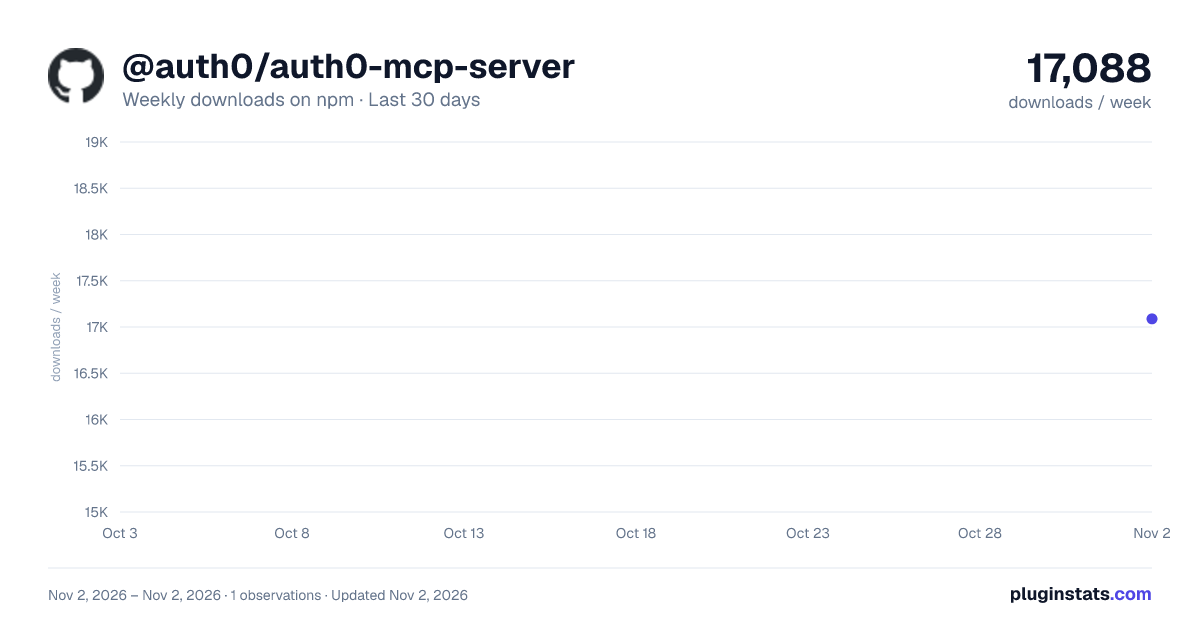
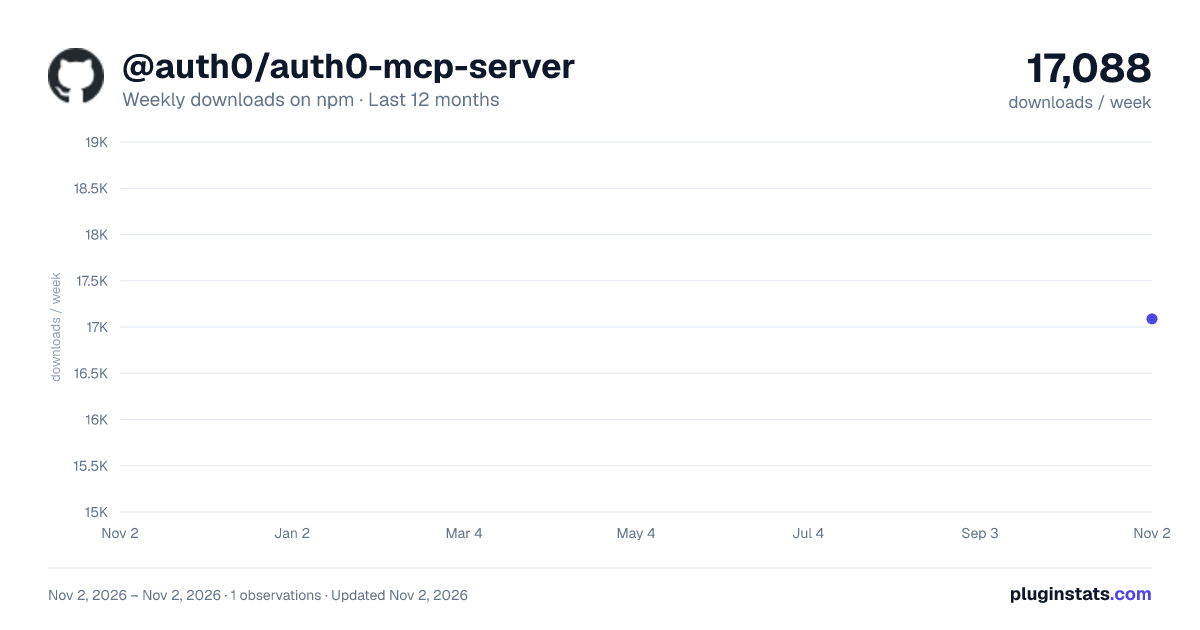
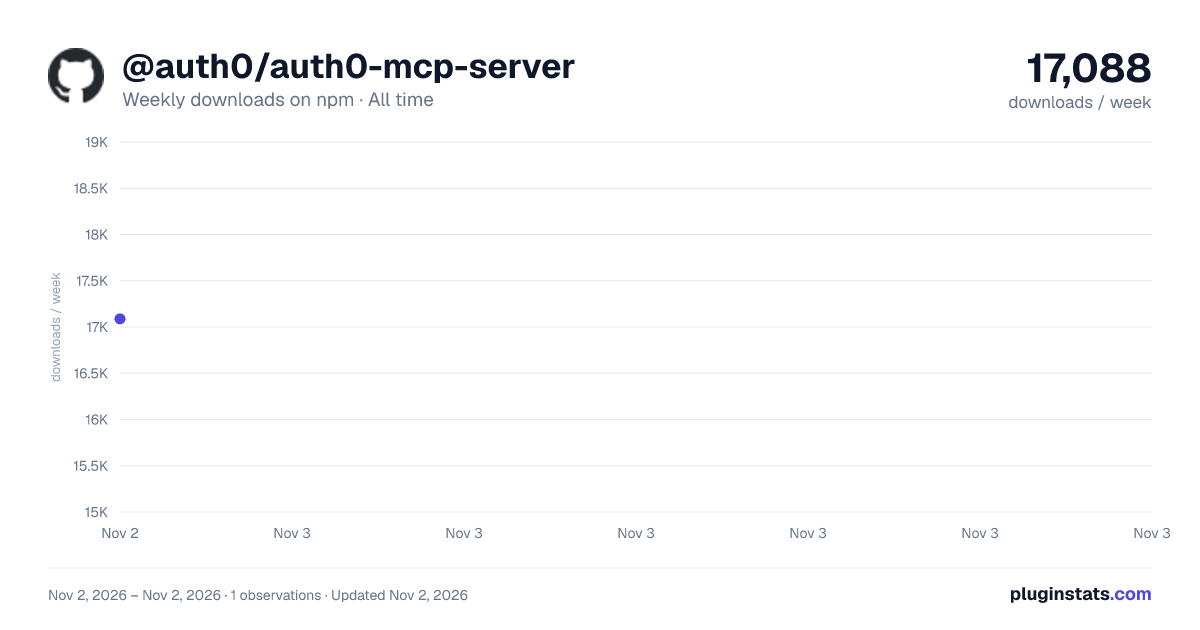

Adoption over time
7/30/90-day growth
Ranking history
Listing placement
Listing placement
Filled points are observed values; hollow points come from Internet Archive snapshots of the listing page. Dashed segments span periods with no observations — values between points are not interpolated.
Each band is one page of 20. Weekly downloads on a linear scale. Placement is projected from weekly downloads, so it can differ from the marketplace's own sort order. Hover a dot to see the listing.
Recent observations
Full history (1)Similar npm MCP servers plugins
All 20 @auth0/auth0-mcp-server alternatives- 17.3K weekly downloads-23.2%
Data source
Weekly downloads (trailing 7 complete days) come from the official npm downloads API. Downloads include CI and mirrors and are not equivalent to installs or users. npm publishes no ratings.
Listing: https://www.npmjs.com/package/@auth0/auth0-mcp-server. First seen Nov 4, 2026; last successful collection Nov 4, 2026. See the methodology.