 PluginStats
env-parity-plugin weekly downloads statistics
By acus9345 · npm · Webpack plugins
Fail your Webpack, Rspack, Rollup, Rolldown, Astro or Next.js build or dev server when a variable from .env.example is missing or empty, or when your code reads one the example doesn't list. Catches server secrets in Next.js client components. Built on @a
env-parity-plugin has 391 recorded weekly downloads on npm, ranking #1646 of 2,687 tracked listings.
About env-parity-plugin
env-parity-plugin
Fail your Webpack, Rspack, Rollup, Rolldown, Astro or Next.js build, or the dev-server start, when a variable listed in .env.example is missing or empty, so it doesn't silently become undefined in production.


The same check as vite-plugin-env-parity, for the other tools. Both run on one shared core, @acus9345/env-parity, so every tool reports the same problems the same way.
- Zero config: your existing
.env.exampleis the schema. - Reads what your tool reads: the
.envfiles each tool loads for the current mode, plus environment variables, so it works in CI. - Fails early (new in 0.3): production builds and dev-server starts fail. Watch-mode rebuilds,
next startandastro previewonly warn, so a running server never crashes. Prefer warnings in dev? UsefailOn: "build". - Checks your code too (new in 0.2): with
scan: true, aprocess.env.Xthat.env.exampledoesn't list fails the build, and so does a server-only secret read in a Next.js"use client"component, where it would beundefined. - Catches Windows encoding traps:
.envfiles saved as UTF-16 (what>does in Windows PowerShell) or with a BOM. - Works with Turbopack too, because the Next.js check runs when the config loads, not inside the bundler.
Install
npm install --save-dev env-parity-plugin
Set up
List the variables your app needs in .env.example (values are optional):
API_URL=
SENTRY_DSN=
Then add the adapter for your tool.
Webpack 5 or Rspack
// webpack.config.js (or rspack.config.js)
import { EnvParityPlugin } from "env-parity-plugin/webpack";

export default {
  // ...
  plugins: [new EnvParityPlugin()],
};
Reads .env, .env.local, .env.[mode] and .env.[mode].local from the compiler's context, where the mode is Webpack's mode (production when unset). webpack / rspack build fail on a mismatch, and so does the first compile of --watch and the dev server; later rebuilds warn.
Rollup or Rolldown
// rollup.config.js (or rolldown.config.js)
import envParity from "env-parity-plugin/rollup";

export default {
  input: "src/index.js",
  plugins: [envParity()],
};
Same files as above, from the current directory (or root). The mode is NODE_ENV, or production for builds and development with -w. With -w, the first build fails and later rebuilds warn.
Astro
// astro.config.mjs
import { defineConfig } from "astro/config";
import envParity from "env-parity-plugin/astro";

export default defineConfig({
  integrations: [envParity()],
});
Astro loads env files through Vite, so the check reads the same files Vite does, honours --mode and Vite's envDir. astro build and astro dev fail, astro preview warns.
Next.js
// next.config.mjs
import { withEnvParity } from "env-parity-plugin/next";

export default withEnvParity({
  reactStrictMode: true,
});
It also wraps config functions and other wrappers: withEnvParity(withMDX(config)). The check reads the files Next.js loads for the phase (.env, .env.[mode], .env.local, .env.[mode].local; no .env.local in tests). next build and next dev fail. next start and tests only warn, because next build already checked the variables it inlined.
What a failure looks like
[env-parity-plugin/webpack] 1 variable from .env.example is not set (mode "production").
  Missing:        SENTRY_DSN
How to fix:
  - Set the missing variables in .env, .env.local, .env.production, .env.production.local or as environment variables (e.g. in your CI settings).
  - To skip a variable on purpose, use new EnvParityPlugin({ ignore: ["NAME"] }).
Scan your code
Turn on scan and the plugin also reads your source files, so .env.example can't drift away from what the code actually uses:
new EnvParityPlugin({ scan: true }); // or envParity({ scan: true }), withEnvParity(config, { scan: true })
[env-parity-plugin/next] Your code reads a variable that .env.example does not list (mode "production").
  Undeclared:     STRIPE_SECRET_KEY (src/lib/stripe.ts:4, app/api/checkout/route.ts:12)
  In client code: STRIPE_SECRET_KEY (components/checkout-button.tsx:8)
How to fix:
  - Add the undeclared variables to .env.example (KEY= with no value is fine), so everyone knows the app needs them.
  - Only variables starting with NEXT_PUBLIC_ reach the browser. Rename the variable if it is safe to make public, or read it in a Server Component, Route Handler or Server Action and pass the value down.
What it finds:
process.env.NAME,process.env["NAME"],import.meta.env.NAMEandconst { NAME } = process.envin.js,.ts,.jsx,.tsx,.mjs,.cjs,.vue,.svelteand.astrofiles. Comments are skipped.- Undeclared variables (fail like a missing one): read in code, not listed in the example. Variables tools set themselves, like
NODE_ENV,CIandVERCEL_*, are skipped, and so is anything inignore. - Next.js client components (fail): a variable without the
NEXT_PUBLIC_prefix read in a"use client"file isundefinedin the browser. Readingprocess.envdynamically there (process.env[name], destructuring) is a warning, because Next.js can't inline it. - Unused variables (warning, opt-in): listed in the example, read nowhere.…
Description from the npm listing.
- env
- dotenv
- .env
- .env.example
- environment-variables
- validation
- webpack
- webpack-plugin
- rspack
- rollup
- rollup-plugin
- rolldown
- astro
- astro-integration
- nextjs
- next
- process.env
- client-components
- lint
README badge
Show your rank in a README or on your website. The badge updates automatically.
Charts
Images: 30d · 1y · all time · 1600×900 dark
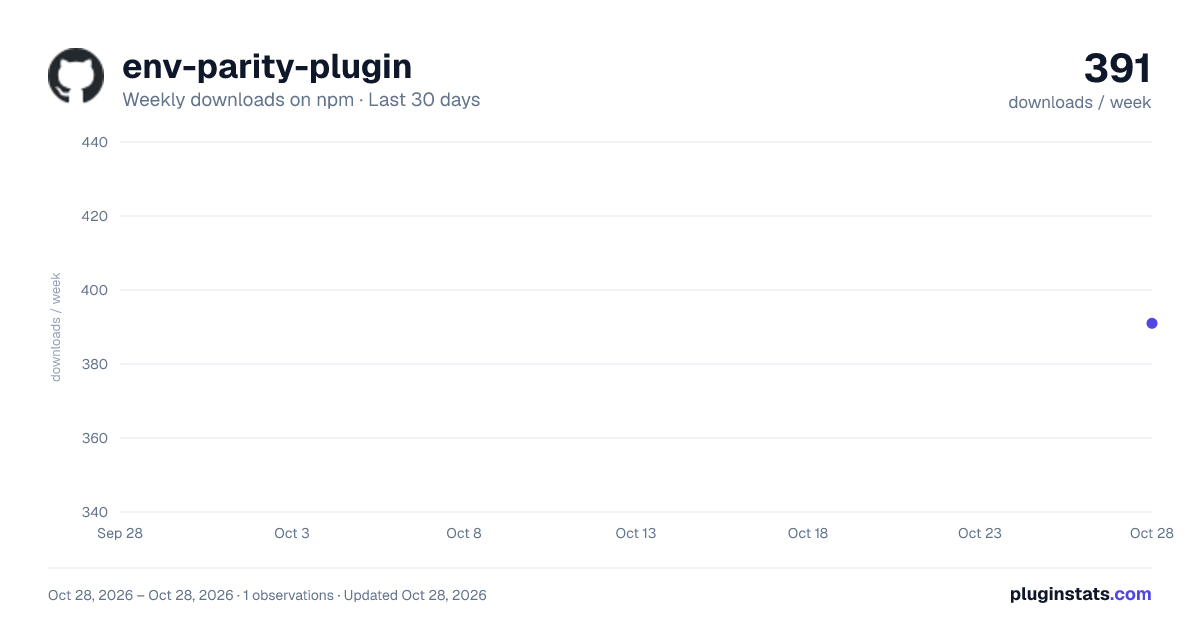
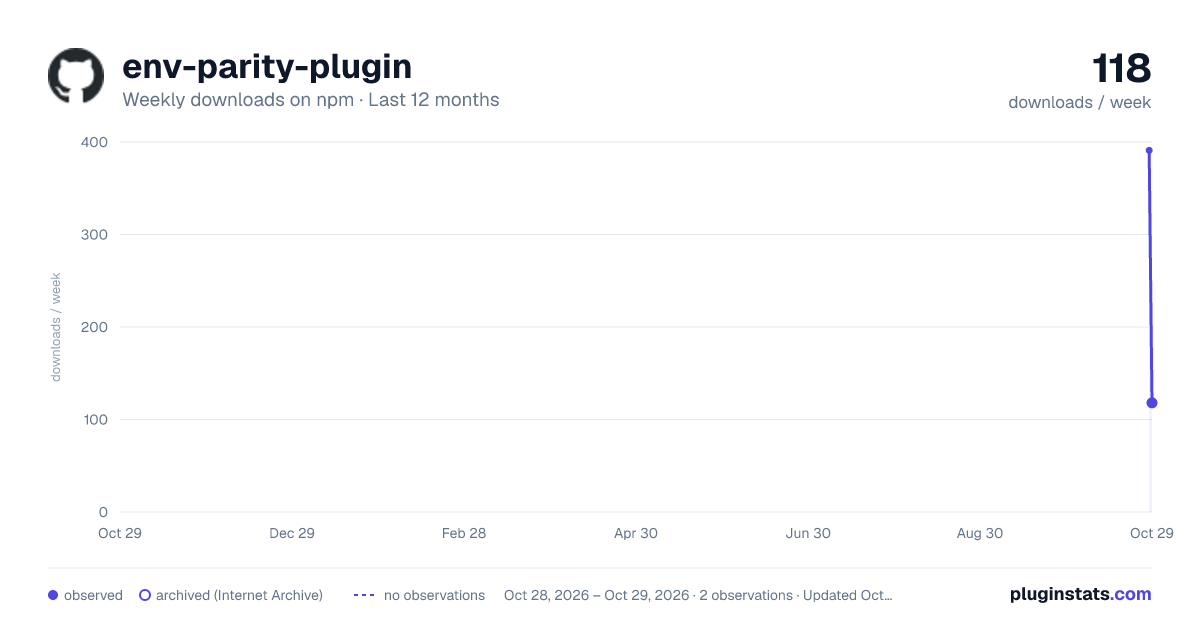
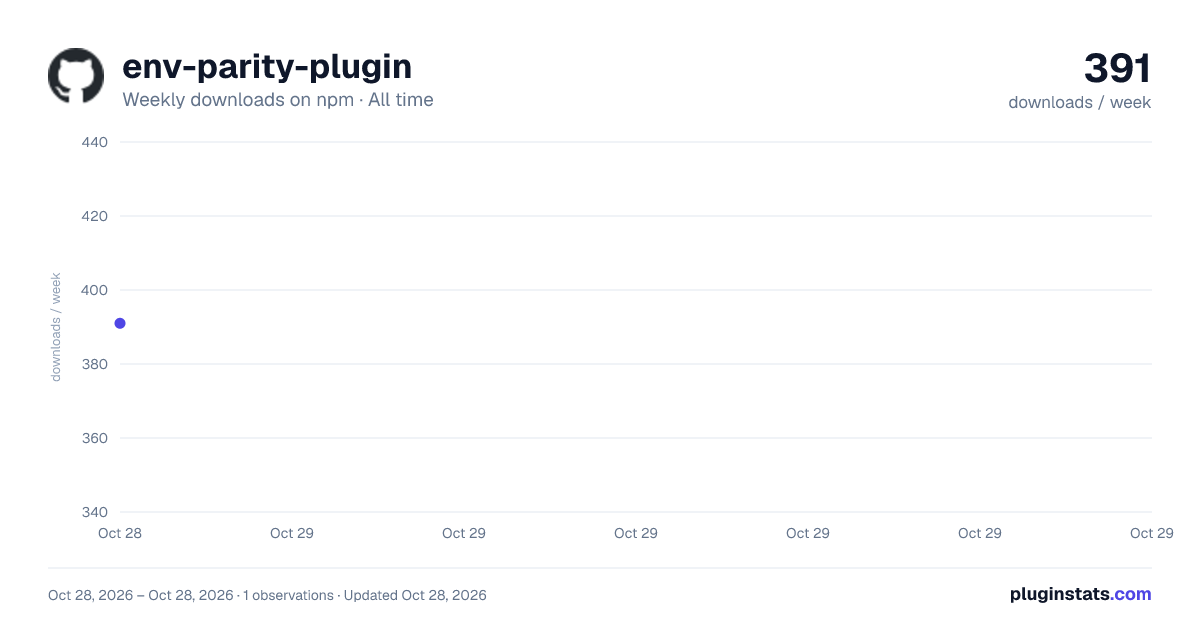

Adoption over time
7/30/90-day growth
Ranking history
Listing placement
Listing placement
Filled points are observed values; hollow points come from Internet Archive snapshots of the listing page. Dashed segments span periods with no observations — values between points are not interpolated.
Each band is one page of 20. Weekly downloads on a linear scale. Placement is projected from weekly downloads, so it can differ from the marketplace's own sort order. Hover a dot to see the listing.
Recent observations
Full history (1)Similar npm Webpack plugins plugins
All 20 env-parity-plugin alternativesData source
Weekly downloads (trailing 7 complete days) come from the official npm downloads API. Downloads include CI and mirrors and are not equivalent to installs or users. npm publishes no ratings.
Listing: https://www.npmjs.com/package/env-parity-plugin. First seen Oct 30, 2026; last successful collection Oct 30, 2026. See the methodology.