 PluginStats
@decap/cli weekly downloads statistics
By decap · npm · MCP servers
The Decap command line: run the local proxy server for the CMS, manage Decap Turbo from your terminal, and connect AI agents to it over MCP
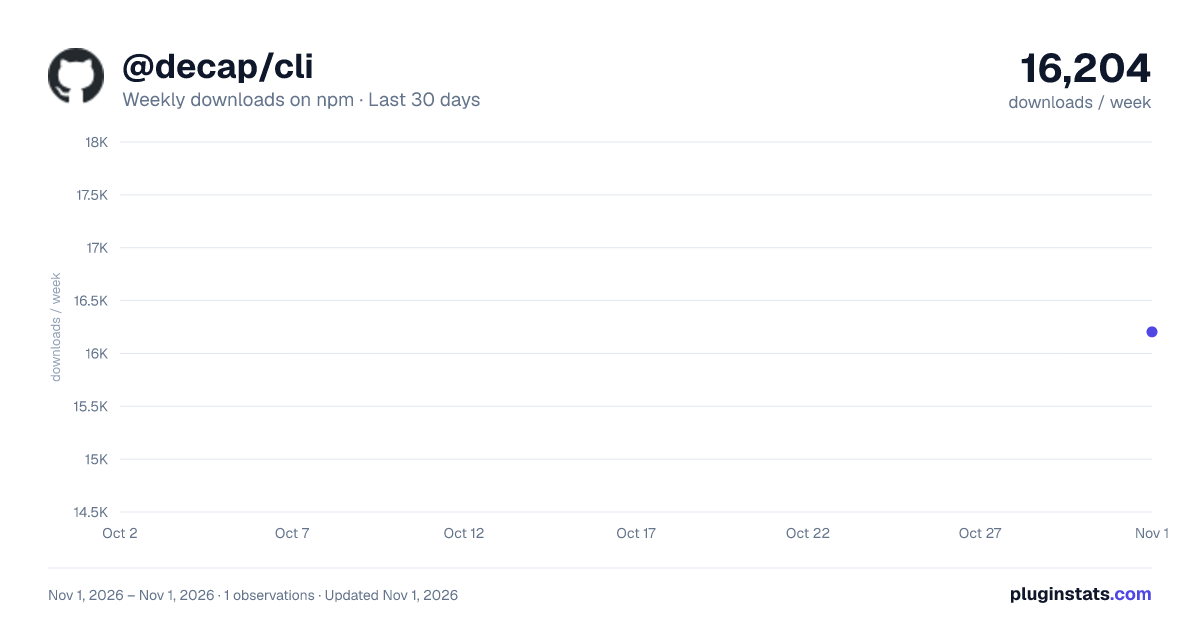
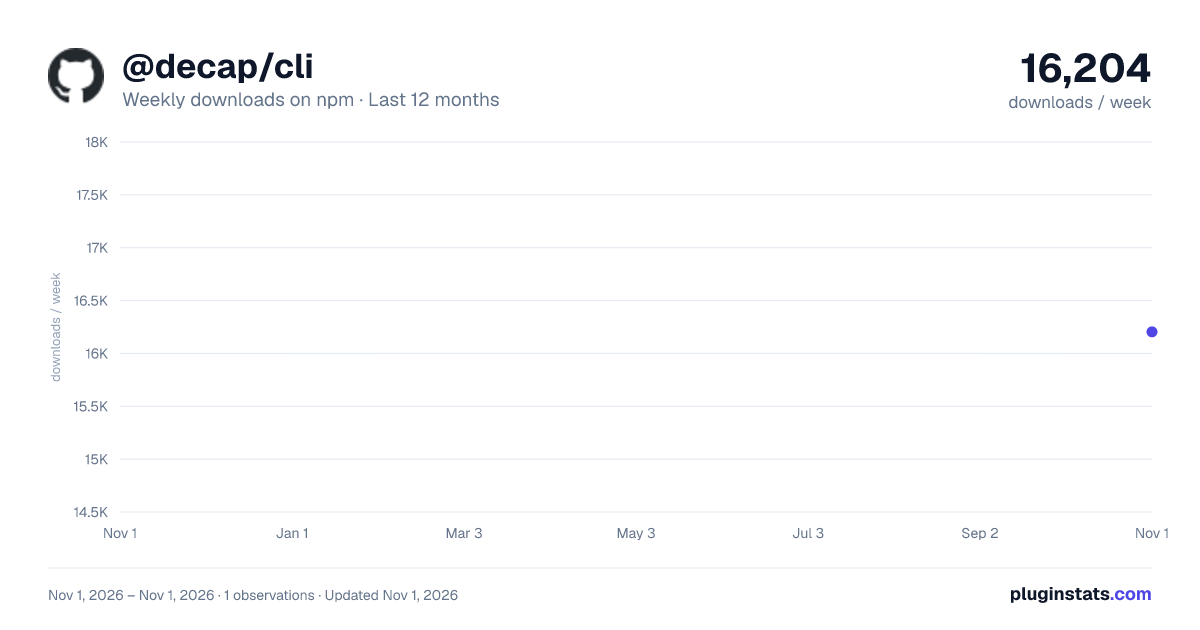
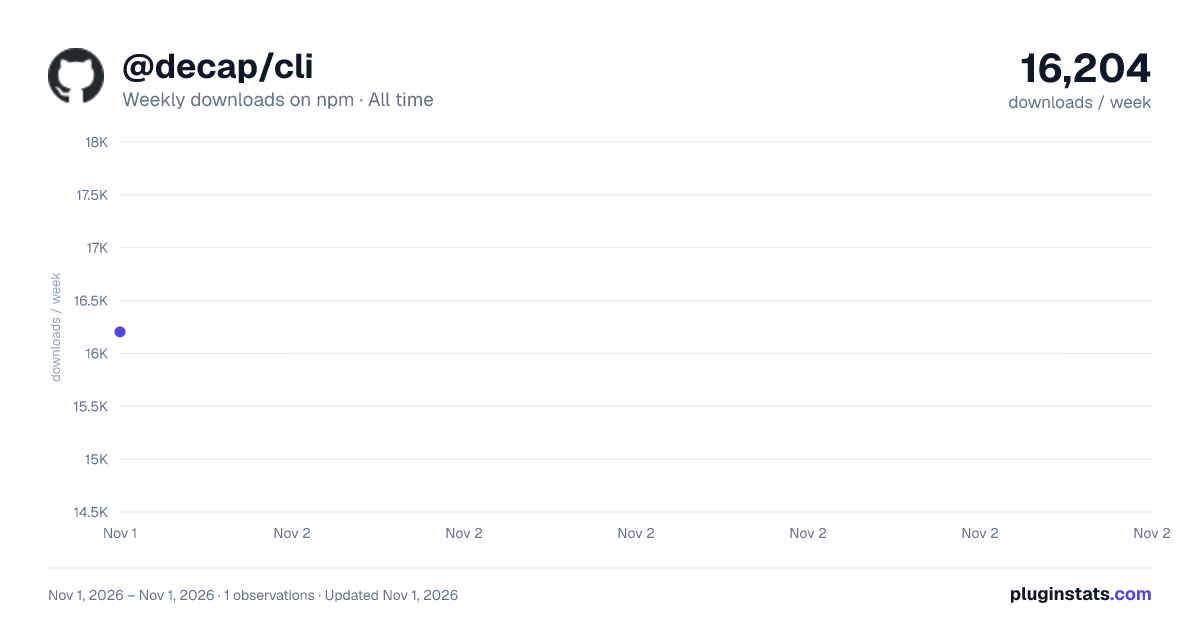
@decap/cli has 16,204 recorded weekly downloads on npm, ranking #1059 of 2,762 tracked listings.
About @decap/cli
@decap/cli
The Decap command line, installed as the decap command. It runs the local proxy server for editing a site on your own machine, manages Decap Turbo, and connects AI agents to Turbo over MCP. Turbo commands go through the Turbo API with a personal access token, so they can never do more than you can in the dashboard.
Experimental.
decap devis the stable replacement fornpx decap-server. Everything else (login,whoami,logout,mcpand the Turbo commands) talks to the Decap Turbo API, which is in preview: commands, flags and output may change between releases without a major version bump. Pin an exact version in scripts and CI.
Run it with npx @decap/cli <command>, or install it globally (npm install -g @decap/cli) to type decap. npx decap does not run this package; always name @decap/cli. It needs Node 20 or later. Product documentation: CLI and AI agents.
Local development: decap dev
Runs the proxy server for Decap's proxy backend, so the CMS reads and writes the repository on disk. This was npx decap-server, which still works and runs the same server.
npx @decap/cli dev                 # serve the current directory on port 8081
npx @decap/cli dev --mode git      # commit changes, with editorial workflow support
npx @decap/cli dev --port 8082 --dir ../my-site
Point the CMS at it:
local_backend: true
or, explicitly:
backend:
  name: proxy
  proxy_url: http://localhost:8081/api/v1
Each flag overrides an environment variable, also read from a .env file in the working directory: --port (PORT, default 8081), --host (BIND_HOST, default this machine only; the server has no authentication, so only pass 0.0.0.0 or another network address on a network you trust, e.g. inside a container), --mode (MODE: fs or git, default fs), --dir (GIT_REPO_DIRECTORY, default the current directory), --origin (ORIGIN, the CMS origin allowed to call the server, default localhost) and --log-level (LOG_LEVEL, default info).
To mount the proxy endpoints on your own Express app instead:
const { registerLocalFs, registerLocalGit } = require('@decap/cli/dev');

await registerLocalFs(app); // or registerLocalGit(app)
Sign in
npx @decap/cli login          # opens the browser; approve, and a token is stored
npx @decap/cli login --admin  # also request admin scope (manage sites and members)
npx @decap/cli whoami
npx @decap/cli logout         # revokes the token and forgets it
The token is stored in ~/.config/decap/credentials.json (mode 0600). In CI, set DECAP_TOKEN to a token created under API tokens in the dashboard instead. Set DECAP_NO_BROWSER to have login skip launching a browser, for a machine with none to open; it still prints the approval URL to copy elsewhere.
Manage Turbo
Every Turbo API operation is a command. decap --help lists them; decap <command> --help shows its flags.
decap orgs list
decap sites list --org <org-id>
decap sites create --org <org-id> --name "Marketing site" --repo acme/marketing
decap sites update --site <site-id> --branch develop
decap cache clear --site <site-id>
decap deploys list --site <site-id> --limit 5
decap members invite --org <org-id> --email someone@example.com
decap members set-role --org <org-id> --member someone@example.com --role owner
decap site-members add --site <site-id> --member someone@example.com
Members can be named by email or user id. Add --json for machine-readable output. Commands that change something need a token with admin scope (decap login --admin) and an organization owner behind it, the same as in the dashboard.
Edit the open entry
When you have an entry open in a Turbo-backed CMS, an agent (or you) can change its fields there without saving: the change appears highlighted in your editor, for you to review and save.
decap editor list                                  # entries you have open, with their fields and values
decap editor set --session <id> --fields '{"title": "New title", "seo.description": "…"}'
decap editor open --site <site-id> --collection posts --slug hello   # the CMS link for an entry
The editor bridge is experimental and off by default: turn it on for a site with editor_bridge: true under backend in config.yml. While it is on, the CMS shows a small "Agent bridge on" badge while an entry is open; its × turns the bridge off for that tab.
Use it from an AI agent
decap mcp is a local MCP server. Sign in once with login, then add it to your agent.
Claude Code
claude mcp add decap -- npx -y @decap/cli mcp
Claude Desktop, Cursor, and other clients that take a JSON config
{
  "mcpServers": {
    "decap": { "command": "npx", "args": ["-y", "@decap/cli", "mcp"] }
  }
}
Developing
The API contract (operations, input schemas, MCP tool metadata) is the decap-turbo-api package, shared with the Turbo server. It is bundled into dist/cli.cjs at build time, so the published CLI does not depend on it at runtime.
pnpm install            # from the repository root
pnpm --filter @decap/cli build   # dist/cli.cjs
pnpm --filter @decap/cli test
pnpm run type-check     # from the repository root
Against a local Turbo (the Turbo app on port 4321):
node dist/cli.cjs login --api-url http://localhost:4321
node dist/cli.cjs whoami
To try changes to the CLI with an agent, point the agent at the local build. The stored credentials remember the API URL, so no extra env is needed:
claude mcp add decap-local --scope user -- node /absolute/path/to/decap-cms/packages/decap/dist/cli.cjs mcp
claude mcp add defaults to the current project's scope; --scope user makes it available in every session. Start a new Claude Code session afterwards: MCP servers are loaded at startup.
Description from the npm listing.
- decap-cms
- decap-turbo
- cli
- mcp
- proxy
- local-backend
- experimental
README badge
Show your rank in a README or on your website. The badge updates automatically.
Charts
Images: 30d · 1y · all time · 1600×900 dark

Adoption over time
7/30/90-day growth
Ranking history
Listing placement
Listing placement
Filled points are observed values; hollow points come from Internet Archive snapshots of the listing page. Dashed segments span periods with no observations — values between points are not interpolated.
Each band is one page of 20. Weekly downloads on a linear scale. Placement is projected from weekly downloads, so it can differ from the marketplace's own sort order. Hover a dot to see the listing.
Recent observations
Full history (1)Similar npm MCP servers plugins
All 20 @decap/cli alternativesData source
Weekly downloads (trailing 7 complete days) come from the official npm downloads API. Downloads include CI and mirrors and are not equivalent to installs or users. npm publishes no ratings.
Listing: https://www.npmjs.com/package/@decap/cli. First seen Nov 3, 2026; last successful collection Nov 3, 2026. See the methodology.