 PluginStats

Auto Tab Groups users statistics
By jackcellphonerepair · Chrome Web Store · Workflow & Planning
Automatically Set Your Tab Groups!
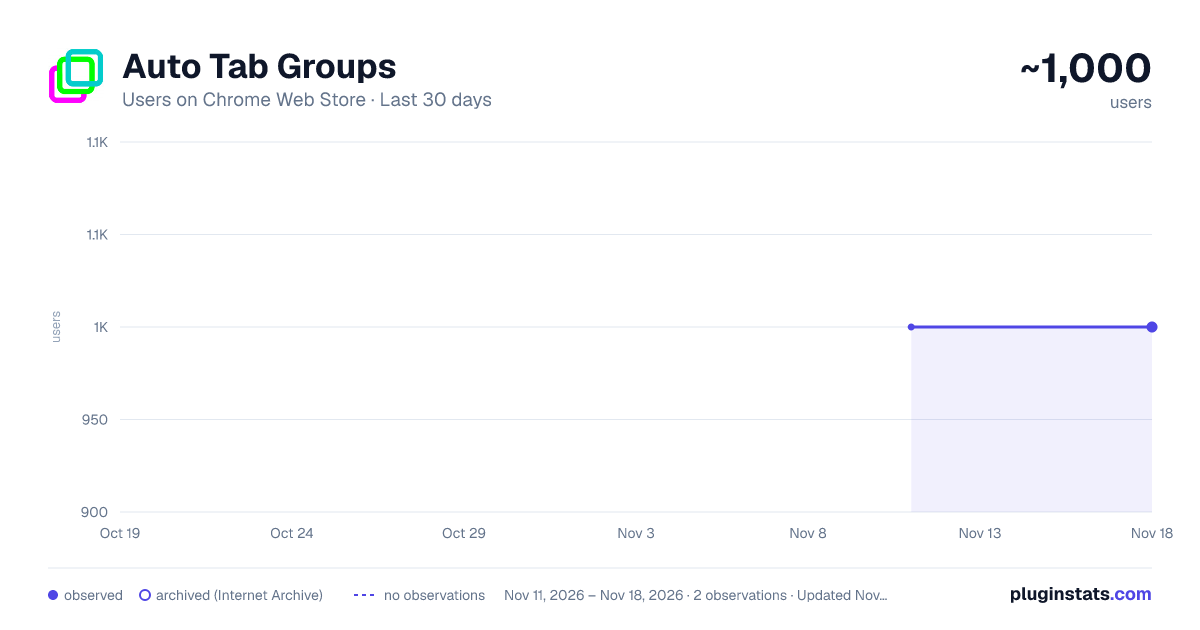
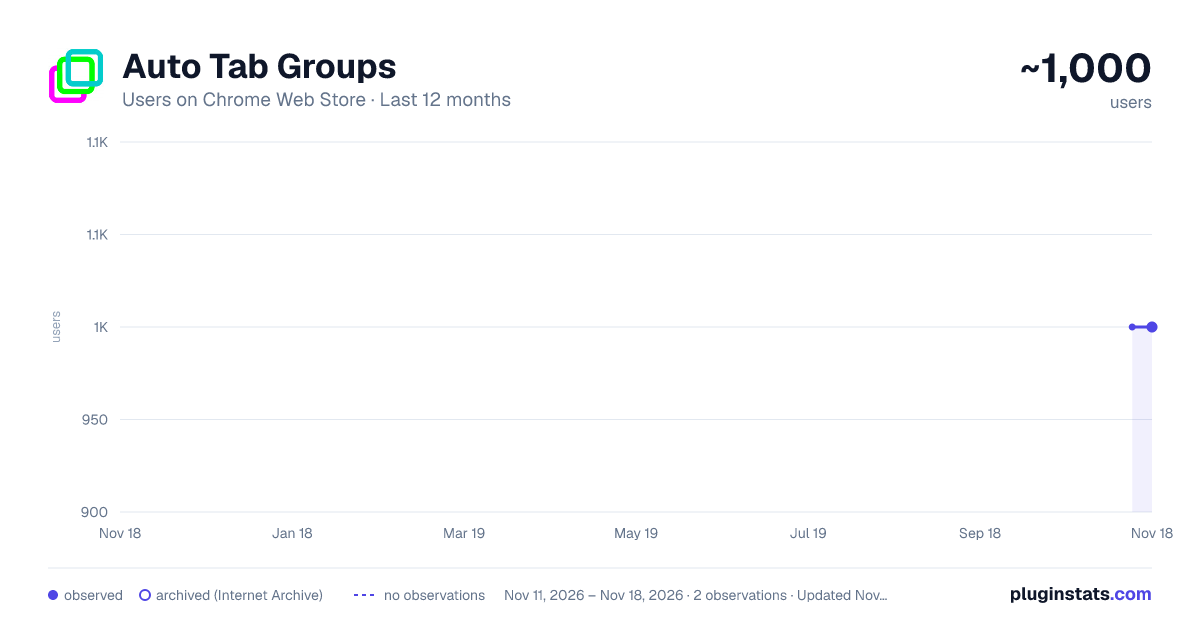
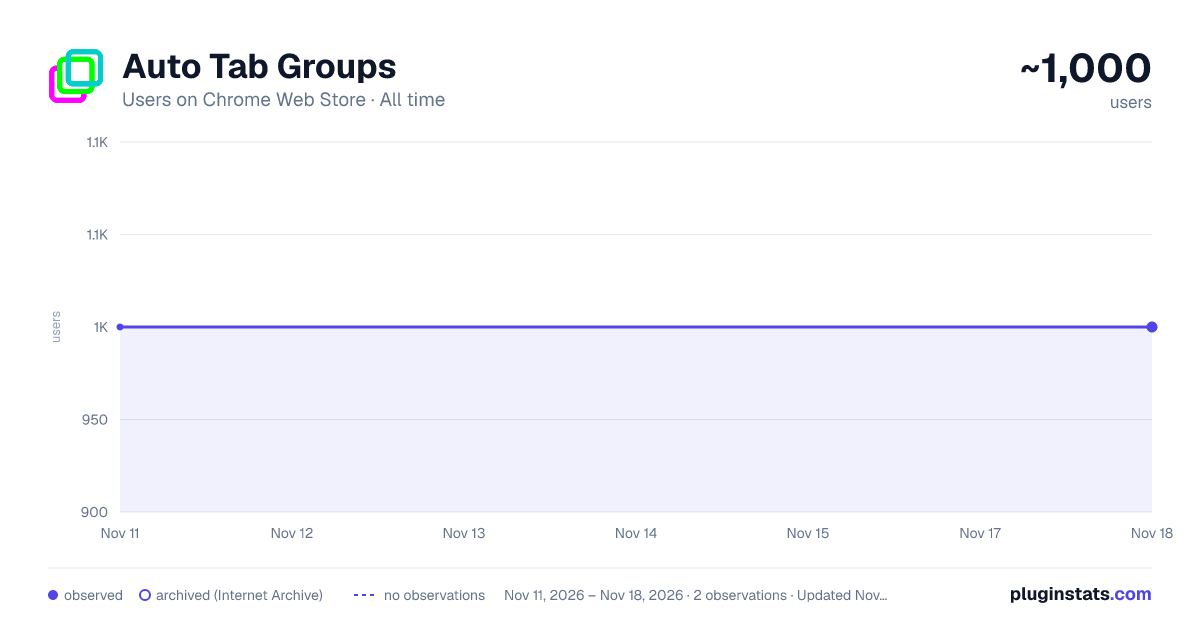
Auto Tab Groups has approximately 1,000 recorded users on Chrome Web Store, a change of 0.0% over the past 7 days, ranking #3629 of 10,523 tracked listings.
Rating: 4.40 / 5 from 27 ratings
About Auto Tab Groups
Automatically Set Your Tab Groups!
This extension allows you to set custom rules that then auto sort your tabs. IT does this using Google Tab Groups. It lets you set up as many rules as you want.
To add a new rule click add group button and fill out the TITLE, Domain / URL and COLOR fields. When you open the open extension the TITLE column will be the tab group name. The DOMAIN/ URL column will be the value searched in the website URL field that extension uses to sort the active tab. The COLOR column will be a box that when drop down is clicked allows the user to pick a color for the tab group. These preferences will be saved to users google profile when either the save button is clicked or delete button is confirmed and work across multiple devices with extension under same profile.
In order to change or delete a rule you must first check the checkbox for the row and click edit or delete. If deleting values confirm the delete in delete window. If editing values makes sure all fields in rows are checked are not blank, and that color box is not set to grey. Otherwise a warning message will display letting you know to set these fields.
The extension works as follows, say you have the value Test1 in Name Column, test1 in URL column, and the box set to Blue. Any website URL you visit with test1 ex.(www.test1thisisatest.com) will be automatically sorted into a group named Test1.
You can also specify multiple terms to search with by separating them with commas. For instance, if you assign a group with TITLE column of Colors, and DOMAIN/ URL of blue, yellow, and green; any url you load with those search terms will go in the Tab Group Named Color. The final column COLOR, is the color of this tab group that gets set.
By default the following keyboard shortcuts are enabled. You can use Ctrl+Shift+Y, Ctrl+Shift+H, and Ctrl+Shift+U to close, open and toggle tab groups respectively. You can also change this by going to chrome://extensions/shortcuts as well.
There is a settings / options page you can get to by clicking the gear in the top right corner. Here you can enable a zoomed in view for larger font size and window for the popup window, change grouping from other windows behavior, and save and load your files from a local file on your computer.
Description from the Chrome Web Store listing.
README badge
Show your rank in a README or on your website. The badge updates automatically.
Charts
Images: 30d · 1y · all time · 1600×900 dark
Adoption over time
7/30/90-day growth
Ranking history
Ratings over time
Listing placement
Listing placement
Filled points are observed values; hollow points come from Internet Archive snapshots of the listing page. Dashed segments span periods with no observations — values between points are not interpolated.
Each band is one page of 20. Users on a linear scale. Placement is projected from users, so it can differ from the marketplace's own sort order. Hover a dot to see the listing.
Recent observations
Full history (2)Similar Chrome Web Store Workflow & Planning plugins
All 20 Auto Tab Groups alternatives



Data source
Covers every Chrome Web Store extension with at least 100 users, found through the store's public sitemap. User counts are read from public listing pages. The 10% most-used extensions are refreshed daily, the next 40% weekly and the next 40% monthly; the least-used 10% are not refreshed. Google displays rounded user counts (and caps the display at 10,000,000+), so small changes may not be visible. Rating counts above 1,000 are rounded (e.g. 1.6K).
Listing: https://chromewebstore.google.com/detail/auto-tab-groups/nicjeeimgboiijpfcgfkbemiclbhfnio. First seen Nov 11, 2026; last successful collection Nov 18, 2026. See the methodology.