 PluginStats

Browser Recorder users statistics
Chrome Web Store · Workflow & Planning
Screen recording with Browser Recorder for Chrome - voice capture online, record browser video, and sound from your entire screen.
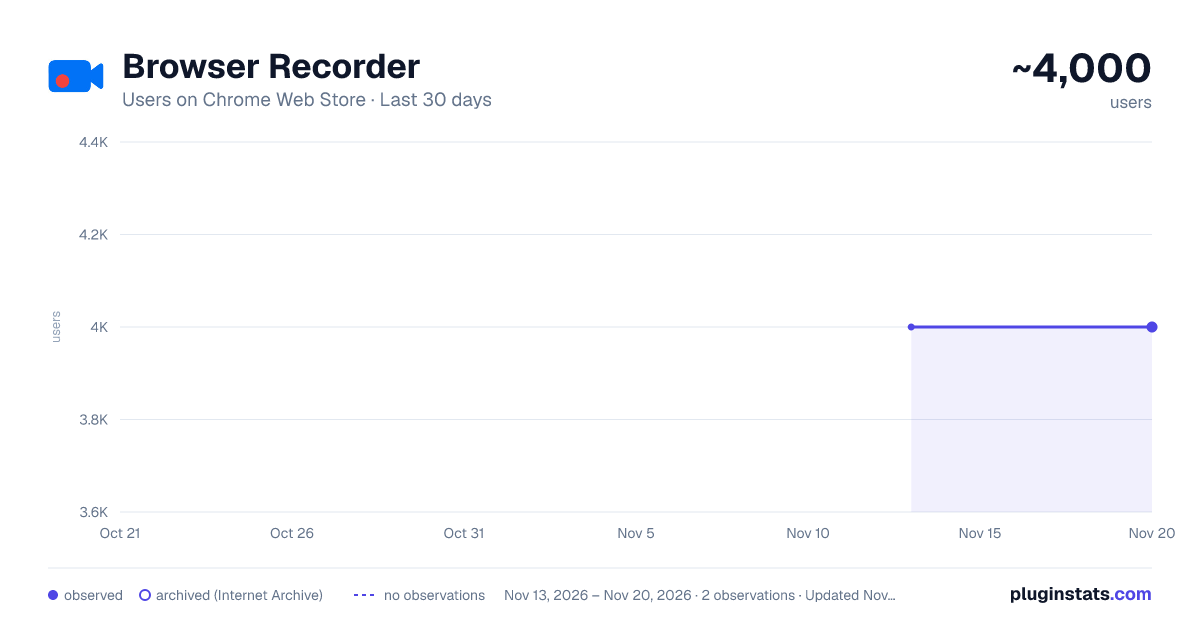
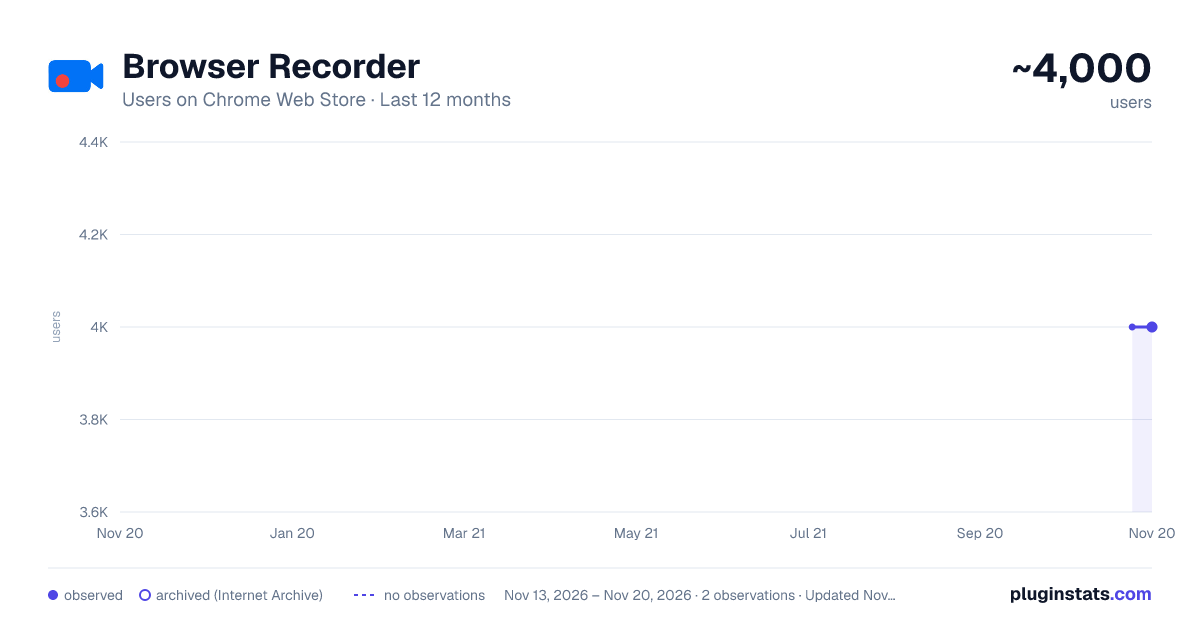
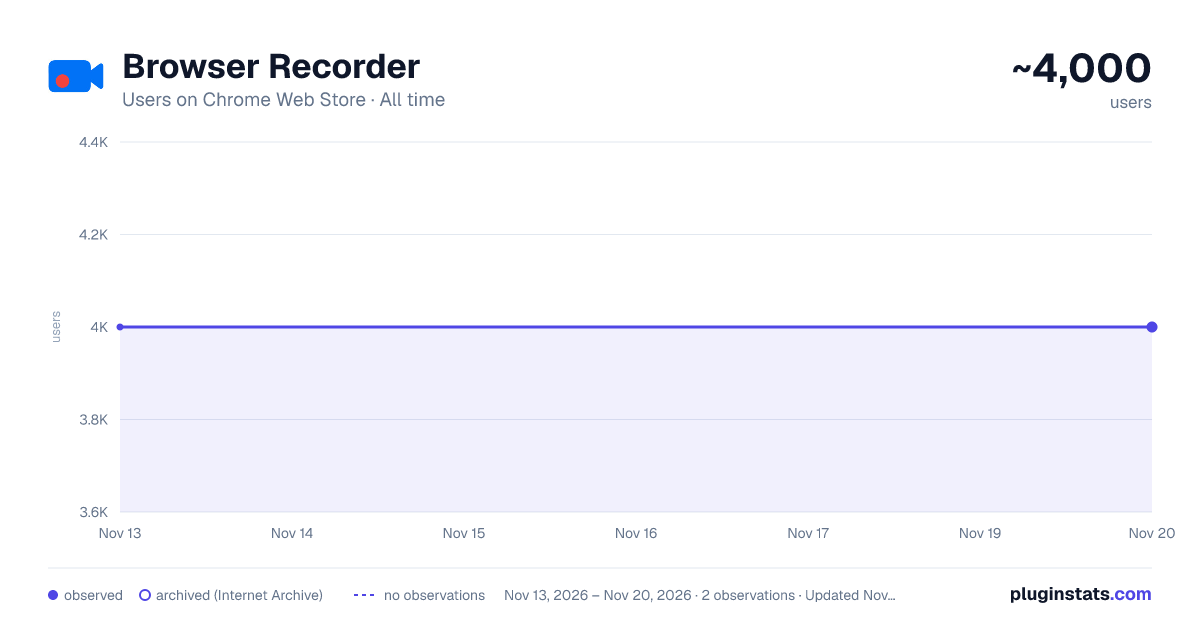
Browser Recorder has approximately 4,000 recorded users on Chrome Web Store, a change of 0.0% over the past 7 days, ranking #1888 of 10,523 tracked listings.
Rating: 4.60 / 5 from 18 ratings
About Browser Recorder
Screen recording with Browser Recorder for Chrome - voice capture online, record browser video, and sound from your entire screen.
Transform your web into a powerful recording studio with Browser Recorder, the ultimate extension that captures everything you need. Whether creating tutorials, recording meetings, or saving content, this browser screen recorder delivers professional results instantly.
🎬 Why Choose This Extension? Our browser audio recorder revolutionizes how you capture content online. Unlike traditional screen recording software, this lightweight solution works directly in Chrome, eliminating heavy desktop apps. Perfect for professionals, educators, and content creators who need to record audio from browser tabs instantly.
Key Features: ➤ Crystal-clear screen recording with audio ➤ Record browser video in HD quality ➤ Capture system sound and microphone simultaneously ➤ No watermarks or time limits ➤ Lightweight performance
Essential Recording Capabilities: 1️⃣ Screen Capture Excellence This browser sound recorder captures entire screens, specific tabs, or application windows. The web audio recorder ensures every pixel is captured clearly, ideal for professional presentations and tutorials. 2️⃣ Audio Recording Mastery Record sound from tabs with pristine quality. Whether capturing streaming audio, video conferences, or online courses, this extension preserves every detail. The built-in audio capture handles multiple sources seamlessly. 3️⃣ Voice Narration Tools The integrated browser voice recorder lets you add commentary while recording. Perfect for creating engaging tutorials or explaining complex processes during demonstrations.
📊 Professional Use Cases
For Educators: Create online courses with screen recording Lectures with voice narration Capture interactive demonstrations Save student presentations For Business Professionals: Record online meetings and webinars Create training materials with our Chrome browser recorder Document software workflows Archive important conferences
For Content Creators: ▸ Produce YouTube tutorials effortlessly ▸ Capture streaming content legally ▸ Create product reviews and demonstrations ▸ Record gameplay from web-based games
Technical Excellence This screen recorder utilizes advanced compression algorithms for high-quality recordings without excessive storage.
Works with:
- Major video platforms
- Web-based applications
- Online collaboration tools
- Streaming services (where permitted)
- Educational platforms
🚀 Getting Started
- Install from Chrome Web Store
- Click extension icon to open panel
- Choose recording mode (screen/tab/camera)
- Select audio sources (microphone/system/both)
- Start recording with one click
The interface is intuitive, designed for beginners and professionals. No complex settings required. Advanced Features
Customization Options: Adjustable video quality (720p/1080p/4K), Multiple audio codec selections, Hotkey shortcuts for quick recording, Custom area selection, Webcam overlay capabilities, Post-Recording
This tool includes editing features: Export in multiple formats (MP4/WebM/GIF) Direct cloud upload Automatic zoom effect Record audio from chrome tab Record computer audio Record voice
Privacy & Security 🔒 🔹 Your privacy matters. This extension operates entirely within Chrome: 🔹 No data sent to external servers 🔹 Local processing of all recordings 🔹 Secure storage on your device 🔹 No account registration required 🔹 Complete control over content
Compatibility
The web audio recorder works with: Chrome version 88+, Chromium-based systems Windows, Mac, Linux, Desktop and laptop devices
Minimum requirements:
- 4GB RAM (8GB for 4K)
- 1GB free storage
- Internet for installation only
Why Choose Over Alternatives Unlike traditional screen recording software requiring installation, this solution offers: No installation footprint, Instant Chrome updates, Cross-platform compatibility, Zero system slowdown free with no hidden costs
Superior to Online Tools: This sound recorder does not require uploads or cloud processing. Everything happens locally, ensuring faster processing and privacy. Record sound from tabs without worrying about speed.
Regular Updates: We continuously improve with: Monthly feature updates, Bug fixes and optimizations, New format support, Enhanced audio processing
🌍 Join Users Worldwide Professionals worldwide trust our Chrome browser recorder. From educators creating courses to businesses documenting processes, this tool delivers results.
Start using the most versatile browser voice recorder today. Whether you need to record browser video for work or education, this extension provides all the tools needed.
⬇️ Install Browser Recorder and experience screen recording!
Description from the Chrome Web Store listing.
README badge
Show your rank in a README or on your website. The badge updates automatically.
Charts
Images: 30d · 1y · all time · 1600×900 dark
Adoption over time
7/30/90-day growth
Ranking history
Ratings over time
Listing placement
Listing placement
Filled points are observed values; hollow points come from Internet Archive snapshots of the listing page. Dashed segments span periods with no observations — values between points are not interpolated.
Each band is one page of 20. Users on a linear scale. Placement is projected from users, so it can differ from the marketplace's own sort order. Hover a dot to see the listing.
Recent observations
Full history (2)Similar Chrome Web Store Workflow & Planning plugins
All 20 Browser Recorder alternatives



Data source
Covers every Chrome Web Store extension with at least 100 users, found through the store's public sitemap. User counts are read from public listing pages. The 10% most-used extensions are refreshed daily, the next 40% weekly and the next 40% monthly; the least-used 10% are not refreshed. Google displays rounded user counts (and caps the display at 10,000,000+), so small changes may not be visible. Rating counts above 1,000 are rounded (e.g. 1.6K).
Listing: https://chromewebstore.google.com/detail/browser-recorder/bmkimnpopagbkknhfpjfbgmhimofmmkm. First seen Nov 13, 2026; last successful collection Nov 20, 2026. See the methodology.