 PluginStats

Pinterest Sort Extension - Sort & Filter Pins Easily users statistics
Chrome Web Store · Workflow & Planning
Sort Pinterest pins by likes, date, and popularity. Quickly organize your feed and find the best content faster.
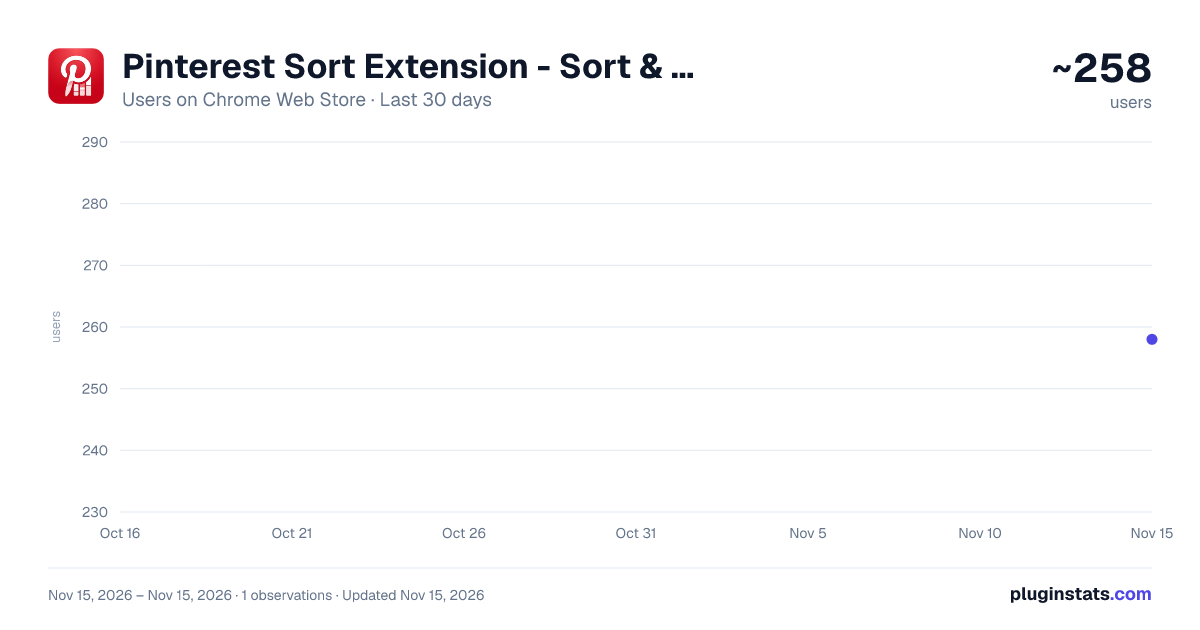
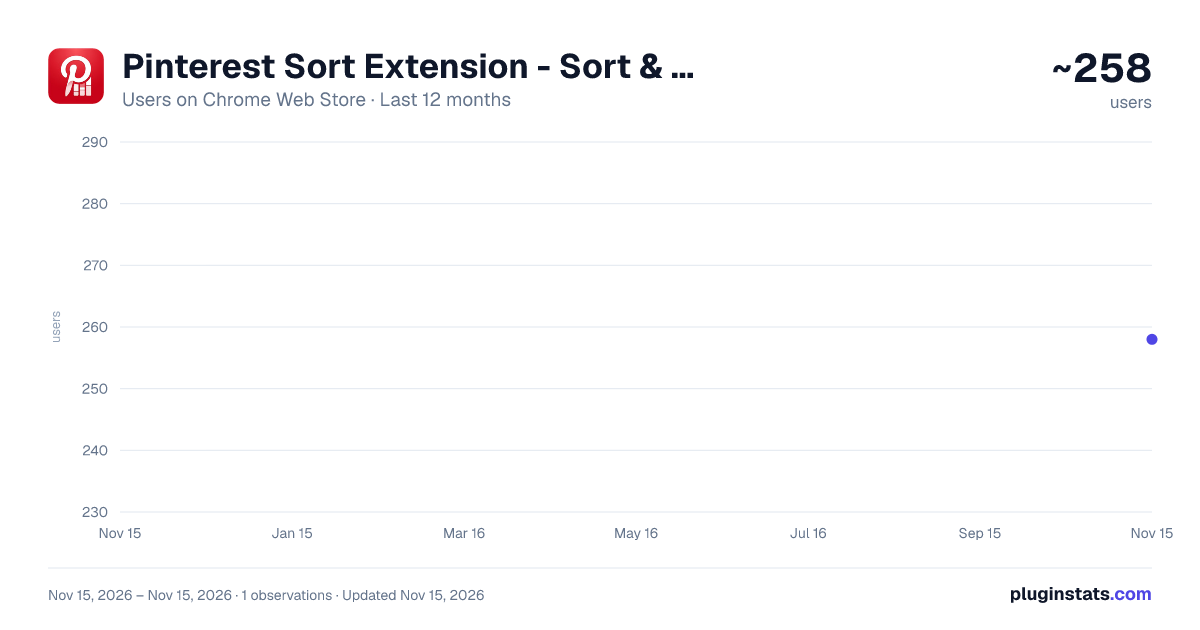
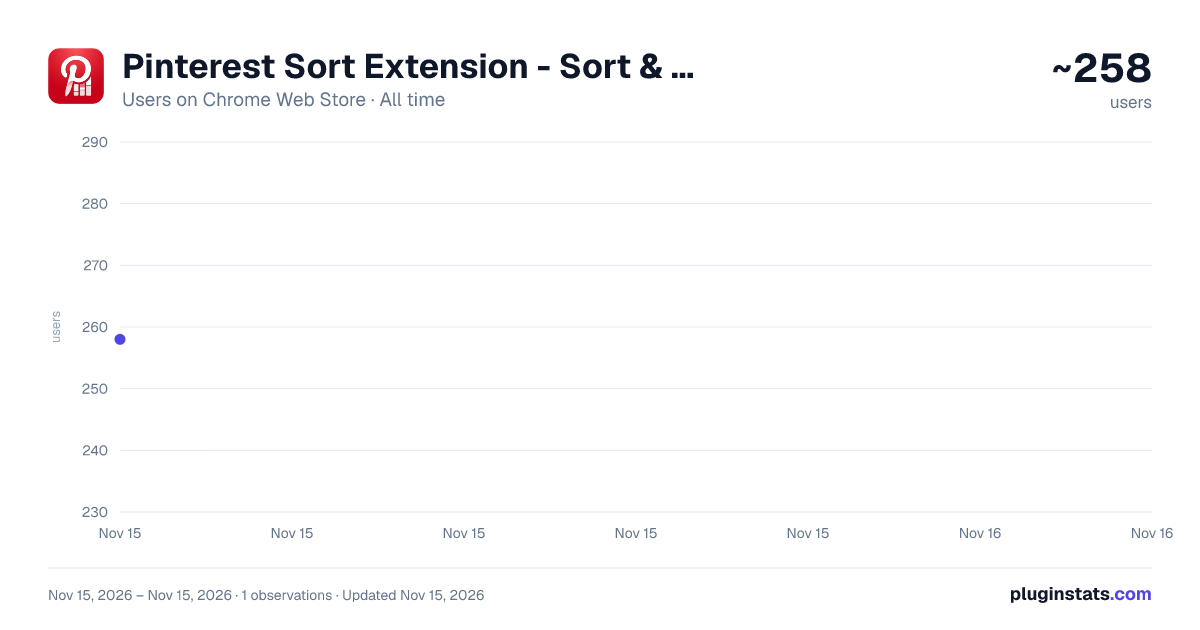
Pinterest Sort Extension - Sort & Filter Pins Easily has approximately 258 recorded users on Chrome Web Store, ranking #7004 of 10,388 tracked listings.
About Pinterest Sort Extension - Sort & Filter Pins Easily
Sort Pinterest pins by likes, date, and popularity. Quickly organize your feed and find the best content faster.
🚀 Pinterest Sort Extension – Sort, Filter & Organize Pins Like a Pro
Tired of scrolling endlessly on Pinterest without finding the content you actually care about? This powerful Pinterest sort extension helps you take control of your feed by adding advanced sorting and filtering features that Pinterest doesn’t offer by default.
Whether you're a designer, marketer, content creator, or just a daily Pinterest user, this tool makes discovering high-quality and trending pins faster and easier.
✨ Key Features 🔎 Smart Pinterest Sorting
Sort Pinterest pins by:
Most liked Most saved Newest first Trending / popular
Quickly find top-performing content without manual scrolling.
🎯 Advanced Filtering Options
Filter out unwanted content and focus only on what matters:
Filter by engagement (likes, saves) Filter by recency Remove low-quality or irrelevant pins
Perfect for research, inspiration, or content strategy.
⚡ One-Click Feed Optimization
Instantly organize your Pinterest feed with a single click. No complicated setup — just browse Pinterest as usual and activate sorting when needed.
📈 Discover Viral & Trending Pins Faster
Stop guessing what works. Identify high-performing pins in seconds and stay ahead of trends in your niche.
🧠 Built for Productivity
This extension is ideal for:
Social media managers Bloggers & SEO specialists E-commerce sellers Designers & creatives
Save hours of manual work and make smarter decisions with better data visibility.
💡 Why Use This Pinterest Sorter?
Pinterest’s default feed doesn’t allow you to sort or rank pins effectively. This extension fills that gap by giving you full control over how pins are displayed.
Instead of wasting time scrolling, you can:
Instantly find the best pins Analyze competitors Discover viral content ideas Improve your workflow 🔐 Safe & Easy to Use No login required No data collection Lightweight and fast
Works directly within your Pinterest interface without affecting your account.
🧩 Perfect for Every Pinterest User
Whether you're looking for inspiration or doing deep content research, this Pinterest sorter helps you get more value out of every session.
Description from the Chrome Web Store listing.
README badge
Show your rank in a README or on your website. The badge updates automatically.
Charts
Images: 30d · 1y · all time · 1600×900 dark
Adoption over time
7/30/90-day growth
Ranking history
Ratings over time
Listing placement
Listing placement
Filled points are observed values; hollow points come from Internet Archive snapshots of the listing page. Dashed segments span periods with no observations — values between points are not interpolated.
Each band is one page of 20. Users on a linear scale. Placement is projected from users, so it can differ from the marketplace's own sort order. Hover a dot to see the listing.
Recent observations
Full history (1)Similar Chrome Web Store Workflow & Planning plugins
All 20 Pinterest Sort Extension - Sort & Filter Pins Easily alternatives



Data source
Covers every Chrome Web Store extension with at least 100 users, found through the store's public sitemap. User counts are read from public listing pages. The 10% most-used extensions are refreshed daily, the next 40% weekly and the next 40% monthly; the least-used 10% are not refreshed. Google displays rounded user counts (and caps the display at 10,000,000+), so small changes may not be visible. Rating counts above 1,000 are rounded (e.g. 1.6K).
Listing: https://chromewebstore.google.com/detail/pinterest-sort-extension/mmbkfhhkaglpfdgmdoihldleimhfoehj. First seen Nov 15, 2026; last successful collection Nov 15, 2026. See the methodology.