 PluginStats

Drawboard PDF: Annotate, merge, split, convert users statistics
Chrome Web Store · Workflow & Planning
Powerful PDF tools for every job. Mark up, edit and collaborate on PDFs. Fill, sign, convert and measure seamlessly in your browser.
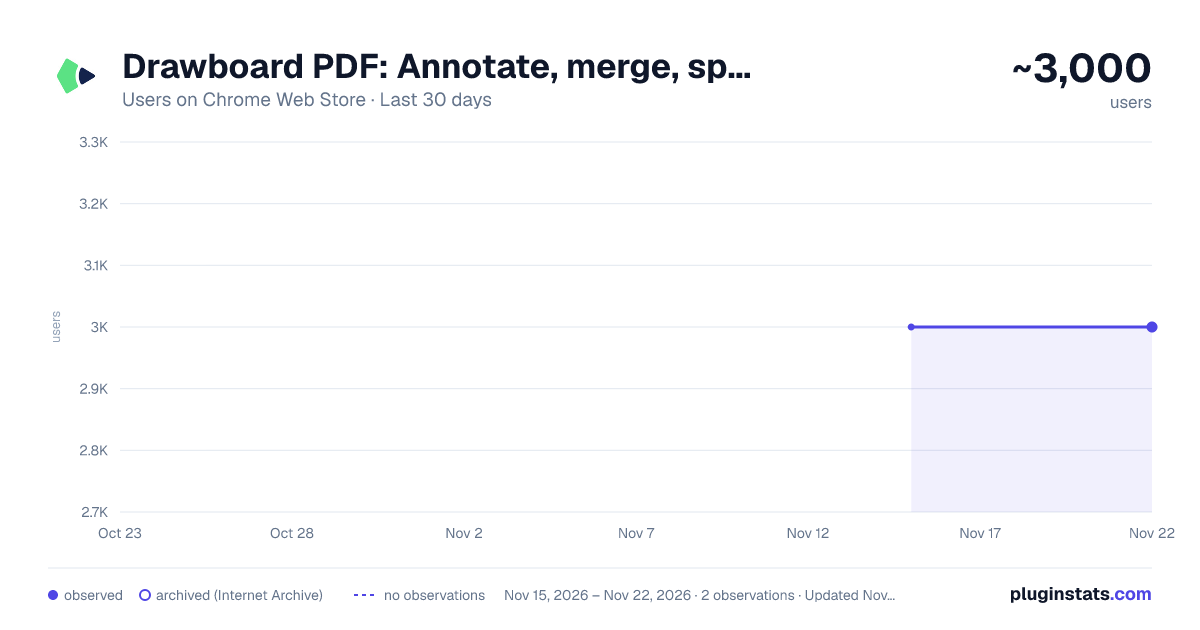
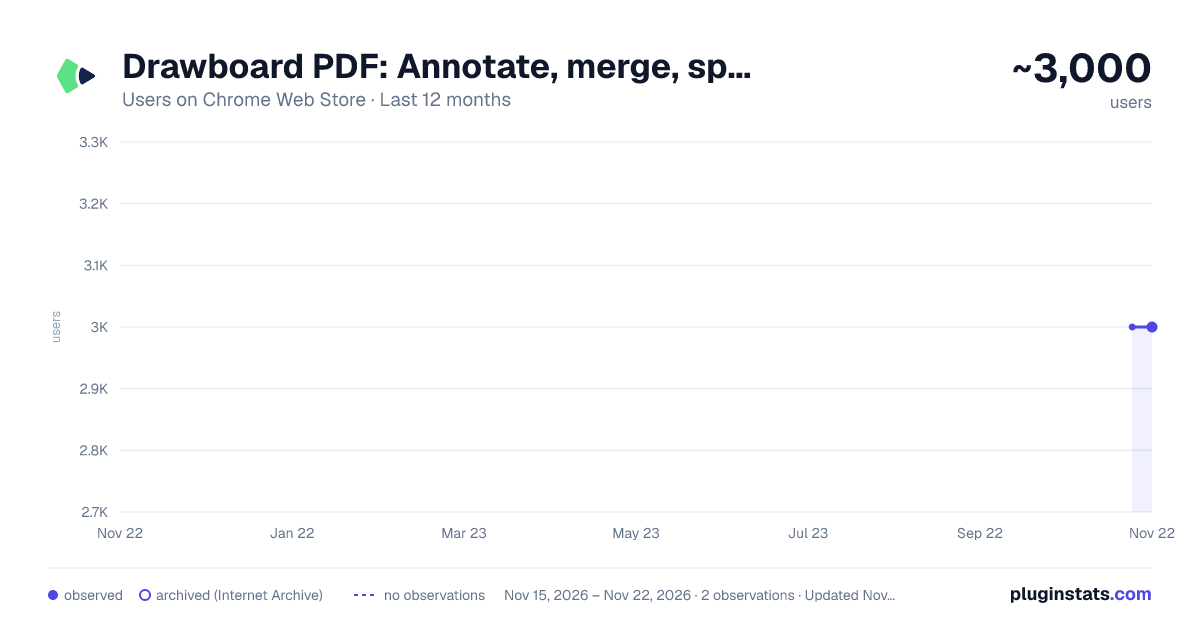
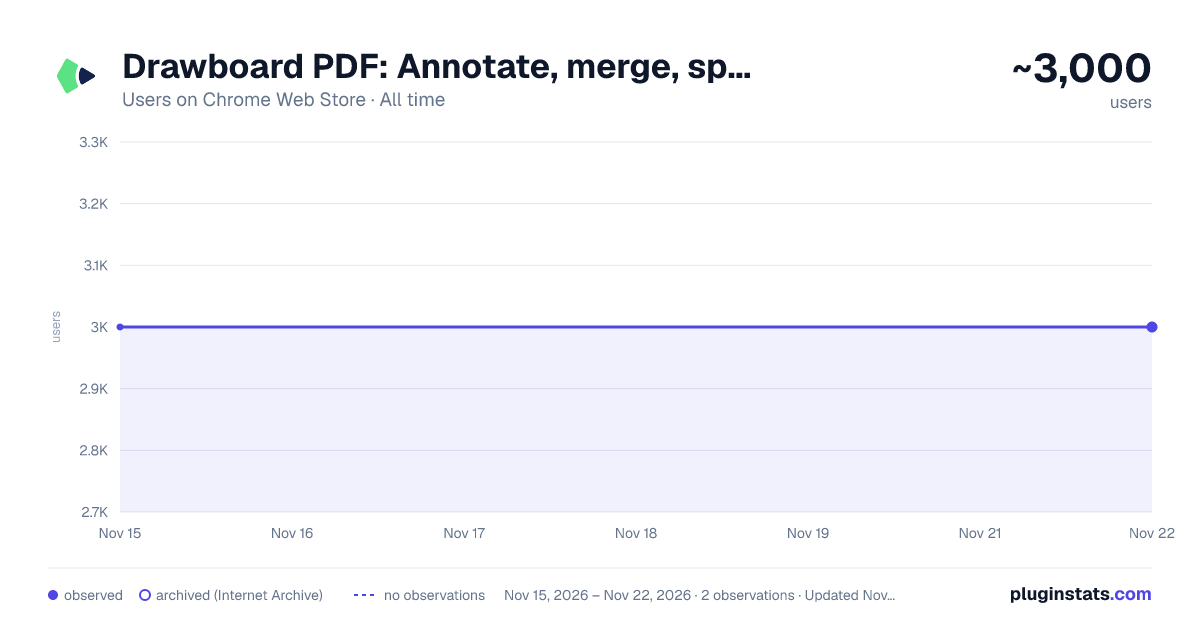
Drawboard PDF: Annotate, merge, split, convert has approximately 3,000 recorded users on Chrome Web Store, ranking #2194 of 10,388 tracked listings.
Rating: 4.60 / 5 from 11 ratings
About Drawboard PDF: Annotate, merge, split, convert
Powerful PDF tools for every job. Mark up, edit and collaborate on PDFs. Fill, sign, convert and measure seamlessly in your browser.
Mark up and collaborate on any PDF with ease with Drawboard PDF.
Millions of engineers, architects, lawyers, students and educators are using Drawboard PDF for fast and collaborative PDF markup. Our powerful PDF tools are helping streamline workflows and reduce the world’s reliance on paper.
Installing the Google Chrome Extension enables you to:
- Attach Drawboard PDF cloud files to emails directly from the compose window in Gmail.
- Open PDF email attachments in Drawboard PDF instantly.
- Open PDFs from the web directly in Drawboard PDF, granting you instant access to a suite of PDF tools.
With Drawboard PDF you can:
- Annotate PDFs
- Collaborate on PDF files in real-time
- Sign documents
- Convert images to PDF
- Review documents with highlighters, text underline, strikethroughs and more
- Insert notes, text, shapes, lines and images
- Use bookmarks to create easy navigation within documents
- Utilize AI tools to summarize, rephrase, translate text and more!
With advanced tools you can:
- Merge, split and reorganize PDFs
- Measure elements on your page
- Add hyperlinks and audio notes to PDFs
- Insert callouts
- Apply various line styles and line endings
- Save and store annotations for use at any time
- Use grid & line overlays and templates as well as your own custom templates
- See a detailed Annotation history and conduct construction takeoffs
- Use OCR to make image text selectable and searchable
- Redact text or sections of PDFs
And more.
Available on Windows, iOS, macOS, Android and in your web browser.
Description from the Chrome Web Store listing.
README badge
Show your rank in a README or on your website. The badge updates automatically.
Charts
Images: 30d · 1y · all time · 1600×900 dark
Adoption over time
7/30/90-day growth
Ranking history
Ratings over time
Listing placement
Listing placement
Filled points are observed values; hollow points come from Internet Archive snapshots of the listing page. Dashed segments span periods with no observations — values between points are not interpolated.
Each band is one page of 20. Users on a linear scale. Placement is projected from users, so it can differ from the marketplace's own sort order. Hover a dot to see the listing.
Recent observations
Full history (1)Similar Chrome Web Store Workflow & Planning plugins
All 20 Drawboard PDF: Annotate, merge, split, convert alternatives



Data source
Covers every Chrome Web Store extension with at least 100 users, found through the store's public sitemap. User counts are read from public listing pages. The 10% most-used extensions are refreshed daily, the next 40% weekly and the next 40% monthly; the least-used 10% are not refreshed. Google displays rounded user counts (and caps the display at 10,000,000+), so small changes may not be visible. Rating counts above 1,000 are rounded (e.g. 1.6K).
Listing: https://chromewebstore.google.com/detail/drawboard-pdf-annotate-me/bmninhlkpnllbioeiflnedibkeifpmkm. First seen Nov 15, 2026; last successful collection Nov 15, 2026. See the methodology.