 PluginStats

Gyroscope for Chrome users statistics
Chrome Web Store · Workflow & Planning
Don't let life pass you by. See your realtime age and latest stats on every new tab — with beautiful, customizable backgrounds.
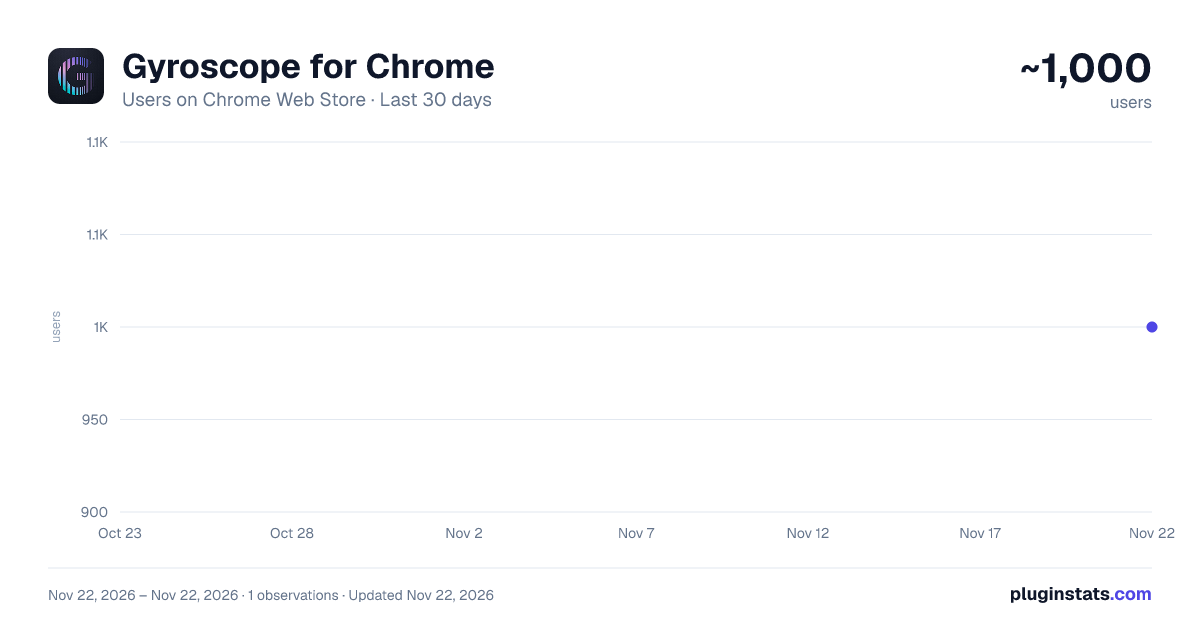
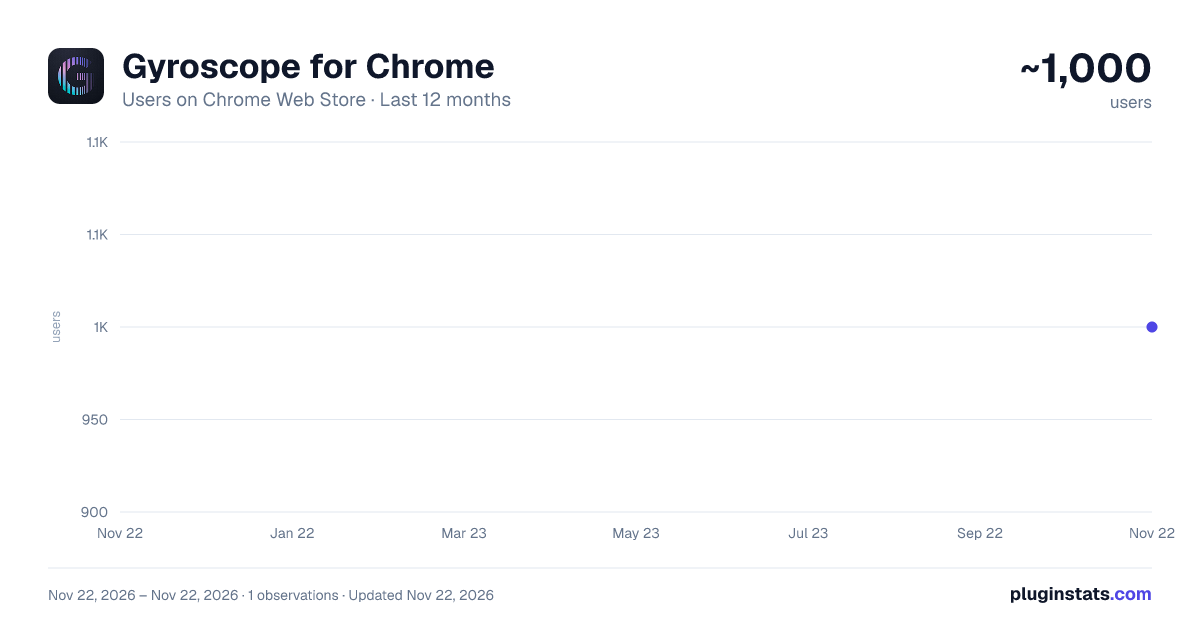
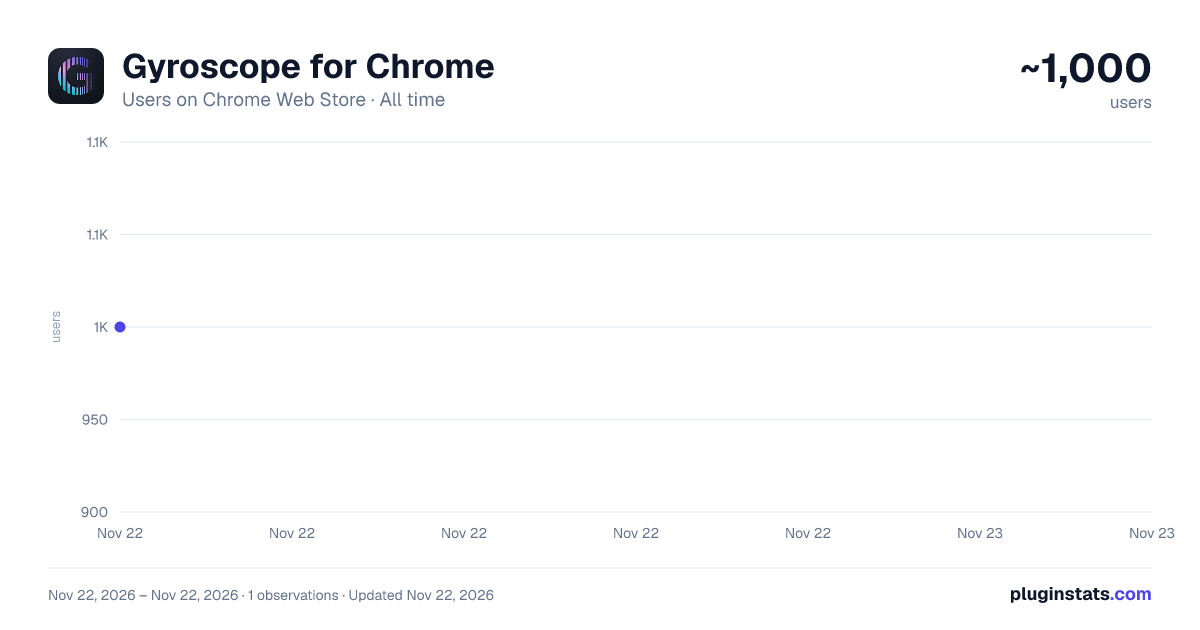
Gyroscope for Chrome has approximately 1,000 recorded users on Chrome Web Store, ranking #3810 of 10,523 tracked listings.
Rating: 4.40 / 5 from 32 ratings
About Gyroscope for Chrome
Don't let life pass you by. See your realtime age and latest stats on every new tab — with beautiful, customizable backgrounds.
Keep track of your life, with your age ticking in realtime.
Life is short and precious. The Gyroscope Chrome extension is a constant reminder to make the most of this moemnt.
Gyroscope for Chrome simply replaces your new tab page with a new view, designed to make you a little healthier and more focused every time you open a new browser window.
The extension cycles through a stat every time you open it, keeping you aware of all your latest metrics through the day.
AGE — a realtime counter of your life, ticking to nine decimal places. Keep track of it to make every day count. LOCATION — where you are right now, and how long you've been there FOOD — today's meals as a photo deck, macro bars, and a live fasting clock STEPS — today's latest activity. Have you walked enough? WEIGHT HEALTH SCORE — how your overall health is doing CURRENT FOCUS — the one thing your Gyroscope coach has assigned for the week, which will get you closer to your long term goals LAST RUN — how long since you last went running? LAST WORKOUT — your last strength training, to keep you fit
In V1.0 we have made it more customizable.
Set the scene with beautiful, curated photo backgrounds — space, cityscapes, zen gardens, forests, beaches — or keep it pure with simple black.
You can also choose which metrics you want to see in the rotation. You can set it to just age or a single item you want to focus on, pick a few that it will automatically cycle through, or turn everything on to have a full dashboard at your fingertips.
HOW IT WORKS
This extension replaces Chrome's new tab page. Every time you open a new window or press Command+N, you’ll be greeted with a clean and simple screen showing your realtime age (and other metrics).
A Gyroscope account is required. You can register for free in less than a minute if you don’t have one — and the age counter requires simply entering your birthday in your profile settings.
Your data stays yours — the extension reads it directly from your own gyrosco.pe session. No analytics, no tracking, nothing shared with anyone.
Best of all—no manual entry or wearables required! Once you set it up, it just works automatically.
Description from the Chrome Web Store listing.
README badge
Show your rank in a README or on your website. The badge updates automatically.
Charts
Images: 30d · 1y · all time · 1600×900 dark
Adoption over time
7/30/90-day growth
Ranking history
Ratings over time
Listing placement
Listing placement
Filled points are observed values; hollow points come from Internet Archive snapshots of the listing page. Dashed segments span periods with no observations — values between points are not interpolated.
Each band is one page of 20. Users on a linear scale. Placement is projected from users, so it can differ from the marketplace's own sort order. Hover a dot to see the listing.
Recent observations
Full history (1)Similar Chrome Web Store Workflow & Planning plugins
All 20 Gyroscope for Chrome alternatives



Data source
Covers every Chrome Web Store extension with at least 100 users, found through the store's public sitemap. User counts are read from public listing pages. The 10% most-used extensions are refreshed daily, the next 40% weekly and the next 40% monthly; the least-used 10% are not refreshed. Google displays rounded user counts (and caps the display at 10,000,000+), so small changes may not be visible. Rating counts above 1,000 are rounded (e.g. 1.6K).
Listing: https://chromewebstore.google.com/detail/gyroscope-for-chrome/ifakdojghbjeahenejfpgdfhhcmjgfle. First seen Nov 22, 2026; last successful collection Nov 22, 2026. See the methodology.