 PluginStats

Edit Page - Webpage Editor & Full Page Screenshot users statistics
Chrome Web Store · Workflow & Planning
Edit text, replace and resize images, format text, remove elements, and capture the current view or a full-page screenshot.
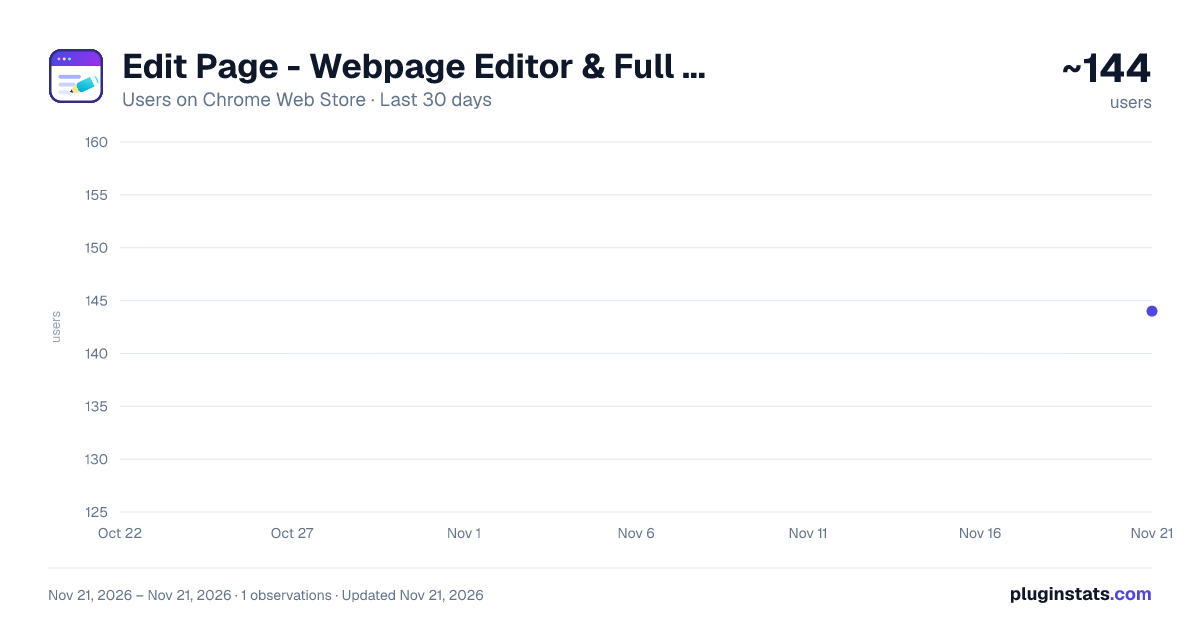
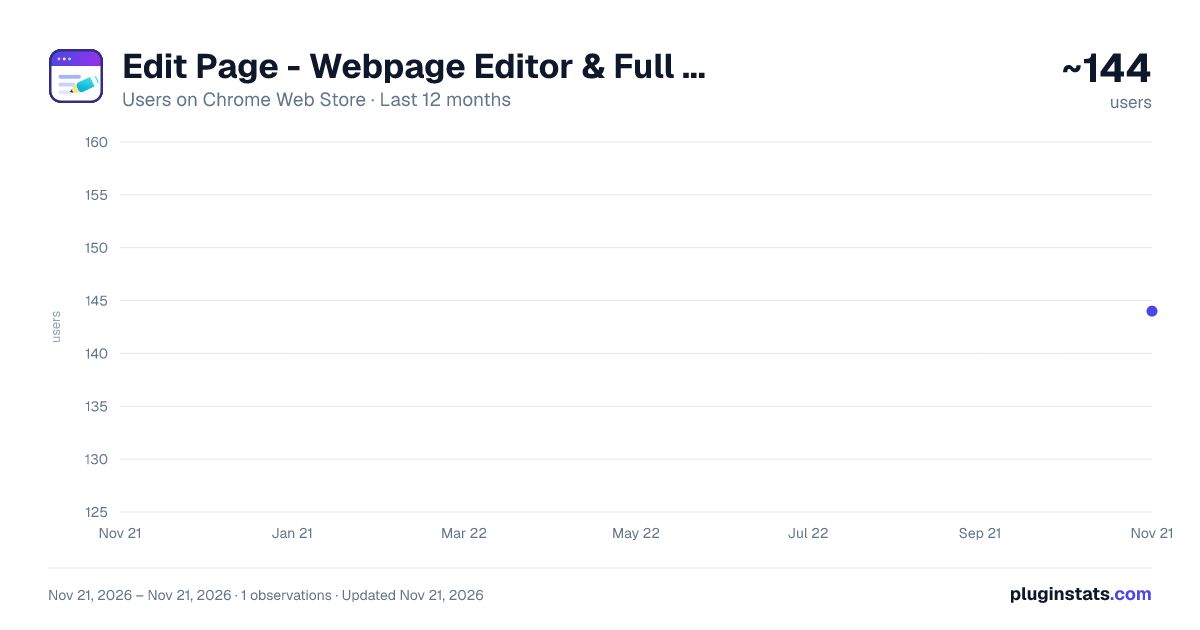
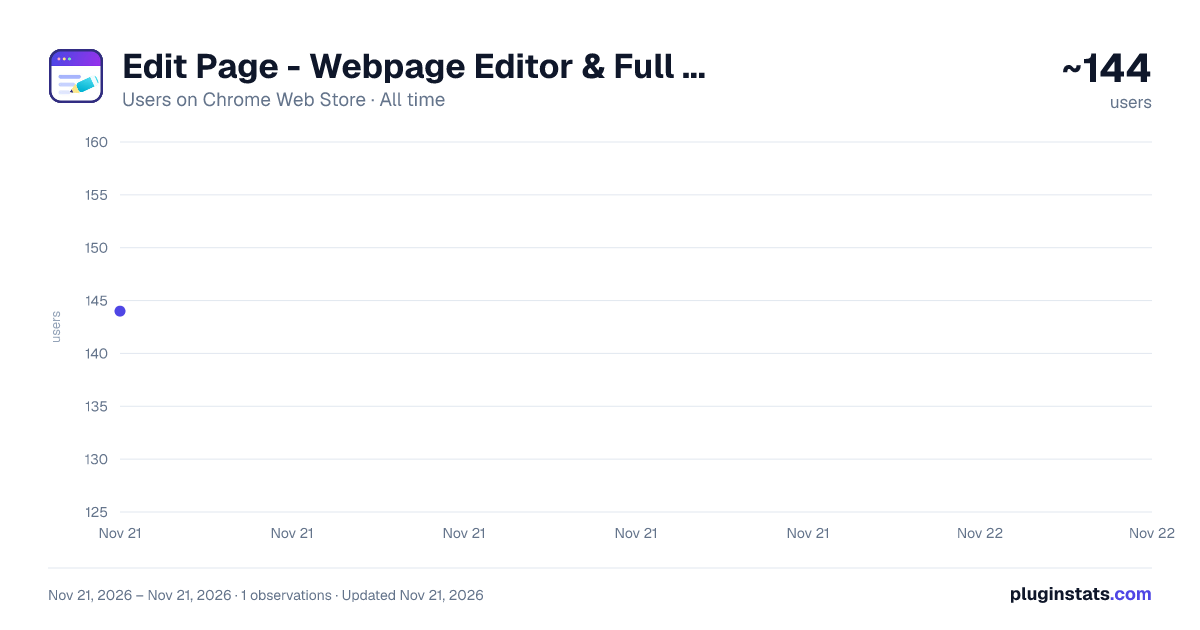
Edit Page - Webpage Editor & Full Page Screenshot has approximately 144 recorded users on Chrome Web Store, ranking #8930 of 10,388 tracked listings.
Rating: 5.00 / 5 from 8 ratings
About Edit Page - Webpage Editor & Full Page Screenshot
Edit text, replace and resize images, format text, remove elements, and capture the current view or a full-page screenshot.
Edit Page lets you edit webpages directly in your browser. Quickly edit text, change images, remove elements, and capture screenshots without leaving the page.
Whether you're creating a quick mockup, testing a design idea, preparing a presentation, or simply want to see how a webpage could look with different content, Edit Page makes temporary webpage editing simple.
What you can do
Edit text Click text on a webpage and replace it with your own content. Edit Page is designed for quick text changes and does not require coding.
Change image Replace images on a webpage with a local image or an Image URL. Preview the replacement before applying it.
Text formatting Select text while editing and format it from a floating toolbar: font size, bold, italic, underline, strikethrough, text color, and background color.
Resize After replacing an image, drag the handles to resize it: corners keep the aspect ratio, and holding Alt stretches it freely.
Remove element Click an element on the page to remove it and create a cleaner version of the webpage.
Screenshot Capture your edited page as a Current viewport screenshot or a Full page screenshot. Save screenshots to the Clipboard or Download them.
Undo & Redo Easily undo or redo your changes while editing, so you can experiment without worrying about losing your previous work.
Perfect for
Creating quick webpage mockups Testing different text and images Preparing presentation screenshots Creating visual drafts and concepts Demonstrating webpage changes Quickly removing unwanted page elements
Edit Page is available for Chrome and Microsoft Edge.
Start editing a webpage in seconds — no coding required.
Description from the Chrome Web Store listing.
README badge
Show your rank in a README or on your website. The badge updates automatically.
Charts
Images: 30d · 1y · all time · 1600×900 dark
Adoption over time
7/30/90-day growth
Ranking history
Ratings over time
Listing placement
Listing placement
Filled points are observed values; hollow points come from Internet Archive snapshots of the listing page. Dashed segments span periods with no observations — values between points are not interpolated.
Each band is one page of 20. Users on a linear scale. Placement is projected from users, so it can differ from the marketplace's own sort order. Hover a dot to see the listing.
Recent observations
Full history (1)Similar Chrome Web Store Workflow & Planning plugins
All 20 Edit Page - Webpage Editor & Full Page Screenshot alternatives



Data source
Covers every Chrome Web Store extension with at least 100 users, found through the store's public sitemap. User counts are read from public listing pages. The 10% most-used extensions are refreshed daily, the next 40% weekly and the next 40% monthly; the least-used 10% are not refreshed. Google displays rounded user counts (and caps the display at 10,000,000+), so small changes may not be visible. Rating counts above 1,000 are rounded (e.g. 1.6K).
Listing: https://chromewebstore.google.com/detail/edit-page-webpage-editor/edjbgblhciojhakodeflnpampekciifl. First seen Nov 21, 2026; last successful collection Nov 21, 2026. See the methodology.