 PluginStats

Balises Hn Check Reviews, Filtering ✅ users statistics
Chrome Web Store · Workflow & Planning
Balises Hn Check Reviews : Copiez le balisage Hn des pages web ⭐
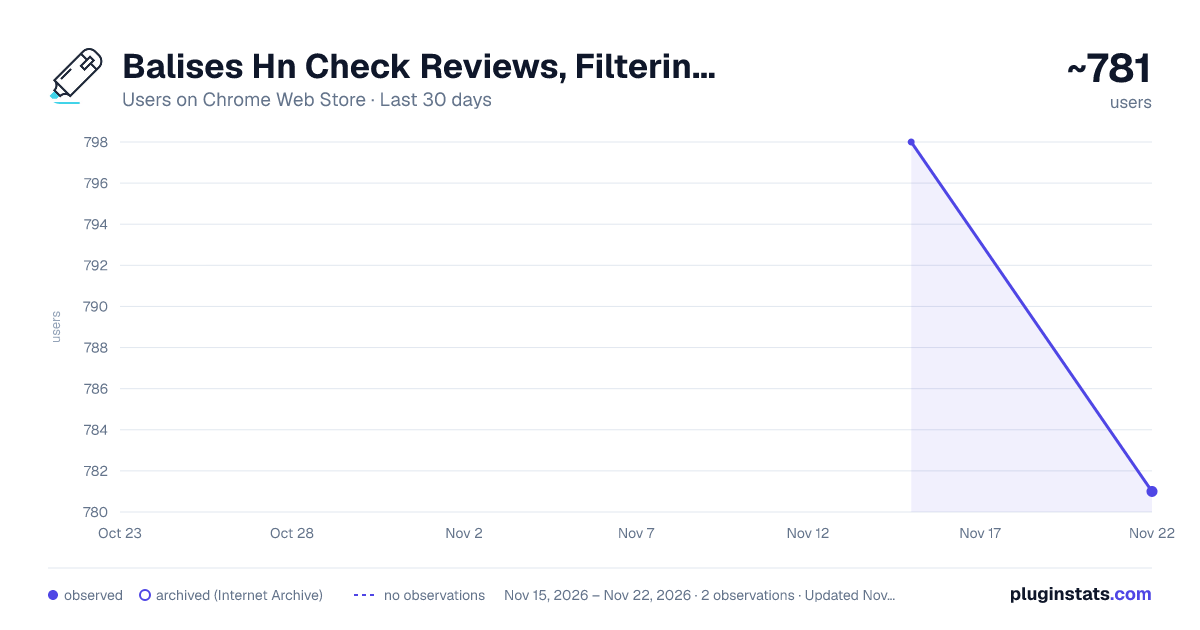
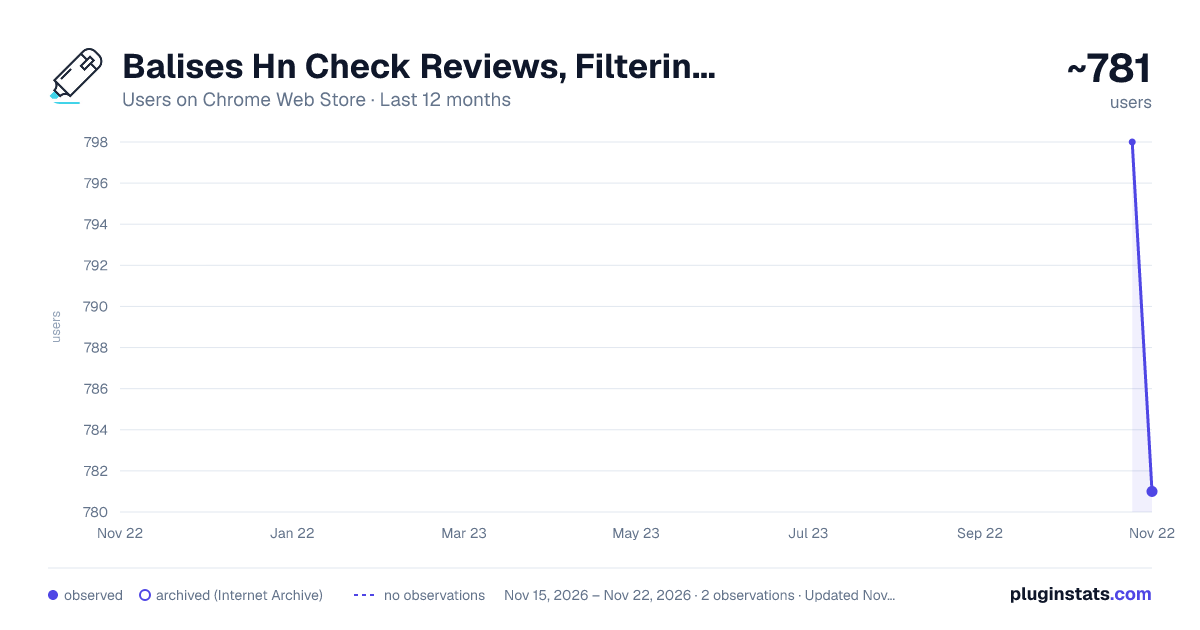
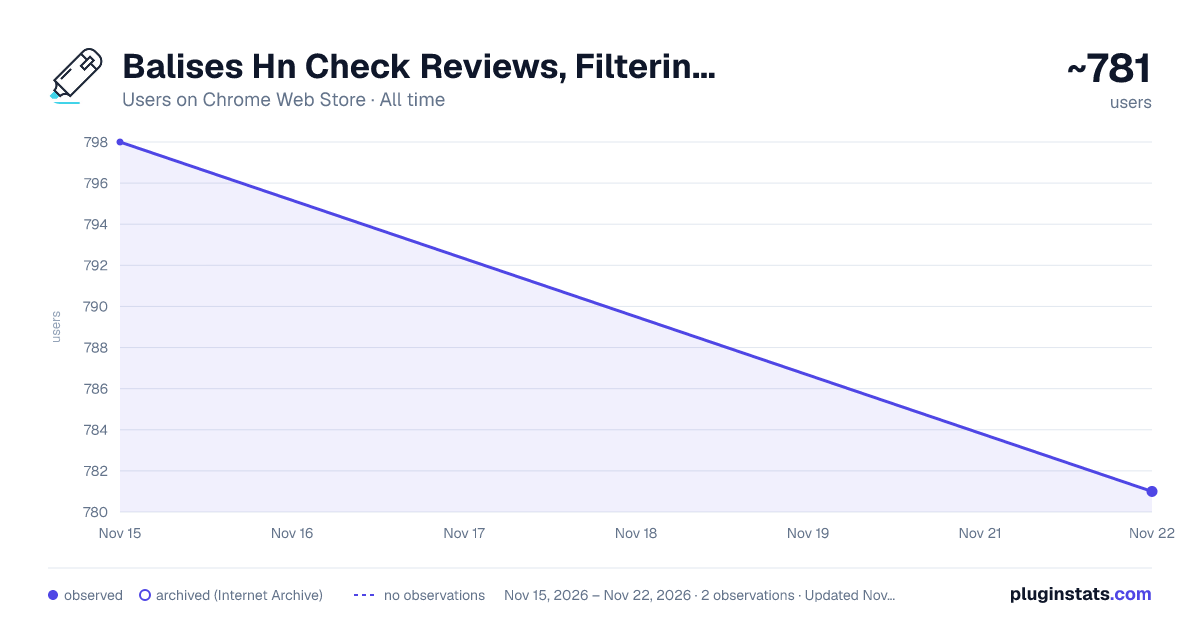
Balises Hn Check Reviews, Filtering ✅ has approximately 798 recorded users on Chrome Web Store, ranking #4203 of 10,388 tracked listings.
Rating: 4.90 / 5 from 21 ratings
About Balises Hn Check Reviews, Filtering ✅
Balises Hn Check Reviews : Copiez le balisage Hn des pages web ⭐
Transform Your Browsing Experience with the Hn Tag Highlighter Extension
The Hn Tag Highlighter is a powerful Google Chrome extension designed to fundamentally improve the way you analyze and understand the structure of web pages. Whether you are a developer, SEO specialist, designer, content strategist, or simply someone who wants a clearer view of how content is organized online, this extension gives you instant structural visibility with precision and simplicity.
Headings are the backbone of web content. H1, H2, H3, H4, H5, and H6 tags define hierarchy, structure, semantic clarity, and accessibility. They guide both users and search engines through the logical flow of information. Yet identifying and analyzing them often requires inspecting source code or manually scanning layouts. The Hn Tag Highlighter eliminates that friction by instantly revealing heading tags directly on the page.
Instead of digging through HTML or using developer tools, you get immediate visual feedback that highlights each heading level clearly and consistently. This allows you to understand content hierarchy in seconds.
Core Features
Instant Hn Tag Highlighting The extension automatically detects and highlights all H1, H2, H3, H4, H5, and H6 tags present on a webpage. Each heading is visually emphasized in bright yellow, ensuring it stands out clearly from the rest of the content. This immediate visibility allows you to analyze structure without switching tabs or opening source code.
Clear and Distinct Tag Identification Every highlighted heading includes a clear label indicating its tag type (H1, H2, H3, and so on). This eliminates ambiguity and allows for rapid differentiation between levels. You can instantly assess whether a page respects structural hierarchy best practices or if improvements are needed.
Simple and Intuitive Operation The extension is designed for efficiency. With a single click on the Chrome toolbar icon, you can activate or deactivate the highlighting feature. This toggle functionality allows you to seamlessly switch between analysis mode and normal browsing mode without disrupting your workflow.
Why Heading Structure Matters
Heading tags play a critical role in:
Search engine optimization and semantic clarity
Content hierarchy and logical flow
Accessibility for screen readers
User experience and readability
Technical audits and content quality checks
A well-structured heading system improves crawlability, comprehension, and engagement. Conversely, poorly structured headings can harm both user experience and SEO performance.
The Hn Tag Highlighter provides an immediate visual audit of these elements, allowing you to identify issues such as:
Multiple H1 tags
Skipped hierarchy levels (e.g., H2 to H4)
Missing primary headings
Overuse of certain heading levels
Inconsistent structural patterns
Designed for Professionals
For Web Developers The extension allows developers to quickly assess structural integrity without manually inspecting HTML. It significantly reduces the time required for audits, debugging, or structural validation. Instead of searching through source code, you see the hierarchy directly on the rendered page.
For Designers Designers can instantly visualize content hierarchy, making it easier to evaluate layout logic and visual balance. Understanding heading distribution helps refine spacing, typography, and section flow.
For SEO Specialists SEO professionals can immediately verify whether heading usage aligns with best practices. Structural clarity is a key ranking factor, and being able to audit it visually enhances both speed and accuracy.
For Content Creators and Editors Writers and editors can evaluate how their content is structured once published. This ensures that key sections are properly emphasized and that the content hierarchy supports readability and navigation.
Enhance Your Reading and Analysis Experience
Beyond professional use cases, the extension improves everyday browsing. When reading long articles, blog posts, or technical documentation, you can quickly identify major sections and subsections. This enhances comprehension and makes navigation through complex content far more efficient.
Instead of scrolling aimlessly, you immediately understand the structure and importance of each section.
Lightweight and Efficient
The Hn Tag Highlighter is optimized for performance. It runs directly in your browser and applies visual highlighting without significantly impacting page speed or responsiveness. The clean interface ensures that the added labels remain clear without overwhelming the page design.
Privacy and Permissions
The extension requires permission to access the content of the websites you visit in order to detect and highlight heading tags. This access is strictly necessary for functionality. The analysis is performed locally within your browser environment.
Upgrade the Way You Analyze the Web
Stop manually scanning source code to understand page structure. The Hn Tag Highlighter provides instant structural clarity with a single click. It streamlines audits, improves efficiency, and enhances your understanding of web content architecture.
Install the Hn Tag Highlighter now and transform the way you navigate, analyze, and structure web content.
Discord help: https://discord.com/invite/K2uUHdf
Tools Discord: https://discord.gg/Qce5aFRxSm
Gtool: https://gtool.fr/
Website : https://dev-maxime-guinard.fr/
Thank you.
--
Transformez votre expérience de navigation avec l’extension Hn Tag Highlighter
Hn Tag Highlighter est une extension Google Chrome conçue pour améliorer radicalement votre manière d’analyser la structure des pages web. Que vous soyez développeur, spécialiste SEO, designer, rédacteur ou simplement curieux de comprendre l’organisation d’un site, cette extension vous offre une visibilité immédiate et précise sur la hiérarchie des contenus.…
Description from the Chrome Web Store listing.
README badge
Show your rank in a README or on your website. The badge updates automatically.
Charts
Images: 30d · 1y · all time · 1600×900 dark
Adoption over time
7/30/90-day growth
Ranking history
Ratings over time
Listing placement
Listing placement
Filled points are observed values; hollow points come from Internet Archive snapshots of the listing page. Dashed segments span periods with no observations — values between points are not interpolated.
Each band is one page of 20. Users on a linear scale. Placement is projected from users, so it can differ from the marketplace's own sort order. Hover a dot to see the listing.
Recent observations
Full history (1)Similar Chrome Web Store Workflow & Planning plugins
All 20 Balises Hn Check Reviews, Filtering ✅ alternatives



Data source
Covers every Chrome Web Store extension with at least 100 users, found through the store's public sitemap. User counts are read from public listing pages. The 10% most-used extensions are refreshed daily, the next 40% weekly and the next 40% monthly; the least-used 10% are not refreshed. Google displays rounded user counts (and caps the display at 10,000,000+), so small changes may not be visible. Rating counts above 1,000 are rounded (e.g. 1.6K).
Listing: https://chromewebstore.google.com/detail/balises-hn-check-reviews/hhnmkfpkmgdegdahcdhoecgacnogfdnn. First seen Nov 15, 2026; last successful collection Nov 15, 2026. See the methodology.