 PluginStats

Read aloud with auto language detection users statistics
By Read Aloud Labs · Chrome Web Store · Workflow & Planning
Text-to-speech web reader
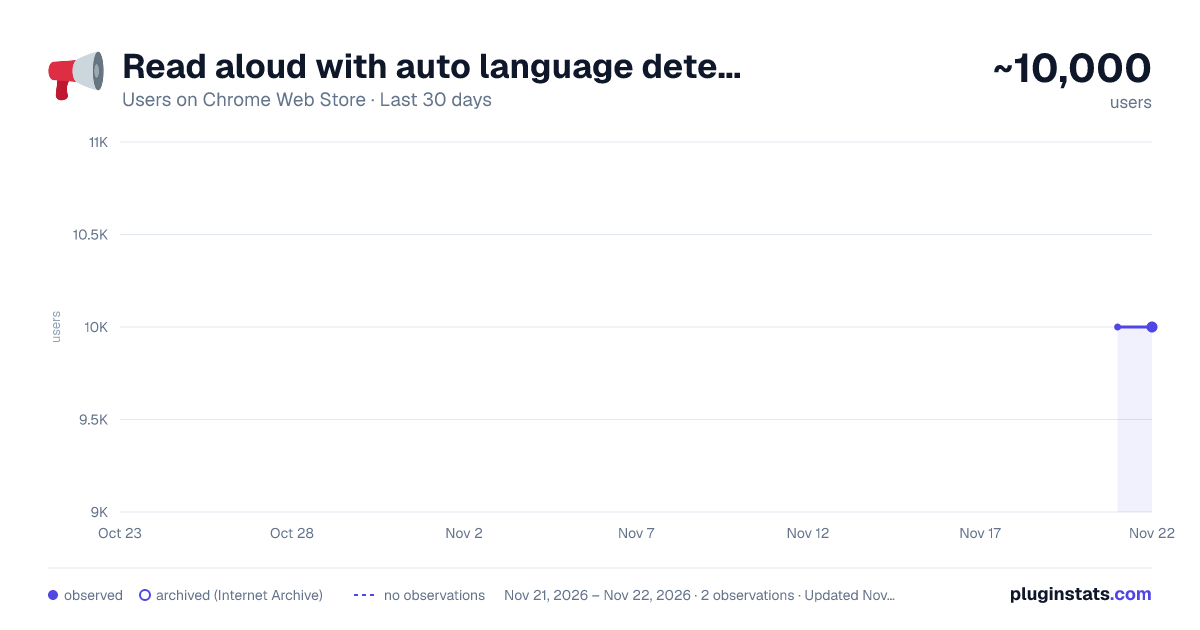
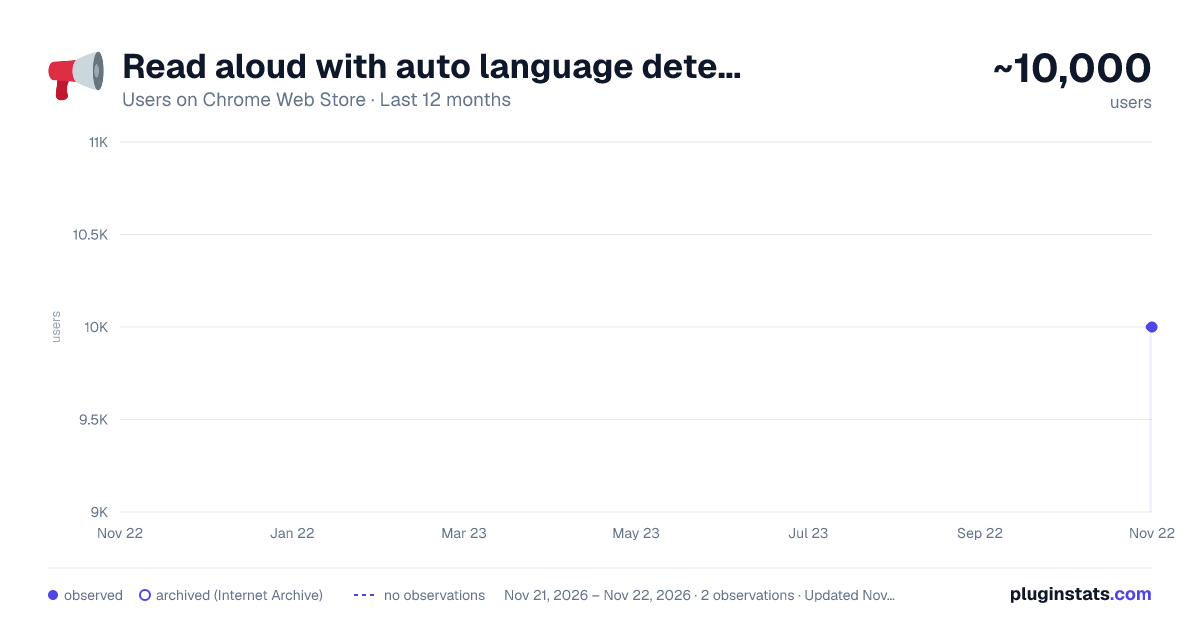
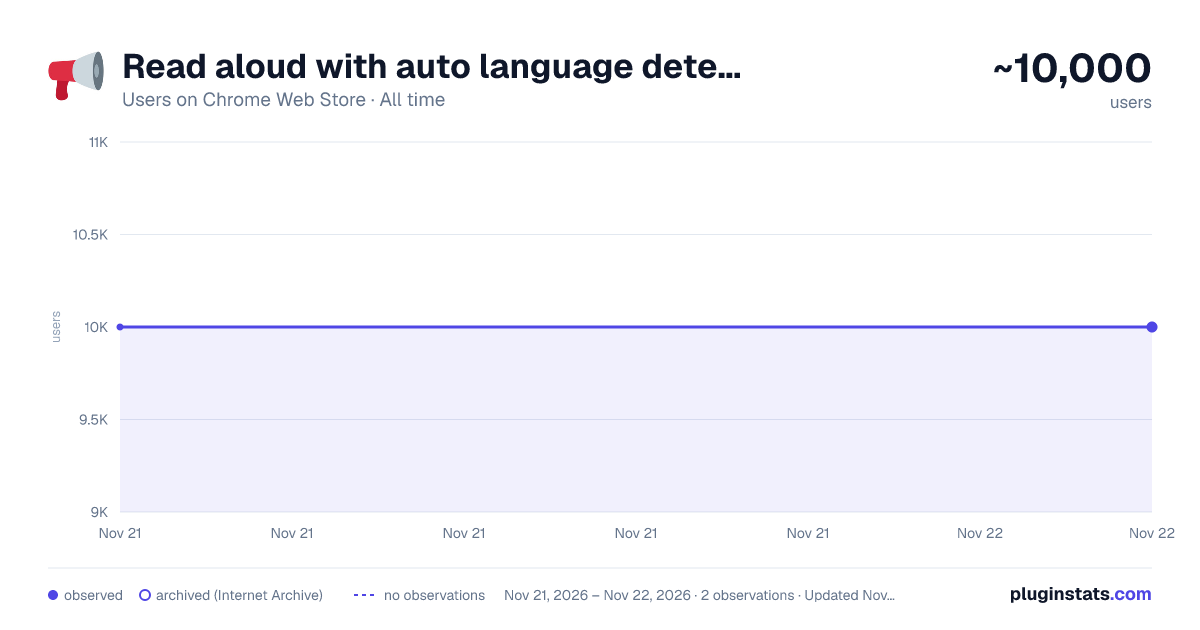
Read aloud with auto language detection has approximately 10,000 recorded users on Chrome Web Store, ranking #1165 of 10,388 tracked listings.
Rating: 4.10 / 5 from 14 ratings
About Read aloud with auto language detection
Text-to-speech web reader
This extension helps you read websites aloud by using Google Chrome text-to-speech engine. It can automatically detect the language of the current sentence (currently supported for English and Russian). Also, you can manually choose any language among supported by Google Chrome text-to-speech engine: English, Deutsch, Español, Español de Estados Unidos, Français, हिन्दी, Bahasa Indonesia, Italiano, 日本語, 한국의, Nederlands, Polski, Português do Brasil, Русский, 普通话(中国大陆), 粤語 (香港), 國語 (臺灣).
You can conveniently control the extension using keyboard shortcuts: go to previous/next sentence, start/pause, change speed etc.
When you listen, the current sentence is always highlighted (selected) on the webpage. There is also a convenient option of auto-scrolling to follow the current sentence.
How to use: Quick start: select any part of a sentence on a web page where you want to start reading and press Alt+R (or click the extension icon). Extension widget will appear and will start reading. Mouse over the widget to see all the options and keyboard shortcuts. Most commonly you will use Shift to start from current selection, Esc to stop, Space to pause/resume, left and right arrows to go to previous/next sentence.
Enjoy reading aloud!
Description from the Chrome Web Store listing.
README badge
Show your rank in a README or on your website. The badge updates automatically.
Charts
Images: 30d · 1y · all time · 1600×900 dark
Adoption over time
7/30/90-day growth
Ranking history
Ratings over time
Listing placement
Listing placement
Filled points are observed values; hollow points come from Internet Archive snapshots of the listing page. Dashed segments span periods with no observations — values between points are not interpolated.
Each band is one page of 20. Users on a linear scale. Placement is projected from users, so it can differ from the marketplace's own sort order. Hover a dot to see the listing.
Recent observations
Full history (1)Similar Chrome Web Store Workflow & Planning plugins
All 20 Read aloud with auto language detection alternatives



Data source
Covers every Chrome Web Store extension with at least 100 users, found through the store's public sitemap. User counts are read from public listing pages. The 10% most-used extensions are refreshed daily, the next 40% weekly and the next 40% monthly; the least-used 10% are not refreshed. Google displays rounded user counts (and caps the display at 10,000,000+), so small changes may not be visible. Rating counts above 1,000 are rounded (e.g. 1.6K).
Listing: https://chromewebstore.google.com/detail/read-aloud-with-auto-lang/iaeiplcjdnogoipoblmicfocnhfobpmi. First seen Nov 21, 2026; last successful collection Nov 21, 2026. See the methodology.