 PluginStats

Asciidoctor.js Live Preview users statistics
Chrome Web Store · Workflow & Planning
Render AsciiDoc (.ad, .adoc, .asc, .asciidoc) as HTML inside your browser!
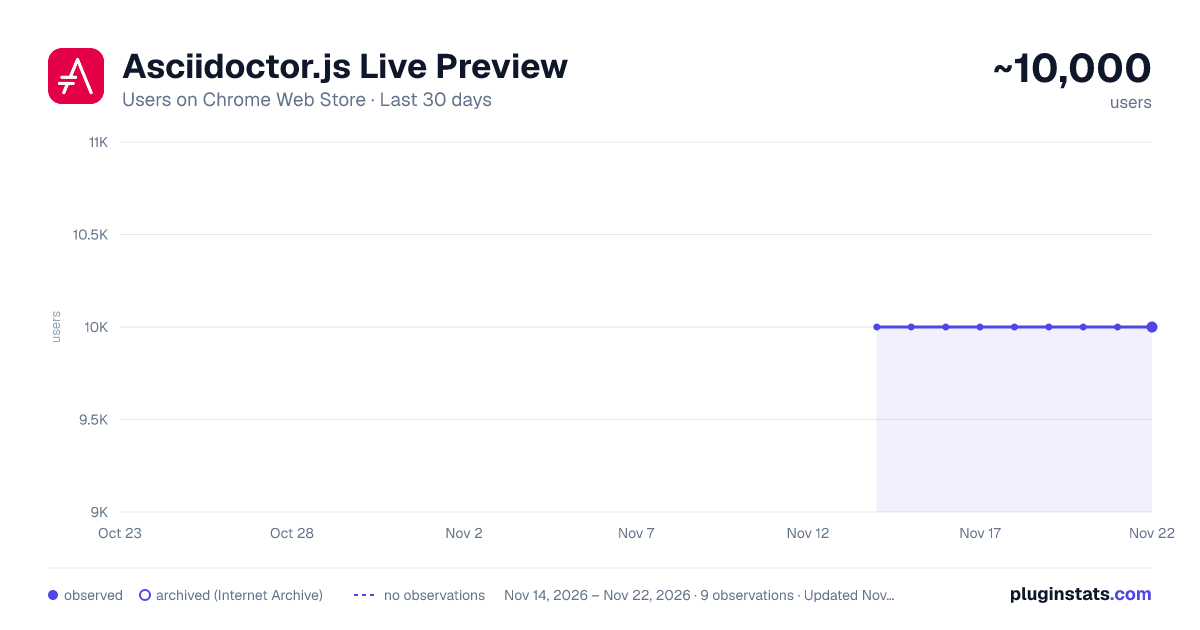
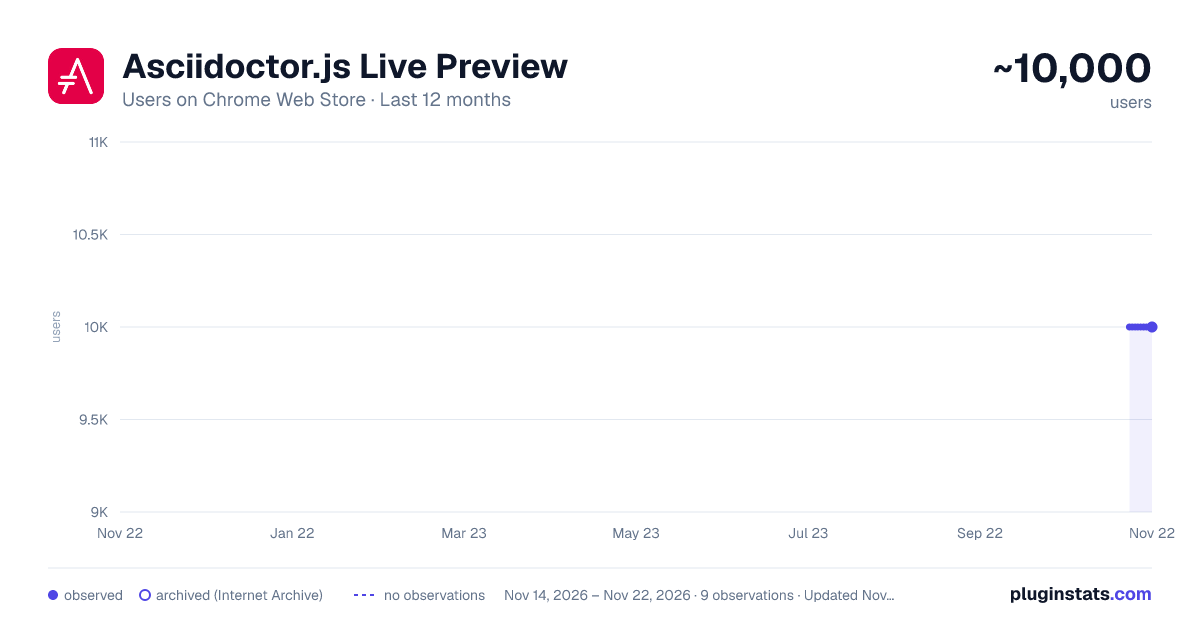
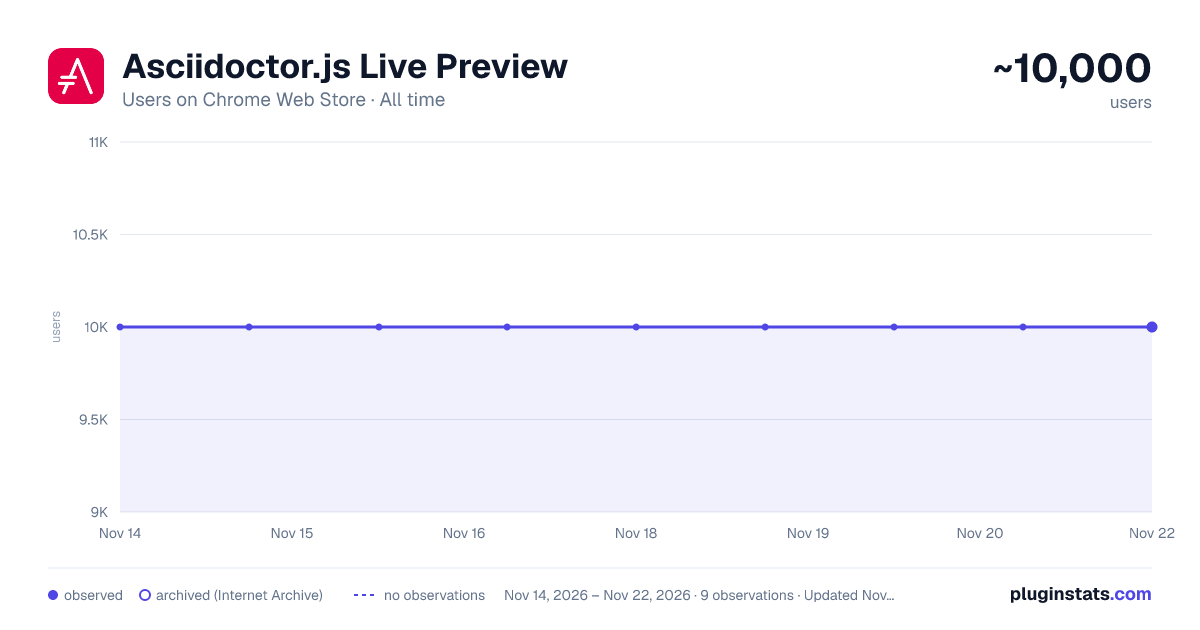
Asciidoctor.js Live Preview has approximately 10,000 recorded users on Chrome Web Store, a change of 0.0% over the past 7 days, ranking #1129 of 10,388 tracked listings.
Rating: 4.70 / 5 from 77 ratings
About Asciidoctor.js Live Preview
Render AsciiDoc (.ad, .adoc, .asc, .asciidoc) as HTML inside your browser!
This project uses Asciidoctor.js to render AsciiDoc as HTML.
Usage
- Check Allow access to file URLs in chrome://extensions
- Open local or remote .adoc or .asciidoc file in Chrome
- Enjoy!
Options
The extension can be configured via an options page.
To open the options page, right-click the extension icon and choose Options on the menu. You can also go to chrome://extensions and click the Options link.
The options page let you add custom attributes or change the theme of the AsciiDoc HTML output.
Changelog
4.1.0 (2026-08)07
• Remove the redundant broad file://*/* entry from the manifest's host_permissions: reading a local file with a non-AsciiDoc extension (e.g. an include:: or chart:: target like a .csv chart data file) already works through the file://*/* access already granted via web_accessible_resources, so declaring it a second time in host_permissions had no effect other than showing up in the install-time permission list
• Fix a redundant border appearing under the document title on wide screens (toc2 layout) when the document has an author or revision info
• Fix a file:// document failing to reload (TypeError: Failed to fetch, or on Chrome "'file:' URLs are treated as unique security origins") after clicking an in-page anchor link (e.g. a ToC entry): the tab's URL keeps the #fragment from the anchor, which fetch() doesn't strip for file:// the way it does for http(s); the fragment is now stripped before fetching, and before computing the docfile/docname attributes and the auto-reload cache key
• Remove the fontawesome-webfont.ttf and fontawesome-webfont.woff entries from the manifest's web_accessible_resources: only the .woff2 file is actually bundled, and the Edge Add-ons validator rejects the package when a listed resource doesn't exist in the archive
• Remove the downloads permission: "Export as HTML" now triggers the download through a hidden <a download> link injected into the page instead of chrome.downloads.download(), which also makes the feature available on Safari and Firefox for Android, where the downloads API doesn't exist (#722)
• Fix a Chrome console error ("Denying load of .../fontawesome-webfont.woff... Resources must be listed in the web_accessible_resources manifest key") on every page: the vendored Font Awesome stylesheet still declared @font-face fallbacks (.eot, .woff, .ttf, .svg) for font files that were dropped from the extension a decade ago, so the browser kept trying to load them; the build now rewrites the stylesheet to only reference the bundled .woff2 file
4.0.0 (2026-08-06)
• Migrate to Asciidoctor.js 4.0 (replace XMLHttpRequest by fetch)
• Remove Bulma and Sass, replace the generated options page stylesheet with a small hand-written CSS file
• Fix custom JavaScript being blocked on pages with a strict Content-Security-Policy: run it in the page's main world via chrome.scripting.executeScript, loaded from a Blob URL script src, instead of appending an inline <script> from the content script
• Prevent a flash of unstyled/light content while the document is being fetched and converted: hide the page at document_start (matching the reader's OS-level dark/light preference) and reveal it once rendering finishes
• Add a "Remove" button next to the JavaScript dropdown in the options page, to delete a previously added custom script, and fix the existing theme "Remove" button to also clear the entry from browser.storage.local (it was only clearing localStorage, leaking the stylesheet content indefinitely)
• Make the default asciidoctor theme dark-mode compatible, matching the reader's OS-level prefers-color-scheme: dark syntax highlighting (atom-one-dark, when the github highlight theme is in use), fix table row striping and admonition icon colors that a specificity conflict in the base theme had left unstyled or too dark, and restyle inline Kroki <svg> diagrams (filter: invert(1) hue-rotate(180deg)) for documents that opt in with :kroki-default-options: inline (requires an asciidoctor-kroki version with the browser toDataUri fix)
• Fix removing a custom theme not reliably restoring the default asciidoctor theme (even after a refresh): the reset relied on a debounced autosave that could be skipped or lost, so save it immediately instead
• Render the author(s) and revision info (number, date, remark) in a #header block above the table of contents, matching Asciidoctor's standalone output, since the embeddable output the extension uses never included them, with a small margin below it so the preamble isn't flush against the title/details (#460)
• Add support for the :favicon: document attribute (#688)
• Fix the "Render selection" context menu action, which was broken in several ways: inject.html referenced JavaScript files that no longer exist (namespace.js, converter.js, renderer.js, leftovers from before the switch to ES modules) and loaded inject.js as a classic script even though it uses import; the context menu handler used tabs.executeScript and extension.getViews, both removed in Manifest V3; and applying the theme CSS failed too because chrome.scripting can't target the extension's own pages -- CSS is now applied directly to the document in that case, and a configured custom JavaScript is skipped there since there's no CSP-compliant way to run it on an extension page (#113)
• Fix auto-reload rebuilding the whole page on every poll tick even when the fetched content hadn't changed, which reset the page and dropped any in-progress text selection (most noticeable in the plain-text rendering, where selecting/copying the source is the whole point); skip the DOM update when the content is unchanged
• Fix a custom theme being silently shadowed by a built-in theme of the same name (e.g. a user-uploaded asciidoctor.css): a custom theme now takes…
Description from the Chrome Web Store listing.
README badge
Show your rank in a README or on your website. The badge updates automatically.
Charts
Images: 30d · 1y · all time · 1600×900 dark
Adoption over time
7/30/90-day growth
Ranking history
Ratings over time
Listing placement
Listing placement
Filled points are observed values; hollow points come from Internet Archive snapshots of the listing page. Dashed segments span periods with no observations — values between points are not interpolated.
Each band is one page of 20. Users on a linear scale. Placement is projected from users, so it can differ from the marketplace's own sort order. Hover a dot to see the listing.
Recent observations
Full history (8)Similar Chrome Web Store Workflow & Planning plugins
All 20 Asciidoctor.js Live Preview alternatives



Data source
Covers every Chrome Web Store extension with at least 100 users, found through the store's public sitemap. User counts are read from public listing pages. The 10% most-used extensions are refreshed daily, the next 40% weekly and the next 40% monthly; the least-used 10% are not refreshed. Google displays rounded user counts (and caps the display at 10,000,000+), so small changes may not be visible. Rating counts above 1,000 are rounded (e.g. 1.6K).
Listing: https://chromewebstore.google.com/detail/asciidoctorjs-live-previe/iaalpfgpbocpdfblpnhhgllgbdbchmia. First seen Nov 14, 2026; last successful collection Nov 21, 2026. See the methodology.