 PluginStats

EzyVet Timestamp users statistics
By kyle.person.works · Chrome Web Store · Workflow & Planning
Adds a [DATE TIME INITIALS] stamp to ezyVet text fields using Ctrl+D or custom input.
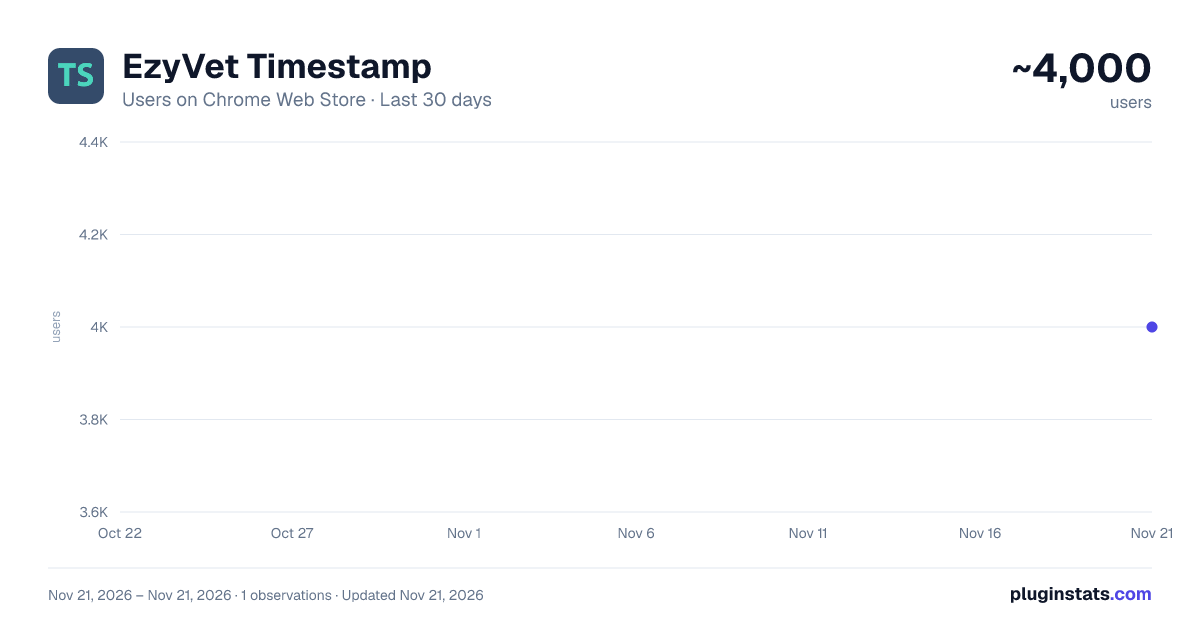
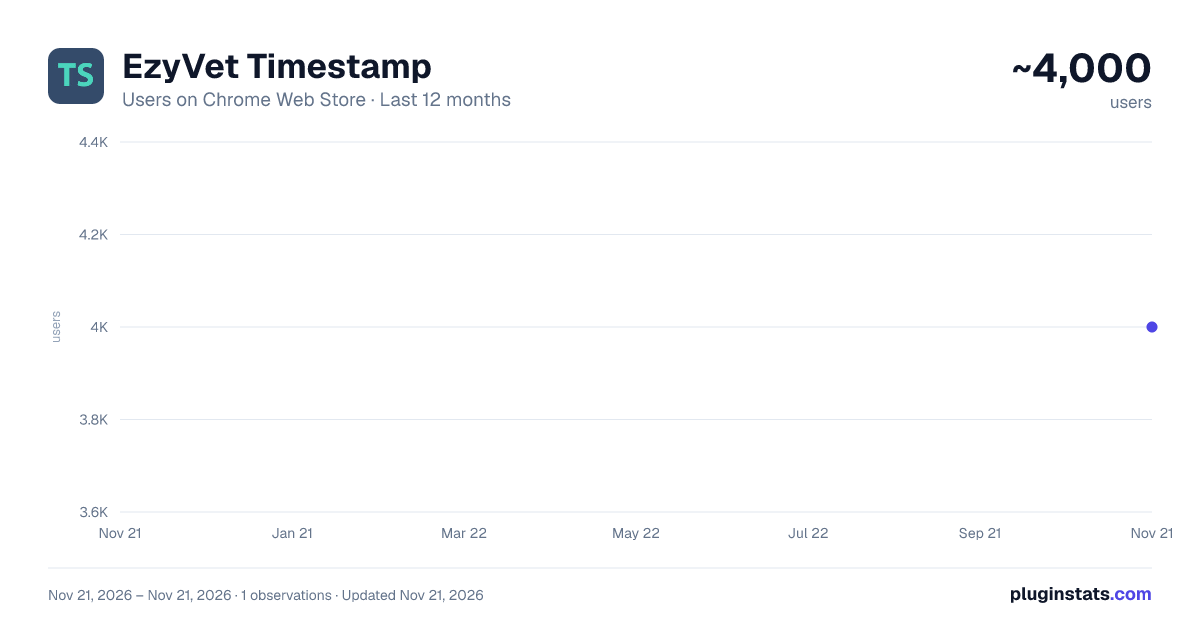
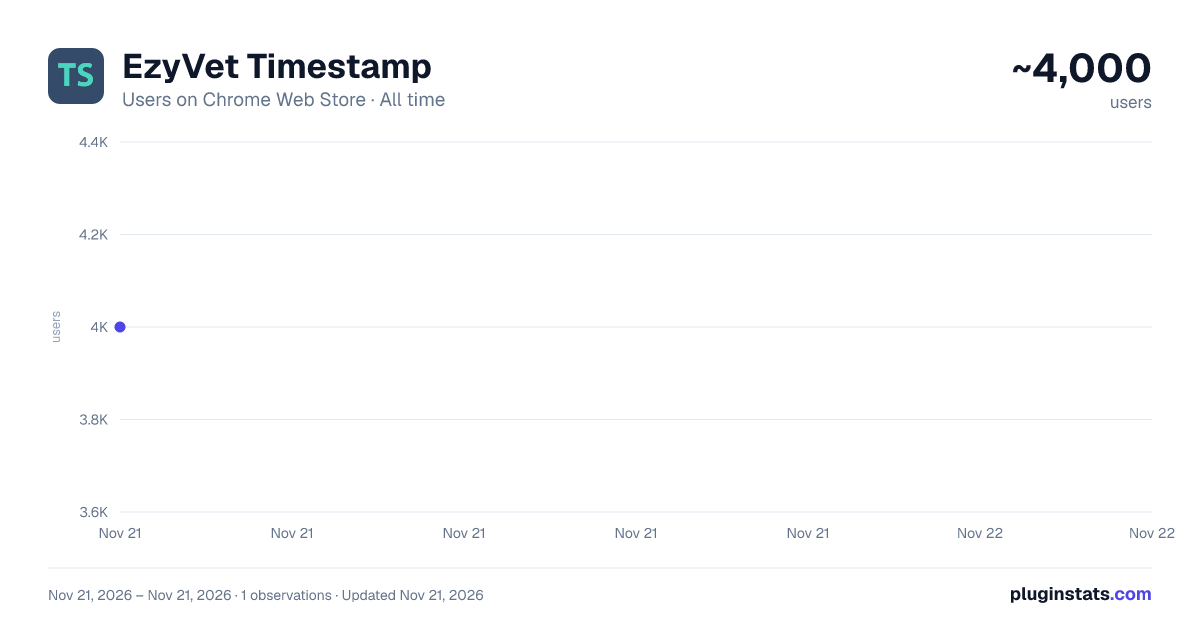
EzyVet Timestamp has approximately 4,000 recorded users on Chrome Web Store, ranking #1892 of 10,388 tracked listings.
Rating: 4.30 / 5 from 7 ratings
About EzyVet Timestamp
Adds a [DATE TIME INITIALS] stamp to ezyVet text fields using Ctrl+D or custom input.
Adds a timestamp shortcut to ezyVet! Just hit Ctrl +D (default) to automatically add the date, time, and user's initials to a text field. It pulls the initials from the user profile icon, if a profile picture exists, it generates the initials based on the name set for the user. Time/Date formats can be changed in the extension menu through Chrome, as well as word exemptions and custom initials settings. The initials used are pulled from the user icon in the top right, for best results a user profile image should be set for each user.
PLEASE NOTE These plugins are independent and are not created, maintained, or supported by ezyVet.
If you encounter any issues with your site, please disable all plugins BEFORE contacting ezyVet support. Official support cannot assist with unofficial tools. If a plugin is causing trouble, or if you find a bug, please reach out to me directly via email instead. Let’s help keep the support queue clear for the ezyVet team!
Disclaimer: Because ezyVet updates frequently, these plugins may break or stop working at any time without notice.
Thanks!
I put these plugins together in my free time to help out my fellow vet staff. If you find them useful and want to support future updates, a coffee is always appreciated! https://buymeacoffee.com/kyle.works
What’s New? Version 1.2 • Added the ability to set custom initials through the chrome extension menu • Ability to add exclusions to initial generation • Keybaord shortcut can now me changed in chrome extension menu
Version 1.1.1 • Added support for the newer text fields (Lexical)
Version 1.1 • Added in the options menu the ability to change date formats.
Description from the Chrome Web Store listing.
README badge
Show your rank in a README or on your website. The badge updates automatically.
Charts
Images: 30d · 1y · all time · 1600×900 dark
Adoption over time
7/30/90-day growth
Ranking history
Ratings over time
Listing placement
Listing placement
Filled points are observed values; hollow points come from Internet Archive snapshots of the listing page. Dashed segments span periods with no observations — values between points are not interpolated.
Each band is one page of 20. Users on a linear scale. Placement is projected from users, so it can differ from the marketplace's own sort order. Hover a dot to see the listing.
Recent observations
Full history (1)Similar Chrome Web Store Workflow & Planning plugins
All 20 EzyVet Timestamp alternatives



Data source
Covers every Chrome Web Store extension with at least 100 users, found through the store's public sitemap. User counts are read from public listing pages. The 10% most-used extensions are refreshed daily, the next 40% weekly and the next 40% monthly; the least-used 10% are not refreshed. Google displays rounded user counts (and caps the display at 10,000,000+), so small changes may not be visible. Rating counts above 1,000 are rounded (e.g. 1.6K).
Listing: https://chromewebstore.google.com/detail/ezyvet-timestamp/emojclcbjjnimlojacannpgjiogglele. First seen Nov 21, 2026; last successful collection Nov 21, 2026. See the methodology.