 PluginStats

Moe Tabs users statistics
By Moe Moe Sekai · Chrome Web Store · Workflow & Planning
A cozy, anime-inspired new tab page with themes, productivity widgets, and moe aesthetics ♡
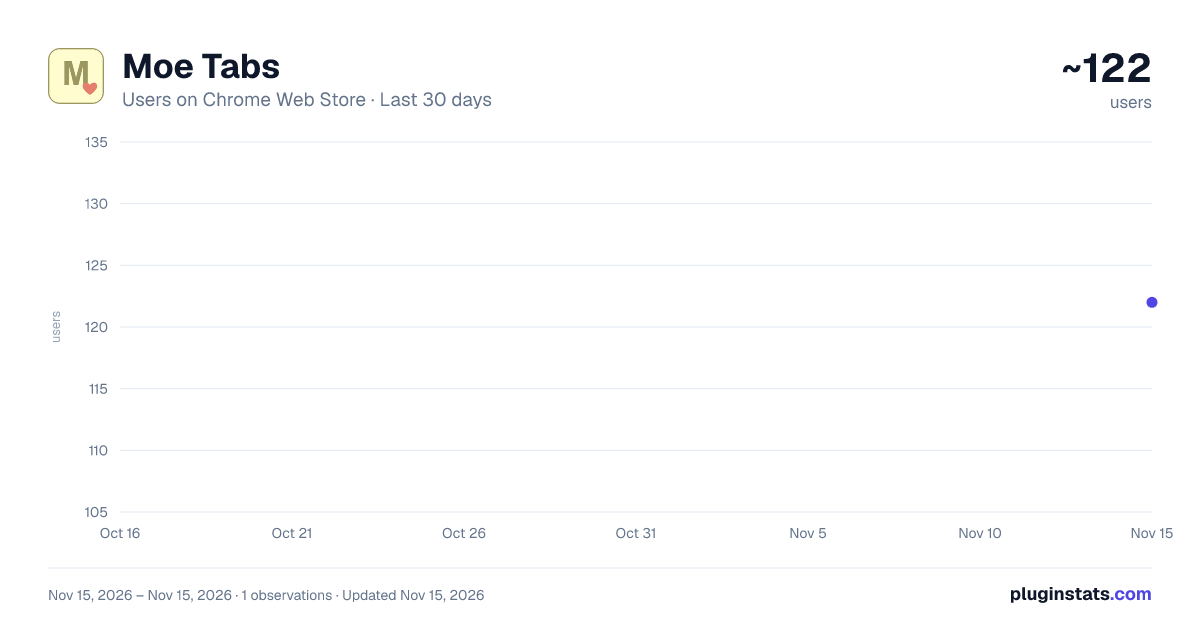
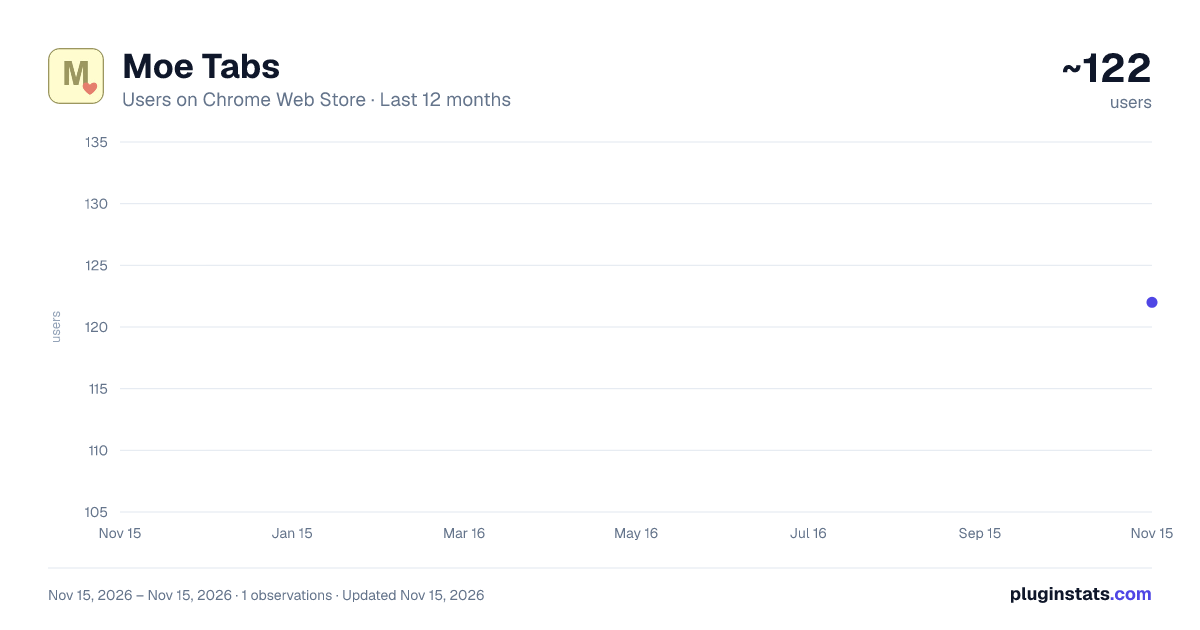
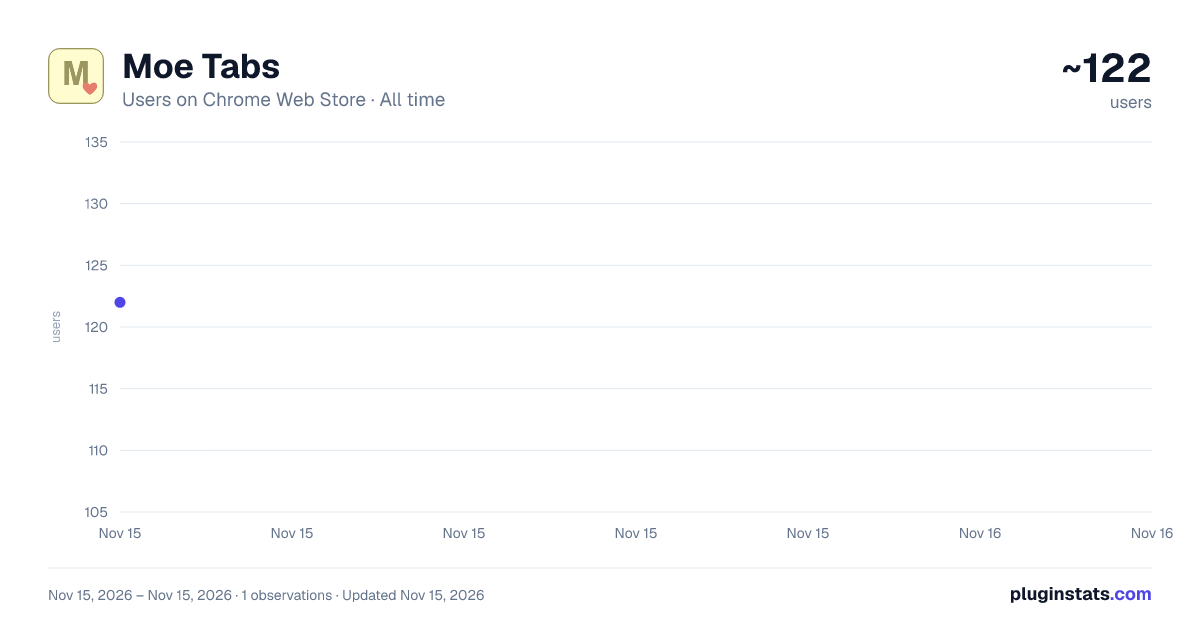
Moe Tabs has approximately 122 recorded users on Chrome Web Store, ranking #9502 of 10,388 tracked listings.
Rating: 5.00 / 5 from 2 ratings
About Moe Tabs
A cozy, anime-inspired new tab page with themes, productivity widgets, and moe aesthetics ♡
Welcome to Moe Tabs ♡ — a cozy, anime-inspired new tab dashboard that brings warmth, calm, and productivity to every new tab. Turn your default new tab page into a cute, customizable personal space!
★ BEAUTIFUL COZY THEMES 10 hand-crafted color palettes to match your mood: • Sakura 🌸 • Matcha 🍵 • Sunset 🌅 • Lavender 💜 • Ocean 🌊 • Strawberry Milk 🍓 • Midnight Mochi 🌙 • Forest Spirit 🌲 • Neon Cyber ⚡ • Tokyo Night 🏙️ • Custom Themes & Backgrounds: Upload your own wallpaper or build and save your own color scheme!
★ ZEN MODE One click (or press Z) turns your tab into a calm full-screen clock with a gently animated scene that follows the sounds you’re playing — falling rain, a flickering fireplace, rolling waves, drifting fireflies and more. See your Pomodoro timer and today’s focus at a glance, go full screen, or let it start automatically after you’ve been idle (optional, in Settings).
★ AMBIENT SOUNDS 🌧️ Mix and layer 12 relaxing sounds: Rainfall, Thunderstorm, Ocean Waves, Babbling Stream, Forest Birds, Soft Wind, Fireplace, Cafe Ambiance, Night Crickets, Dream Pad, Soft Noise, and Brown Noise. • Ready-made mixes like Rainy Cafe, Cozy Cabin, and Deep Focus • Per-sound levels and a Tone control (Natural / Warm / Soft) for gentle, ear-friendly listening • Sleep timer, mute, and media-key support • Works fully offline
★ PRODUCTIVITY WIDGETS AT A GLANCE Stay organized and motivated without leaving your new tab: • Today’s Focus: Set your main goal for the day, tick it off, and start fresh tomorrow 🎯 • Tasks: Progress summary, priorities, due dates with overdue and due-today flags, search, sorting, and inline editing 📋 • Habit Tracker: Monitor daily goals, build streaks, and view 28-day heatmaps 🏆 • Pomodoro Timer: Customizable focus sessions and breaks with cute animations ⏱️ • Notebook: A clean notes page with search, previews, and quick formatting 📝 • Code Snippets: Save snippets with syntax highlighting, filter by language, and copy with one click 💻 • Favorites: Big, bold shortcut cards with folders, drag-and-drop organizing, and duplicate-link warnings ⭐ • Quick Links: Add, reorder, and edit your most-used sites right on the home screen 🔗 • Quick Tools: Calculator, Unit Converter (Length, Weight, Temp, Area, Speed), and HSV Color Picker with tint and shade generator 🧰 • World Clock: Track multiple time zones with customizable cards 🌐 • Sticky Notes & Countdowns: Pin quick notes and count down to the events you care about 📌
★ MOST VISITED QUICK ACCESS Your top sites from the past 7 days, one click away so you can jump back into your flow. (Can be turned off in Settings.)
★ HISTORY QUICK SEARCH A dedicated space that displays your top sites so you can quickly jump back into your browsing flow.
★ PRIVACY FIRST • Moe Tabs does NOT collect, track, or share your data, and has no analytics, ads, or accounts. • Everything you create (notes, tasks, habits, themes, settings) is stored locally in your browser. • The History permission is used only to show your Most Visited sites on your own new tab. It is never sent anywhere. • Site icons are loaded from Google’s public favicon service, which receives the site’s domain name only. • Export or import your data any time as a JSON backup file.
*Backgrounds are not included in the extension. Open Settings to add your own background image. *No ads, no in-app purchases, completely free.
Make every new tab a cozy moment. Install Moe Tabs today! ♡
Description from the Chrome Web Store listing.
README badge
Show your rank in a README or on your website. The badge updates automatically.
Charts
Images: 30d · 1y · all time · 1600×900 dark
Adoption over time
7/30/90-day growth
Ranking history
Ratings over time
Listing placement
Listing placement
Filled points are observed values; hollow points come from Internet Archive snapshots of the listing page. Dashed segments span periods with no observations — values between points are not interpolated.
Each band is one page of 20. Users on a linear scale. Placement is projected from users, so it can differ from the marketplace's own sort order. Hover a dot to see the listing.
Recent observations
Full history (1)Similar Chrome Web Store Workflow & Planning plugins
All 20 Moe Tabs alternatives



Data source
Covers every Chrome Web Store extension with at least 100 users, found through the store's public sitemap. User counts are read from public listing pages. The 10% most-used extensions are refreshed daily, the next 40% weekly and the next 40% monthly; the least-used 10% are not refreshed. Google displays rounded user counts (and caps the display at 10,000,000+), so small changes may not be visible. Rating counts above 1,000 are rounded (e.g. 1.6K).
Listing: https://chromewebstore.google.com/detail/moe-tabs/hhppafnfbfcbbelojhjgapanogmdhhfn. First seen Nov 15, 2026; last successful collection Nov 15, 2026. See the methodology.