 PluginStats

YouTube Parts Looper & Bookmarker users statistics
By sumant · Chrome Web Store · Workflow & Planning
Play, loop & bookmark multiple portions of a YouTube video.
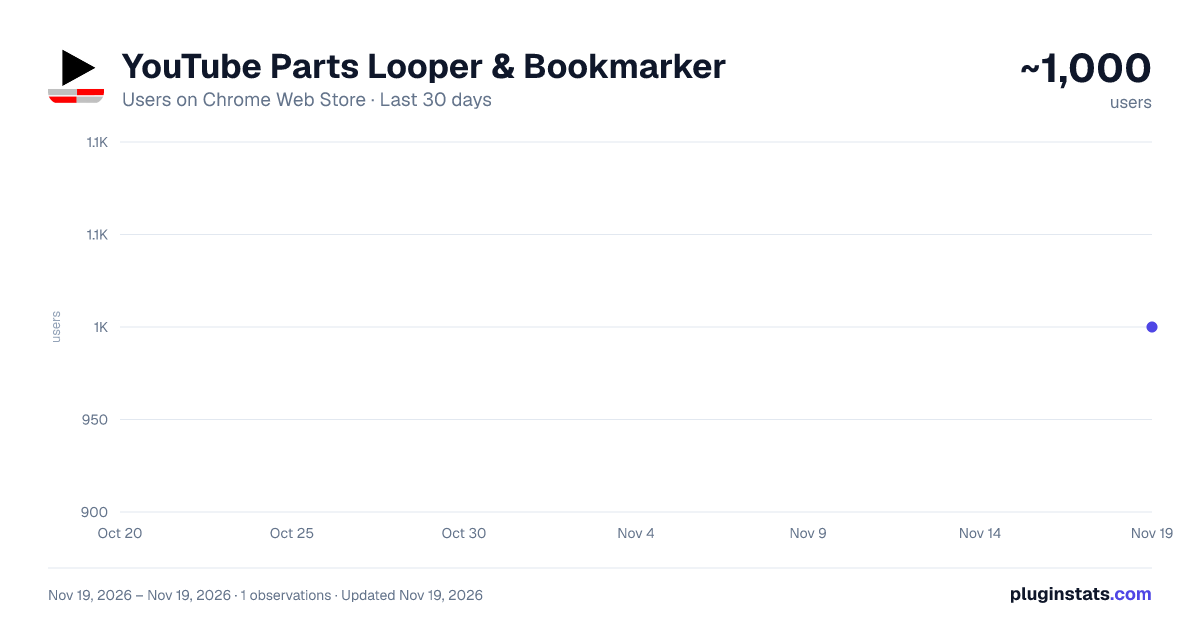
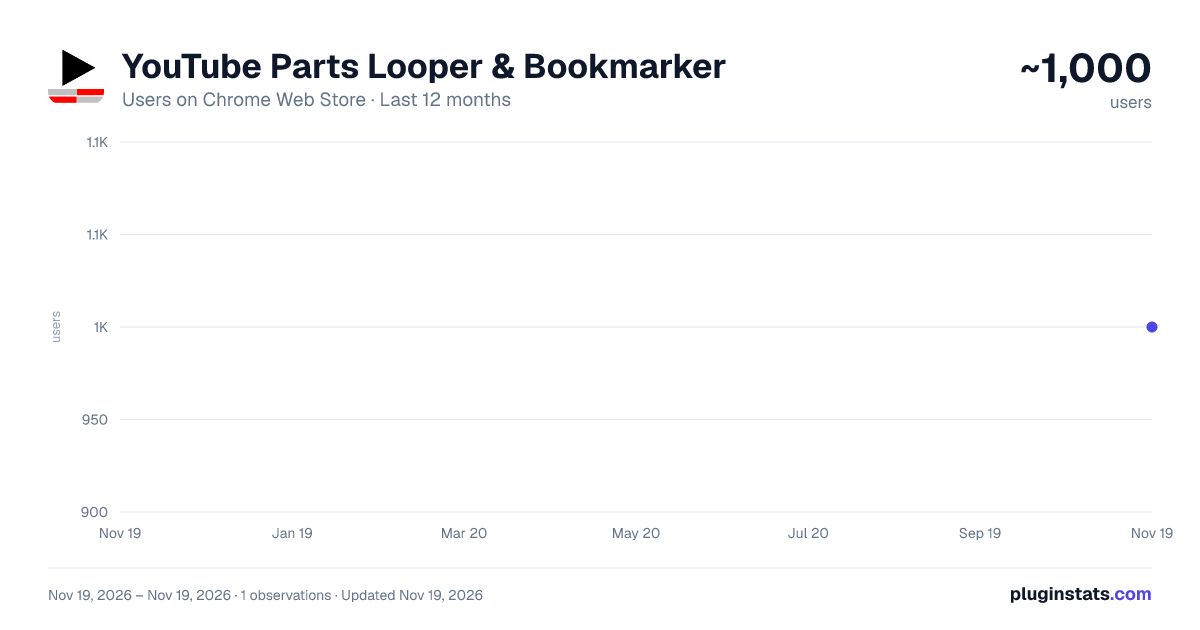
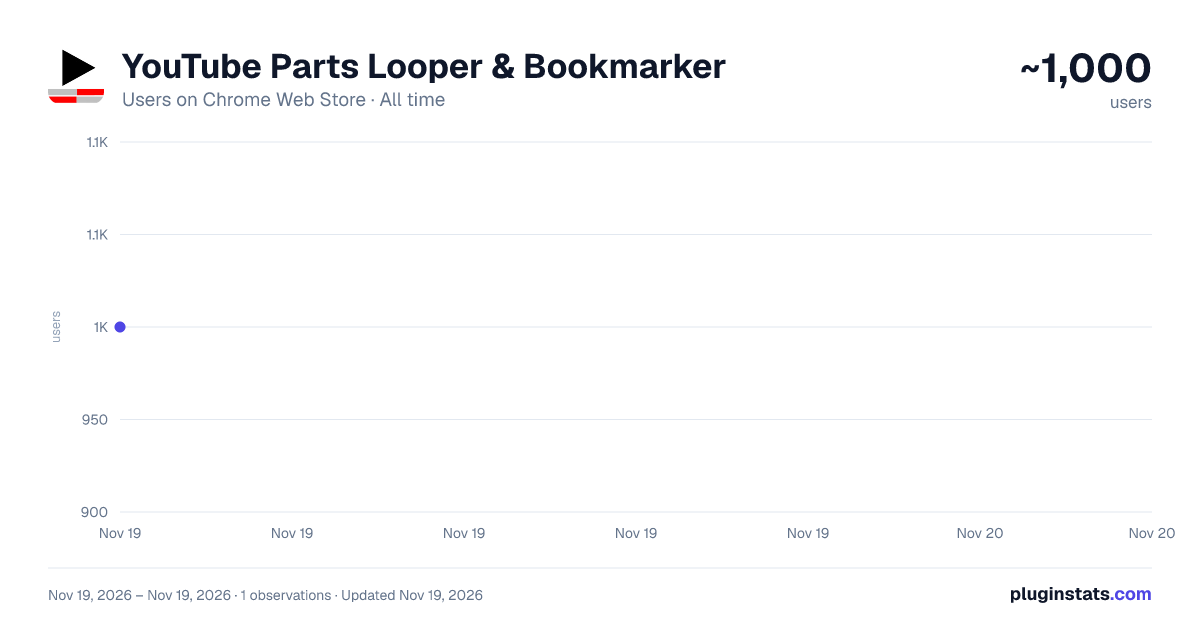
YouTube Parts Looper & Bookmarker has approximately 1,000 recorded users on Chrome Web Store, ranking #3764 of 10,523 tracked listings.
Rating: 4.50 / 5 from 13 ratings
About YouTube Parts Looper & Bookmarker
Play, loop & bookmark multiple portions of a YouTube video.
Sample Use Case ‾‾‾‾‾‾‾‾‾‾‾‾‾‾‾‾‾‾‾‾‾‾‾ Suppose a YouTube video is an album of 5 songs and you only want to listen to the 1st and the 3rd songs in it. Using this extension, you can specify the intervals (segments) of those songs, and only those portions will be played.
Specifying Multiple Intervals ‾‾‾‾‾‾‾‾‾‾‾‾‾‾‾‾‾‾‾‾‾‾‾‾‾‾‾‾‾‾‾‾‾‾‾‾‾‾ An input box appears just below the video. There, you should specify the intervals as a comma separated list. Example: "00:00-00:30, 5:00-5:30" (without quotes) specifies two intervals, namely, the first 30 seconds and then the 30 seconds after the 5-minute mark. On clicking 'Apply', these intervals are played one after another.
To make it easier to specify the intervals, two buttons 'Start' and 'End' are provided. This is how you should use them: Click 'Start' at time xx:xx. Then click 'End' at time yy:yy. This will automatically copy the interval "xx:xx - yy:yy" into the input box. Repeat this to add several intervals.
NEW: Keyboard shortcuts. Ctrl+Shift+< for Start, Ctrl+Shift+> for End, and Ctrl+Shift+' for Apply. Also, Ctrl+Shift+; is provided to set end time equal to video's end time. These are configurable in Settings. (Mac users: Cmd instead of Ctrl)
Bookmarking ‾‾‾‾‾‾‾‾‾‾‾‾‾‾‾‾‾‾ You can also 'bookmark' the intervals that you have just applied (by clicking the 'Bookmark!' button). Next time you play the same video, those intervals are automatically loaded from bookmarks and only the corresponding portions are played. You can use this feature to essentially create a whole playlist of video segments (by first creating the playlist on YouTube, and then bookmarking the desired portions for individual videos in it).
Clicking the button 'All B.s' opens up a side pane where all the previously bookmarked interval lists are shown. If there are multiple lists for the same video, then the most recently added interval-list will load automatically. Here, you can also manually delete a bookmark.
NEW You can export all these bookmarks using the 'Export' button. This downloads an html file, which you can import into another browser which has this extension already installed. Make sure to move the imported bookmarks into the "YouTubePartsBookmarks" folder there (which should already be present, since the extension is already installed).
Looping ‾‾‾‾‾‾‾‾‾‾‾ Finally, there's an option to play the sequence of portions on a loop.
Configurable Options ‾‾‾‾‾‾‾‾‾‾‾‾‾‾‾‾‾‾‾‾‾‾‾‾‾‾‾‾ Click this extension's icon and click options. (Alternatively, go to 'Manage Extensions', click this extension's 'Details' and click 'Extension options'.) There you can configure the following:
- Keyboard shortcuts for the Start and End buttons
- Set looping as the default behavior
- (Experimental feature) Allow up to 1 decimal place for seconds in the input. This will let you specify more granular intervals, like "0:0 - 0:0.9"
After saving the settings, refresh existing YouTube tabs if any, for the changes to reflect.
Miscellaneous ‾‾‾‾‾‾‾‾‾‾‾‾‾‾‾‾‾‾‾
- Timestamps can be in the hh:mm:ss format (e.g. "00:00:00-1:00:00" means the first 1 hour), or the mm:ss format, or just in seconds ("0-3600" also means the first 1 hour).
- Intervals are ordered by their starting time. Overlapping intervals are merged.
- This extension stores all the saved interval lists in a dedicated bookmarks directory called 'YoutubePartsBookmarks'. Ensure not to delete or modify it.
Thanks to users for providing valuable feedback.
Description from the Chrome Web Store listing.
README badge
Show your rank in a README or on your website. The badge updates automatically.
Charts
Images: 30d · 1y · all time · 1600×900 dark
Adoption over time
7/30/90-day growth
Ranking history
Ratings over time
Listing placement
Listing placement
Filled points are observed values; hollow points come from Internet Archive snapshots of the listing page. Dashed segments span periods with no observations — values between points are not interpolated.
Each band is one page of 20. Users on a linear scale. Placement is projected from users, so it can differ from the marketplace's own sort order. Hover a dot to see the listing.
Recent observations
Full history (1)Similar Chrome Web Store Workflow & Planning plugins
All 20 YouTube Parts Looper & Bookmarker alternatives



Data source
Covers every Chrome Web Store extension with at least 100 users, found through the store's public sitemap. User counts are read from public listing pages. The 10% most-used extensions are refreshed daily, the next 40% weekly and the next 40% monthly; the least-used 10% are not refreshed. Google displays rounded user counts (and caps the display at 10,000,000+), so small changes may not be visible. Rating counts above 1,000 are rounded (e.g. 1.6K).
Listing: https://chromewebstore.google.com/detail/youtube-parts-looper-book/ofgegdifcefmhkfninkfgcjkminmbfdj. First seen Nov 19, 2026; last successful collection Nov 19, 2026. See the methodology.