 PluginStats

Chrome Downloads users statistics
By itteam · Chrome Web Store · Workflow & Planning
Easily access and manage your chrome downloads. Open your downloads folder and organize google chrome downloads effortlessly
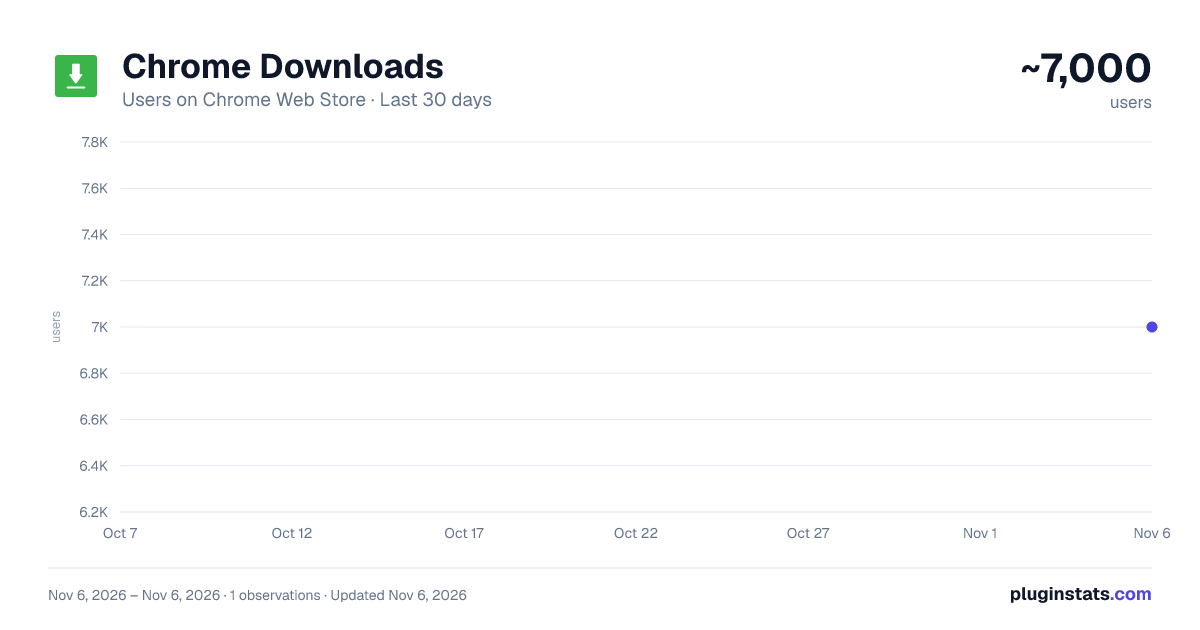
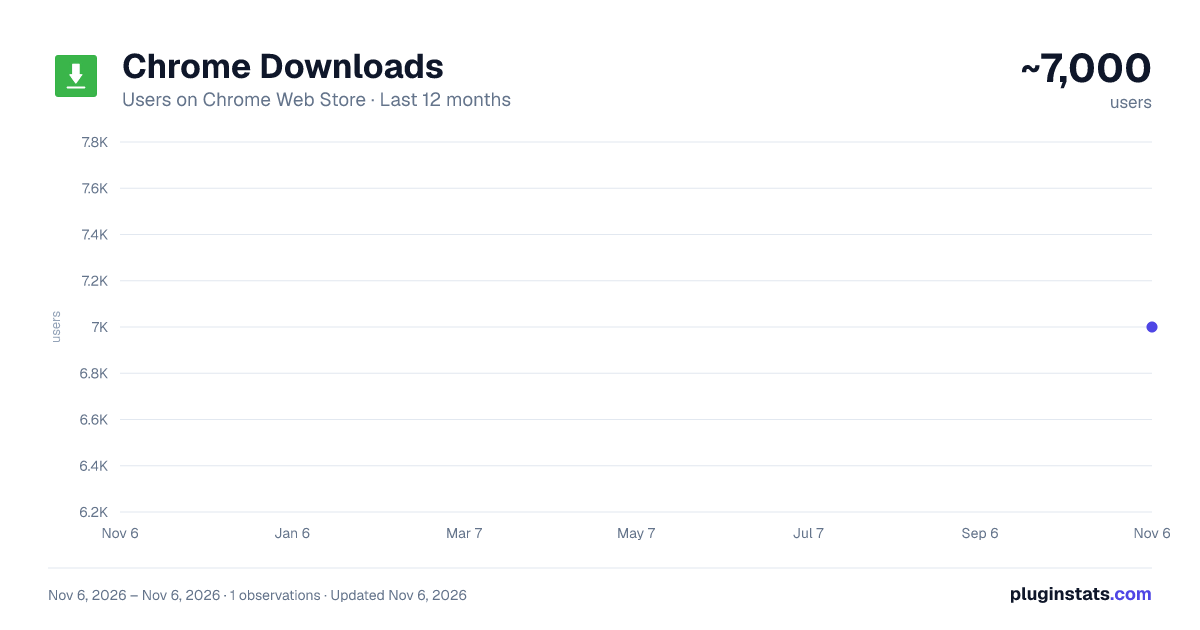
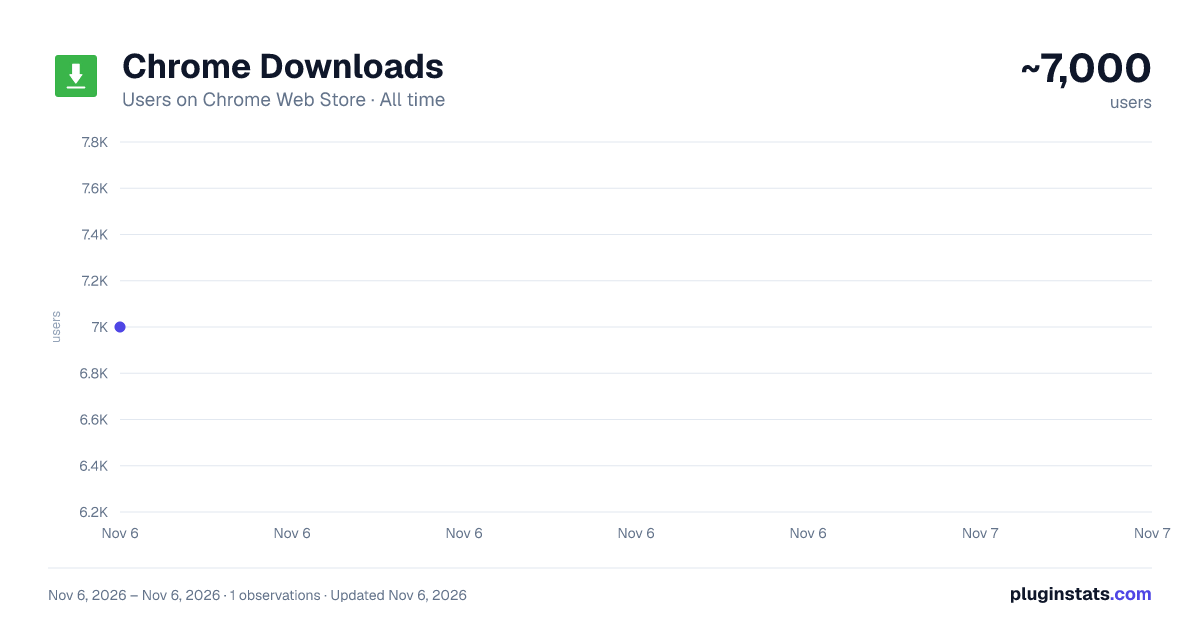
Chrome Downloads has approximately 7,000 recorded users on Chrome Web Store, ranking #1078 of 7,624 tracked listings.
Rating: 4.10 / 5 from 9 ratings
About Chrome Downloads
Easily access and manage your chrome downloads. Open your downloads folder and organize google chrome downloads effortlessly
🌐 Managing downloads on google can be challenging without the right tools. This google chrome extension simplifies this task, offering a seamless experience to manage and organize your chrome downloads. With this extension, users can easily find, view, and manage their downloaded files, enhancing productivity and efficiency.
⚡Key features Organized google downloads: Keep your files in order with automatic sorting and categorization. Search functionality: Quickly locate any downloaded file using the built-in search feature. Customizable folder locations: Set custom paths to better organize your data. Detailed history: Access a comprehensive history of all your downloads directly within the extension.
🛠️ How to use Install the extension: Install the google downloads extension from the chrome web store. Open the extension: Click on the extension icon in the chrome toolbar to open its interface. Manage: Use the intuitive interface to manage your chrome downloads, including pausing, resuming, and deleting files. Set preferences: Customize your settings, including folder locations and notification preferences. Search Files: Utilize the built-in search functionality to quickly locate any downloaded file. Organize Files: Automatically sort and categorize your files for better organization. View Download History: Access a comprehensive history directly within the extension.
💼 Using the google downloads page: => Open chrome: Launch your chrome browser. => Access the google downloads page: Type chrome://downloads in the address bar and press enter. Alternatively, you can press Ctrl + J on windows or Cmd + J on macOS.
🏆 Advantages of using the extension Efficiency: Streamline your data management with easy-to-use tools and features. Productivity: Save time by quickly finding and organizing your google downloads. Customization: Tailor the extension to your needs with customizable settings and options. Accessibility: Access your history and downloads from any device with chrome installed.
❓ FAQs How do I find my google downloads on chrome? Open the extension or type chrome://downloads in the address bar. Can I change the download folder location? Yes, you can set custom folder paths for your files. Is my history saved? The extension maintains a detailed history of your data for easy access and reference. Can I search for specific files? Use the built-in search functionality to quickly locate any file in your download history. Does the extension support video downloads? Yes, the extension can manage video and other file types efficiently.
📝 Managing chrome extension Chrome shortcut: Quickly access your chrome downloads with a single click on the extension icon. History: View a comprehensive list of all downloads, including date and time. Chrome downloads folder: Customize and manage your folder locations for better organization. Chrome downloads moved: Easily move your downloaded files to different folders as needed.
⚙️ Installation and setup Visit the chrome web store and search for the google chrome downloads extension. Click "Add to chrome" to install the extension on your browser. Begin managing your downloads efficiently with the new tools and features provided by the extension.
💻 Compatibility The google chrome downloads extension is compatible with: Google chrome browser: Fully compatible with the latest version of it. Windows: Works seamlessly on Windows PCs and desktops. Mac OS: Compatible with Mac OS on Apple devices. Linux: Supports Linux distributions, providing cross-platform functionality.
🔧 User interface of chrome downloads The extension boasts a user-friendly interface with: Clear navigation: Easily navigate through different sections such as download history, settings, and search. Visual indicators: Use visual indicators to quickly identify the status of your downloaded information. Customizable themes: Choose from a variety of themes to personalize the look and feel of the extension.
🎯 This google chrome downloads extension is an essential tool for anyone looking to manage their downloads efficiently. With its comprehensive features, intuitive interface, and customizable settings, it transforms the way you handle them on your browser. Whether you're downloading files for work, school, or personal use, this extension ensures you stay organized and productive. Install the extension now from the chrome web store and take control of your data.
Description from the Chrome Web Store listing.
README badge
Show your rank in a README or on your website. The badge updates automatically.
Charts
Images: 30d · 1y · all time · 1600×900 dark
Adoption over time
7/30/90-day growth
Ranking history
Ratings over time
Listing placement
Listing placement
Filled points are observed values; hollow points come from Internet Archive snapshots of the listing page. Dashed segments span periods with no observations — values between points are not interpolated.
Each band is one page of 20. Users on a linear scale. Placement is projected from users, so it can differ from the marketplace's own sort order. Hover a dot to see the listing.
Recent observations
Full history (1)Similar Chrome Web Store Workflow & Planning plugins
All 20 Chrome Downloads alternatives



Data source
Covers every Chrome Web Store extension with at least 100 users, found through the store's public sitemap. User counts are read from public listing pages. The 10% most-used extensions are refreshed daily, the next 40% weekly and the next 40% monthly; the least-used 10% are not refreshed. Google displays rounded user counts (and caps the display at 10,000,000+), so small changes may not be visible. Rating counts above 1,000 are rounded (e.g. 1.6K).
Listing: https://chromewebstore.google.com/detail/chrome-downloads/ikpikniadgbadmjdhjmniafkmibfcbah. First seen Nov 6, 2026; last successful collection Nov 6, 2026. See the methodology.