 PluginStats

Online Signature Generator for Email & PDF users statistics
Chrome Web Store · Workflow & Planning
The easiest way to add e-signatures to your emails, documents, PDFs. Outlook email signature, Contract Signature.
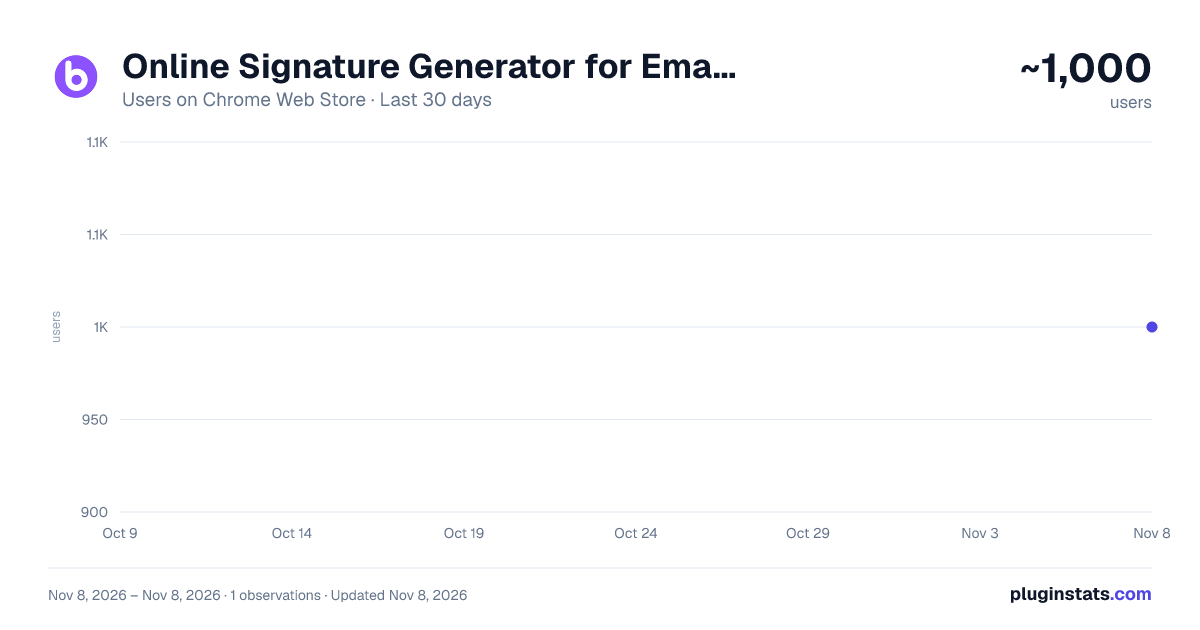
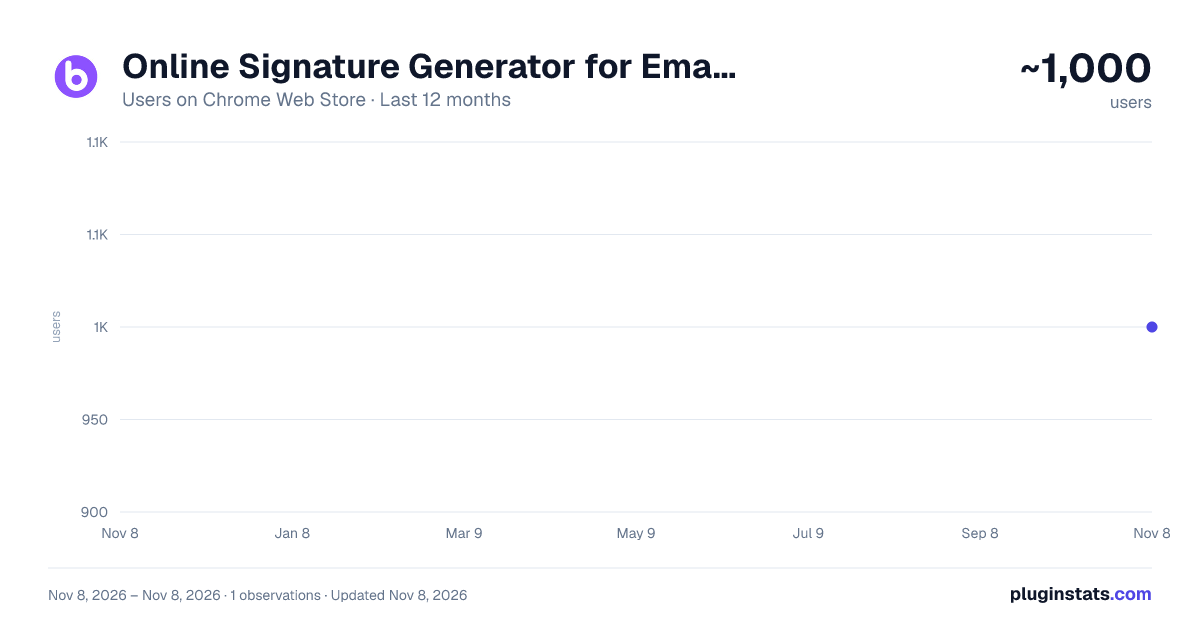
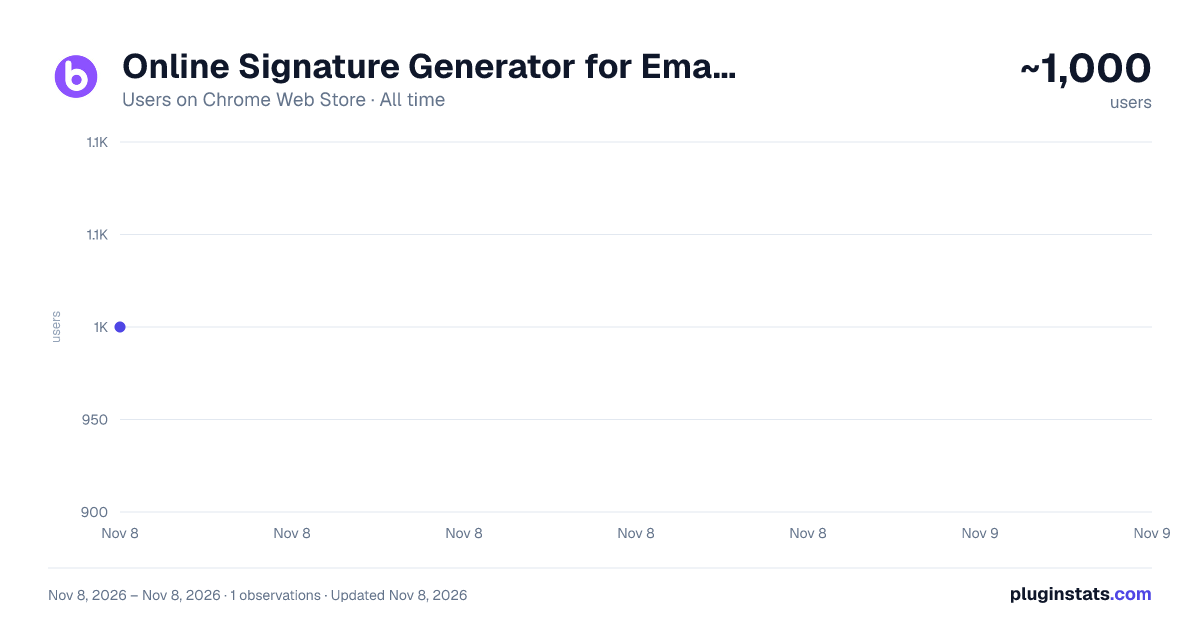
Online Signature Generator for Email & PDF has approximately 1,000 recorded users on Chrome Web Store, ranking #2970 of 8,189 tracked listings.
Rating: 4.40 / 5 from 7 ratings
About Online Signature Generator for Email & PDF
The easiest way to add e-signatures to your emails, documents, PDFs. Outlook email signature, Contract Signature.
With BoloForms Signature Chrome extension, adding and updating signatures in Outlook™, Gmail™, Google Docs™ and other popular applications has never been simpler. Some of the main features:
•Create beautiful Outlook™ signatures in seconds Quickly set up a custom signature for Outlook™ that includes your name, job title, contact details and company branding. Transform plain-text signatures into visually impressive designs with images, colors and fonts.
• Impress your Gmail™ contacts Give your Gmail™ emails a personal touch with a custom signature configured directly from the BoloForms Signature extension. Go from no Gmail™ signature to a fully designed signature in just minutes.
• Electronically sign Google Docs™ like a pro Hand-sign or upload a signature image to sign Google Docs™, Sheets™, Forms™ and Drawings™ in seconds. Perfect for legally binding contracts, NDAs, SOWs and other agreements you share with clients and partners.
• Send documents for e-signature Upload a PDF file right from the extension and request signatures from recipients. Track and manage the signing process in real-time from a comprehensive dashboard.
• Works with all your email and document accounts Use BoloForms Signature for Outlook™, Gmail™, G Suite™ and more. Setup multiple account integrations and switch between signatures designed for each service with a single click.
• Easy signature building tools Create professional email and document signatures using a visual drag-and-drop editor. Add text boxes, images, logos, lines and more to craft the perfect signature for any purpose.
• Flexibility in signing options Recipients can sign documents by drawing onscreen, uploading an image or simply typing their name. Choose the option that works best for each signature request.
• Preview before using See exactly how your new signature will appear at full size before enabling it. Check for any issues or typos and make last-minute edits prior to actually using the signature in emails and documents.
•Totally free to get started Setup signature templates for as many of your accounts as you like, all at no cost. Only pay if you need our full suite of PDF e-signature features.
With BoloForms Signature:
✔︎ Design professional Outlook™ signatures in an instant ✔︎ Give your Gmail™ emails an instant upgrade ✔︎ Electronically sign and share Google Docs ✔︎ Request e-signatures on PDFs from within the extension ✔︎ Manage signatures for all your email and document accounts ✔︎ Build high quality signatures with powerful tools ✔︎ Offer recipients flexibility in how they sign ✔︎ Preview signatures at full size before enabling them ✔︎ Try it free - no credit card required
Present a polished, professional image with BoloForms Signature - the easiest way to add and manage signatures across all your email and document applications. Download the BoloForms Signature chrome extension today!
Description from the Chrome Web Store listing.
README badge
Show your rank in a README or on your website. The badge updates automatically.
Charts
Images: 30d · 1y · all time · 1600×900 dark
Adoption over time
7/30/90-day growth
Ranking history
Ratings over time
Listing placement
Listing placement
Filled points are observed values; hollow points come from Internet Archive snapshots of the listing page. Dashed segments span periods with no observations — values between points are not interpolated.
Each band is one page of 20. Users on a linear scale. Placement is projected from users, so it can differ from the marketplace's own sort order. Hover a dot to see the listing.
Recent observations
Full history (1)Similar Chrome Web Store Workflow & Planning plugins
All 20 Online Signature Generator for Email & PDF alternatives



Data source
Covers every Chrome Web Store extension with at least 100 users, found through the store's public sitemap. User counts are read from public listing pages. The 10% most-used extensions are refreshed daily, the next 40% weekly and the next 40% monthly; the least-used 10% are not refreshed. Google displays rounded user counts (and caps the display at 10,000,000+), so small changes may not be visible. Rating counts above 1,000 are rounded (e.g. 1.6K).
Listing: https://chromewebstore.google.com/detail/online-signature-generato/pfjjgnlenfemjideabpbepljplelkaam. First seen Nov 8, 2026; last successful collection Nov 8, 2026. See the methodology.