 PluginStats

Split Long Text for Chat GPT users statistics
By Split Long Text · Chrome Web Store · Workflow & Planning
Split Long Text for Chat GPT
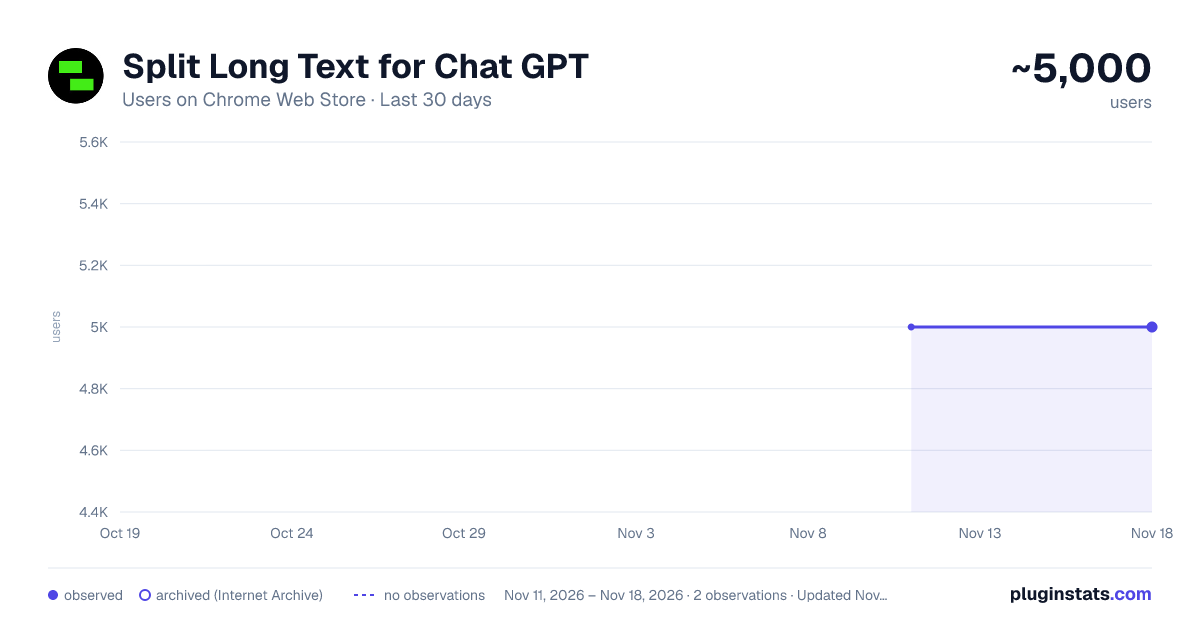
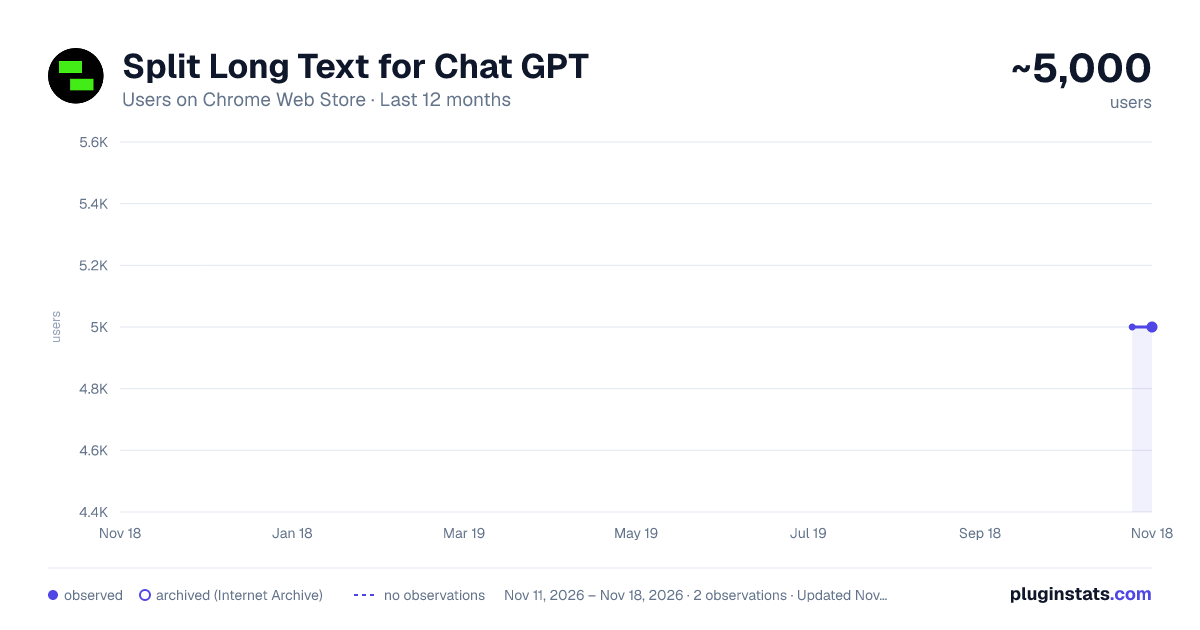
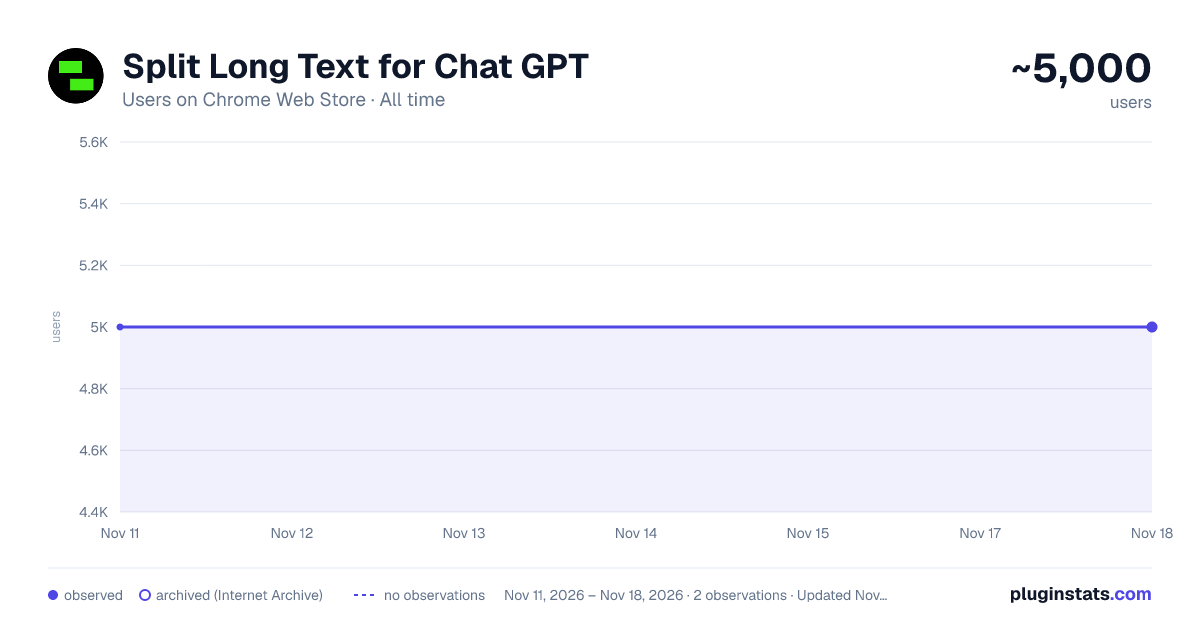
Split Long Text for Chat GPT has approximately 5,000 recorded users on Chrome Web Store, a change of 0.0% over the past 7 days, ranking #1656 of 10,388 tracked listings.
Rating: 3.50 / 5 from 16 ratings
About Split Long Text for Chat GPT
Split Long Text for Chat GPT
Easily split a long text, and paste each part in your chat with GPT.
Introducing Split Long Text for Chat GPT – a must-have Chrome extension for all Chat GPT users. If you ever wanted to easily feed long text, over 4000 characters, to your chat with GPT, this extension is the perfect solution to save time and effort. No more struggling to manually divide your text; Split Long Text will do it for you in just a few simple steps.
How to use Split Long Text for Chat GPT:
- Install and open the Split Long Text Chrome extension.
- Click on the "Copy Page" button to start the process.
- The extension will automatically divide the long text into manageable parts.
- Copy each part one by one, and paste it seamlessly into your chat with GPT.
Experience the ease and convenience of interacting with your AI model without the character limit constraints. With Split Long Text, you can focus on what matters most – getting valuable insights from your AI-powered conversations.
Key Features:
• Hassle-free splitting of long text exceeding 4000 characters. • User-friendly interface for quick and easy copying and pasting. • Time-saving solution for an efficient Chat GPT experience.
Please note that Split Long Text for Chat GPT is not provided or endorsed by OpenAI. It is an independent extension designed to enhance your Chat GPT user experience.
Don't miss out on the opportunity to simplify your Chat GPT interactions. Install the Split Long Text for Chat GPT Chrome extension now and revolutionize the way you engage with your AI model. Click the "Add to Chrome" button and unlock a smoother, more streamlined Chat GPT experience today!
Description from the Chrome Web Store listing.
README badge
Show your rank in a README or on your website. The badge updates automatically.
Charts
Images: 30d · 1y · all time · 1600×900 dark
Adoption over time
7/30/90-day growth
Ranking history
Ratings over time
Listing placement
Listing placement
Filled points are observed values; hollow points come from Internet Archive snapshots of the listing page. Dashed segments span periods with no observations — values between points are not interpolated.
Each band is one page of 20. Users on a linear scale. Placement is projected from users, so it can differ from the marketplace's own sort order. Hover a dot to see the listing.
Recent observations
Full history (2)Similar Chrome Web Store Workflow & Planning plugins
All 20 Split Long Text for Chat GPT alternatives



Data source
Covers every Chrome Web Store extension with at least 100 users, found through the store's public sitemap. User counts are read from public listing pages. The 10% most-used extensions are refreshed daily, the next 40% weekly and the next 40% monthly; the least-used 10% are not refreshed. Google displays rounded user counts (and caps the display at 10,000,000+), so small changes may not be visible. Rating counts above 1,000 are rounded (e.g. 1.6K).
Listing: https://chromewebstore.google.com/detail/split-long-text-for-chat/ninfbacppokhhaekjbgfhemhmlalfmmn. First seen Nov 11, 2026; last successful collection Nov 18, 2026. See the methodology.