 PluginStats

ChatGPT Conversation Navigator users statistics
By Shubham Saini · Chrome Web Store · Workflow & Planning
Navigate long ChatGPT threads: search, highlight, bookmark, export (PDF/MD/TXT/JSON/HTML), and jump back to any message.
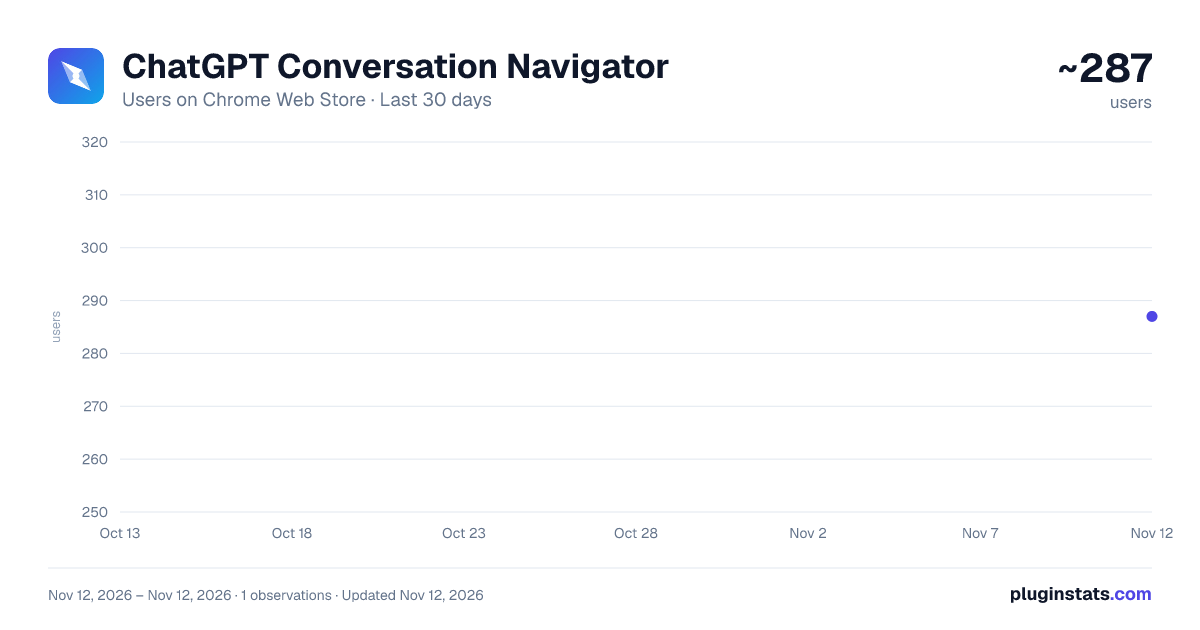
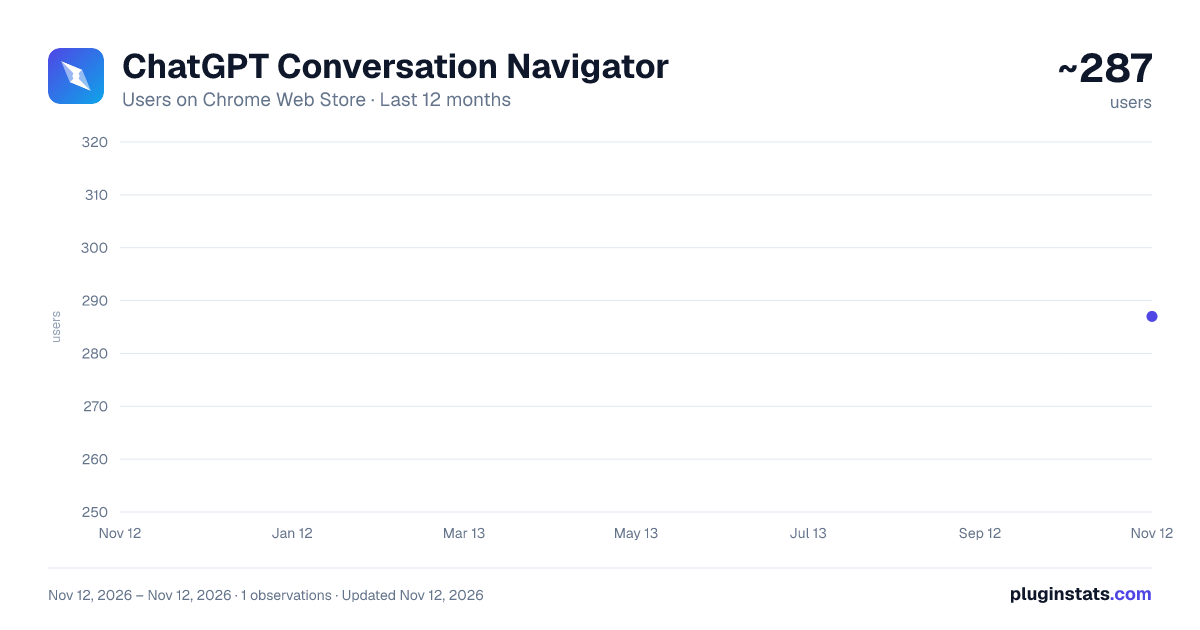
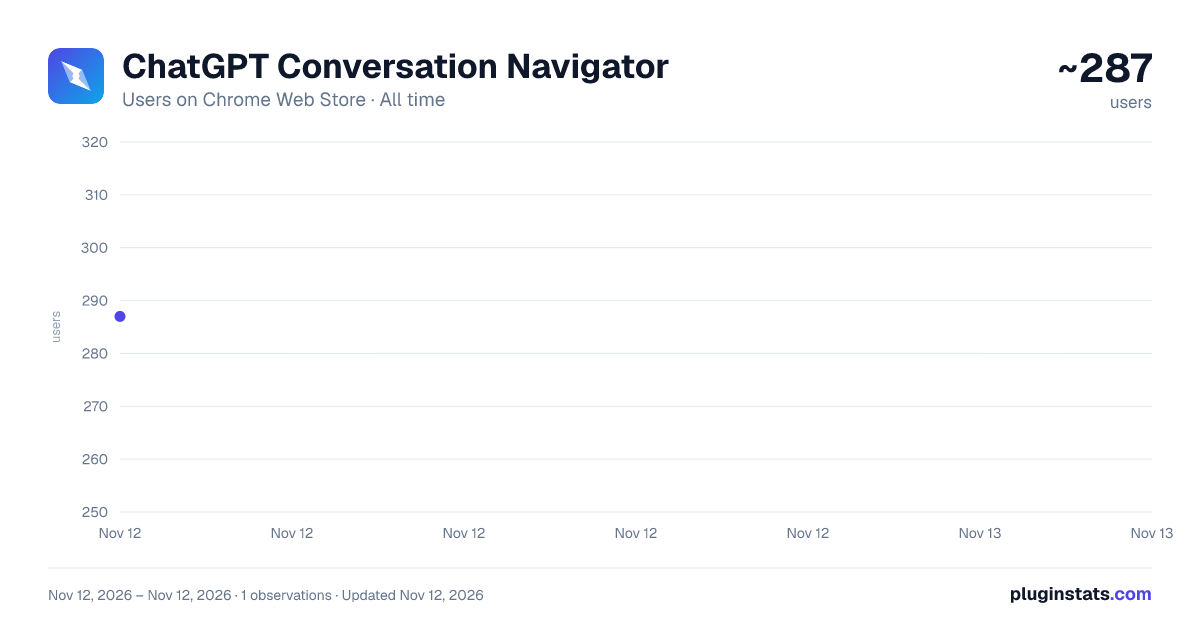
ChatGPT Conversation Navigator has approximately 287 recorded users on Chrome Web Store, ranking #6706 of 10,388 tracked listings.
Rating: 5.00 / 5 from 2 ratings
About ChatGPT Conversation Navigator
Navigate long ChatGPT threads: search, highlight, bookmark, export (PDF/MD/TXT/JSON/HTML), and jump back to any message.
Turn any ChatGPT thread into a searchable, exportable map — search every message, highlight what matters, bookmark key turns, save reusable prompts, and export to PDF, Markdown, TXT, JSON or HTML. All on your device.
🧭 With ChatGPT Conversation Navigator, you can:
🔍 SEARCH EVERY MESSAGE Search the entire conversation — not just what's currently loaded on screen — and jump straight to any match.
🖍️ HIGHLIGHT WHAT MATTERS Select any text in a prompt or reply and mark it in yellow, green, blue or pink. Click a highlight again to remove it.
⭐ BOOKMARK KEY TURNS Star important turns for instant recall, then filter the sidebar down to just your bookmarks.
📋 REUSE YOUR BEST PROMPTS Save prompts you use often to a personal library and insert them into ChatGPT with one click.
⬇️ EXPORT ANYWHERE Export the full conversation — or just your bookmarks — as PDF, Markdown, TXT, JSON or HTML.
🎨 MAKE IT YOURS Tune font, size, line spacing, content width, five accent colors, four code-block themes, and light, dark or auto theme.
✅ Your ChatGPT conversation itself is never changed — the extension only adds a navigation layer on top.
🔒 PRIVATE BY DESIGN Everything — search, highlighting, bookmarks, exports — runs locally in your browser. Nothing is uploaded anywhere.
━━━━━━━━━━━━━━━━━━━━
★ A LIGHTER, FASTER WAY IN
A slim control rail now sits on the edge of the page — no more floating button to hunt for.
✅ Chat navigator panel — a searchable, date-grouped list of every message, one click away ✅ Jump straight from a result to that exact message in ChatGPT ✅ Expand into the full reading view anytime for deep work, highlighting, and the prompt library ✅ Settings panel — every feature, keyboard shortcuts, help and feedback in one place ✅ The rail, the navigator panel, and Settings all stay out of the way of ChatGPT's own sidebar
━━━━━━━━━━━━━━━━━━━━
★ THE FULL CONVERSATION, ALWAYS
ChatGPT only keeps the last few messages of a long thread mounted in the page, so scrolling up — or even ChatGPT's own Ctrl+F — can miss older messages.
Conversation Navigator fetches your complete conversation directly, so every turn is there from the moment you open it.
✅ Automatic — no settings to configure, no waiting for scroll-to-load ✅ Works on long threads, right when you open the navigator ✅ Every turn stays searchable and exportable, including ones ChatGPT hasn't rendered
Your conversation itself is never deleted or shortened — the extension only reads it to build the navigator.
━━━━━━━━━━━━━━━━━━━━
★ SEARCH & JUMP TO ANY TURN
✅ Search across every prompt and reply in the thread ✅ Filter the sidebar down to matches as you type ✅ Jump straight to any turn — in the navigator or back in ChatGPT itself ✅ Keyboard shortcuts: j / k to move between turns, / to search, Esc to close
━━━━━━━━━━━━━━━━━━━━
★ HIGHLIGHT & BOOKMARK
✅ Select text in any prompt or reply, then pick a highlight color ✅ Click an existing highlight to remove it ✅ Star any turn to bookmark it ✅ Switch the sidebar to "Bookmarked" to see only what you've starred ✅ Copy or export bookmarked turns on their own
━━━━━━━━━━━━━━━━━━━━
★ A PERSONAL PROMPT LIBRARY
✅ Save prompts you reuse often, with a title and body ✅ Insert a saved prompt directly into ChatGPT's message box in one click ✅ Or copy it to your clipboard instead ✅ Edit or delete saved prompts anytime
━━━━━━━━━━━━━━━━━━━━
★ EXPORT COMPLETE CONVERSATIONS
Save your ChatGPT conversations in the format that fits your workflow:
✅ PDF — clean, print-ready, generated entirely on your device ✅ Markdown — ideal for Obsidian, Notion, GitHub and documentation ✅ HTML — a standalone styled file with formatting and code blocks intact ✅ TXT — lightweight, plain-text, works everywhere ✅ JSON — structured prompt/response data for backups or your own tooling
🔘 Export the whole conversation in one click 🔘 Or export just your bookmarked turns
Code blocks, tables and formatting are preserved. Exports are generated locally — nothing is uploaded to export them.
━━━━━━━━━━━━━━━━━━━━
★ MAKE IT YOURS
✅ Text size: small to extra-large ✅ Font: Sans, Serif, Mono or Rounded ✅ Line spacing: tight to loose ✅ Content width: compact, comfortable or wide ✅ 5 accent colors ✅ 4 code-block themes: Default, GitHub, Dracula, Solarized ✅ Light, dark or auto theme — set independently of ChatGPT's own
━━━━━━━━━━━━━━━━━━━━
★ SETTINGS, HELP & FEEDBACK — ALL IN ONE PLACE
✅ One panel for every feature, with a plain-language description of what each one does ✅ A full keyboard shortcuts reference ✅ Replay the guided tour anytime ✅ Send feedback, an idea, or report a problem directly from the extension
━━━━━━━━━━━━━━━━━━━━
★ PRIVATE BY DESIGN
✅ Search, highlighting, bookmarks and prompts stay in local browser storage ✅ Exports are generated entirely on your device ✅ No conversation content is ever uploaded anywhere ✅ No accounts, no ads, no analytics, no tracking ✅ No selling or sharing of any data
━━━━━━━━━━━━━━━━━━━━
★ 100% FREE
Every feature in this extension — search, highlights, bookmarks, the prompt library, all 5 export formats, and every appearance option — is free. No upgrade, no locked features, no daily limits.
━━━━━━━━━━━━━━━━━━━━
★ FREQUENTLY ASKED QUESTIONS
Q: I used to see a floating button on ChatGPT — where did it go? A: It's now a slim rail docked to the edge of the page. Click it to open the Chat navigator, export, bookmarks, or Settings.
Q: Does this change or delete my ChatGPT conversations? A: No. Your conversation is never modified. The extension only reads it locally to build the navigator, search index, highlights and exports.
Q: Can I search a whole long conversation, not just what's on screen? A: Yes. The navigator loads your complete conversation when you open it, so search covers every turn, including ones ChatGPT hasn't currently rendered.…
Description from the Chrome Web Store listing.
README badge
Show your rank in a README or on your website. The badge updates automatically.
Charts
Images: 30d · 1y · all time · 1600×900 dark
Adoption over time
7/30/90-day growth
Ranking history
Ratings over time
Listing placement
Listing placement
Filled points are observed values; hollow points come from Internet Archive snapshots of the listing page. Dashed segments span periods with no observations — values between points are not interpolated.
Each band is one page of 20. Users on a linear scale. Placement is projected from users, so it can differ from the marketplace's own sort order. Hover a dot to see the listing.
Recent observations
Full history (1)Similar Chrome Web Store Workflow & Planning plugins
All 20 ChatGPT Conversation Navigator alternatives



Data source
Covers every Chrome Web Store extension with at least 100 users, found through the store's public sitemap. User counts are read from public listing pages. The 10% most-used extensions are refreshed daily, the next 40% weekly and the next 40% monthly; the least-used 10% are not refreshed. Google displays rounded user counts (and caps the display at 10,000,000+), so small changes may not be visible. Rating counts above 1,000 are rounded (e.g. 1.6K).
Listing: https://chromewebstore.google.com/detail/chatgpt-conversation-navi/nichggglfafahdflopmnhbdbkofafpfd. First seen Nov 12, 2026; last successful collection Nov 12, 2026. See the methodology.