 PluginStats
AD STAT OPTIMIZER users statistics
By AD STAT · Chrome Web Store · Tools
Инструменты интернет-маркетолога для работы с Яндекс Директ, а также с Яндекс Метрикой, Яндекс Wordstat и другими сервисами.
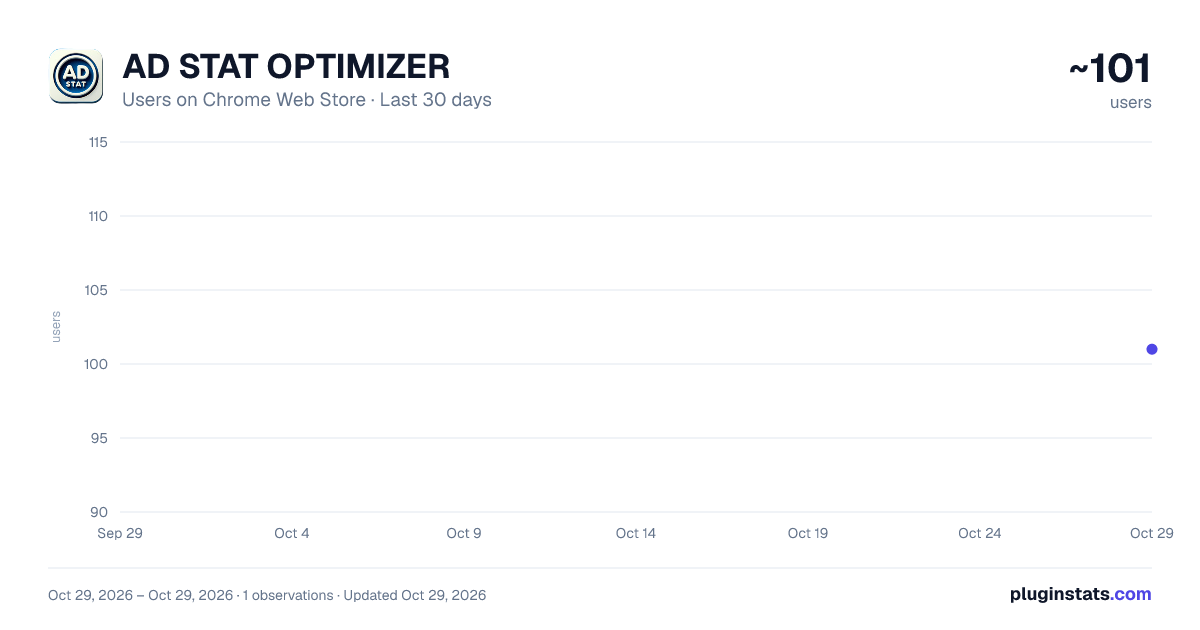
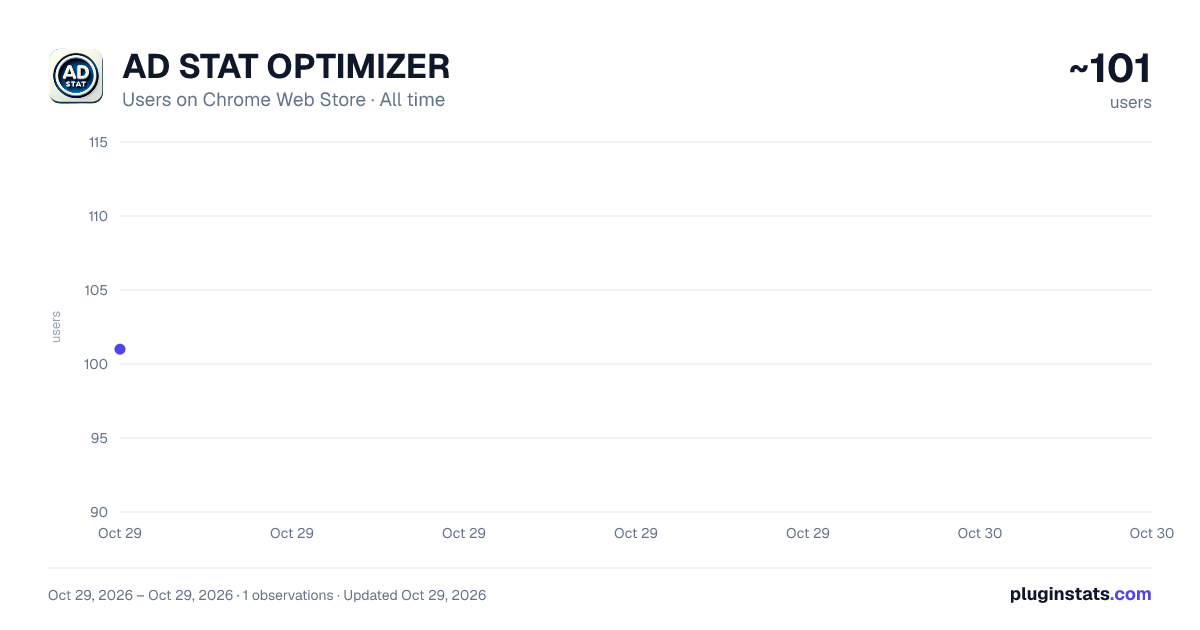
AD STAT OPTIMIZER has approximately 101 recorded users on Chrome Web Store, ranking #5196 of 5,223 tracked listings.
Rating: 5.00 / 5 from 5 ratings
About AD STAT OPTIMIZER
Инструменты интернет-маркетолога для работы с Яндекс Директ, а также с Яндекс Метрикой, Яндекс Wordstat и другими сервисами.
AD STAT OPTIMIZER — набор инструментов интернет-маркетолога для работы с Яндекс Директом, Яндекс Метрикой, Яндекс Wordstat и другими веб-сервисами. Расширение помогает быстрее обрабатывать рекламные отчёты, работать с поисковыми запросами и площадками, сохранять заметки по аккаунтам и выполнять повседневные операции прямо в браузере.
Инструменты для Яндекс Директа • Мастер отчётов — дополнительная панель управления отчётами Яндекс Директа. • Копирование данных отчёта в буфер обмена для последующей вставки в Excel. • Автоматическая прокрутка и обработка больших отчётов. • Закрепление выбранного столбца при горизонтальной прокрутке таблицы. • Разворачивание отчёта на всю доступную область браузера. • Отключение переноса строк в таблице. • Перестановка строк заголовков отчёта. • Настройка оформления таблиц: цвета, шрифты, рамки, фон, ссылки и закреплённые области. • Отдельные настройки оформления для светлой и тёмной темы. Работа с минус-словами • Создание и хранение нескольких списков минус-слов. • Быстрое добавление отдельных слов или поискового запроса целиком. • Массовое добавление минус-слов списком. • Выбор списков, которые необходимо учитывать при обработке отчёта. • Копирование подготовленных минус-слов в буфер обмена. • Быстрое открытие поискового запроса в Яндексе.
Работа с площадками РСЯ • Создание отдельных списков площадок. • Поддержка условий «содержит» и «не содержит». • Автоматическое заполнение фильтров по названию площадки в отчётах. • Подготовка списков исключаемых и неисключаемых площадок для анализа рекламных кампаний.
Заметки по аккаунтам Яндекс Директа • Два отдельных окна заметок для каждого аккаунта. • Список аккаунтов, для которых сохранены заметки. • Настройка названий, размеров и расположения окон. • Настройка шрифта, размера текста и межстрочного интервала. • Поддержка списков, обычного текста и изображений. • Автоматическое сохранение и синхронизация заметок между открытыми вкладками.
Дополнительные инструменты Яндекс Директа • Корректное отображение и принятие в управление аккаунтов с длинными названиями. Инструменты для Яндекс Метрики • Быстрое включение режима отладки Метрики с помощью параметра ?_ym_debug=2 для страницы в активной вкладке. Работа с UTM-метками • Добавление UTM-меток к адресу страницы в активной вкладке. • Возможность изменить и сохранить собственный шаблон UTM-параметров.
Инструменты для Яндекс Wordstat • Поиск стран, областей, городов и других регионов по части названия. • Автоматическое раскрытие дерева регионов во время поиска. • Фильтрация списка с сохранением родительских разделов. • Быстрое раскрытие и сворачивание веток дерева. • Сброс фильтра и очистка выбранных регионов.
Менеджер ссылок • Одновременное открытие нескольких ссылок в отдельных вкладках. • Сохранение наборов ссылок для повторного использования. • Организация ссылок по коллекциям и группам. • Быстрое открытие всей сохранённой группы. Настройки, заметки и рабочие списки сохраняются локально в хранилище расширения. Основные инструменты можно включать и отключать отдельно, оставляя активными только необходимые функции.
AD STAT OPTIMIZER is a set of digital marketing tools for working with Yandex Direct, Yandex Metrica, Yandex Wordstat, and other web services. The extension helps you process advertising reports faster, work with search queries and ad network placements, save account-specific notes, and perform routine tasks directly in your browser.
Tools for Yandex Direct • Report Assistant — an additional control panel for Yandex Direct reports. • Copy report data to the clipboard for pasting into Excel. • Automatically scroll and process large reports. • Pin a selected column while scrolling horizontally. • Expand reports to fill the available browser area. • Prevent text wrapping in tables. • Rearrange report header rows. • Customize table colors, fonts, borders, backgrounds, links, and pinned areas. • Separate appearance settings for light and dark themes.
Negative Keyword Management • Create and save multiple negative keyword lists. • Quickly add individual words or entire search queries. • Add multiple negative keywords at once. • Select which lists should be applied when processing a report. • Copy prepared negative keywords to the clipboard. • Quickly open a search query in Yandex Search. Yandex Advertising Network Placement Management • Create separate placement lists. • Use “contains” and “does not contain” conditions. • Automatically fill placement name filters in reports. • Prepare excluded and protected placement lists for advertising campaign analysis.
Yandex Direct Account Notes • Use two separate note windows for each account. • View a list of accounts with saved notes. • Customize window titles, sizes, and positions. • Adjust the font, text size, and line spacing. • Use lists, plain text, and images. • Automatically save and synchronize notes between open tabs. Additional Yandex Direct Tools • Correctly display and accept management access to accounts with long names. Tools for Yandex Metrica • Quickly enable Yandex Metrica debugging on the page in the active tab using the ?_ym_debug=2 parameter. UTM Tag Management • Add UTM parameters to the page URL in the active tab. • Edit and save your own UTM parameter template. Tools for Yandex Wordstat • Search for countries, regions, cities, and other locations using a partial name. • Automatically expand the region tree while searching. • Filter the list while keeping parent sections visible. • Quickly expand or collapse region tree branches. • Reset the search filter and clear selected regions.…
Description from the Chrome Web Store listing.
README badge
Show your rank in a README or on your website. The badge updates automatically.
Charts
Images: 30d · 1y · all time · 1600×900 dark
Adoption over time
7/30/90-day growth
Ranking history
Ratings over time
Listing placement
Listing placement
Filled points are observed values; hollow points come from Internet Archive snapshots of the listing page. Dashed segments span periods with no observations — values between points are not interpolated.
Each band is one page of 20. Users on a linear scale. Placement is projected from users, so it can differ from the marketplace's own sort order. Hover a dot to see the listing.
Recent observations
Full history (1)Similar Chrome Web Store Tools plugins
All 20 AD STAT OPTIMIZER alternatives




Data source
Covers every Chrome Web Store extension with at least 100 users, found through the store's public sitemap. User counts are read from public listing pages. The 10% most-used extensions are refreshed daily, the next 40% weekly and the next 40% monthly; the least-used 10% are not refreshed. Google displays rounded user counts (and caps the display at 10,000,000+), so small changes may not be visible. Rating counts above 1,000 are rounded (e.g. 1.6K).
Listing: https://chromewebstore.google.com/detail/ad-stat-optimizer/poplchjnjgmfobfiednccgilblfneika. First seen Oct 29, 2026; last successful collection Oct 29, 2026. See the methodology.