 PluginStats

Taobao Product Image Downloader - Batch Save users statistics
By chao · Chrome Web Store · Tools
Collect product names, SKU names, prices, main images, and page-ordered detail images from Taobao, Tmall, and 1688.
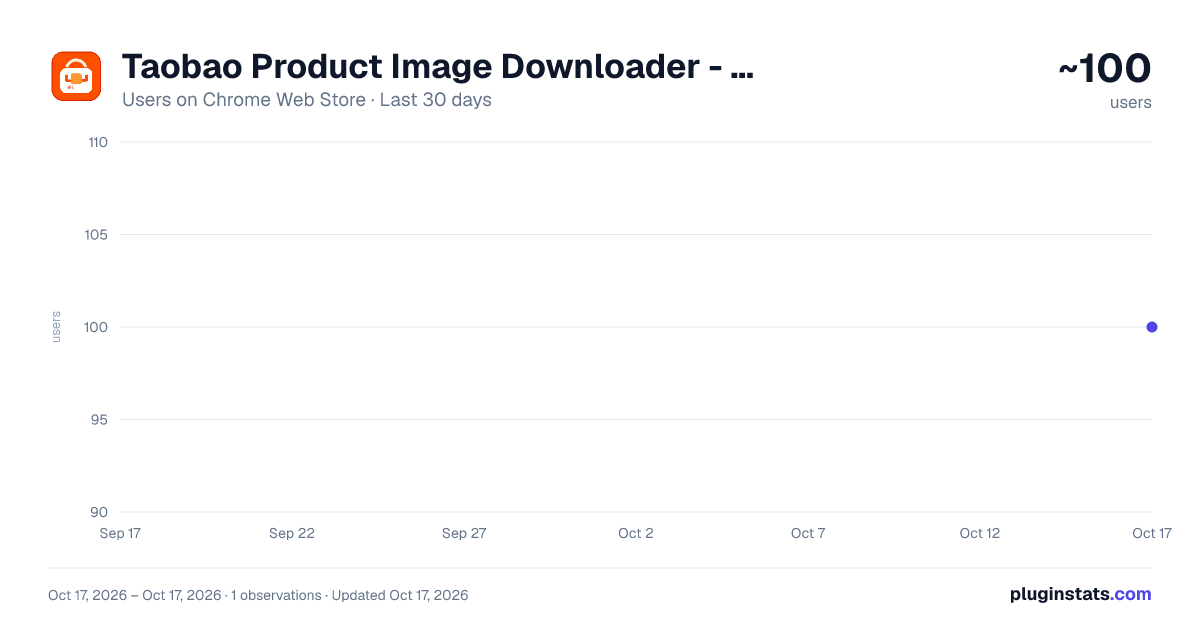
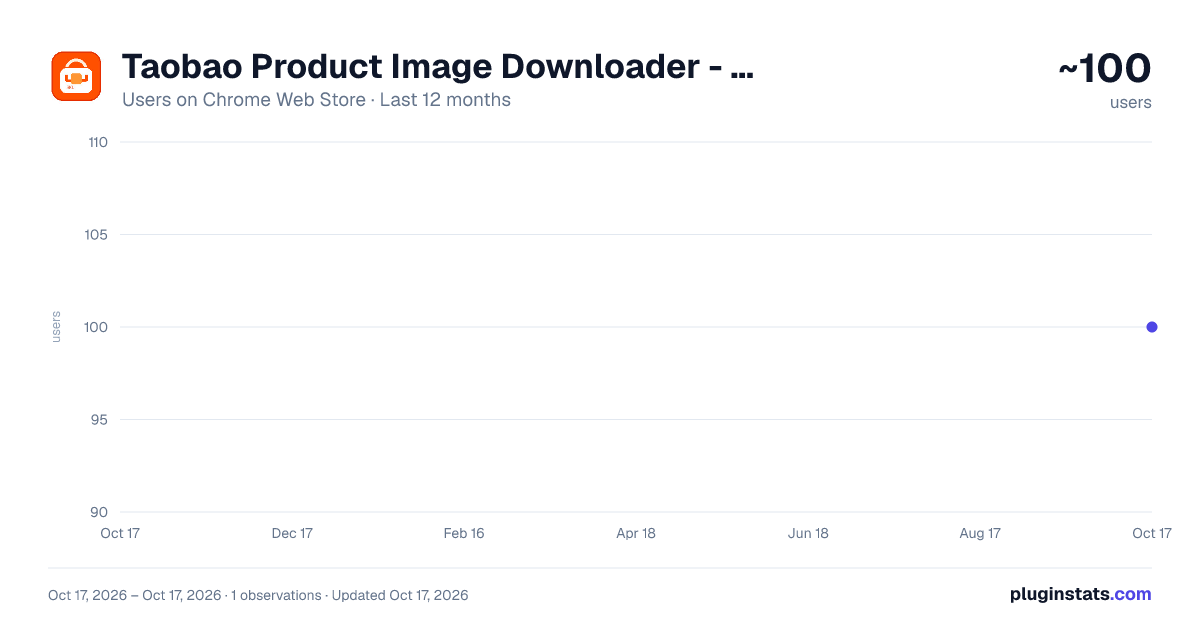
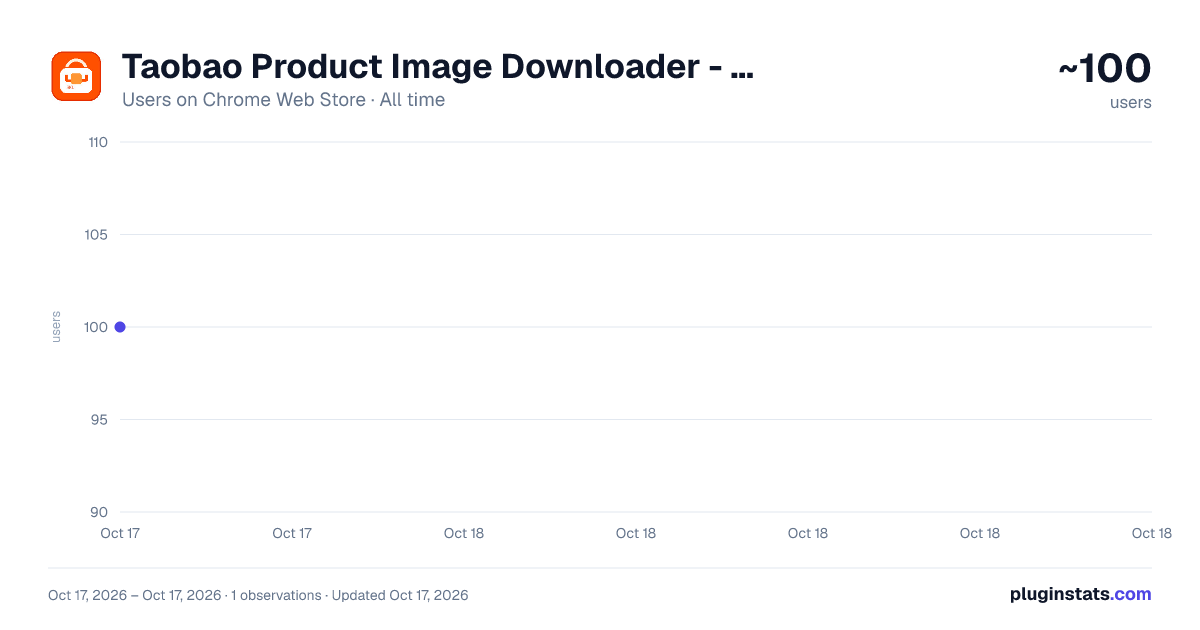
Taobao Product Image Downloader - Batch Save has approximately 100 recorded users on Chrome Web Store, ranking #6748 of 6,786 tracked listings.
About Taobao Product Image Downloader - Batch Save
Collect product names, SKU names, prices, main images, and page-ordered detail images from Taobao, Tmall, and 1688.
Taobao Product Image Downloader - Batch Save is a Chrome extension for ecommerce sourcing, product asset organization, and product image archiving.
Open the extension on a Taobao, Tmall, or 1688 product detail page and it organizes the page's main product images, SKU images, and detail images in page order. You can preview full images, select the files you need, and download them in batches to your computer.
Key features:
- Collect product main images, SKU images, and detail images
- Sort detail images by the visual order of the page
- Filter duplicate thumbnails and keep clearer versions where possible
- Preview full images inside the extension
- Batch download by image group
- Generate organized filenames from product and SKU information
- Runs locally without a backend service
Useful for:
- Saving product assets during ecommerce sourcing
- Organizing product detail page images for operations work
- Archiving product images for design or customer support teams
- Downloading images related to different SKU variants of the same product
Privacy note:
The extension reads page information only when the user actively opens the extension and collects a supported product page. The data is used to display, preview, and download images. The extension does not upload images, page content, or personal information to a developer server, and it does not use advertising trackers or analytics services.
Description from the Chrome Web Store listing.
README badge
Show your rank in a README or on your website. The badge updates automatically.
Charts
Images: 30d · 1y · all time · 1600×900 dark
Adoption over time
7/30/90-day growth
Ranking history
Ratings over time
Listing placement
Listing placement
Filled points are observed values; hollow points come from Internet Archive snapshots of the listing page. Dashed segments span periods with no observations — values between points are not interpolated.
Each band is one page of 20. Users on a linear scale. Placement is projected from users, so it can differ from the marketplace's own sort order. Hover a dot to see the listing.
Recent observations
Full history (1)Similar Chrome Web Store Tools plugins
All 20 Taobao Product Image Downloader - Batch Save alternatives



Data source
Covers every Chrome Web Store extension with at least 100 users, found through the store's public sitemap. User counts are read from public listing pages. The 10% most-used extensions are refreshed daily, the next 40% weekly and the next 40% monthly; the least-used 10% are not refreshed. Google displays rounded user counts (and caps the display at 10,000,000+), so small changes may not be visible. Rating counts above 1,000 are rounded (e.g. 1.6K).
Listing: https://chromewebstore.google.com/detail/淘宝商品详情图片下载器-批量存图/kjnjkkebpadgkcplmohpmkhbmijhepkl. First seen Oct 17, 2026; last successful collection Oct 17, 2026. See the methodology.