 PluginStats

ProtonMail Assistant users statistics
ProtonMail Assistant - Provides quick access, unread email reminders, desktop notifications, and more.
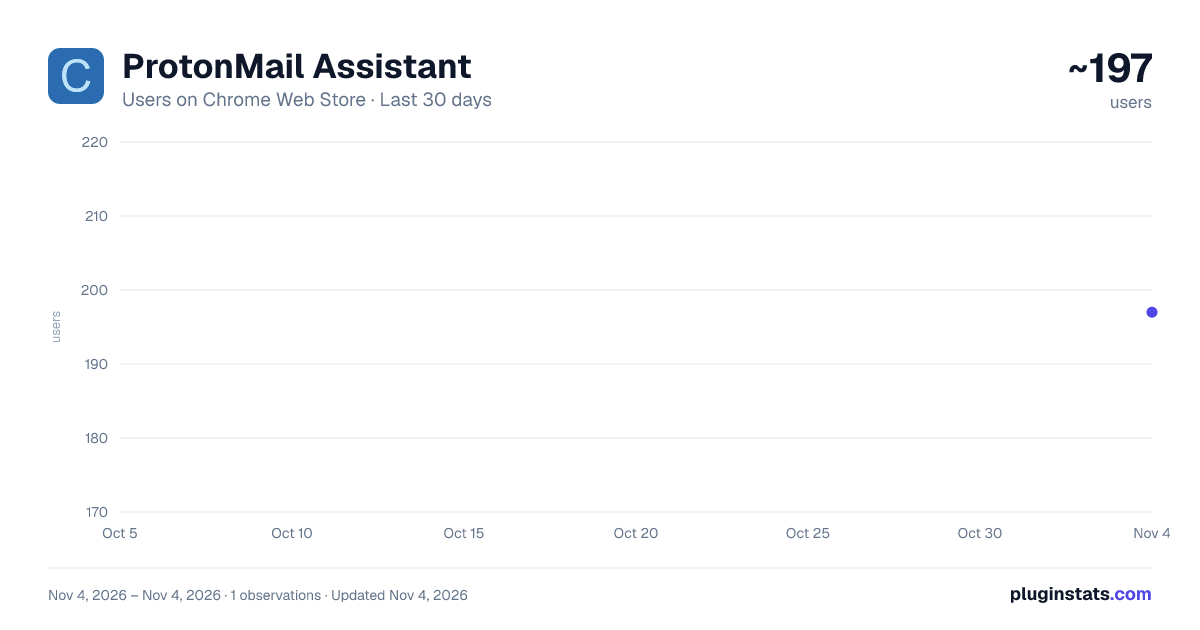
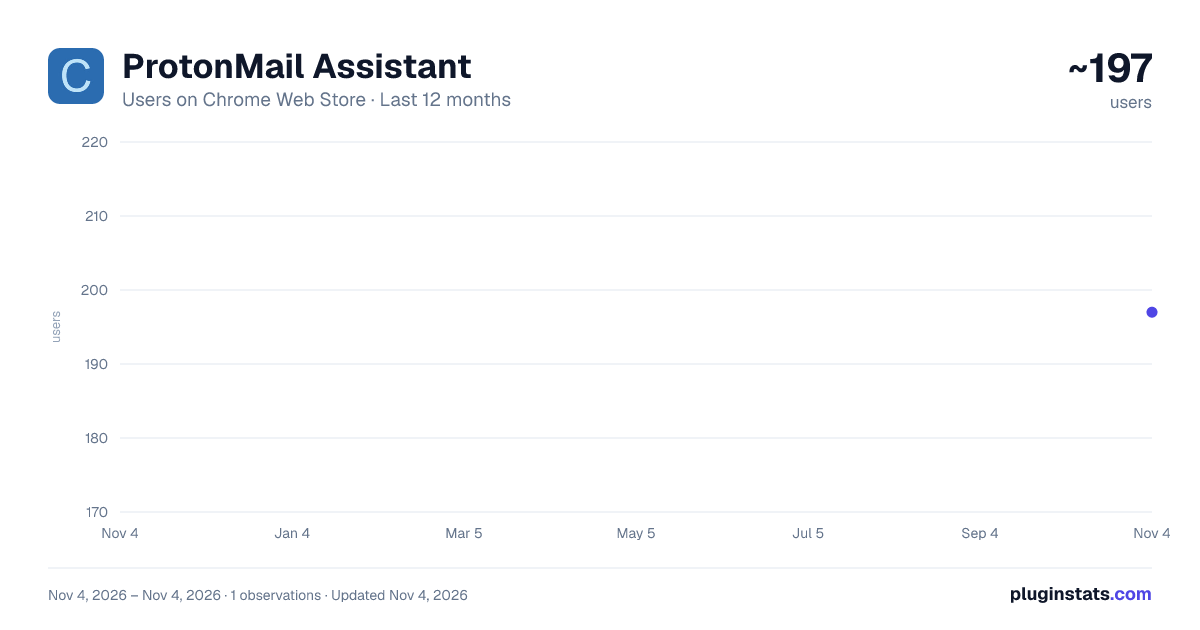
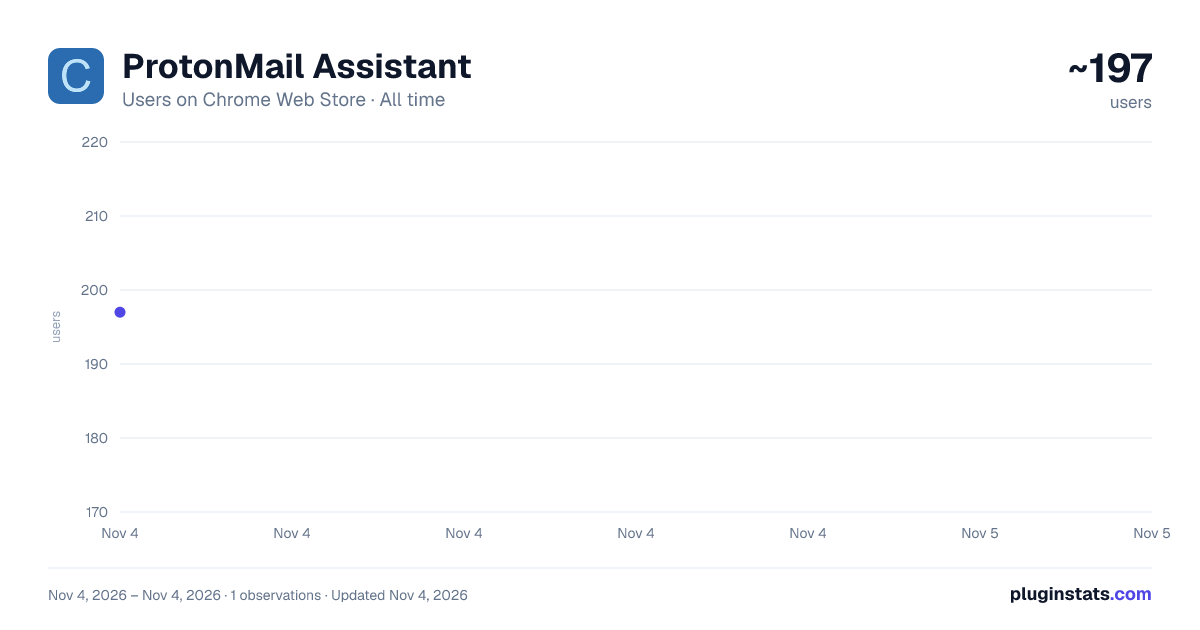
ProtonMail Assistant has approximately 197 recorded users on Chrome Web Store, ranking #5523 of 7,342 tracked listings.
Rating: 1.00 / 5 from 1 ratings
About ProtonMail Assistant
ProtonMail Assistant - Provides quick access, unread email reminders, desktop notifications, and more.
ProtonMail Assistant - A smart email notification tool with customizable filters, helping you stay focused on important emails with unread reminders and desktop notifications. 🎯 Who Is This For? • ProtonMail users who need to stay on top of important emails • Professionals who want to filter out noise and focus on what matters • Users who value email privacy and efficient notification management
✨ Core Features
-
Smart Email Notifications • Real-time unread email counter on extension icon • Desktop notifications for new emails • Click notifications to jump directly to ProtonMail • Customizable notification duration (default: 10 seconds)
-
Powerful Filtering System • Filter notifications by sender email addresses • Filter by email subject keywords • Customize which emails trigger notifications • Stay focused on what matters to you
-
Quick Access • One-click to open ProtonMail • Quick switch to existing ProtonMail tab • Visual status indicator via icon color
-
Customizable Settings • Enable/disable desktop notifications • Toggle notification sounds • Set notification display duration • Configure email filtering rules
🔒 Privacy First • Runs completely locally • No personal data collection • All settings stored in your browser • Minimal permissions required:
- Notifications
- Tab management
- Local storage
- Status checking
⚙️ Default Settings • Desktop notifications: Enabled • Notification sounds: Enabled • Notification duration: 10 seconds • Filter rules: Empty by default (all emails notified)
💻 System Requirements • Chrome 88 or higher • Works on Windows, Mac, and Linux • Internet connection required
🌟 Perfect For • Staying informed while working on other tasks • Filtering out non-essential email notifications • Quick access to your ProtonMail inbox • Managing email notifications efficiently
Usage:
- Install the ProtonMail Assistant extension
- Click on the ProtonMail Assistant icon
- Log into your ProtonMail account
Start using ProtonMail Assistant today and take control of your email notifications!
Description from the Chrome Web Store listing.
README badge
Show your rank in a README or on your website. The badge updates automatically.
Charts
Images: 30d · 1y · all time · 1600×900 dark
Adoption over time
7/30/90-day growth
Ranking history
Ratings over time
Listing placement
Listing placement
Filled points are observed values; hollow points come from Internet Archive snapshots of the listing page. Dashed segments span periods with no observations — values between points are not interpolated.
Each band is one page of 20. Users on a linear scale. Placement is projected from users, so it can differ from the marketplace's own sort order. Hover a dot to see the listing.
Recent observations
Full history (1)Similar Chrome Web Store Tools plugins
All 20 ProtonMail Assistant alternatives



Data source
Covers every Chrome Web Store extension with at least 100 users, found through the store's public sitemap. User counts are read from public listing pages. The 10% most-used extensions are refreshed daily, the next 40% weekly and the next 40% monthly; the least-used 10% are not refreshed. Google displays rounded user counts (and caps the display at 10,000,000+), so small changes may not be visible. Rating counts above 1,000 are rounded (e.g. 1.6K).
Listing: https://chromewebstore.google.com/detail/protonmail-assistant/dampflolhffplaeocnkkcidfpkhacjbn. First seen Nov 4, 2026; last successful collection Nov 4, 2026. See the methodology.