 PluginStats

Save Image as Any Type users statistics
By eapublishers · Chrome Web Store · Tools
Right-click any image to convert and save it in 8 different formats
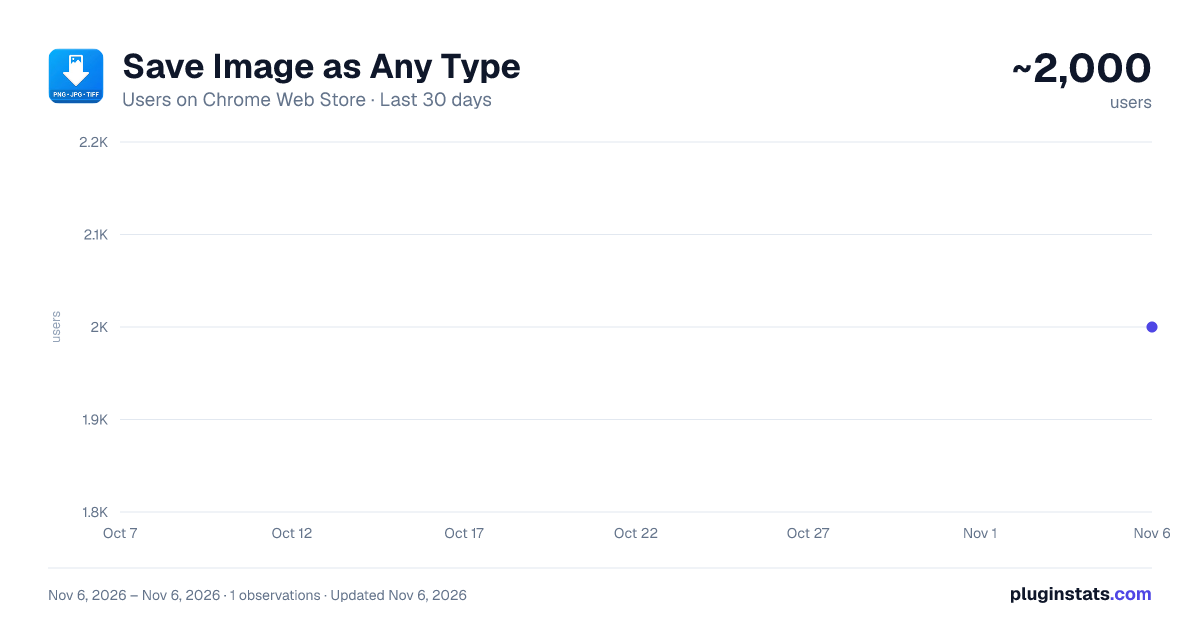
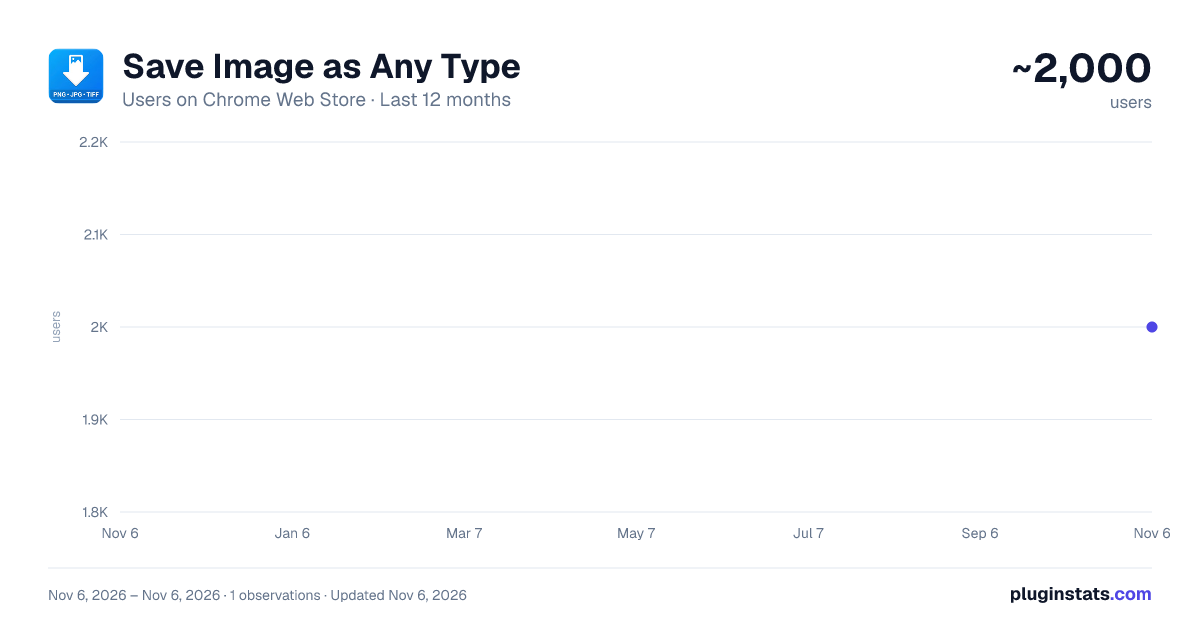
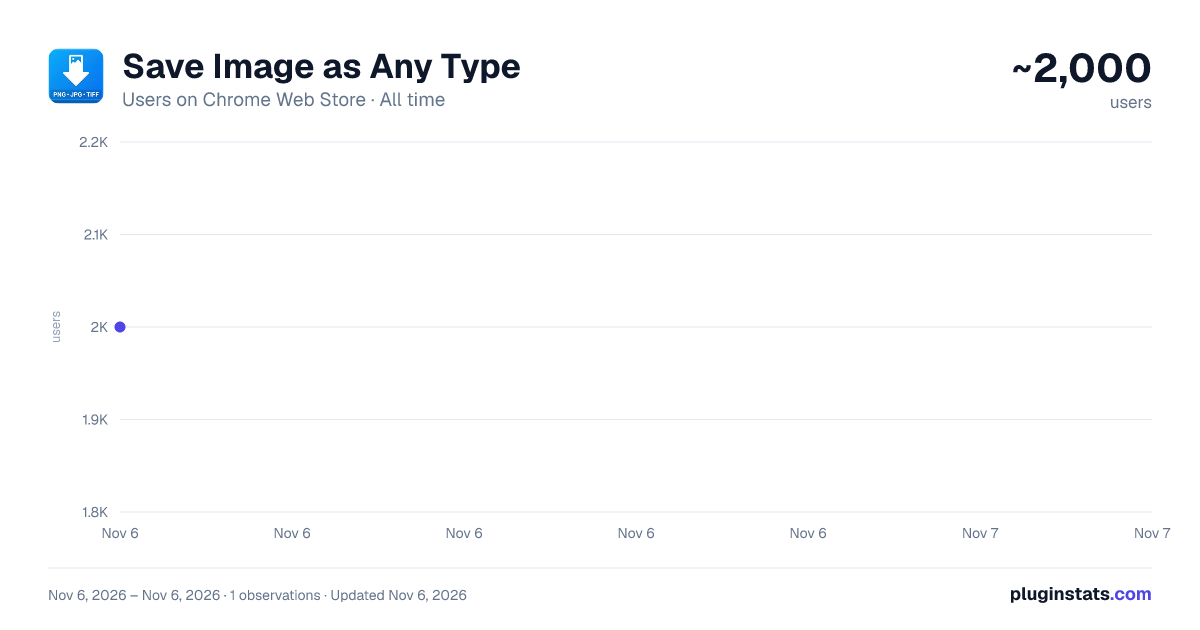
Save Image as Any Type has approximately 2,000 recorded users on Chrome Web Store, ranking #2004 of 7,624 tracked listings.
Rating: 5.00 / 5 from 15 ratings
About Save Image as Any Type
Right-click any image to convert and save it in 8 different formats
Save Image as Any Type... The easiest way to convert and save ANY image from the web in your preferred format. No uploads, no accounts. Everything happens locally in your browser.
━━━━━━━━━━━━━━━━━━━━━━
★ WHY YOU NEED THIS
Ever tried to save an image from a website and got a format your tools don't support? This extension lets you right-click any image and instantly convert it to the format you actually need. The name says it: Truly, ANY format!
━━━━━━━━━━━━━━━━━━━━━━
★ KEY FEATURES
-
Multiple Output Formats Choose from 8 widely-used image formats including lossless, lossy, professional, and legacy options.
-
Copy to Clipboard Skip the download — copy any converted image directly to your clipboard. Paste it straight into Photoshop, Figma, Slack, Google Docs, or any other app.
-
Batch Download Save all images from any webpage at once. Choose between a single ZIP file or individual downloads. Automatically filters out tiny icons and tracking pixels.
-
Smart High-Resolution Detection When batch downloading, the extension finds the highest resolution version available from srcset and picture elements.
-
Fully Customizable Open the settings page to reorder or hide formats, adjust quality levels, pick background colors for transparent images, set image size filters for batch downloads, and configure your default save-or-copy behavior. Drag and drop to set your preferred format order.
-
Keyboard Shortcut Hold Shift while clicking any save option to quickly toggle between saving to disk and copying to clipboard.
━━━━━━━━━━━━━━━━━━━━━━
★ PERFECT FOR
- Designers who need specific format versions of web images.
- Developers saving favicon files from websites.
- Photographers converting gallery images to standard formats.
- Content creators downloading all images from a page at once.
- Anyone tired of getting unsupported file formats when saving images.
━━━━━━━━━━━━━━━━━━━━━━
★ PRIVACY & SECURITY
All processing happens locally in your browser. Images are never uploaded anywhere. No analytics, no tracking, no accounts. The extension is open source so you can inspect every line of code.
━━━━━━━━━━━━━━━━━━━━━━
★ HOW IT WORKS
- Right-click any image on any webpage
- Select "Save Image as Any Type"
- Pick your format
- The image is converted instantly and your download begins
For batch downloads, right-click anywhere on the page, select your format, and choose ZIP or separate files.
━━━━━━━━━━━━━━━━━━━━━━
★ WHAT'S NEW IN v2.0
- Five new output formats added.
- Copy to clipboard support.
- Batch download with ZIP option.
- Full options page with quality controls and customization.
- High-resolution image detection for batch downloads.
- Shift+click shortcut for quick save/copy toggle.
Description from the Chrome Web Store listing.
README badge
Show your rank in a README or on your website. The badge updates automatically.
Charts
Images: 30d · 1y · all time · 1600×900 dark
Adoption over time
7/30/90-day growth
Ranking history
Ratings over time
Listing placement
Listing placement
Filled points are observed values; hollow points come from Internet Archive snapshots of the listing page. Dashed segments span periods with no observations — values between points are not interpolated.
Each band is one page of 20. Users on a linear scale. Placement is projected from users, so it can differ from the marketplace's own sort order. Hover a dot to see the listing.
Recent observations
Full history (1)Similar Chrome Web Store Tools plugins
All 20 Save Image as Any Type alternatives



Data source
Covers every Chrome Web Store extension with at least 100 users, found through the store's public sitemap. User counts are read from public listing pages. The 10% most-used extensions are refreshed daily, the next 40% weekly and the next 40% monthly; the least-used 10% are not refreshed. Google displays rounded user counts (and caps the display at 10,000,000+), so small changes may not be visible. Rating counts above 1,000 are rounded (e.g. 1.6K).
Listing: https://chromewebstore.google.com/detail/save-image-as-any-type/jmaiaffmlojlacfgopiochoogcickhfi. First seen Nov 6, 2026; last successful collection Nov 6, 2026. See the methodology.