 PluginStats

Autofill users statistics
Use Autofill Google Chrome extension to save form data and fill online forms, documents, and blanks with simple autocomplete.
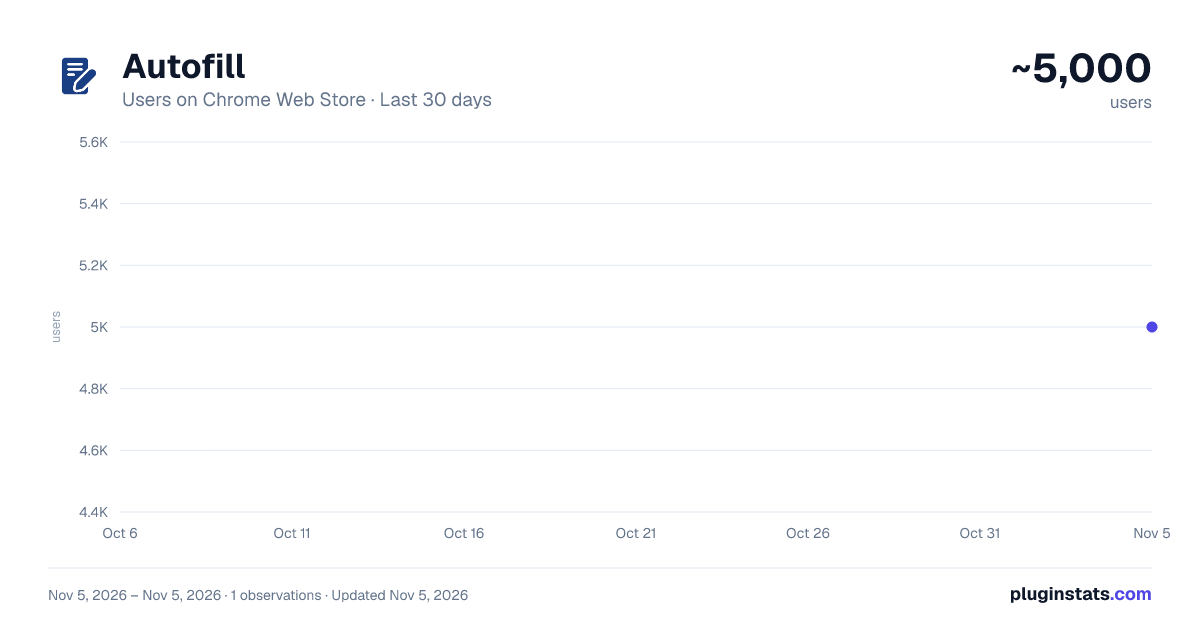
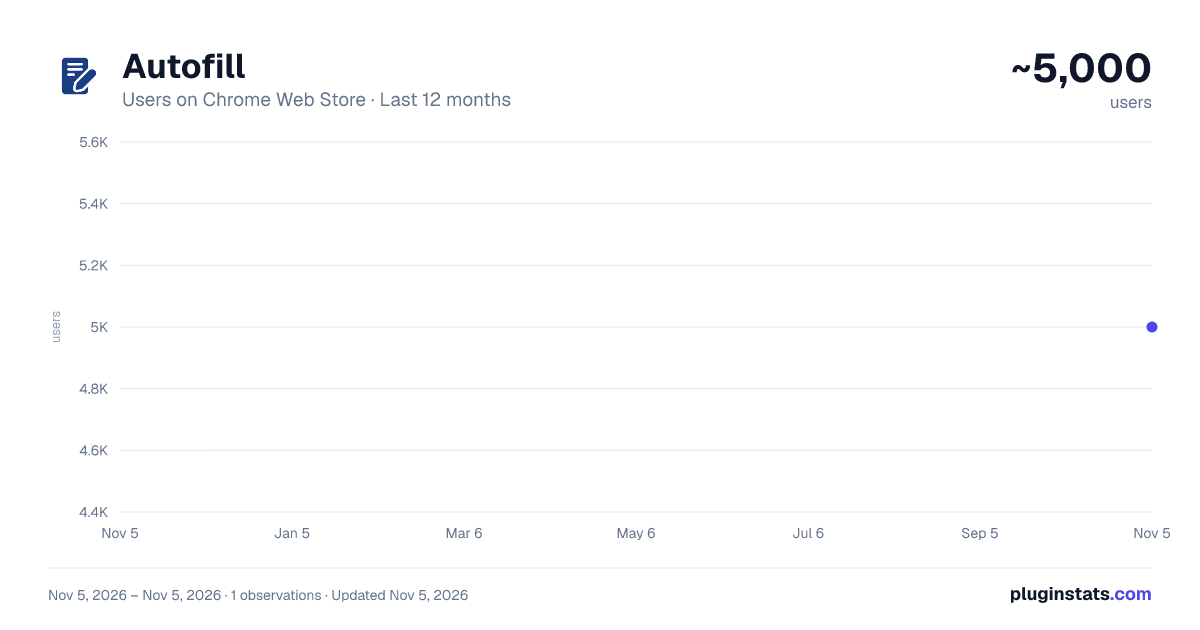
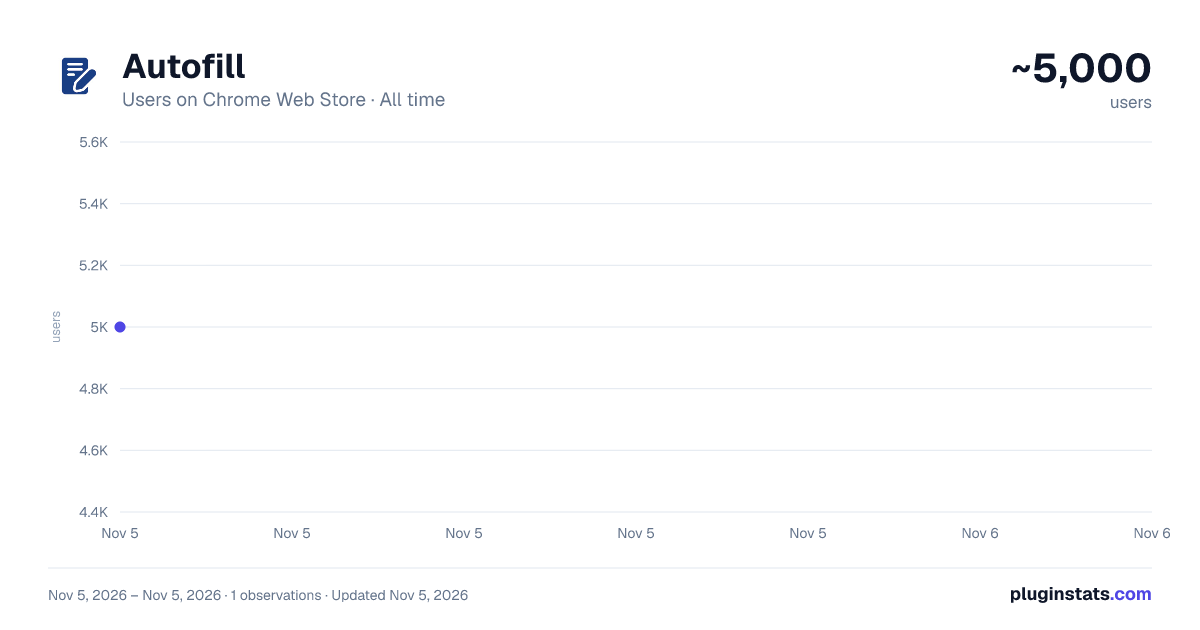
Autofill has approximately 5,000 recorded users on Chrome Web Store, ranking #1213 of 7,342 tracked listings.
Rating: 4.70 / 5 from 34 ratings
About Autofill
Use Autofill Google Chrome extension to save form data and fill online forms, documents, and blanks with simple autocomplete.
🚀 Autofill is a practical autofill for chrome tool for people who repeatedly enter the same information on the same websites at work. It’s built for predictable autofilling, not “smart guesses.” For dashboards, portals, or internal systems, it supports quick fill while keeping you in control. Simple by design, even for teams.
🧩 Typical situations where it helps: • Re-entering the same contact details • Updating records in stable web UIs • Submitting similar requests again and again
✍️ Instead of retyping values, save them once and reuse them later. Autofill keeps the workflow explicit: you decide when data is saved and when it’s applied. This autofill extension is built for repeat work, not one-off experiments—an autofill chrome tool that stays under your control.
🎛️ Clear control list: ✔️ Manual save, manual fill ✔️ Separate data per site ✔️ Multiple profiles for different routines ✔️ Data stored inside the extension ✔️ Form savers approach: save once, restore later
✅ How it works in everyday use: → Open an autofill form page you use often → Fill in the values you want to reuse → Click “Save data” for the current site and profile → Come back later and click “Fill form” → It autofills matching fields in one action → Use it again on other autofill forms on the same site
🧹 If the wrong profile is selected—or auto fill wasn’t intended—use the “Clear” button to empty values on the current page and start over quickly without losing your place. This is useful when you switch accounts, change environments, or reset a fillout form without refreshing the site 🙂.
🧠 This form filler does not try to predict meaning or do AI-based auto complete. Built-in chrome autofill can be helpful, but some websites rely on—or block—browser suggestion behavior through the html autocomplete attribute. The approach here is different: saved values are restored intentionally, so results are easier to verify.
🧷 Profiles are made for routine workflows: I. Separate work and personal datasets II. Different customers or accounts III. Multiple users on one browser IV. A controlled automatic form filler mode
🛡️ It works best on stable pages where fields don’t constantly change on fillout forms. On dynamic sites, inputs may appear late or be rebuilt, so you may need to fill out the form again after the page loads and run autofill again.
📌 Where it’s most useful: ➢ Government portals with long pages and repeated details ➢ HR, recruiting, and onboarding platforms you revisit during a cycle ➢ SaaS admin consoles and back-office tools where you repeatedly autofill web forms ➢ Banking and insurance sites with structured pages and stable fields ➢ CRM / ERP systems with repeat submissions across teams ➢ Surveys: this Google Forms auto filler keeps answers per form
🧭 Designed around clear boundaries, it restores only what you saved for the same website and profile, so behavior stays easy to understand. That keeps form fill predictable on the sites you actually use. Data stays inside the extension. Only anonymous usage counts are sent, to a server in Europe; a setting turns that off. For a lightweight autofill app experience in Chrome, use profiles and one-click actions without mixing sites.
🔎 Treat this as a controlled form filler chrome extension for pages you revisit. Some tools try to guess fields automatically. Autofill focuses on consistent results, fewer surprises, and a quick way to clear everything. That’s what separates it from many autofill form chrom extensions.
🧩 As an autocomplete extension Chrome users can control, this provides a “save then restore” model rather than predictive suggestions. If you want something you can repeat and verify, the goal is to be boring in the best way—without extra guessing ✅.
📋 This autofill chrome plugin restores more than typed text. Checkboxes and radio buttons go back to how you saved them, and so do most dropdown lists. As an online form filler, it spares you the clicking as well as the typing.
🏁 If you need an autofill chrome extension that is straightforward, profile-based, and easy to reverse with “Clear,” this auto fill form extension is designed for predictable repetition on the websites you actually use. It’s a form filler extension that cuts retyping in daily data entry. In some countries a fill limit may apply, and a paid plan would remove it.
Description from the Chrome Web Store listing.
README badge
Show your rank in a README or on your website. The badge updates automatically.
Charts
Images: 30d · 1y · all time · 1600×900 dark
Adoption over time
7/30/90-day growth
Ranking history
Ratings over time
Listing placement
Listing placement
Filled points are observed values; hollow points come from Internet Archive snapshots of the listing page. Dashed segments span periods with no observations — values between points are not interpolated.
Each band is one page of 20. Users on a linear scale. Placement is projected from users, so it can differ from the marketplace's own sort order. Hover a dot to see the listing.
Recent observations
Full history (1)Similar Chrome Web Store Tools plugins
All 20 Autofill alternatives



Data source
Covers every Chrome Web Store extension with at least 100 users, found through the store's public sitemap. User counts are read from public listing pages. The 10% most-used extensions are refreshed daily, the next 40% weekly and the next 40% monthly; the least-used 10% are not refreshed. Google displays rounded user counts (and caps the display at 10,000,000+), so small changes may not be visible. Rating counts above 1,000 are rounded (e.g. 1.6K).
Listing: https://chromewebstore.google.com/detail/autofill/dakniegoolfkdacifnfacmmadfoceeph. First seen Nov 5, 2026; last successful collection Nov 5, 2026. See the methodology.