 PluginStats

Video to Text users statistics
Easily transcribe video to text, download transcripts, and convert youtube videos to text with a powerful video transcriber tool.
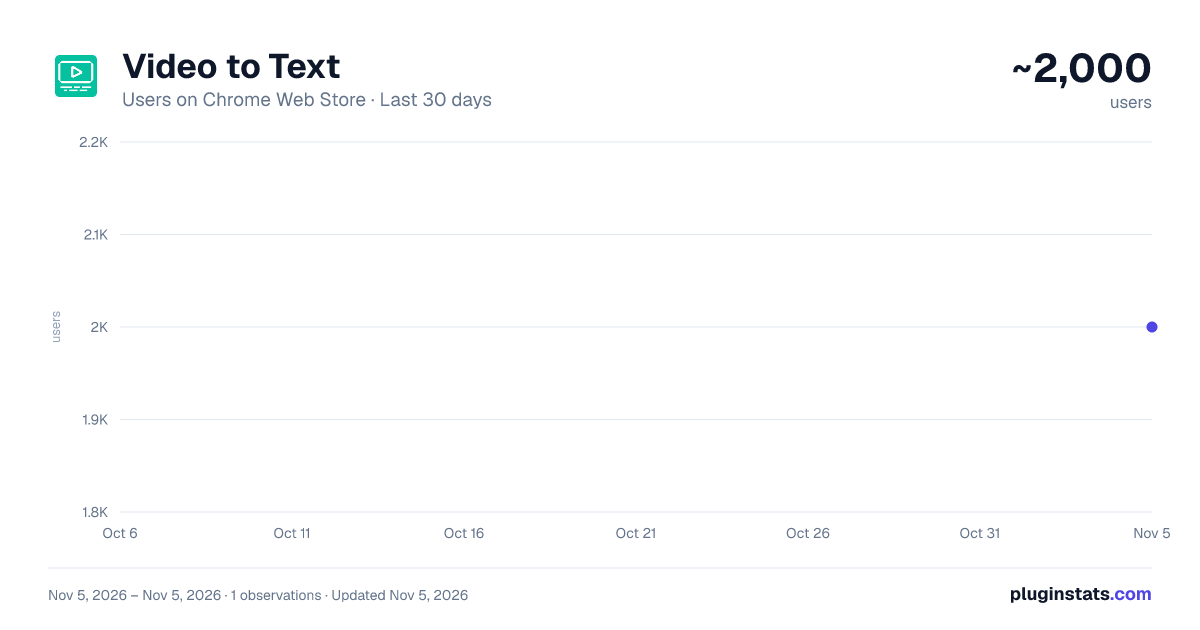
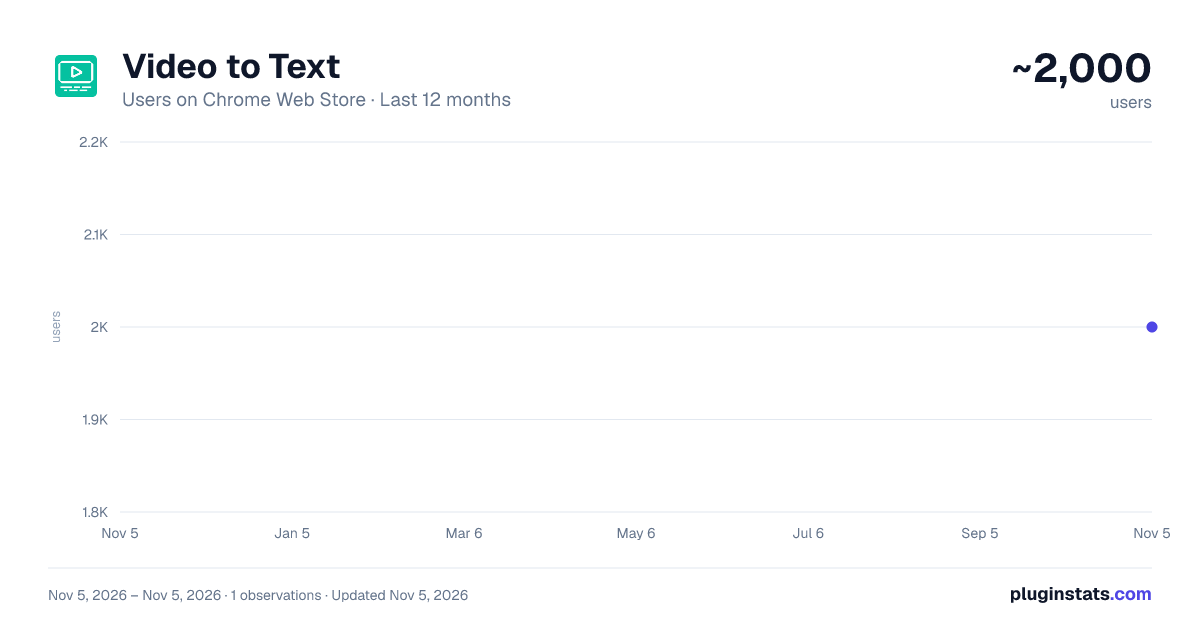
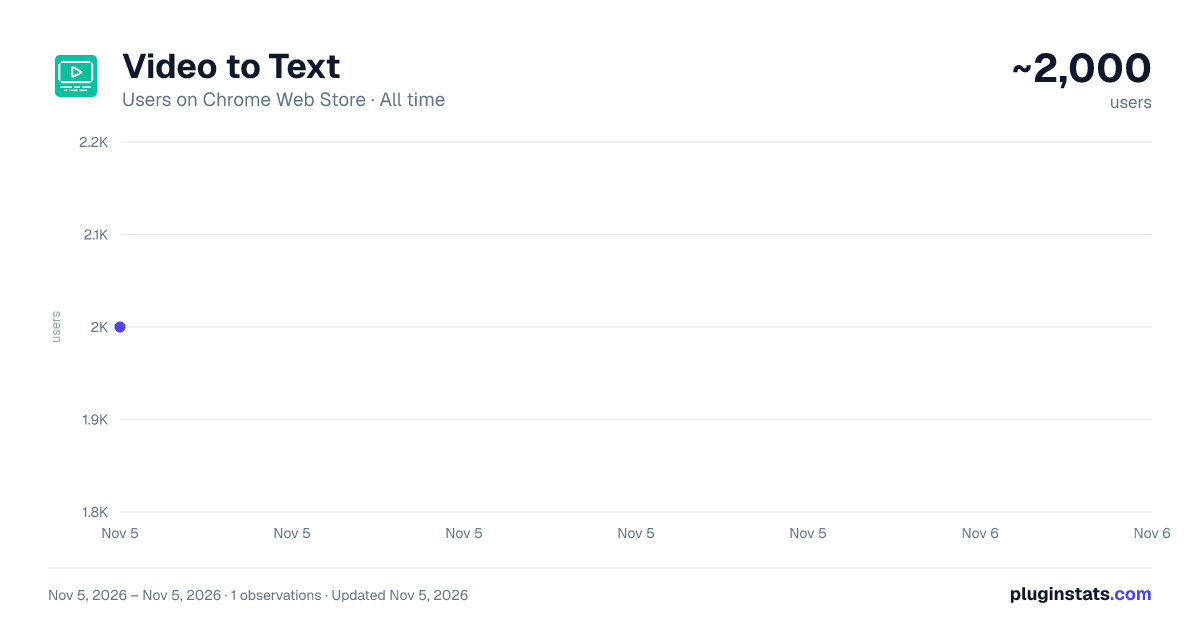
Video to Text has approximately 2,000 recorded users on Chrome Web Store, ranking #1923 of 7,342 tracked listings.
Rating: 4.90 / 5 from 23 ratings
About Video to Text
Easily transcribe video to text, download transcripts, and convert youtube videos to text with a powerful video transcriber tool.
🚀 Unlock the power of seamless transcription with the video to text Chrome extension. Designed for content creators, students, and businesses, this tool efficiently converts reels content into accurate text. Whether you're looking to transcribe video to text, extract a transcript from video, or generate precise subtitles, this extension simplifies the process.
🎯 With support for youtube video to text, interviews, lectures, and meetings, users can quickly create content for blogs, notes, or archives. The powerful AI engine ensures every transcription is fast, reliable, and accessible.
Key Features ✅ Transcribe video to text in seconds with exceptional accuracy. 📥 Effortlessly download transcripts or export them in SRT file format. 🎬 Convert YouTube video to text directly from the browser. 🛠️ Use the integrated video to text converter for fast transcription from uploaded files. 🤖 AI-powered technology delivers improved recognition and language support. 🗣️ Identify multiple speakers with advanced diarization features.
How It Works Install the video to text chrome extension from the web store. Upload your video or insert a YouTube link. Click "Transcribe" and let the AI generate your text. Easily download transcripts, export SRT files, or copy the text in one click. Use the built-in video transcriber feature for complex multi-speaker scenarios.
Use Cases️ 📹 Content creators can turn video content into blog posts or video descriptions. 📚 Students can transcribe lectures for better note-taking. 🏢 Businesses can convert meetings into precise written records. 🎙️ Podcasters can create subtitles or captions for improved accessibility. 👩💻 Journalists can generate accurate transcripts from video for news reports.
Supported Platforms 🌍 The video to text extension supports popular media sources like YouTube, Instagram and TikTok. Easily transcribe YouTube videos to text, ensuring seamless text generation.
Diarization for Speaker Identification 🗂️ The extension includes powerful diarization features that automatically identify different speakers in a conversation. This feature is ideal for interviews, meetings, or podcasts where multiple voices are involved.
SRT File Generation for Subtitles 📄 With one-click exporting, users can convert their recordings into a structured SRT file for subtitles and closed captions. This is invaluable for content creators, video editors, and online educators seeking improved accessibility and SEO visibility.
Accessibility Enhancements ♿ The video to text tool empowers individuals with hearing impairments by generating accurate subtitles and transcripts. This feature improves inclusiveness for media content published across multiple platforms.
AI-Powered Speech Recognition 🧠 Powered by state-of-the-art speech-to-text AI, the extension achieves over 93% accuracy for clear audio sources. Leveraging cutting-edge AI research, the tool ensures minimal transcription errors and delivers high precision even for complex conversations.
Automatic Language Detection 🌍 The built-in Automatic Language Detection feature quickly identifies the dominant language in the recording and routes it to the most suitable transcription model. This helps maintain transcription accuracy for multilingual content.
Word Timing and Speaker Mapping ⏱️ The extension supports precise word timing with each word linked to its corresponding timestamp. Paired with speaker mapping, this ensures accurate transcription for interviews, podcasts, and conference recordings.
Profanity Filtering and Custom Vocabulary 🚨 Users can enable profanity filtering to replace offensive language in transcripts. Additionally, the custom vocabulary feature boosts transcription accuracy for industry-specific terms, product names, or unique phrases.
SEO Optimization for Content Creators ➤ Convert tiktok content into text to create keyword-rich material. ➤ Boost website rankings by transcribing video tutorials, product demos, and training materials. ➤ Use the transcript for YouTube shorts feature to maximize SEO potential on short-form content platforms. 📈 By converting video content into text, the extension allows bloggers and marketers to create keyword-rich content. This improves search engine rankings and helps repurpose video content as blog posts, articles, or e-books.
YouTube Shorts Transcript Generator 📄 With the integrated YouTube video transcript generator, you can now efficiently transcribe content directly from YouTube for improved accessibility and content repurposing. This feature simplifies creating subtitles for YouTube Shorts.
Download YouTube Transcripts 🗂️ Need a transcript for a YouTube tutorial or webinar? The extension allows you to download YouTube transcripts in seconds, ensuring easy content management and text generation.
Convert video to text with AI 🤖 The powerful AI engine efficiently converts video to text, ensuring high precision, even for noisy environments or complex dialogue. This technology enhances transcription quality for content creators and businesses alike.
Video Transcriber for Professionals 🖥️ The integrated recording transcriber feature provides precise transcription with speaker identification, ensuring professional results for conferences, legal proceedings, or educational media.
Transcript for YouTube Shorts 📝 The tool generates an accurate transcript for youtube shorts to support content creators in enhancing accessibility and improving SEO visibility.
Generate Transcript from Video 📋 Users can effortlessly generate transcript from media files, creating clear and accurate text for interviews, presentations, and tutorials.
Transcript video to text Converter 🎯 Users can leverage the transcript video to text feature to extract clear and structured text from tutorials, documentaries, and training materials.…
Description from the Chrome Web Store listing.
README badge
Show your rank in a README or on your website. The badge updates automatically.
Charts
Images: 30d · 1y · all time · 1600×900 dark
Adoption over time
7/30/90-day growth
Ranking history
Ratings over time
Listing placement
Listing placement
Filled points are observed values; hollow points come from Internet Archive snapshots of the listing page. Dashed segments span periods with no observations — values between points are not interpolated.
Each band is one page of 20. Users on a linear scale. Placement is projected from users, so it can differ from the marketplace's own sort order. Hover a dot to see the listing.
Recent observations
Full history (1)Similar Chrome Web Store Tools plugins
All 20 Video to Text alternatives



Data source
Covers every Chrome Web Store extension with at least 100 users, found through the store's public sitemap. User counts are read from public listing pages. The 10% most-used extensions are refreshed daily, the next 40% weekly and the next 40% monthly; the least-used 10% are not refreshed. Google displays rounded user counts (and caps the display at 10,000,000+), so small changes may not be visible. Rating counts above 1,000 are rounded (e.g. 1.6K).
Listing: https://chromewebstore.google.com/detail/video-to-text/fnnjdcbkpadiklnhgeeamibhncnindhl. First seen Nov 5, 2026; last successful collection Nov 5, 2026. See the methodology.