 PluginStats

NoteCast — AI tab-audio note-taker users statistics
Capture a browser tab's audio, transcribe it locally with Whisper, and generate structured notes with a local Ollama model.
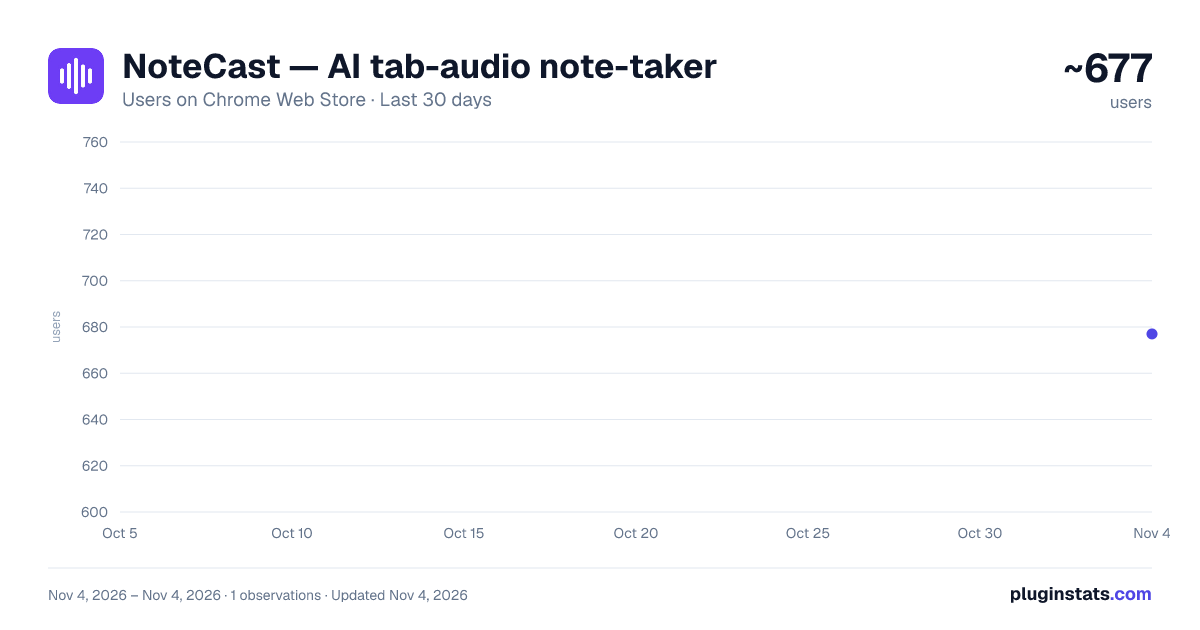
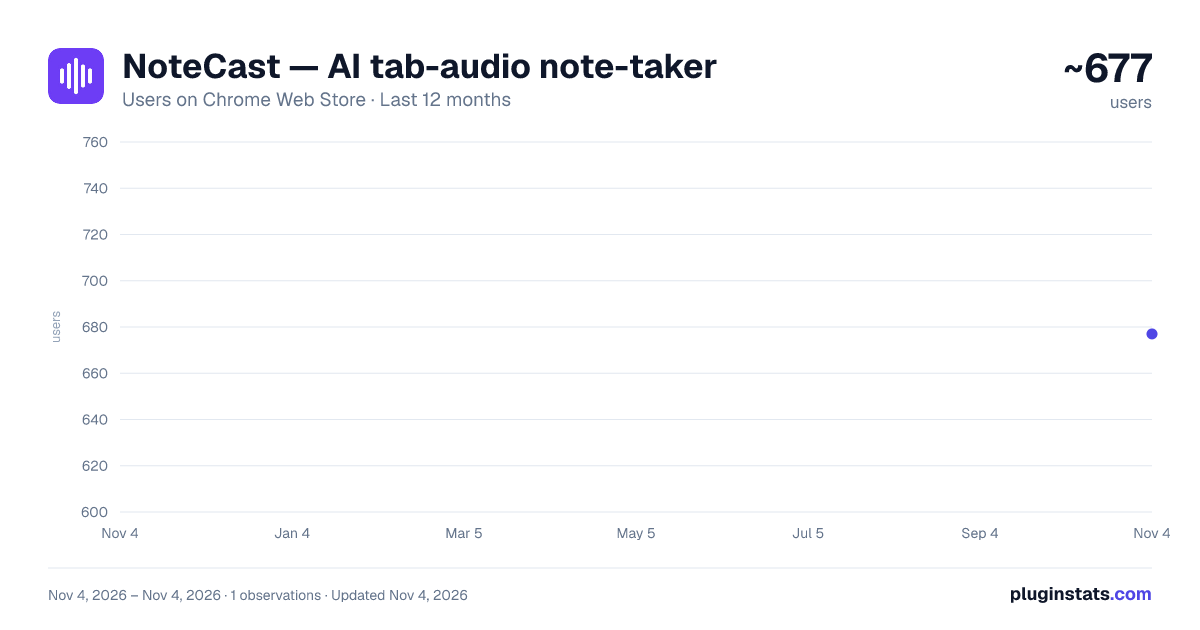
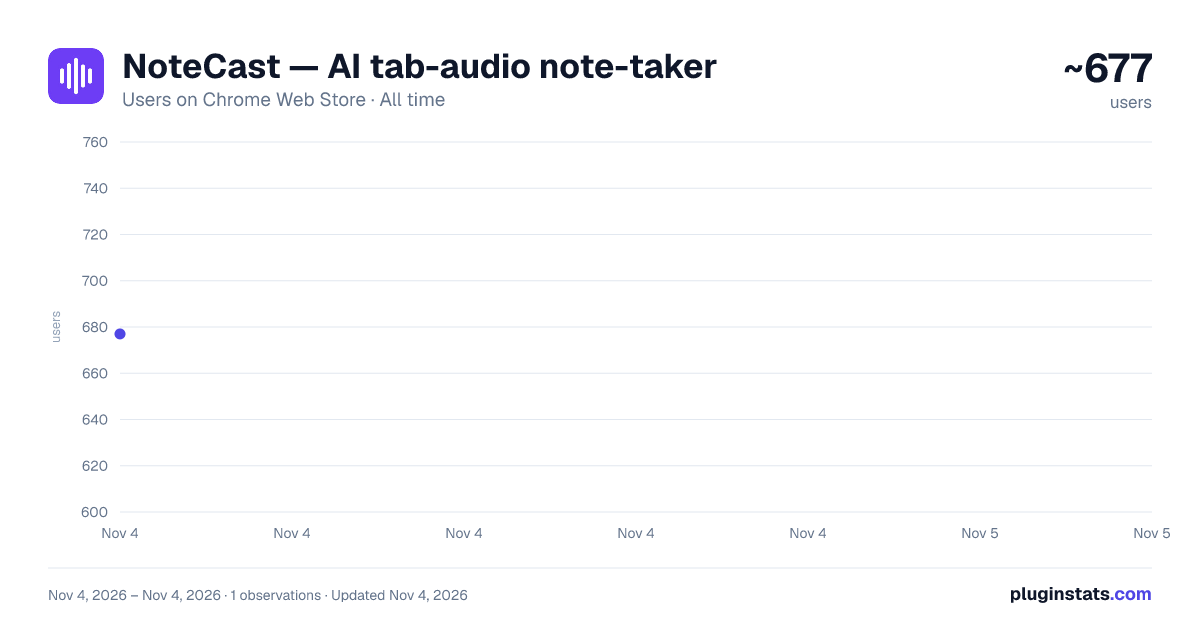
NoteCast — AI tab-audio note-taker has approximately 677 recorded users on Chrome Web Store, ranking #3073 of 7,072 tracked listings.
Rating: 5.00 / 5 from 2 ratings
About NoteCast — AI tab-audio note-taker
Capture a browser tab's audio, transcribe it locally with Whisper, and generate structured notes with a local Ollama model.
🛡️ Private AI Transcription. Your Data Never Leaves Your Device.
NoteCast is a privacy-first AI transcription and note-taking extension. Transcribe browser audio, microphone input, and local audio or video files into searchable transcripts, summaries, action items, and structured notes—all processed locally on your own hardware.
The difference is privacy. Unlike cloud-based transcription tools, NoteCast processes everything locally using AI models that you control. Your recordings and transcripts never have to leave your device.
🧠 100% Local AI Processing
We bring the power of advanced AI directly to your machine using trusted open-source models:
• Whisper – Runs locally for fast and accurate speech recognition from browser audio, microphones, windows/screens, and local media files. Works instantly, with no setup required. • Ollama – Generates AI-powered summaries, structured notes, key takeaways, decisions, and action items using a private language model that you control. Only needed for the notes step — transcription works on its own.
Professional AI features without compromising your privacy or uploading sensitive data.
🚀 Key Features
• Live Transcription – Capture real-time audio from your microphone, a browser tab, or any window/screen running outside the browser. • Browser Audio Capture – Transcribe meetings, webinars, videos, and other audio playing in your browser, with clickable timestamps that jump straight to that moment (deep-linking on YouTube). • Local Media Support – Transcribe audio and video files stored on your device — pick more than one at a time and they queue up and transcribe automatically. • Speaker Labels – Automatically distinguish who's speaking, with editable names that carry through to notes and exports. • AI Summaries & Insights – Automatically generate summaries, key takeaways, decisions, and action items, in a style you pick (meeting minutes, standup, webinar, interview, and more) or steer with your own instructions. • Chat with Your Transcripts – Ask questions about your transcripts — even very long ones — to quickly find important information and context. • Multi-Language Support – 99 interface languages and 99 transcription languages with auto-detect, plus translate-to-English for notes and transcripts. • History Management – Search, organize, and manage all of your transcripts in one place. Deleted a session by mistake? It's recoverable for 30 days before it's gone for good. • Editing & Organization – Refine transcripts, highlight important moments, and organize notes before exporting. • Flexible Export – Export transcripts and notes in common formats. • Zero Cloud Promise – No required accounts, no cloud uploads, no tracking, and no third-party access to your data.
🎯 Ideal For
• Meetings & Workshops – Capture meeting minutes, decisions, and action items automatically. • Interviews & Research – Create accurate, searchable transcripts for interviews and field research. • Lectures & Education – Transcribe lectures and study materials for later review. • Podcasts & Media – Analyze and transcribe locally stored audio and video files.
⚙️ Technical Requirement
Transcription works right away, with no setup. The AI notes and summaries need Ollama running locally or on a server you control — NoteCast includes a guided setup that detects it, helps you pull a model, and gets you connected in just a few minutes.
Description from the Chrome Web Store listing.
README badge
Show your rank in a README or on your website. The badge updates automatically.
Charts
Images: 30d · 1y · all time · 1600×900 dark
Adoption over time
7/30/90-day growth
Ranking history
Ratings over time
Listing placement
Listing placement
Filled points are observed values; hollow points come from Internet Archive snapshots of the listing page. Dashed segments span periods with no observations — values between points are not interpolated.
Each band is one page of 20. Users on a linear scale. Placement is projected from users, so it can differ from the marketplace's own sort order. Hover a dot to see the listing.
Recent observations
Full history (1)Similar Chrome Web Store Tools plugins
All 20 NoteCast — AI tab-audio note-taker alternatives



Data source
Covers every Chrome Web Store extension with at least 100 users, found through the store's public sitemap. User counts are read from public listing pages. The 10% most-used extensions are refreshed daily, the next 40% weekly and the next 40% monthly; the least-used 10% are not refreshed. Google displays rounded user counts (and caps the display at 10,000,000+), so small changes may not be visible. Rating counts above 1,000 are rounded (e.g. 1.6K).
Listing: https://chromewebstore.google.com/detail/notecast-—-ai-tab-audio-n/inmabjpgpdocdedjbdiiphkjgjanmech. First seen Nov 4, 2026; last successful collection Nov 4, 2026. See the methodology.