 PluginStats

WriteStack: Substack Notes Scheduler & Analytics users statistics
Schedule Substack Notes in advance, batch your writing, queue posts, and see which notes actually grow your Substack.
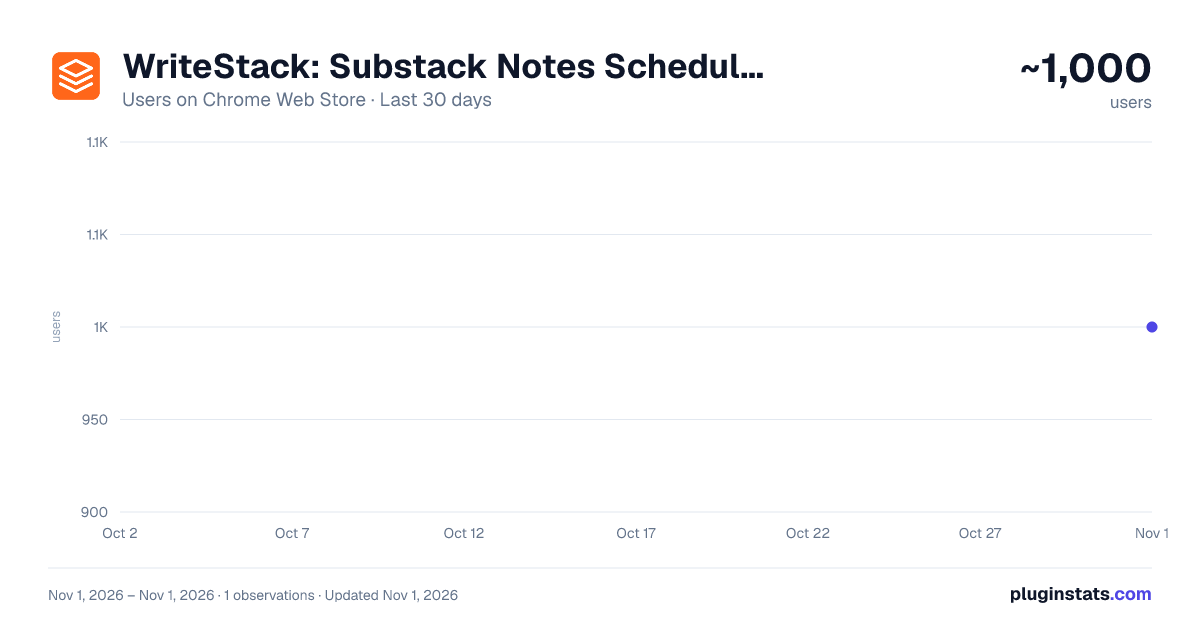
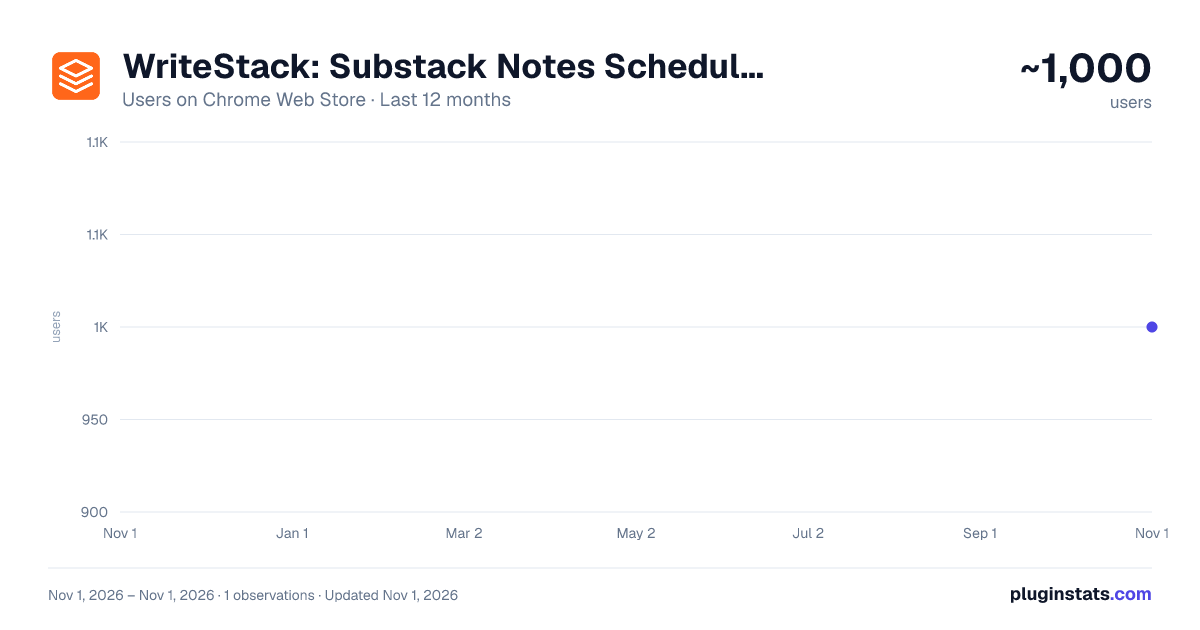
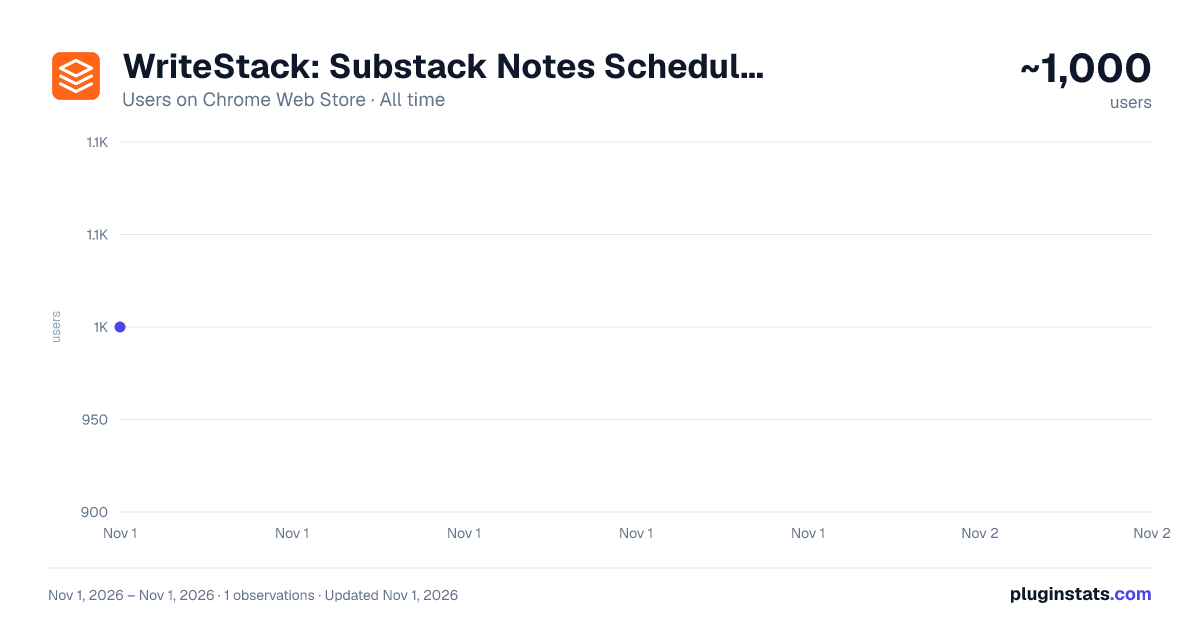
WriteStack: Substack Notes Scheduler & Analytics has approximately 1,000 recorded users on Chrome Web Store, ranking #2589 of 7,624 tracked listings.
Rating: 4.40 / 5 from 7 ratings
About WriteStack: Substack Notes Scheduler & Analytics
Schedule Substack Notes in advance, batch your writing, queue posts, and see which notes actually grow your Substack.
Schedule Substack Notes in advance — and finally post consistently without living inside the app.
WriteStack is a Substack Notes scheduler and analytics tool for writers who want to grow their subscribers without spending all day on the platform. Write your Notes in one sitting, queue them up, and let WriteStack publish them at the times your audience is actually online. Loved by thousands of Substack creators.
WHAT YOU CAN DO
Schedule Substack Notes Substack has no native scheduling for Notes. WriteStack adds it. Pick an exact date and time, or drop a Note into your queue and let it fill the next open slot automatically.
Batch your writing Write ten Notes on Sunday, schedule them across the week, and stop opening Substack five times a day just to stay visible. Consistency is what compounds on Notes — batching is how you get it without the daily grind.
Post when your audience is actually there WriteStack looks at your audience activity and recommends the posting windows that get you the most reach, instead of making you guess. Especially useful if you write from a different time zone than most of your readers.
See what actually grows your Substack Track likes, comments and restacks on every Note — and, more importantly, see which Notes turned into subscribers. Stop guessing which style of Note is working and start repeating the ones that do.
Turn any article into Notes with one click The built-in AI is trained on high-performing Notes and writes in your voice. Paste an article or an old post and get Notes you'd actually publish, ready to edit and schedule.
Clear your notifications in minutes The Activity Center pulls your notifications and replies into one place, so you can answer everything in one pass instead of scrolling the app looking for what needs a response.
Full formatting, images, links and mentions Scheduled Notes publish exactly the way you wrote them — images, formatting, links and @mentions all intact. Nothing gets flattened.
WHO IT'S FOR
- Substack writers who publish Notes regularly and want to stay consistent
- Newsletter creators trying to grow their subscriber count from Notes
- Writers whose audience is in a different time zone
- Anyone who'd rather batch a week of content than post live every day
- Publications and teams coordinating Notes across a content calendar
HOW IT WORKS
- Install the extension and pin it to your toolbar.
- Connect your Substack profile in one click — no API keys, no complicated setup.
- Write your Notes and schedule them, or add them to your queue.
- Keep Chrome open at the scheduled time. Substack has no public API for Notes, so WriteStack publishes from your own browser session — which also means your Notes post as you, natively, exactly like you'd typed them yourself.
PRICING
There's a free plan you can use for as long as you like, plus a 7-day trial of the paid plan if you want scheduling, analytics and AI without limits.
PRIVACY
WriteStack only runs on Substack. It doesn't read, collect or touch anything you do on any other site.
WriteStack is an independent tool built by a Substack writer. It is not affiliated with, endorsed by, or sponsored by Substack Inc. "Substack" is a trademark of Substack Inc., used here only to describe what this extension works with.
Questions or feature requests: https://www.writestack.io
Description from the Chrome Web Store listing.
README badge
Show your rank in a README or on your website. The badge updates automatically.
Charts
Images: 30d · 1y · all time · 1600×900 dark
Adoption over time
7/30/90-day growth
Ranking history
Ratings over time
Listing placement
Listing placement
Filled points are observed values; hollow points come from Internet Archive snapshots of the listing page. Dashed segments span periods with no observations — values between points are not interpolated.
Each band is one page of 20. Users on a linear scale. Placement is projected from users, so it can differ from the marketplace's own sort order. Hover a dot to see the listing.
Recent observations
Full history (1)Similar Chrome Web Store Tools plugins
All 20 WriteStack: Substack Notes Scheduler & Analytics alternatives



Data source
Covers every Chrome Web Store extension with at least 100 users, found through the store's public sitemap. User counts are read from public listing pages. The 10% most-used extensions are refreshed daily, the next 40% weekly and the next 40% monthly; the least-used 10% are not refreshed. Google displays rounded user counts (and caps the display at 10,000,000+), so small changes may not be visible. Rating counts above 1,000 are rounded (e.g. 1.6K).
Listing: https://chromewebstore.google.com/detail/writestack-substack-notes/emdlbnkhjpfcooclfbodmhkhkohcjaoa. First seen Nov 1, 2026; last successful collection Nov 1, 2026. See the methodology.