 PluginStats

Cronofy users statistics
Chrome Web Store · Workflow & Planning
Schedule directly from your browser tabs
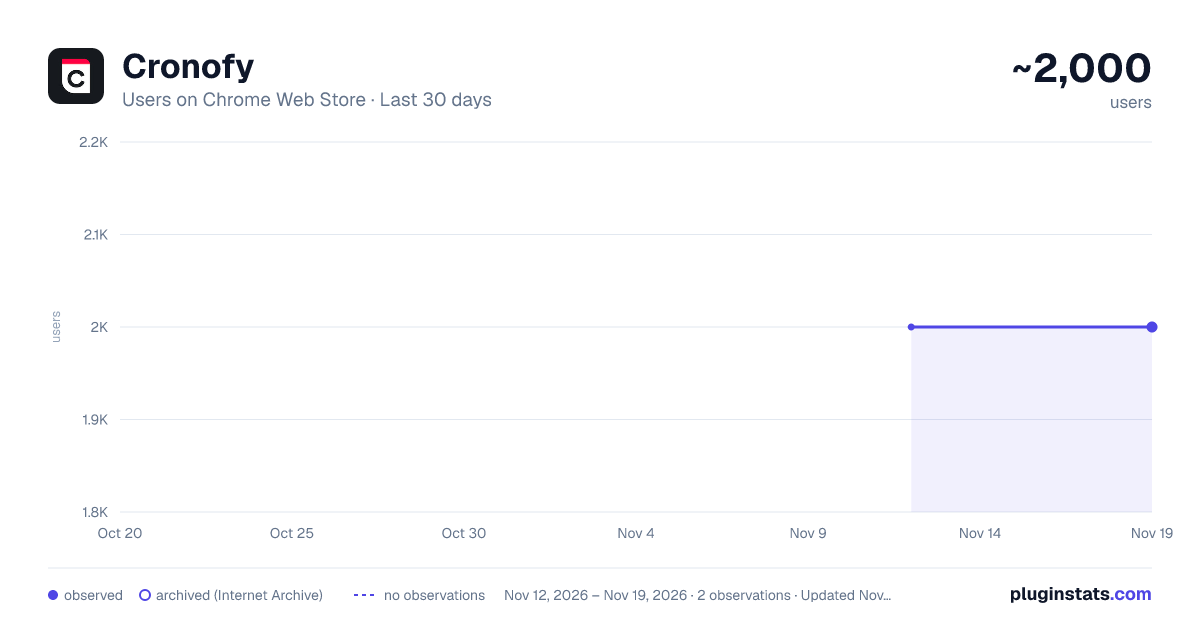
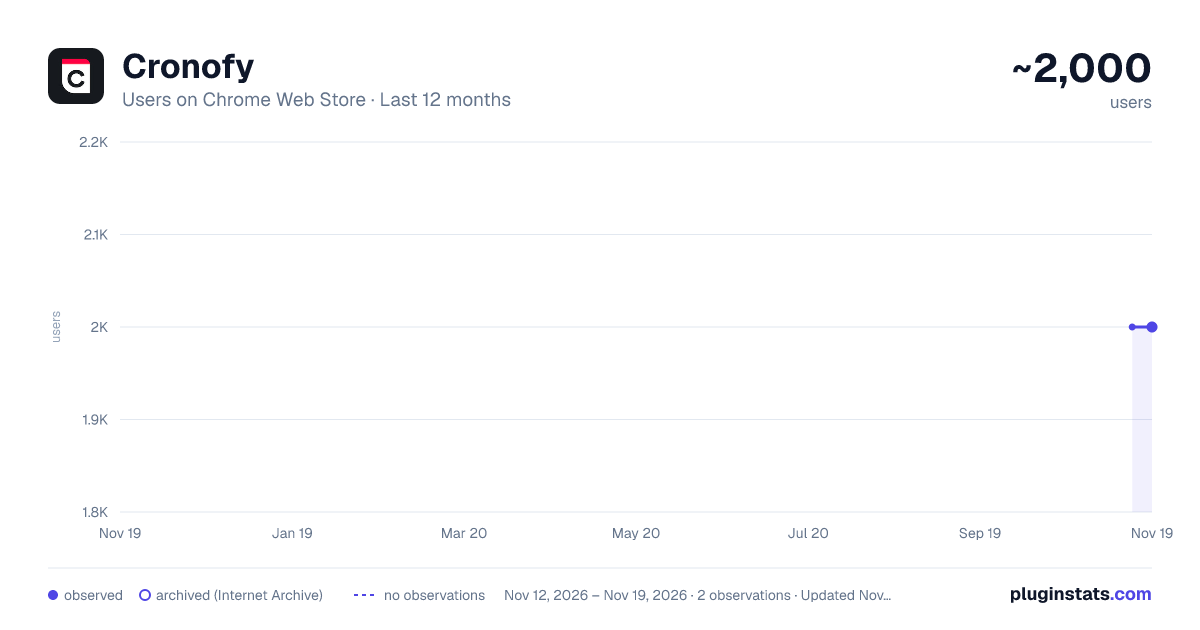
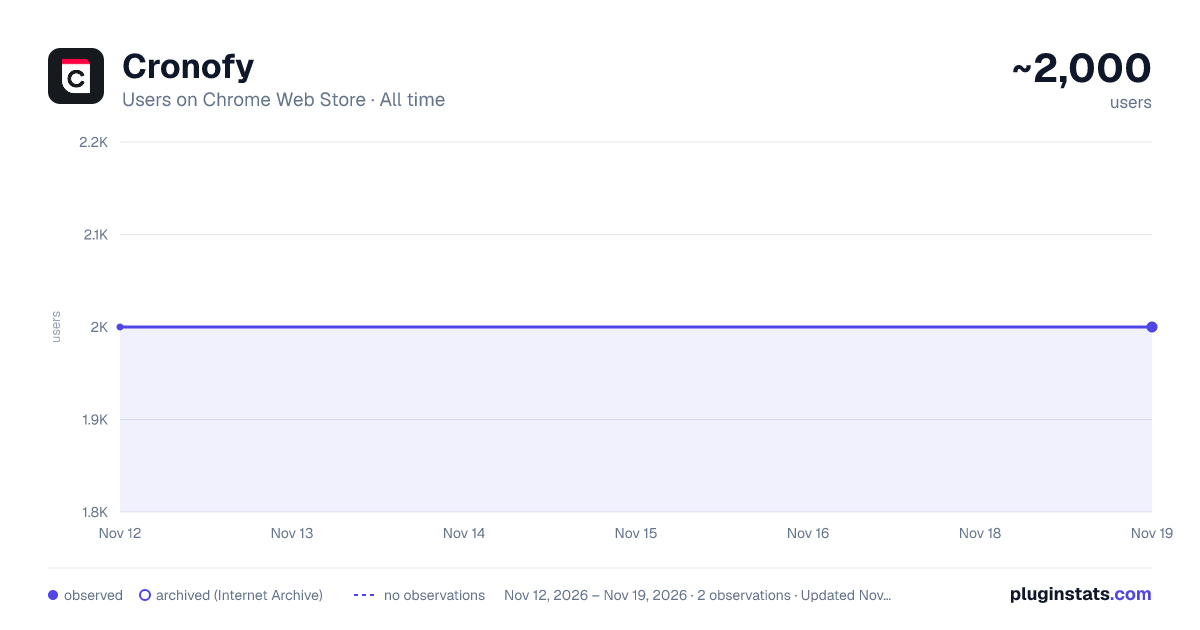
Cronofy has approximately 2,000 recorded users on Chrome Web Store, a change of 0.0% over the past 7 days, ranking #2663 of 10,523 tracked listings.
Rating: 5.00 / 5 from 1 ratings
About Cronofy
Schedule directly from your browser tabs
The Cronofy Chrome extension enables you to create personalized invitation links to enhance your Cronofy scheduling experience within Chrome.
It does this by finding the contact details on a web page and prepopulating a scheduling request, saving typing and removing room for error.
The SaaS tools and applications we use everyday are where the contact details of the people we want to meet with are stored. But not all these applications come with the scheduling features you need to create booking links or send calendar invites.
With our Chrome browser extension it doesn't matter. You can look at a client's profile and create a personalized invitation link directly from your CRM for example. Or you can create an invitation link at the same time as you are composing an email.
When you share a Cronofy invitation link with someone you do not commit to more than one meeting. The link can only be used to book one event in your calendar.
After a contact has clicked on the invitation link you sent them, they will only see the time slots that you've made available and won't access any information about other events in your calendar.
Benefits:
- Personalized scheduling experience
- Security and privacy
- Stay in control of your schedule
- Share your real-time availability
Description from the Chrome Web Store listing.
README badge
Show your rank in a README or on your website. The badge updates automatically.
Charts
Images: 30d · 1y · all time · 1600×900 dark
Adoption over time
7/30/90-day growth
Ranking history
Ratings over time
Listing placement
Listing placement
Filled points are observed values; hollow points come from Internet Archive snapshots of the listing page. Dashed segments span periods with no observations — values between points are not interpolated.
Each band is one page of 20. Users on a linear scale. Placement is projected from users, so it can differ from the marketplace's own sort order. Hover a dot to see the listing.
Recent observations
Full history (2)Similar Chrome Web Store Workflow & Planning plugins
All 20 Cronofy alternatives



Data source
Covers every Chrome Web Store extension with at least 100 users, found through the store's public sitemap. User counts are read from public listing pages. The 10% most-used extensions are refreshed daily, the next 40% weekly and the next 40% monthly; the least-used 10% are not refreshed. Google displays rounded user counts (and caps the display at 10,000,000+), so small changes may not be visible. Rating counts above 1,000 are rounded (e.g. 1.6K).
Listing: https://chromewebstore.google.com/detail/cronofy/anglfpgnejdnlomjepkpjlfnhigepkip. First seen Nov 12, 2026; last successful collection Nov 19, 2026. See the methodology.