 PluginStats

Superscript Skylight users statistics
By Superscript · Chrome Web Store · Workflow & Planning
Payment, insurance, and scheduling widget for EHRs — Chrome extension form factor.
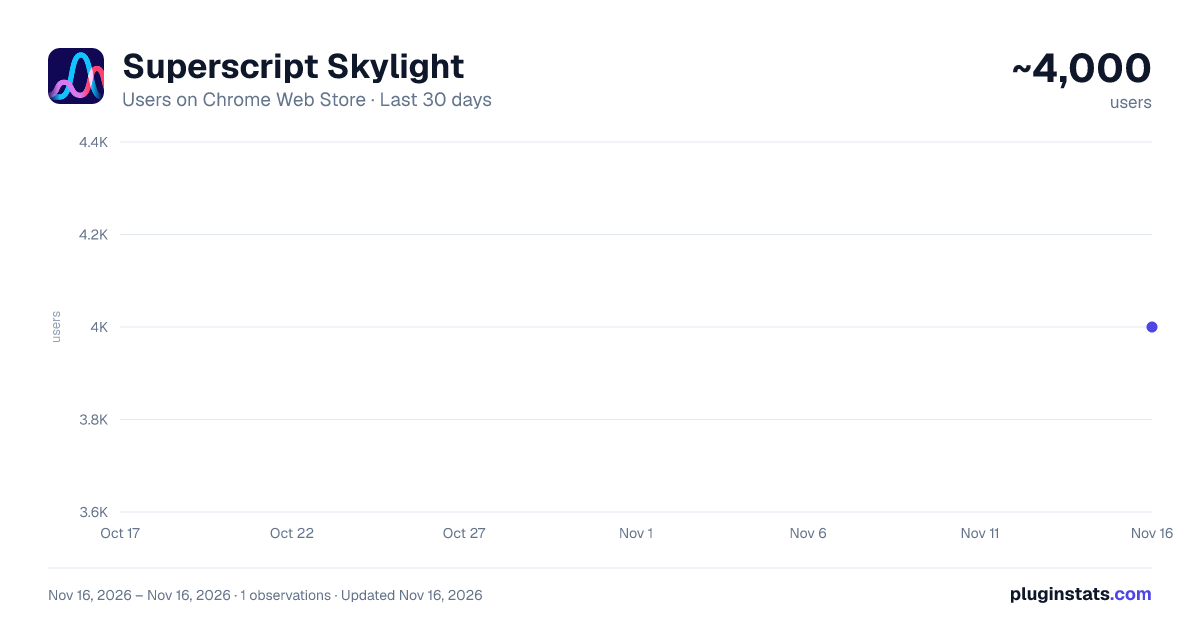
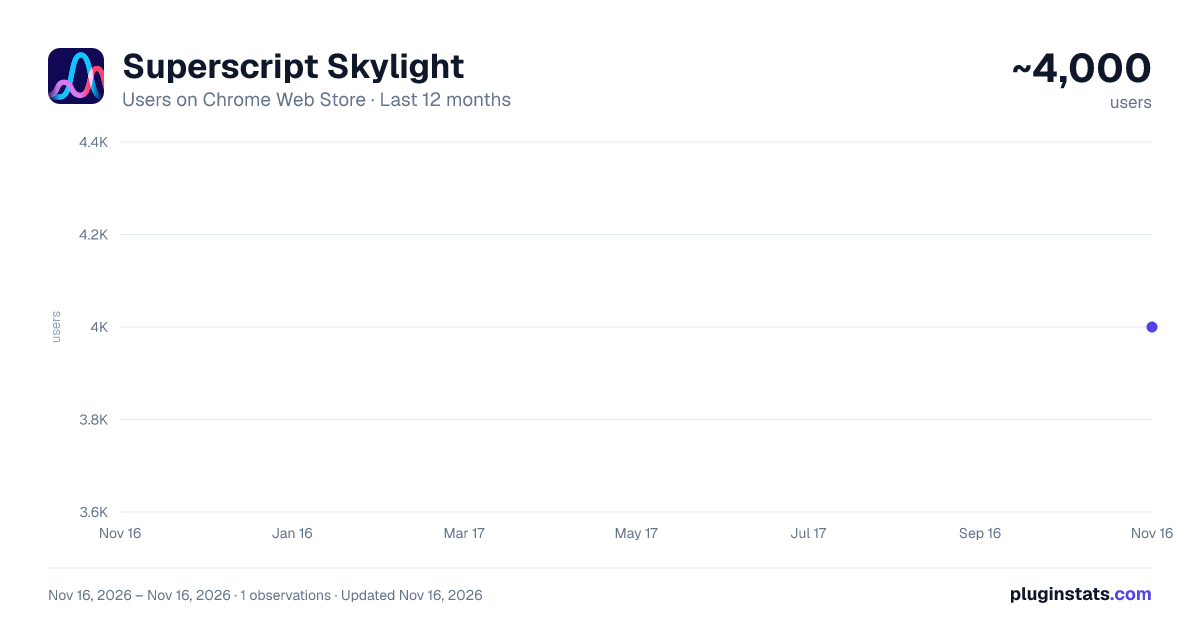
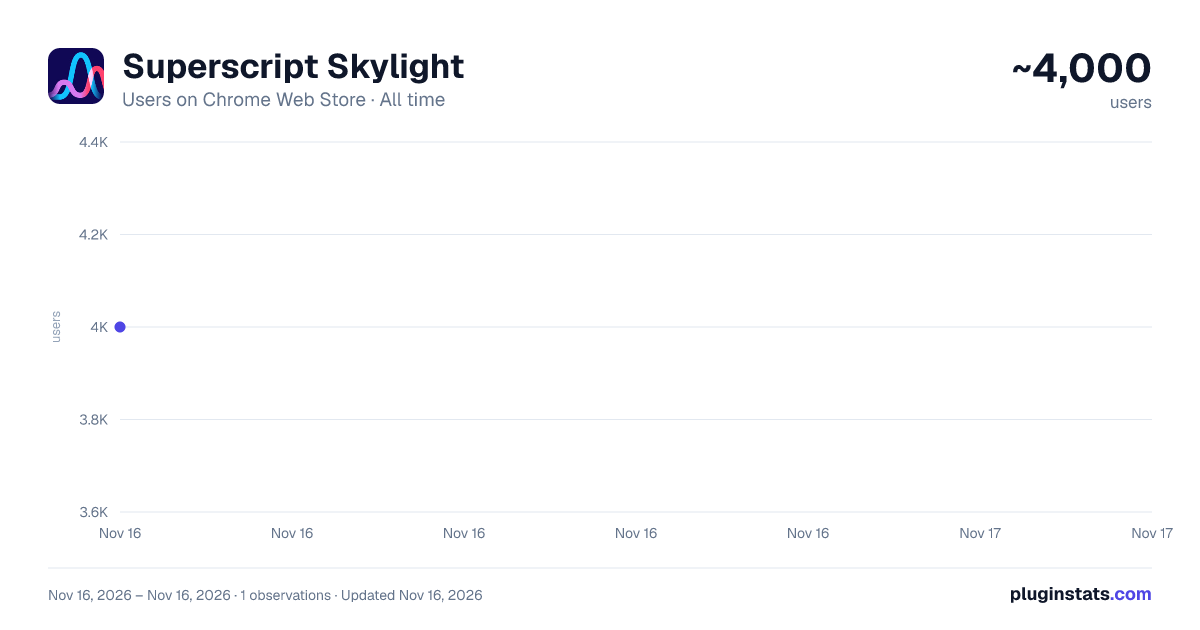
Superscript Skylight has approximately 4,000 recorded users on Chrome Web Store, ranking #1902 of 10,523 tracked listings.
Rating: 5.00 / 5 from 1 ratings
About Superscript Skylight
Payment, insurance, and scheduling widget for EHRs — Chrome extension form factor.
Superscript Skylight brings Superscript's payment, insurance, and scheduling tools directly into your EHR workflow — no switching tabs, no re-typing patient details.
Skylight runs in Chrome's side panel alongside athenahealth. As you work in the EHR, the extension reads the current patient and appointment context from the page and keeps the Skylight widget in sync, so the right patient's information is always in front of you.
What you can do with Skylight:
Collect patient payments at the point of care, including card-present and card-on-file payments View and update patient insurance information without leaving the EHR See appointment context — patient, visit, and department — matched automatically to the page you're on Keep your front-desk workflow in one place instead of juggling the EHR and a separate billing tool How it works:
The extension detects the patient and appointment shown in your open athenahealth tab and displays the matching Superscript widget in the Chrome side panel. Click the Skylight icon in your toolbar to open it. Log in once with your Superscript account; you stay signed in until you disconnect, close Chrome, or your sign-in token expires.
Who it's for:
Skylight is for healthcare practices that use Superscript with athenahealth. A Superscript account provisioned by your organization is required — the extension is not usable without one. If your practice doesn't use Superscript yet, visit https://www.superscript.nyc/ to learn more.
Privacy and data handling:
Patient information read from the EHR page is used only to display the correct context in the widget and is never included in URLs, browser history, or analytics Sign-in state is held in memory only — never written to disk — and is cleared when you disconnect or close Chrome; sign-in tokens expire automatically after 12 hours The extension only runs on athenahealth pages and Superscript's own widget domains Support: contact your Superscript account team or support@superscript.nyc
Description from the Chrome Web Store listing.
README badge
Show your rank in a README or on your website. The badge updates automatically.
Charts
Images: 30d · 1y · all time · 1600×900 dark
Adoption over time
7/30/90-day growth
Ranking history
Ratings over time
Listing placement
Listing placement
Filled points are observed values; hollow points come from Internet Archive snapshots of the listing page. Dashed segments span periods with no observations — values between points are not interpolated.
Each band is one page of 20. Users on a linear scale. Placement is projected from users, so it can differ from the marketplace's own sort order. Hover a dot to see the listing.
Recent observations
Full history (1)Similar Chrome Web Store Workflow & Planning plugins
All 20 Superscript Skylight alternatives



Data source
Covers every Chrome Web Store extension with at least 100 users, found through the store's public sitemap. User counts are read from public listing pages. The 10% most-used extensions are refreshed daily, the next 40% weekly and the next 40% monthly; the least-used 10% are not refreshed. Google displays rounded user counts (and caps the display at 10,000,000+), so small changes may not be visible. Rating counts above 1,000 are rounded (e.g. 1.6K).
Listing: https://chromewebstore.google.com/detail/superscript-skylight/oenlmdlpefpcfepeeddffjfkoddagpko. First seen Nov 16, 2026; last successful collection Nov 16, 2026. See the methodology.