 PluginStats

Copy freely Next users statistics
By miaoxiaomis · Chrome Web Store · Tools
Remove restrictions on webpage selection, copying, pasting, and right-clicking by site.
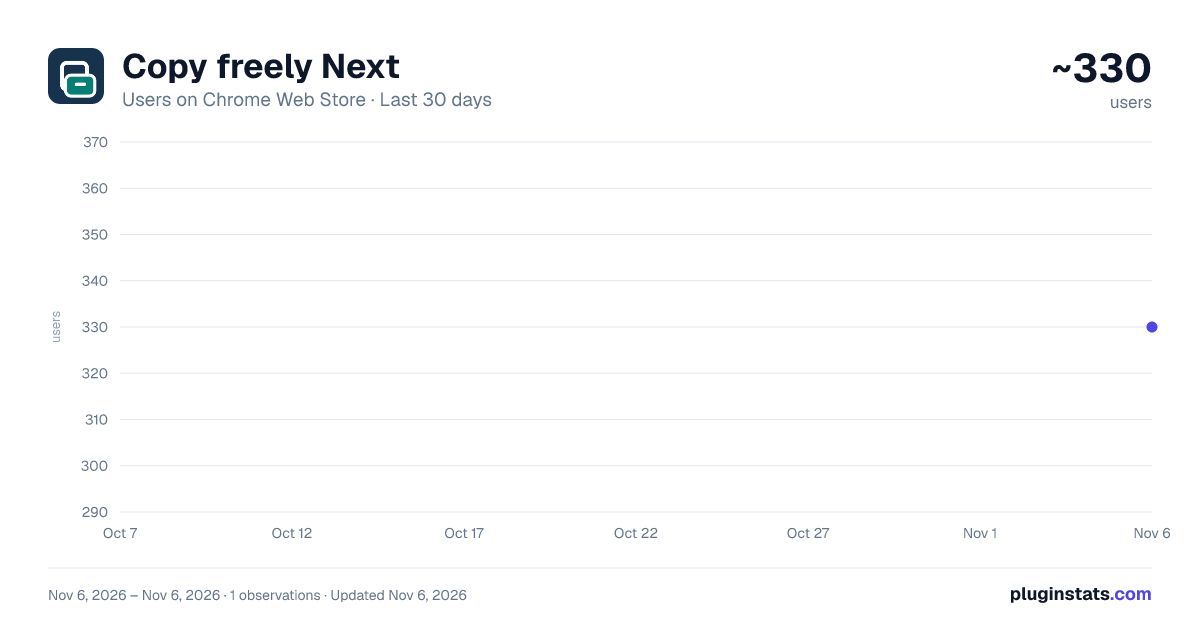
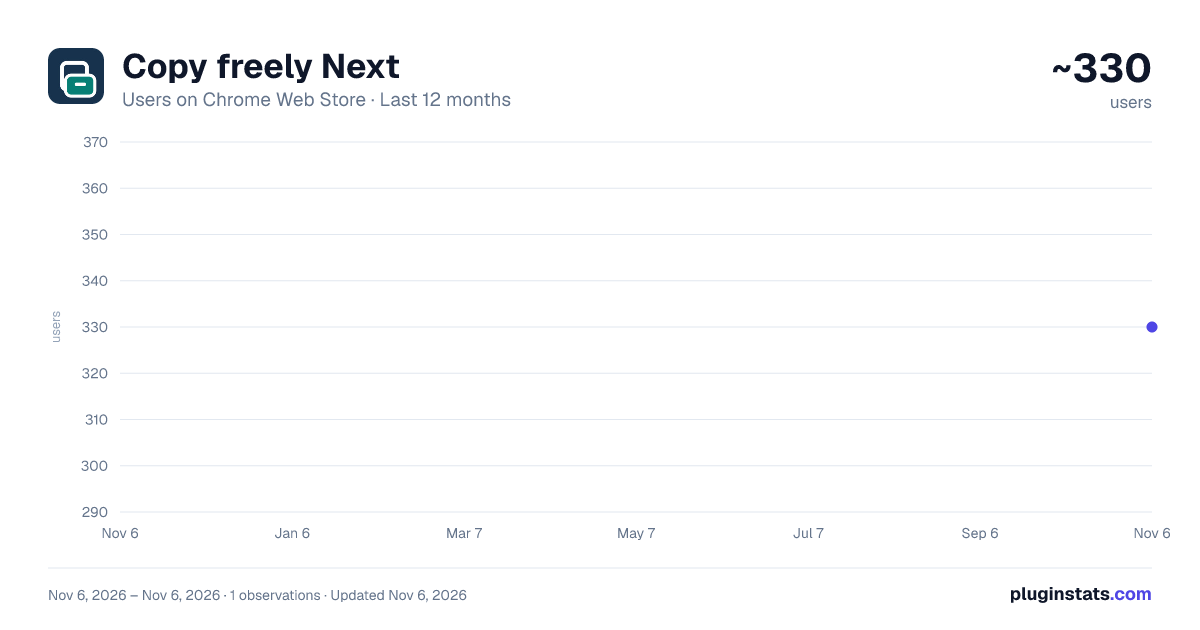
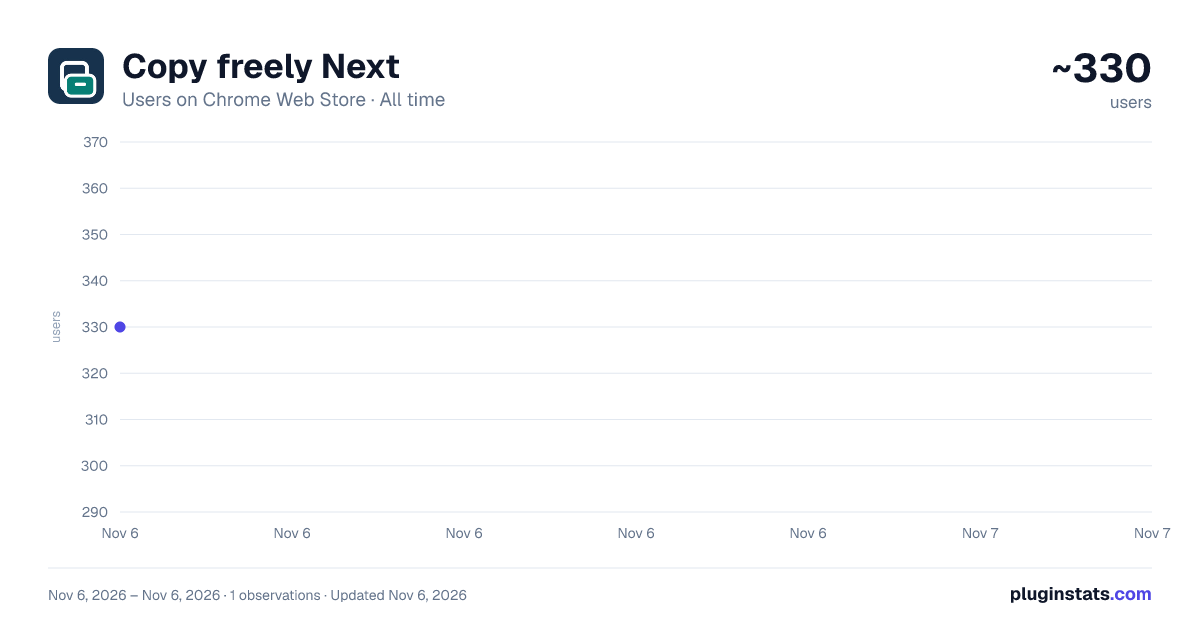
Copy freely Next has approximately 330 recorded users on Chrome Web Store, ranking #4609 of 7,624 tracked listings.
Rating: 1.00 / 5 from 1 ratings
About Copy freely Next
Remove restrictions on webpage selection, copying, pasting, and right-clicking by site.
CopyFreeNext is a browser extension that restores the ability to manipulate text on web pages.
When a webpage restricts the selection of text, copying content, pasting text, opening the right-click menu, or dragging content, you can use the extension to quickly detect page restrictions and choose the appropriate method to remove them based on the webpage's situation. Main functions
- Intelligent detection of copy restrictions on web pages
- Restore text selection and copying
- Restore Paste input box
- Restore browser right-click menu
- Restore page content dragging
- Offers three removal methods: intelligent, gentle, and deep.
- Supports one-click restoration of webpage to its original state
- Supports automatic enabling for specified websites
- Provides keyboard shortcuts for quick removal of restrictions
- Includes three local sample pages for easy feature testing.
Three release modes Smart Deactivation Automatically detects restrictions on the current page and selects the least risky method to remove them. Mild mode Prioritize restoring text selection, copy, paste, and right-click operations, while preserving as much of the original webpage interactivity as possible, suitable for ordinary articles and document pages. Deep mode This is used to handle web pages that continuously block copying, dynamically add restrictions, or use multiple methods to block operations. If a web page control malfunctions, you can click "Restore Web Page to Original State" at any time.
Privacy Statement The extended page detection and removal operations are both completed on the browser's local machine:
- Do not upload the webpage content
- Do not upload copied content
- Does not provide or invoke online OCR
- Do not record browsing history
- Save site rules and free usage counts only locally
The login and member payment functions will connect to the membership service, but will not upload the content of the webpage being visited. Free use and membership Non-member users can complete 5 unblocking operations for free. After successfully unblocking for the 5th time, the member page will be displayed; after using up the free attempts, you need to become a member to continue unblocking. Valid members are not subject to the limit on the number of unblocking attempts.
Purpose of permissions Activity tab Used to detect and process web pages that the user is currently actively interacting with. Script execution This is used to inject the script needed to detect and remove copy restrictions onto the current webpage. Local storage Used to store site rules, usage preferences, free trial counts, and membership status. Tag Page Used to open the login and member payment page. Website access permissions Permissions for the corresponding website will only be requested when the user enables "Automatically enable on this website," and will not be requested for all website access permissions by default.
How to use
- Open the webpage where you want to copy the text.
- Click "Copy Free Next" in the browser toolbar.
- Click “Page Detection” to view the restriction type.
- Click “Smart Unlock”, or manually select the gentle or deep mode.
- If the webpage interaction is abnormal, click "Restore webpage to its original state". Note: Text in images, canvases, videos, and scanned documents is not considered web page text, and this extension does not provide OCR recognition functionality.
Description from the Chrome Web Store listing.
README badge
Show your rank in a README or on your website. The badge updates automatically.
Charts
Images: 30d · 1y · all time · 1600×900 dark
Adoption over time
7/30/90-day growth
Ranking history
Ratings over time
Listing placement
Listing placement
Filled points are observed values; hollow points come from Internet Archive snapshots of the listing page. Dashed segments span periods with no observations — values between points are not interpolated.
Each band is one page of 20. Users on a linear scale. Placement is projected from users, so it can differ from the marketplace's own sort order. Hover a dot to see the listing.
Recent observations
Full history (1)Similar Chrome Web Store Tools plugins
All 20 Copy freely Next alternatives



Data source
Covers every Chrome Web Store extension with at least 100 users, found through the store's public sitemap. User counts are read from public listing pages. The 10% most-used extensions are refreshed daily, the next 40% weekly and the next 40% monthly; the least-used 10% are not refreshed. Google displays rounded user counts (and caps the display at 10,000,000+), so small changes may not be visible. Rating counts above 1,000 are rounded (e.g. 1.6K).
Listing: https://chromewebstore.google.com/detail/复制自由-next/ikpifbkecanmehdhlgdojjbfkebmpecn. First seen Nov 6, 2026; last successful collection Nov 6, 2026. See the methodology.