 PluginStats

Time Up? - Countdown Timer users statistics
Set a goal and track how much time is left until the deadline.
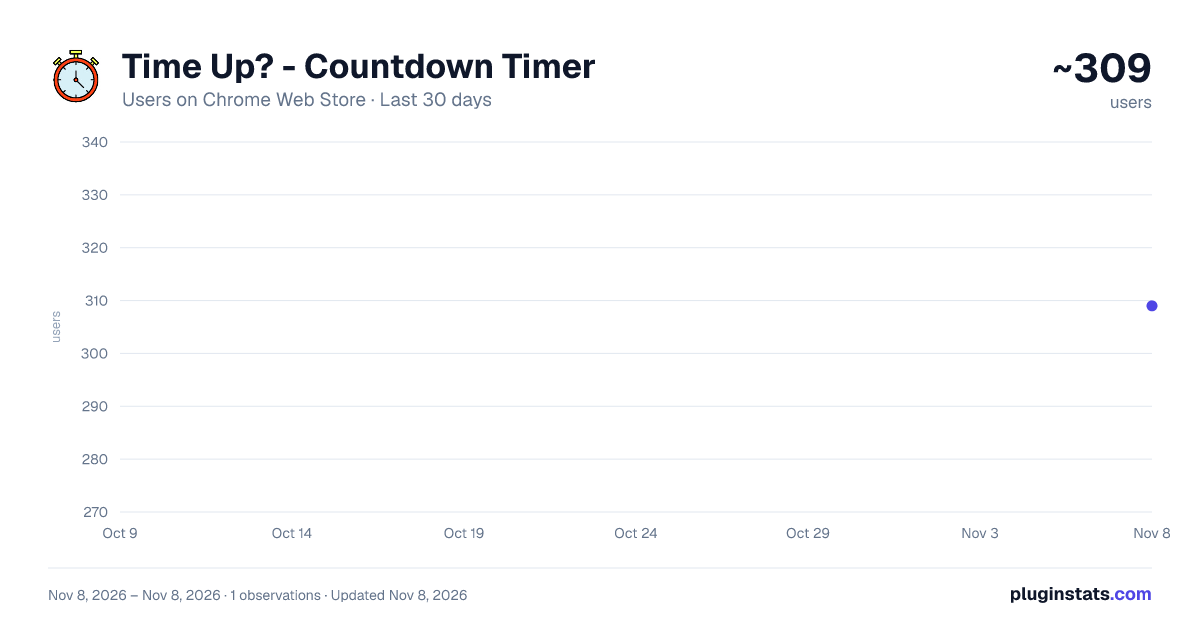
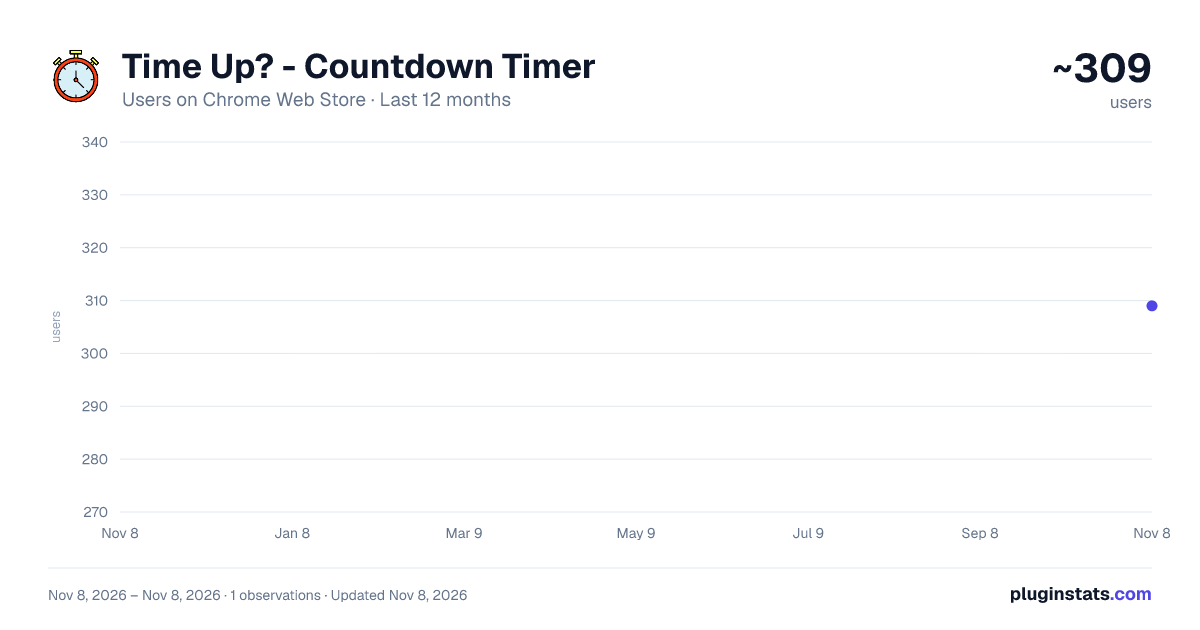
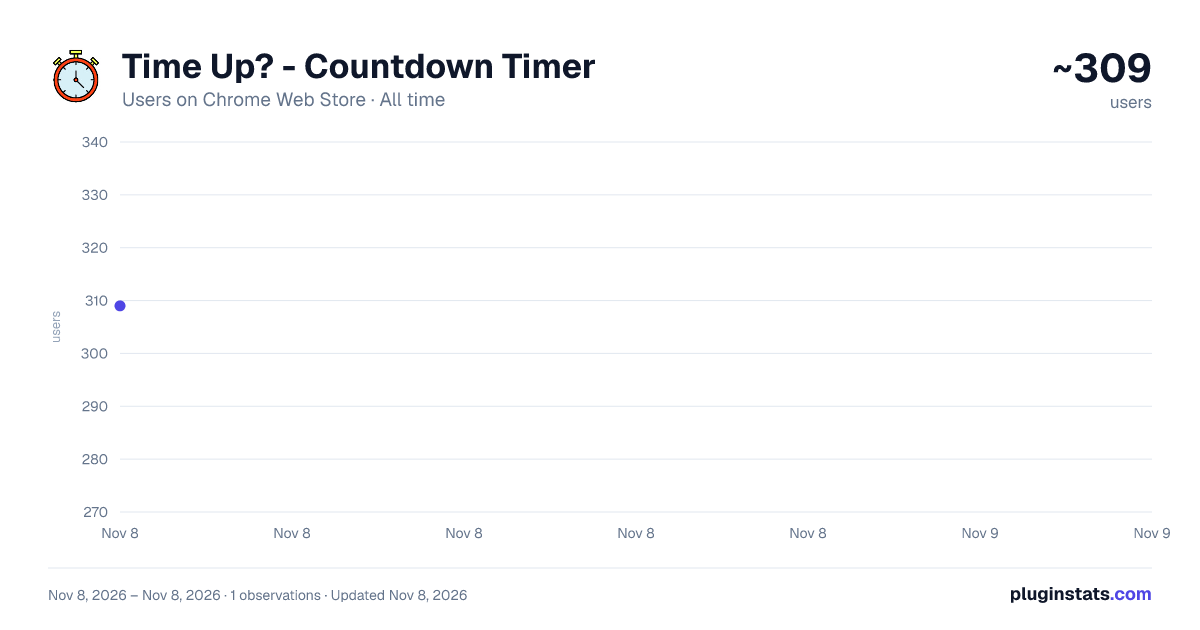
Time Up? - Countdown Timer has approximately 309 recorded users on Chrome Web Store, ranking #5080 of 8,189 tracked listings.
Rating: 5.00 / 5 from 1 ratings
About Time Up? - Countdown Timer
Set a goal and track how much time is left until the deadline.
Welcome to Time Up? - Countdown Timer, your ultimate companion for effective goal setting and time management. Whether you're planning a project, preparing for an exam, or striving to build a new habit, Time Up? empowers you to visualize your progress and stay focused until your deadline.
Key Features Easy Goal Setting
Intuitive Interface: Effortlessly add your goals using a user-friendly form that captures all essential details. Customizable Deadlines: Select specific dates and times to set precise deadlines for each goal. Unique Goal Identification: Each goal is assigned a unique ID to ensure accurate tracking and management. Real-Time Countdown
Dynamic Timer: Watch the countdown timer update in real-time, providing a clear view of how much time remains. Visual Prominence: A large, easy-to-read display ensures you never lose sight of your deadlines. Motivational Messages: Receive encouraging prompts to keep you motivated as you approach your goal. Goal Management
Edit Goals: Modify your goals and deadlines at any time to accommodate changing priorities. Delete Goals: Remove completed or obsolete goals with a simple click, keeping your dashboard clutter-free. Organized Dropdown: Select and manage your goals efficiently using the organized dropdown menu. Data Persistence & Synchronization
Chrome Storage Sync: Your goals and settings are securely stored and synchronized across all devices where you're signed in. Offline Accessibility: Access and manage your goals even without an internet connection, ensuring uninterrupted productivity. Sleek & Responsive Design
Modern Aesthetics: A clean, blue and white theme provides a professional and calming user experience. Responsive Layout: Optimized for various screen sizes, ensuring usability on desktops, laptops, and tablets. Accessible Navigation: Easy navigation between adding goals and managing existing ones enhances overall usability. Security & Privacy
Minimal Permissions: Time Up? requires only essential permissions (storage) to function effectively. Data Privacy: Your data is stored locally and synced securely via Chrome's storage API, ensuring your information remains private. How It Works Add a Goal
Click on the "Add Goal" button to open the goal creation form. Enter a descriptive name for your goal, select a target date, and set a specific time for the deadline. Submit the form to save your goal and initiate the countdown timer. Manage Your Goals
Navigate to the "Manage Goals" screen to view all your active goals. Use the dropdown menu to select a specific goal, view its details, and monitor the remaining time. Edit or delete goals as needed to keep your productivity streamlined. Stay Informed
Monitor the countdown timer to stay aware of how much time is left until your deadline. Receive motivational messages to keep you focused and driven throughout your journey. Why Choose Time Up? Boost Productivity: Clearly defined deadlines and real-time tracking help you prioritize tasks and manage your time effectively. Stay Organized: Keep all your goals in one place, making it easy to review and adjust your objectives as needed. Achieve More: With consistent tracking and motivational prompts, you're more likely to stay committed and reach your targets. User-Friendly: Designed with simplicity in mind, Time Up? ensures that setting and managing goals is a seamless experience. Secure & Private: Your data is handled with the utmost care, ensuring privacy and security without compromising functionality. Additional Features Data Syncing: Leverage Chrome's Storage Sync API to keep your goals updated across all your devices. Error Handling: Robust error management ensures the reliability of your goal tracking, handling unexpected scenarios gracefully. Performance Optimization: Efficient code ensures smooth operation without draining system resources, providing a seamless user experience. Getting Started Install the Extension
Visit the Chrome Web Store and click "Add to Chrome" to install Time Up? - Countdown Timer. Set Up Your First Goal
Open the extension by clicking its icon in the browser toolbar. Add your first goal by entering the details and setting a deadline. Begin your journey towards achieving your objectives with confidence and clarity. Customize Your Experience
Explore the settings to manage existing goals and optimize the extension to suit your workflow. Screenshots Include high-quality screenshots showcasing the main interface, goal creation, countdown timer, and goal management features.
Support & Feedback We value your feedback! If you encounter any issues or have suggestions for improvements, please reach out to our support team:
Support Email: rgcsekaraa@gmail.com Website: https://sekaraa.com Your input helps us enhance Time Up? to better serve your productivity needs.
Privacy Policy At CRG, we prioritize your privacy. Time Up? does not collect any personal data beyond what is necessary for its functionality. For detailed information, please review our Privacy Policy.
Terms of Service By using Time Up?, you agree to our Terms of Service. Please ensure you understand them before utilizing the extension.
Changelog v1.0 Initial release with goal setting, countdown timer, and goal management features. Stay tuned for upcoming updates that will introduce new functionalities and enhancements!
Developer Information CRG is dedicated to creating tools that enhance productivity and simplify goal management. With a focus on user-centric design and robust functionality, we strive to empower individuals to achieve their objectives efficiently.
Website: https://sekaraa.com © 2024 CRG. All rights reserved.
Description from the Chrome Web Store listing.
README badge
Show your rank in a README or on your website. The badge updates automatically.
Charts
Images: 30d · 1y · all time · 1600×900 dark
Adoption over time
7/30/90-day growth
Ranking history
Ratings over time
Listing placement
Listing placement
Filled points are observed values; hollow points come from Internet Archive snapshots of the listing page. Dashed segments span periods with no observations — values between points are not interpolated.
Each band is one page of 20. Users on a linear scale. Placement is projected from users, so it can differ from the marketplace's own sort order. Hover a dot to see the listing.
Recent observations
Full history (1)Similar Chrome Web Store Tools plugins
All 20 Time Up? - Countdown Timer alternatives



Data source
Covers every Chrome Web Store extension with at least 100 users, found through the store's public sitemap. User counts are read from public listing pages. The 10% most-used extensions are refreshed daily, the next 40% weekly and the next 40% monthly; the least-used 10% are not refreshed. Google displays rounded user counts (and caps the display at 10,000,000+), so small changes may not be visible. Rating counts above 1,000 are rounded (e.g. 1.6K).
Listing: https://chromewebstore.google.com/detail/time-up-countdown-timer/annjhflndfaighcniclgfjojdbfjelmb. First seen Nov 8, 2026; last successful collection Nov 8, 2026. See the methodology.