 PluginStats

Email Hunter users statistics
By Chrome Extension Toolbox (2 listings) · Chrome Web Store · Tools
Email Extractor tool that save time and efforts. Forget copying and pasting. It collects emails as you browse websites.
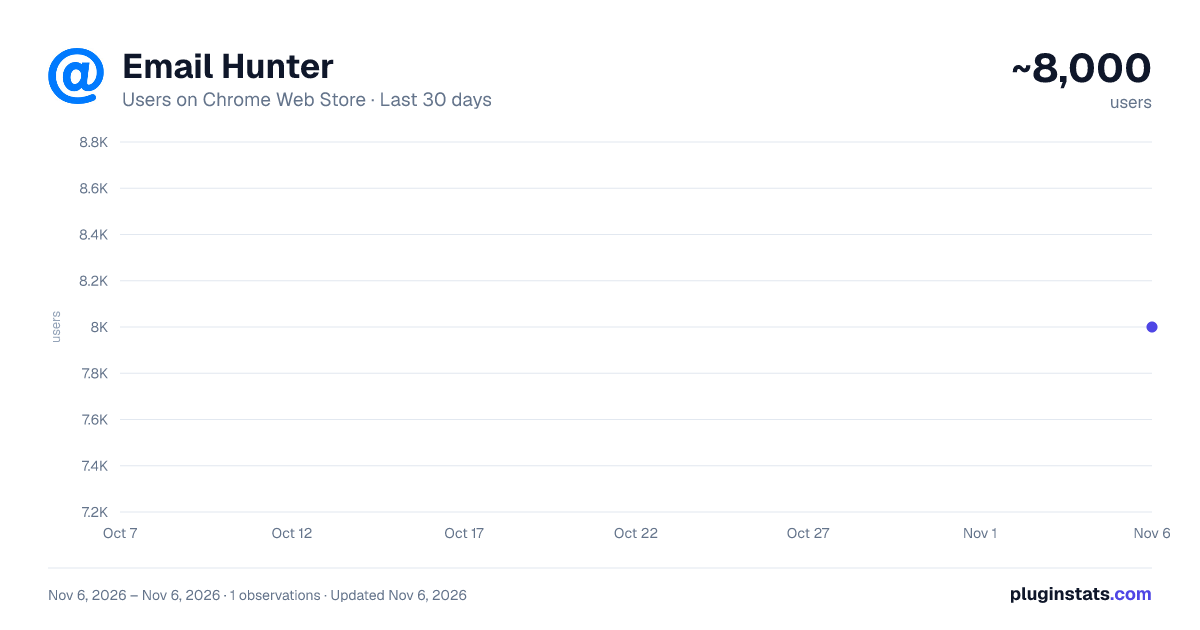
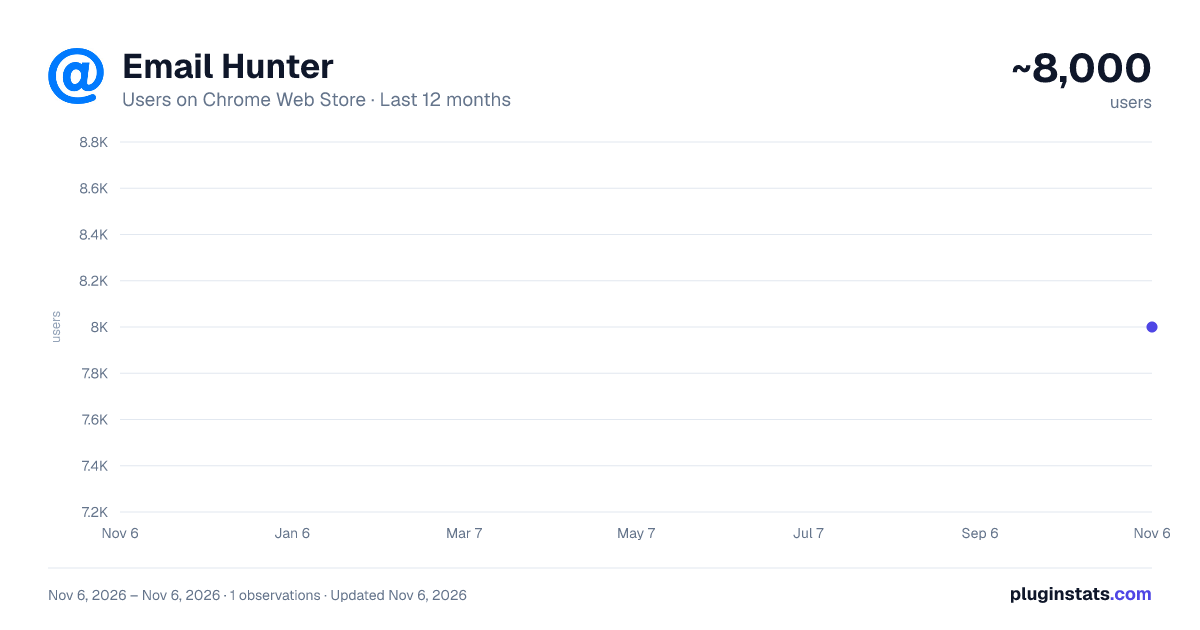
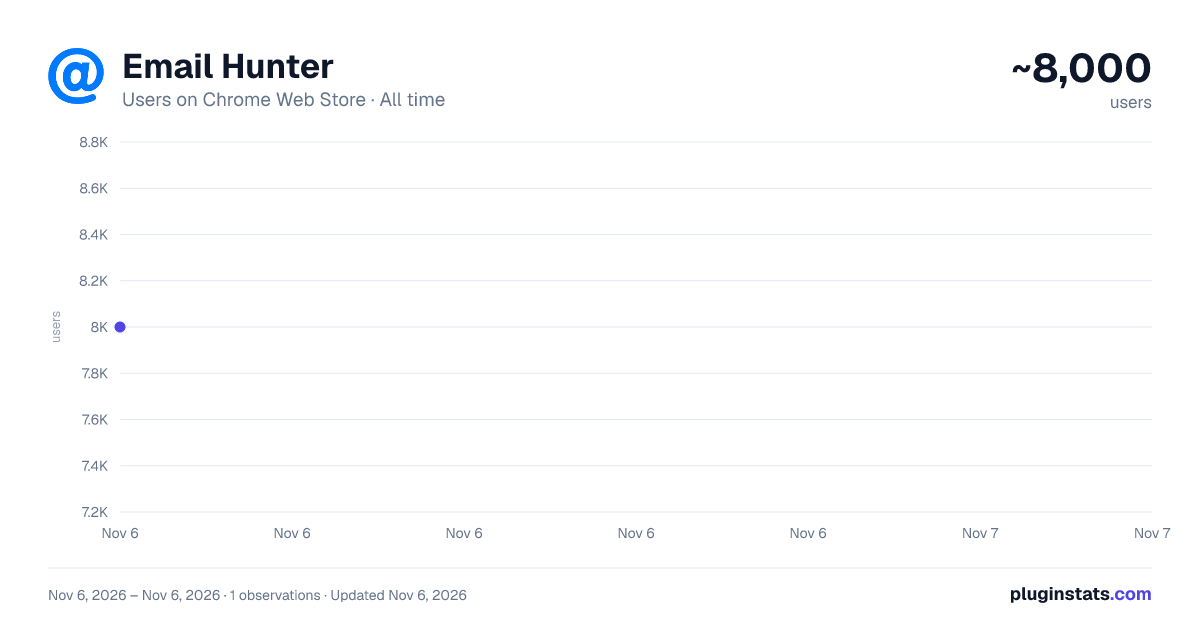
Email Hunter has approximately 8,000 recorded users on Chrome Web Store, ranking #1010 of 7,624 tracked listings.
Rating: 4.90 / 5 from 16 ratings
About Email Hunter
Email Extractor tool that save time and efforts. Forget copying and pasting. It collects emails as you browse websites.
Verified safe version of Email Hunter. No trackers, no data collection, and no unnecessary permissions—just email searching.
Email Hunter helps you discover and collect email addresses from any website you visit. Whether you need contacts for lead generation, outreach, or research, this extension makes the process effortless with a single click.
🔍 How It Works
Email Hunter scans the full source code of any web page—not just the visible text. This deep scanning approach finds hidden email addresses that might not be displayed on the page itself. It uses advanced pattern matching to detect valid addresses and filters out spam, temporary addresses, and false positives for clean, reliable results.
⚡ Key Features
• One-Click Extraction — Open the popup on any page and instantly see all discovered email addresses. No complicated setup, no learning curve—works right out of the box. • Auto Search Mode — Enable auto search in Settings, and Email Hunter will passively collect contacts as you browse. Every page you visit is scanned automatically and results are saved in the background. • Smart Domain Search — Goes beyond the current page by searching the web for additional addresses associated with the website's domain, giving you more results than a simple page scan. • Collect & Store — Toggle "Keep emails from all pages" to build a growing contact list across all your browsing sessions. Everything is stored locally in your browser—never sent to any server. • Export to Text File — Download your list as a .txt file with one click—perfect for importing into CRM, marketing tools, or spreadsheets. • Copy to Clipboard — Instantly copy found addresses and paste them directly into your email client or any other application. • Badge Counter — The extension icon shows a real-time count of addresses found on the current page.
📋 How to Use
Install Email Hunter and pin it to your toolbar. Visit any website — company pages, directories, blogs, contact pages, etc. Click the icon in your toolbar. The extension scans the page and displays results in the popup. Use "Copy" or "Export" to save addresses from the current page. Switch to "All emails" tab to see everything collected across all visited pages. In "Settings", enable Auto Search for passive collection and "Keep emails from all pages" for persistent storage. 🔒 Privacy & Security
• Requires only "storage" permission — saves settings and collected data locally • Does NOT track your browsing activity • Does NOT send any data to external servers • No account registration or login required
💼 Who Is It For?
• Sales professionals looking for prospect contacts • Recruiters searching for candidate details • Marketers building targeted outreach lists • Journalists and researchers finding sources • Small business owners doing lead generation
Description from the Chrome Web Store listing.
README badge
Show your rank in a README or on your website. The badge updates automatically.
Charts
Images: 30d · 1y · all time · 1600×900 dark
Adoption over time
7/30/90-day growth
Ranking history
Ratings over time
Listing placement
Listing placement
Filled points are observed values; hollow points come from Internet Archive snapshots of the listing page. Dashed segments span periods with no observations — values between points are not interpolated.
Each band is one page of 20. Users on a linear scale. Placement is projected from users, so it can differ from the marketplace's own sort order. Hover a dot to see the listing.
Recent observations
Full history (1)Similar Chrome Web Store Tools plugins
All 20 Email Hunter alternatives



Data source
Covers every Chrome Web Store extension with at least 100 users, found through the store's public sitemap. User counts are read from public listing pages. The 10% most-used extensions are refreshed daily, the next 40% weekly and the next 40% monthly; the least-used 10% are not refreshed. Google displays rounded user counts (and caps the display at 10,000,000+), so small changes may not be visible. Rating counts above 1,000 are rounded (e.g. 1.6K).
Listing: https://chromewebstore.google.com/detail/email-hunter/pfkpmijehmippiakmbbfohfbimpkoeaj. First seen Nov 6, 2026; last successful collection Nov 6, 2026. See the methodology.