 PluginStats
Web Audio Recorder – Record Tab Audio to MP3, WAV & M4A users statistics
Record any tab’s audio and save it as MP3, WAV or M4A. Up to 60 min, smaller files, same quality. Free, private, no sign-up.
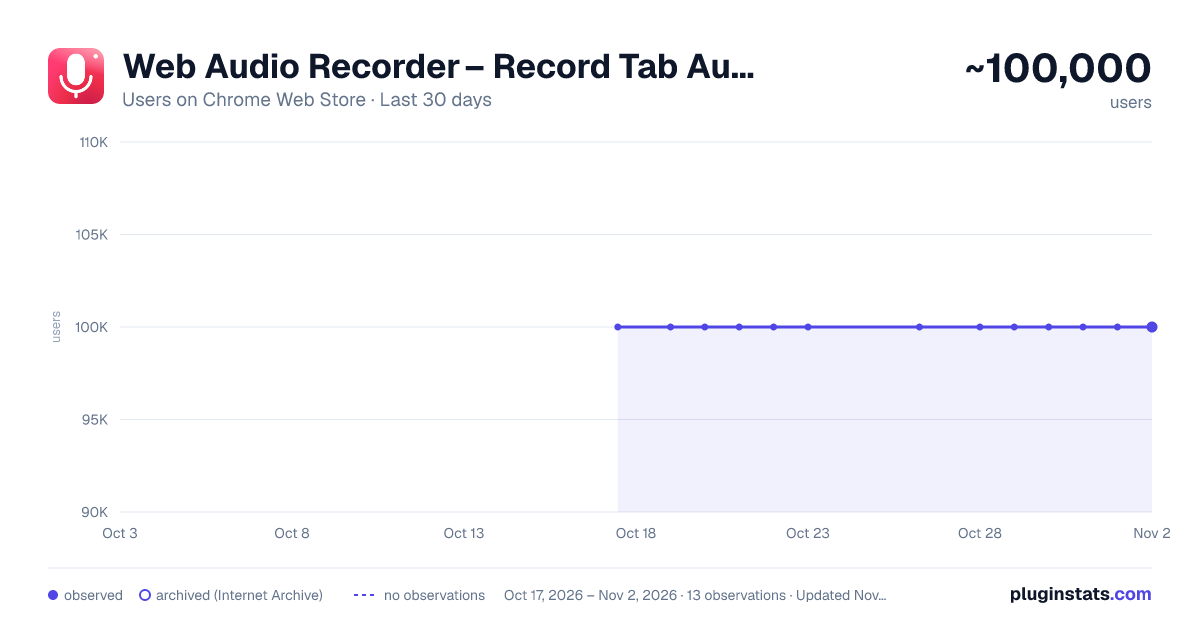
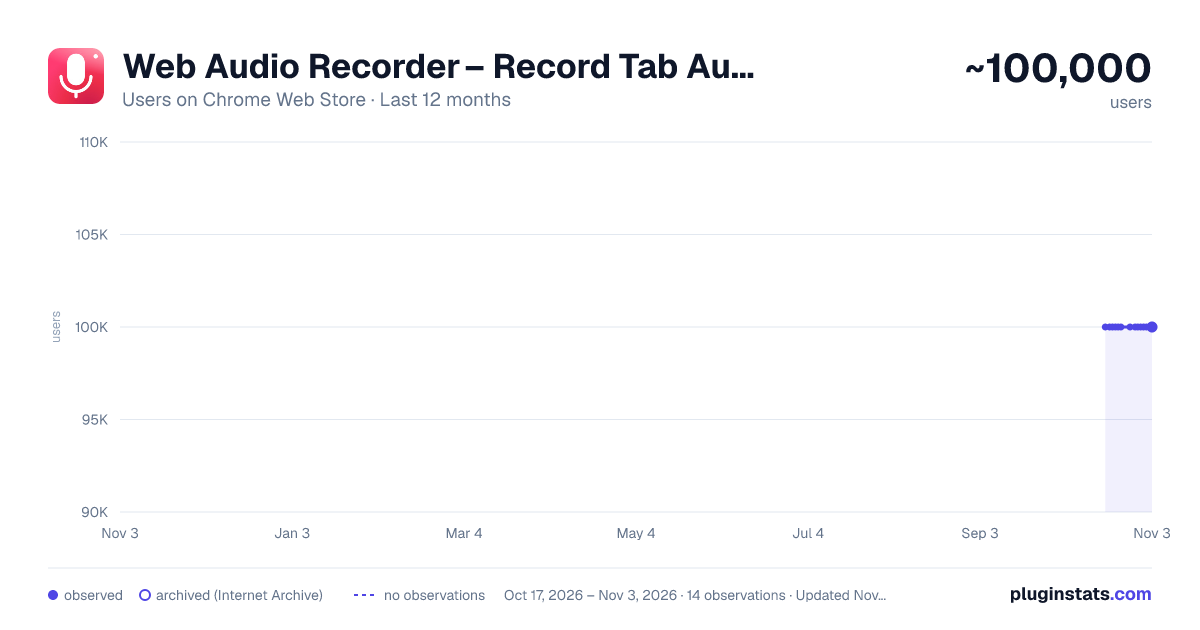
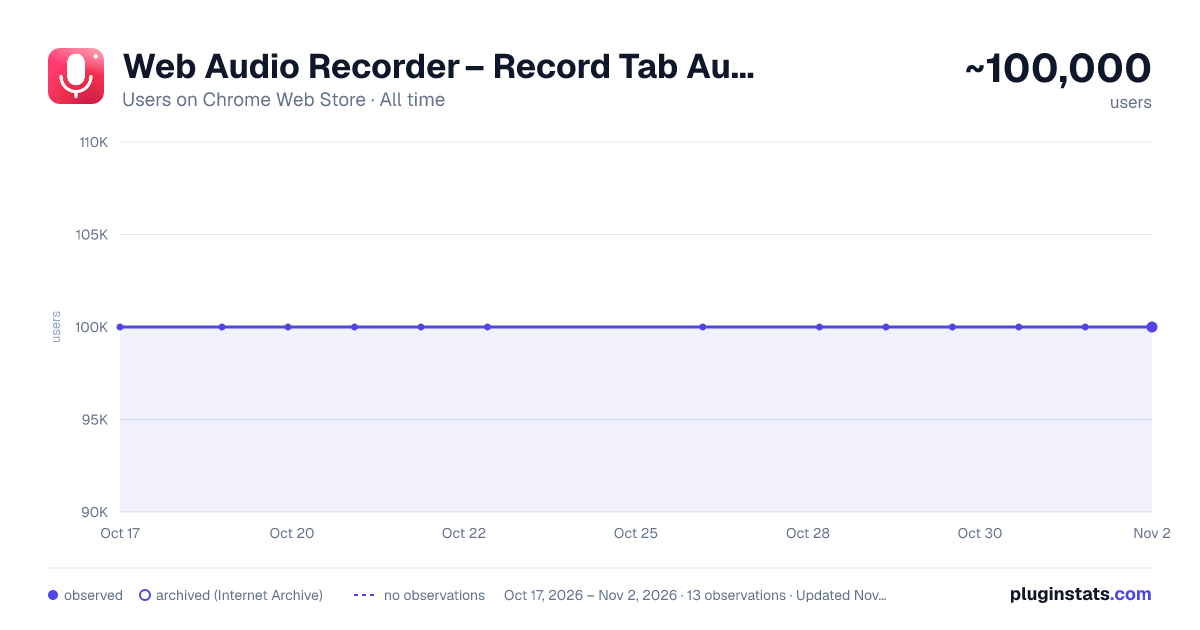
Web Audio Recorder – Record Tab Audio to MP3, WAV & M4A has approximately 100,000 recorded users on Chrome Web Store, a change of 0.0% over the past 7 days, ranking #110 of 4,553 tracked listings.
Rating: 3.80 / 5 from 87 ratings
About Web Audio Recorder – Record Tab Audio to MP3, WAV & M4A
Record any tab’s audio and save it as MP3, WAV or M4A. Up to 60 min, smaller files, same quality. Free, private, no sign-up.
Web Audio Recorder is a free tab audio recorder for Chrome. Record sound from any browser tab and save it as MP3, WAV or M4A — no external software, no account, no uploads.
Record streaming audio, podcasts, webinars, online lectures, internet radio and more, for up to 60 minutes per recording. Files are now smaller, with the same sound quality.
🆕 WHAT'S NEW ▸ Longer recordings — the maximum length is now 60 minutes (previously 20). ▸ New M4A format — in addition to MP3 and WAV. ▸ Smaller file size — the same audio quality in lighter files that are easier to store and share. ▸ Bug fixes and improvements based on your feedback.
🎙️ WHAT YOU CAN RECORD ▸ Podcasts & interviews — capture live shows and remote conversations playing in your browser. ▸ Lectures, webinars & online courses — save training sessions to listen to later. ▸ Music & internet radio — record streaming audio and sound effects from any tab. ▸ Tutorials & voice notes — save guides, demos and audio memos.
🔧 FEATURES ▸ Record audio from any tab — capture the sound playing in the active browser tab. ▸ 3 audio formats — MP3 (low / medium / high bitrate), lossless WAV, and compact M4A. ▸ High-quality audio — stereo preserved when available. ▸ Up to 60 minutes — set your own maximum recording duration. ▸ Mute the tab while recording — silence the tab for private sessions. ▸ Keyboard shortcuts — start with Shift + R, stop with Shift + S. ▸ Saved locally — files are stored on your device, never uploaded to a server. ▸ Lightweight — real-time recording with minimal CPU usage.
🚀 HOW TO RECORD AUDIO FROM A TAB
- Install Web Audio Recorder from the Chrome Web Store.
- Open the tab with the audio you want to record.
- Click Record or press Shift + R.
- Press Shift + S to stop, then download your MP3, WAV or M4A file.
💡 WHICH FORMAT SHOULD YOU CHOOSE? ▸ MP3 (high) — best for podcast publishing and sharing; works everywhere. ▸ WAV — lossless quality, ideal for archives and editing. ▸ M4A — compact files with good quality, great for lectures and long recordings.
⭐ WHY WEB AUDIO RECORDER? ✅ Simple, fast interface — record in one click. ✅ Free, with no ads and no sign-up. ✅ Privacy-first: everything stays on your computer. ✅ Light on resources, with no delays.
❓ FAQ Can I record audio from any website? You can record audio playing in a browser tab you have open. Are my recordings uploaded anywhere? No. Files are saved locally on your device. How long can I record? Up to 60 minutes per recording. Is it free? Yes.
Install Web Audio Recorder and turn your browser into a simple, private audio recorder.
Description from the Chrome Web Store listing.
README badge
Show your rank in a README or on your website. The badge updates automatically.
Charts
Images: 30d · 1y · all time · 1600×900 dark
Adoption over time
7/30/90-day growth
Ranking history
Ratings over time
Listing placement
Listing placement
Filled points are observed values; hollow points come from Internet Archive snapshots of the listing page. Dashed segments span periods with no observations — values between points are not interpolated.
Each band is one page of 20. Users on a linear scale. Placement is projected from users, so it can differ from the marketplace's own sort order. Hover a dot to see the listing.
Recent observations
Full history (7)Similar Chrome Web Store Tools plugins
All 20 Web Audio Recorder – Record Tab Audio to MP3, WAV & M4A alternatives



Data source
Covers every Chrome Web Store extension with at least 100 users, found through the store's public sitemap. User counts are read from public listing pages. The 10% most-used extensions are refreshed daily, the next 40% weekly and the next 40% monthly; the least-used 10% are not refreshed. Google displays rounded user counts (and caps the display at 10,000,000+), so small changes may not be visible. Rating counts above 1,000 are rounded (e.g. 1.6K).
Listing: https://chromewebstore.google.com/detail/web-audio-recorder –-capt/pddjlpangidimliafldcpfkbkifmegbd. First seen Oct 17, 2026; last successful collection Oct 26, 2026. See the methodology.