 PluginStats

CastReader — Text to Speech, Read Aloud + AI Explain users statistics
Read webpages, PDFs and EPUBs aloud with synced highlights and auto-scroll. Get AI explanations on the page.
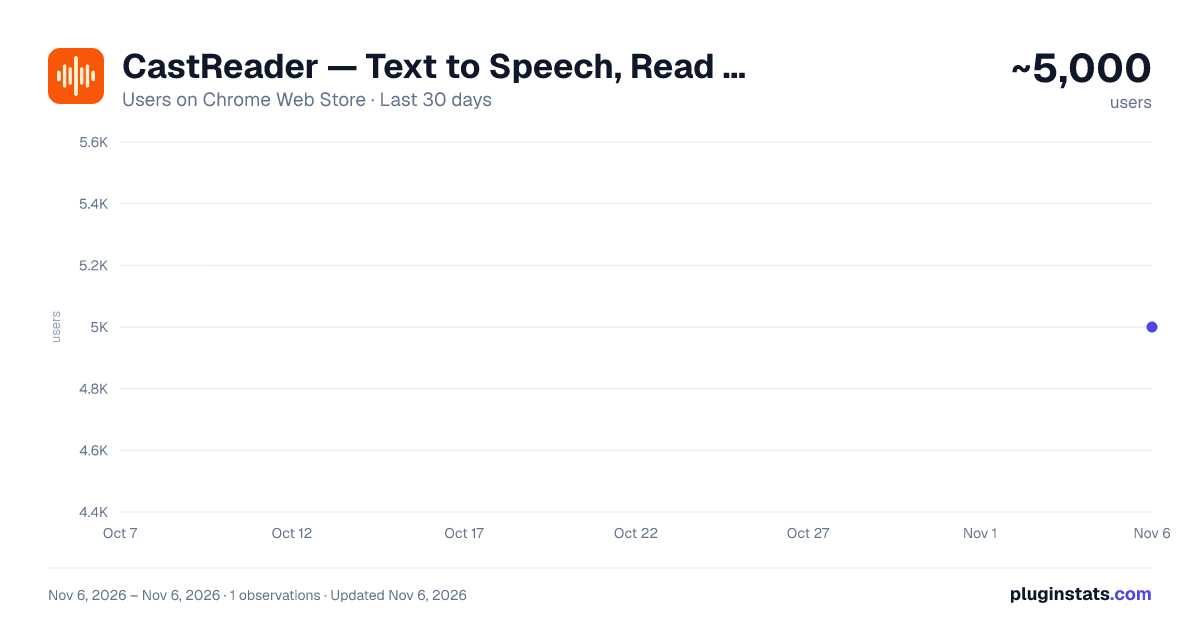
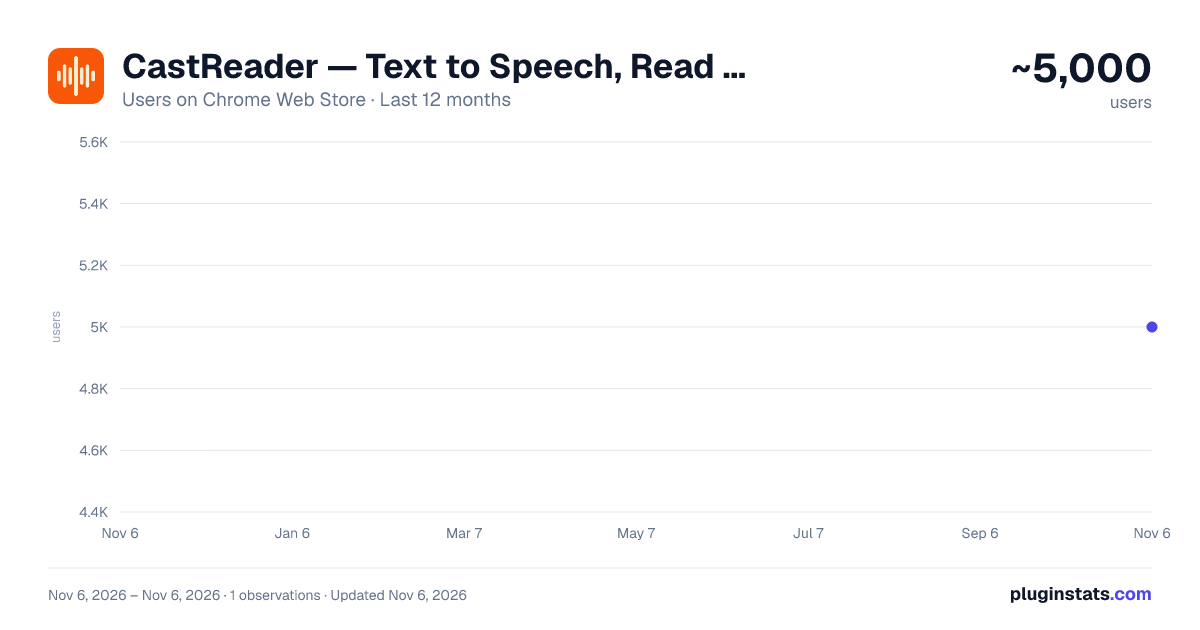
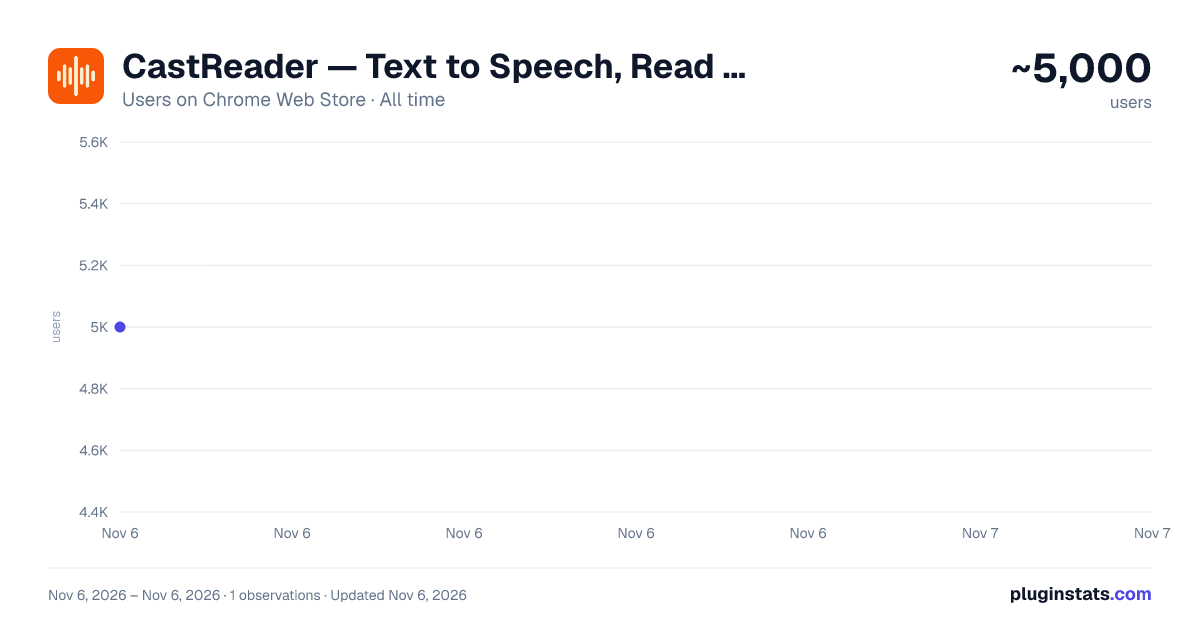
CastReader — Text to Speech, Read Aloud + AI Explain has approximately 5,000 recorded users on Chrome Web Store, ranking #1343 of 8,189 tracked listings.
Rating: 4.60 / 5 from 92 ratings
About CastReader — Text to Speech, Read Aloud + AI Explain
Read webpages, PDFs and EPUBs aloud with synced highlights and auto-scroll. Get AI explanations on the page.
CastReader is a text-to-speech extension for reading webpages, PDFs and EPUB books aloud in Chrome. Natural voices, synchronized word and paragraph highlighting, and automatic scrolling help you follow long articles with your eyes and ears together.
Use AI Explain when a passage is difficult. It marks key ideas and explains them on the original page, so you can compare the explanation with the source as you read.
What you can do
- Webpages: read long articles, study materials and technical documentation on the original page.
- PDF and EPUB: open files in CastReader’s document reader and follow the text as it is spoken. EPUB files must be DRM-free and contain readable text.
- Reading controls: start at a chosen paragraph, adjust the speed, preview voices and save your favorites.
28 reading languages
Read in English and 27 other supported languages. The interface and reading tools support 28 languages; the text language is detected automatically and can be corrected. Choose the explanation language separately. Free and Pro voice choices vary by language.
Kindle Web compatibility depends on the book edition. Scanned documents require supported OCR and clear source images; OCR coverage differs from reading-language coverage.
Free and Pro
Start with 20 minutes of reading and 3 AI explanations per day for free. Pro offers more reading time and explanations, faster playback and additional voices. Cloned voices have separate usage allowances.
Privacy
Reading and explanations use online services to process the necessary content. Product usage and error statistics help improve the service. Privacy details: https://castreader.com/privacy-policy
Get started
- Open a webpage or a compatible Kindle book.
- Click CastReader or the headphone button.
- For a PDF or EPUB, choose Read a file and select the document in CastReader’s reader.
- Choose Read Aloud or Explain.
- Listen while following the highlighted text.
Description from the Chrome Web Store listing.
README badge
Show your rank in a README or on your website. The badge updates automatically.
Charts
Images: 30d · 1y · all time · 1600×900 dark
Adoption over time
7/30/90-day growth
Ranking history
Ratings over time
Listing placement
Listing placement
Filled points are observed values; hollow points come from Internet Archive snapshots of the listing page. Dashed segments span periods with no observations — values between points are not interpolated.
Each band is one page of 20. Users on a linear scale. Placement is projected from users, so it can differ from the marketplace's own sort order. Hover a dot to see the listing.
Recent observations
Full history (1)Similar Chrome Web Store Tools plugins
All 20 CastReader — Text to Speech, Read Aloud + AI Explain alternatives



Data source
Covers every Chrome Web Store extension with at least 100 users, found through the store's public sitemap. User counts are read from public listing pages. The 10% most-used extensions are refreshed daily, the next 40% weekly and the next 40% monthly; the least-used 10% are not refreshed. Google displays rounded user counts (and caps the display at 10,000,000+), so small changes may not be visible. Rating counts above 1,000 are rounded (e.g. 1.6K).
Listing: https://chromewebstore.google.com/detail/castreader-—-text-to-spee/foammmkhpbeladledijkdljlechlclpb. First seen Nov 6, 2026; last successful collection Nov 6, 2026. See the methodology.