 PluginStats

WhatsApp Chat Exporter users statistics
By Moumen dev · Chrome Web Store · Tools
Export WhatsApp Web chats to TXT, CSV, JSON, or Excel — with media, date filters, sender/receiver split. 100% local & private.
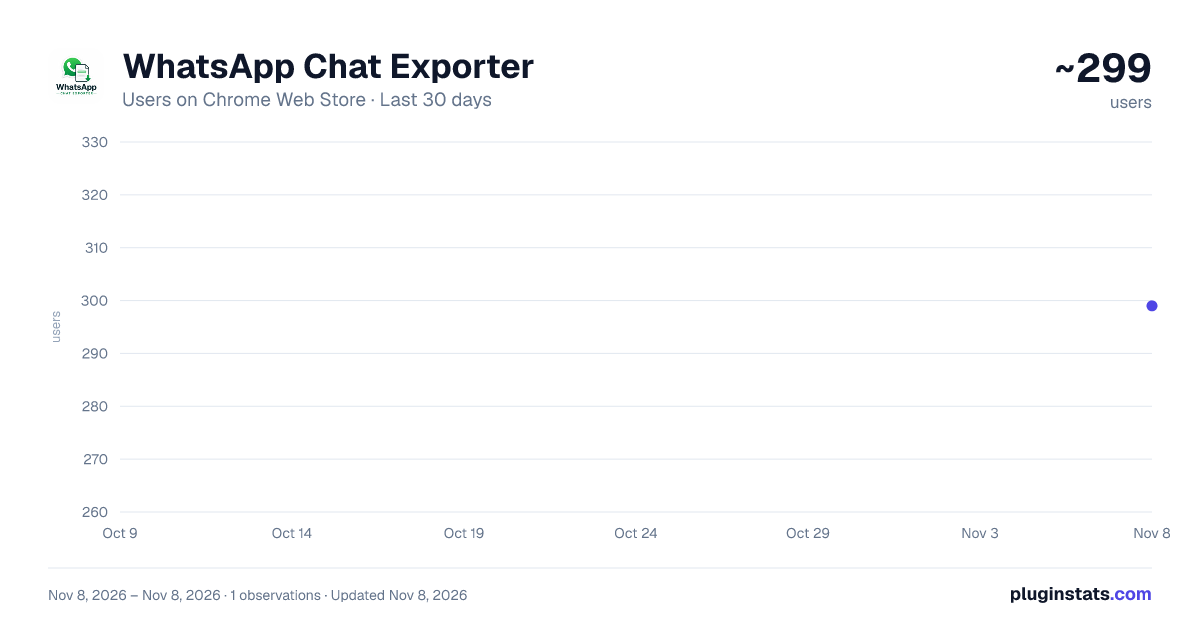
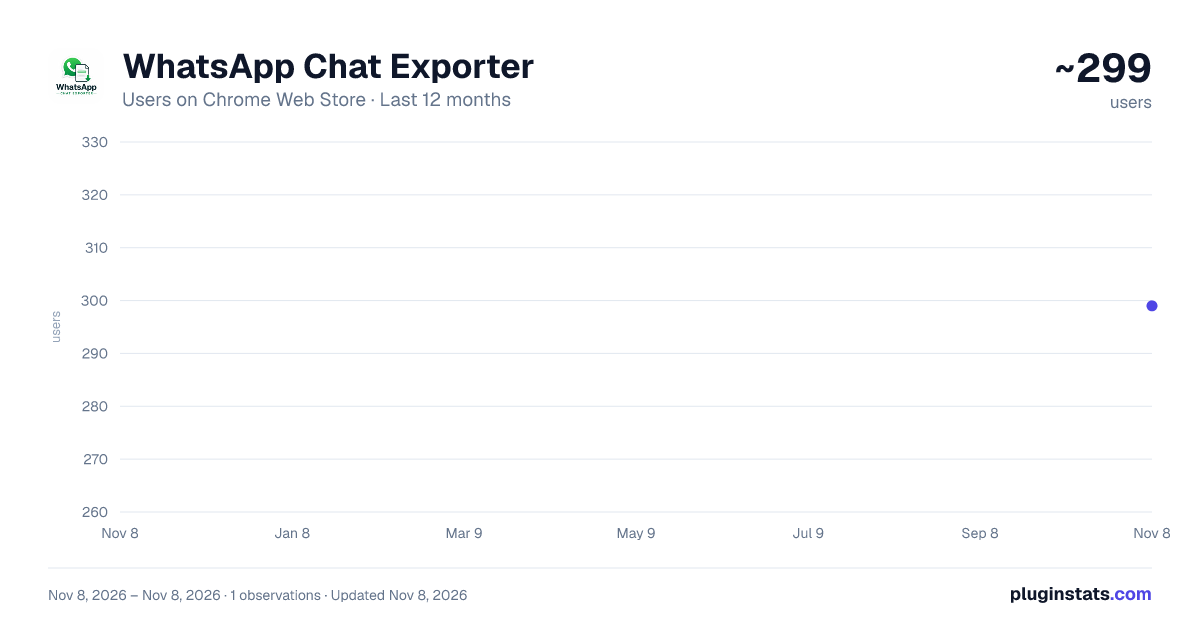
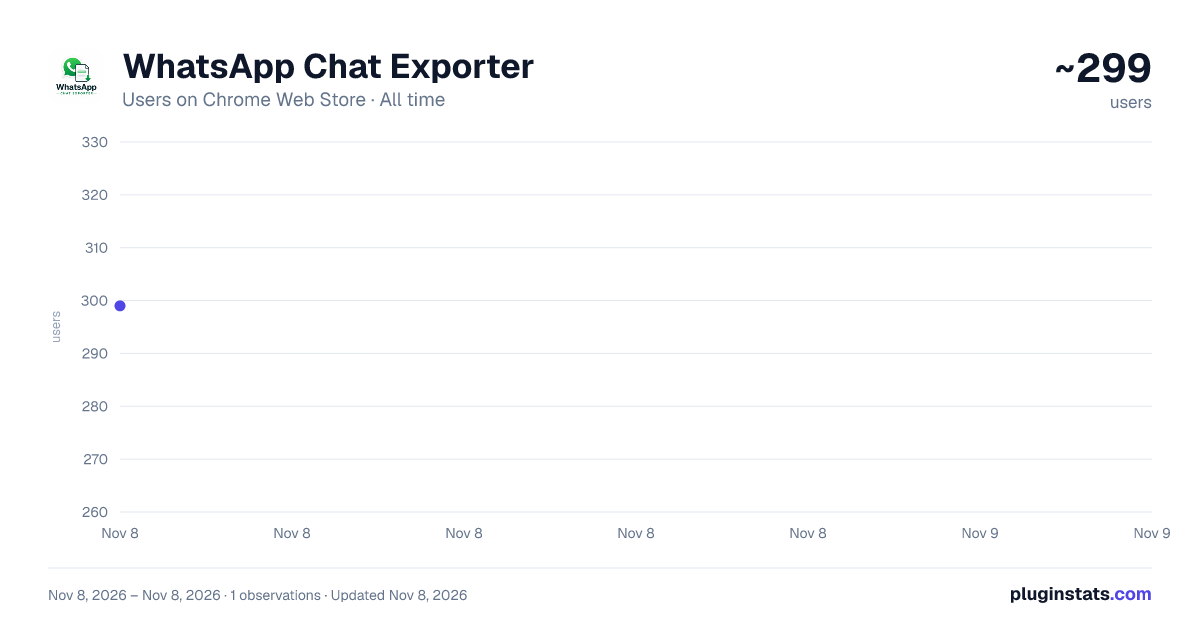
WhatsApp Chat Exporter has approximately 299 recorded users on Chrome Web Store, ranking #5164 of 8,189 tracked listings.
Rating: 5.00 / 5 from 2 ratings
About WhatsApp Chat Exporter
Export WhatsApp Web chats to TXT, CSV, JSON, or Excel — with media, date filters, sender/receiver split. 100% local & private.
WhatsApp Chat Exporter is a free, privacy-first Chrome extension that backs up your own WhatsApp Web conversations to TXT, CSV, JSON, or Excel (XLS) — with sender and receiver clearly separated, so the export is ready to read, analyze, or feed into another tool straight away.
WHY USE IT Ever needed your WhatsApp chat history outside of WhatsApp — for a personal archive, a legal or business record, journaling, or as training data for an AI/chatbot project? WhatsApp Web doesn't give you a bulk export button. This extension adds one.
KEY FEATURES • Multi-chat export — select as many conversations as you want and export them all in a single run, not one at a time. • Four output formats — TXT, CSV, JSON, and Excel (XLS), so the data drops straight into a spreadsheet, a script, or a document. • Sender vs. receiver, automatically — every message is tagged "sent" or "received" and labeled with the real contact/business name, regardless of WhatsApp's UI language. • Date range filtering — export only the messages between two dates instead of an entire chat history. • Media export — optionally capture Photos, Audio (voice notes), Clips (video), and Files as real, downloadable media, bundled into a single .zip alongside your text export. • Stop & Resume — cancel a long export mid-way and download whatever's collected so far, then pick up later exactly where you left off. • Docked side panel — the export UI stays open and keeps its state while you use the rest of the browser, instead of closing every time you click away like a normal extension popup. • Handles WhatsApp's virtualized, lazy-loading chat list and message panel automatically — no manual scrolling required.
PRIVACY BY DESIGN Everything runs locally in your browser. There is no backend server, no analytics, no account, and no data ever leaves your machine — the extension only reads the WhatsApp Web page you already have open, and the exported file is generated and downloaded directly by your browser. It only ever has access to the WhatsApp account you're personally logged into.
WHO IT'S FOR • Anyone who wants a personal backup of their WhatsApp conversations • Small businesses archiving customer conversations for records • Developers/researchers building datasets from their own chat history • Anyone migrating away from WhatsApp who wants to keep their message history
HOW TO USE
- Open web.whatsapp.com and log in as usual.
- Click the WhatsApp Chat Exporter icon to open the side panel.
- Select the chats you want, pick a format, and optionally set a date range or media options.
- Click Export Now.
No sign-up, no subscription, no ads — just a straightforward WhatsApp backup and export tool.
Description from the Chrome Web Store listing.
README badge
Show your rank in a README or on your website. The badge updates automatically.
Charts
Images: 30d · 1y · all time · 1600×900 dark
Adoption over time
7/30/90-day growth
Ranking history
Ratings over time
Listing placement
Listing placement
Filled points are observed values; hollow points come from Internet Archive snapshots of the listing page. Dashed segments span periods with no observations — values between points are not interpolated.
Each band is one page of 20. Users on a linear scale. Placement is projected from users, so it can differ from the marketplace's own sort order. Hover a dot to see the listing.
Recent observations
Full history (1)Similar Chrome Web Store Tools plugins
All 20 WhatsApp Chat Exporter alternatives



Data source
Covers every Chrome Web Store extension with at least 100 users, found through the store's public sitemap. User counts are read from public listing pages. The 10% most-used extensions are refreshed daily, the next 40% weekly and the next 40% monthly; the least-used 10% are not refreshed. Google displays rounded user counts (and caps the display at 10,000,000+), so small changes may not be visible. Rating counts above 1,000 are rounded (e.g. 1.6K).
Listing: https://chromewebstore.google.com/detail/whatsapp-chat-exporter/pfaoalcjkbbandjcmepignleeeiefolb. First seen Nov 8, 2026; last successful collection Nov 8, 2026. See the methodology.